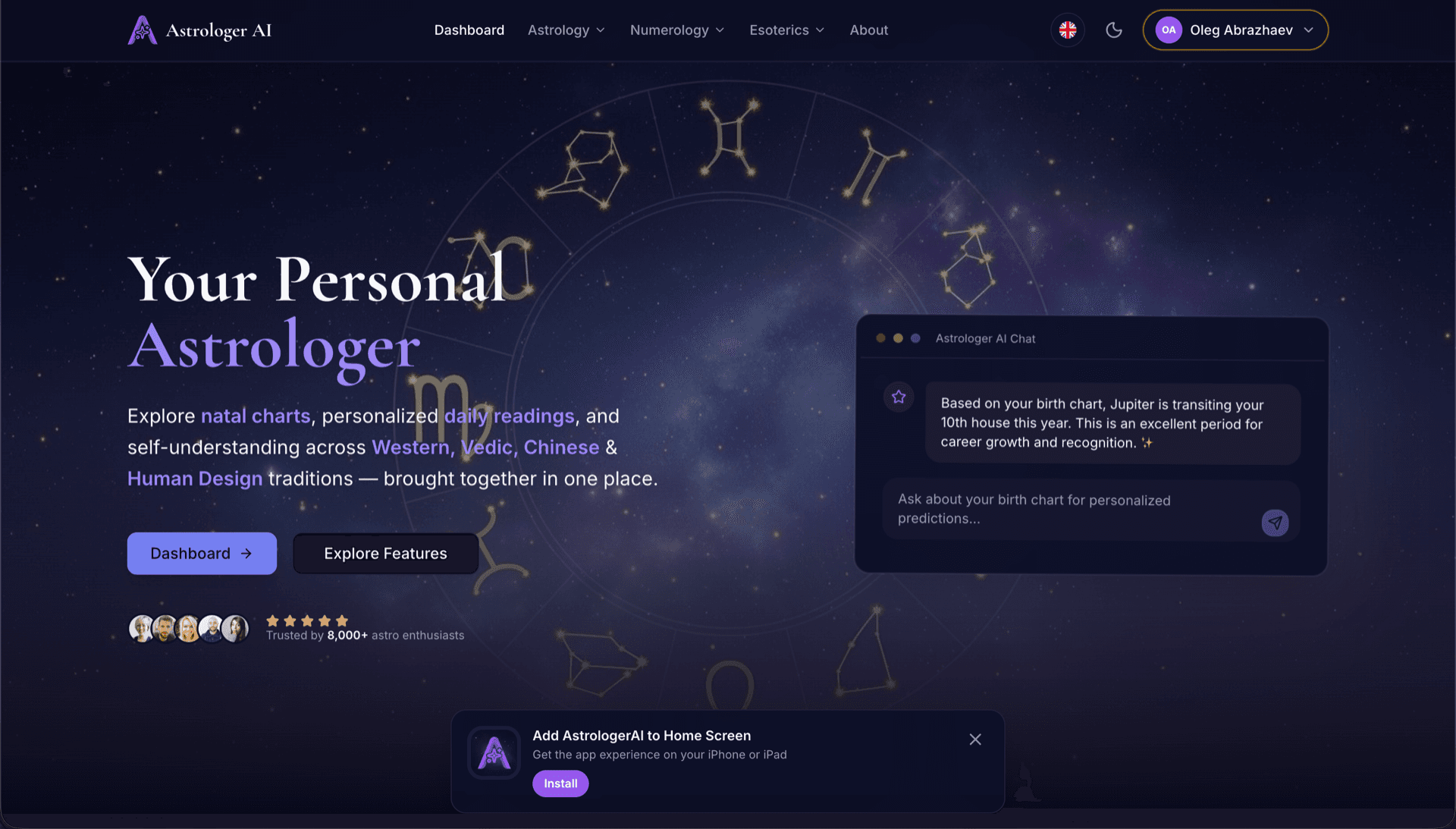
AstrologerAI: an AI astrology app localized into 52 languages
How the AstrologerAI app translated its entire experience into 52 languages with LocalePack — 6.3M tokens for $58.73 — to reach a worldwide audience in their own language.
Tải lên messages.json nguồn, chọn ngôn ngữ đích, thanh toán một lần và tải xuống ZIP _locales sẵn sàng phát hành.
Ba bước đơn giản để bản địa hóa browser extension của bạn. Bản dịch chạy sau khi thanh toán—chúng tôi xếp hàng tác vụ và tạo ZIP trong vài phút.
Thả tệp messages.json nguồn của bạn. Chúng tôi phân tích ngay lập tức và xác thực định dạng browser extension.
Chọn từ 52 ngôn ngữ. Xem giá minh bạch dựa trên kích thước tệp trước khi bạn thanh toán.
Thanh toán một lần qua Stripe. Chúng tôi tạo tất cả các tệp _locales/{lang}/messages.json và gói chúng thành một ZIP.
Xem chính xác số tiền bạn sẽ trả trước khi tải lên. Báo giá cuối cùng được tính sau khi tải lên dựa trên độ dài chuỗi và các ngôn ngữ đã chọn.
Thả messages.json vào đây
hoặc nhấp để duyệt
messages.json input. Max 500KB.
Đã chọn 3 trong 55 ngôn ngữ
Giá cuối cùng được tính sau khi tải tệp lên ở trang thanh toán
Thanh toán một lần • Không cần đăng ký
Được thiết kế chuyên biệt cho định dạng locale của browser extension. Không phải công cụ dịch thuật chung chung.
Được xây dựng riêng cho cấu trúc messages.json của browser extension với hỗ trợ message, description và placeholders.
Giữ nguyên cú pháp $PLACEHOLDER$ đúng như hiện có. Các biến của bạn luôn được bảo toàn trên mọi ngôn ngữ.
Chúng tôi đọc các trường description của bạn và dùng chúng làm gợi ý ngữ cảnh để AI dịch chính xác hơn.
Tải xuống một tệp ZIP với cấu trúc thư mục _locales/{lang}/messages.json chính xác. Thả vào tiện ích của bạn.
Tất cả ngôn ngữ được dịch đồng thời. Hầu hết tác vụ hoàn tất trong dưới 5 phút.
Không đăng ký, không phí hàng tháng. Trả một lần cho mỗi tác vụ, tải xuống mãi mãi.
A messages.json entry pairs a key with a "message" string, an optional "description" used as translation context, and an optional "placeholders" map. LocalePack parses all three: it translates only the message text, forwards the description to the model as context, and returns $PLACEHOLDER$ and $1 substitution tokens byte-identical.
_locales/
├── en/
│   └── messages.json   ← default_locale
├── de/
│   └── messages.json
├── fr/
│   └── messages.json
└── ja/
└── messages.json{
"appName": {
"message": "My Extension",
"description": "Extension name"
},
"greeting": {
"message": "Hello, $USER$!",
"placeholders": {
"user": { "content": "$1" }
}
}
}API thời gian chạy
chrome.i18n / browser.i18nVí dụ gọi
getMessage("key")Bắt buộc trong manifest
"default_locale"The same translated messages.json drops into _locales/{locale}/ for Chrome, Firefox, Edge, Opera and Safari without further edits.
A messages.json entry is more than a key and a string. Getting these four pieces wrong is what breaks extensions after machine translation.
Most generic translation tools treat $PLACEHOLDER$ and $1 as ordinary words. Once they are translated or reordered, the extension ships with broken interpolation.
Các công cụ dịch thuật đa dụng không hiểu định dạng browser extension.
LocalePack | Dịch thủ công | TMS chung | |
|---|---|---|---|
| Thời gian thiết lập | 2 phút | Vài giờ mỗi ngôn ngữ | 30+ phút |
| Minh bạch chi phí | |||
| An toàn định dạng WebExtension | |||
| Bảo vệ placeholder | |||
| Tốc độ (52 ngôn ngữ) | < 5 phút | Tuần | Giờ |
| Phù hợp nhất cho | Any messages.json file | Dự án nhỏ | Ứng dụng web doanh nghiệp |
Các dự án thực tế đã dùng LocalePack để tiếp cận khán giả toàn cầu với tối đa 52 ngôn ngữ.
How the AstrologerAI app translated its entire experience into 52 languages with LocalePack — 6.3M tokens for $58.73 — to reach a worldwide audience in their own language.
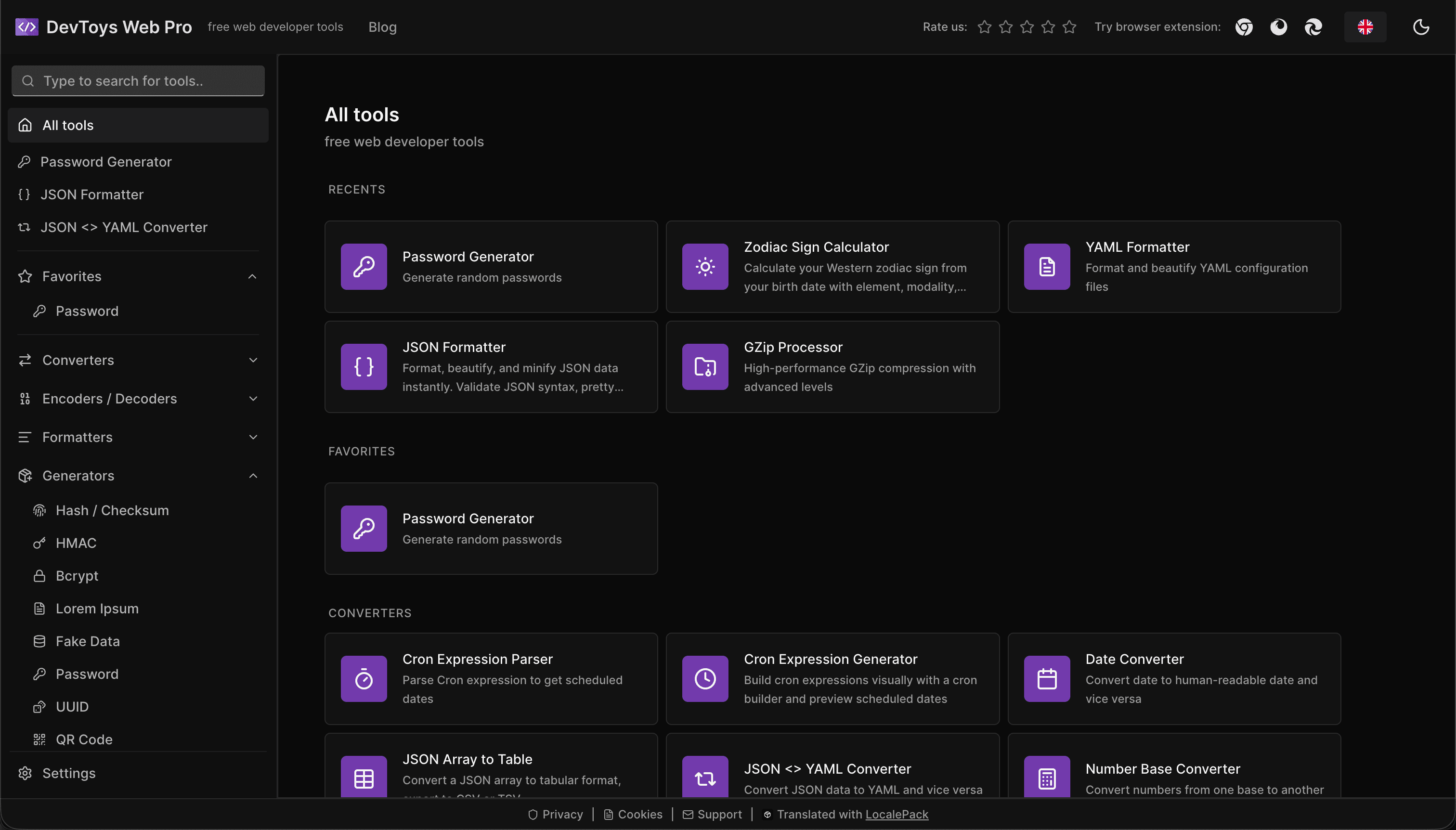
How the DevToys.pro web app translated its entire UI into 52 languages with LocalePack — 5.8M tokens for $58.44 — and quadrupled its international organic traffic.
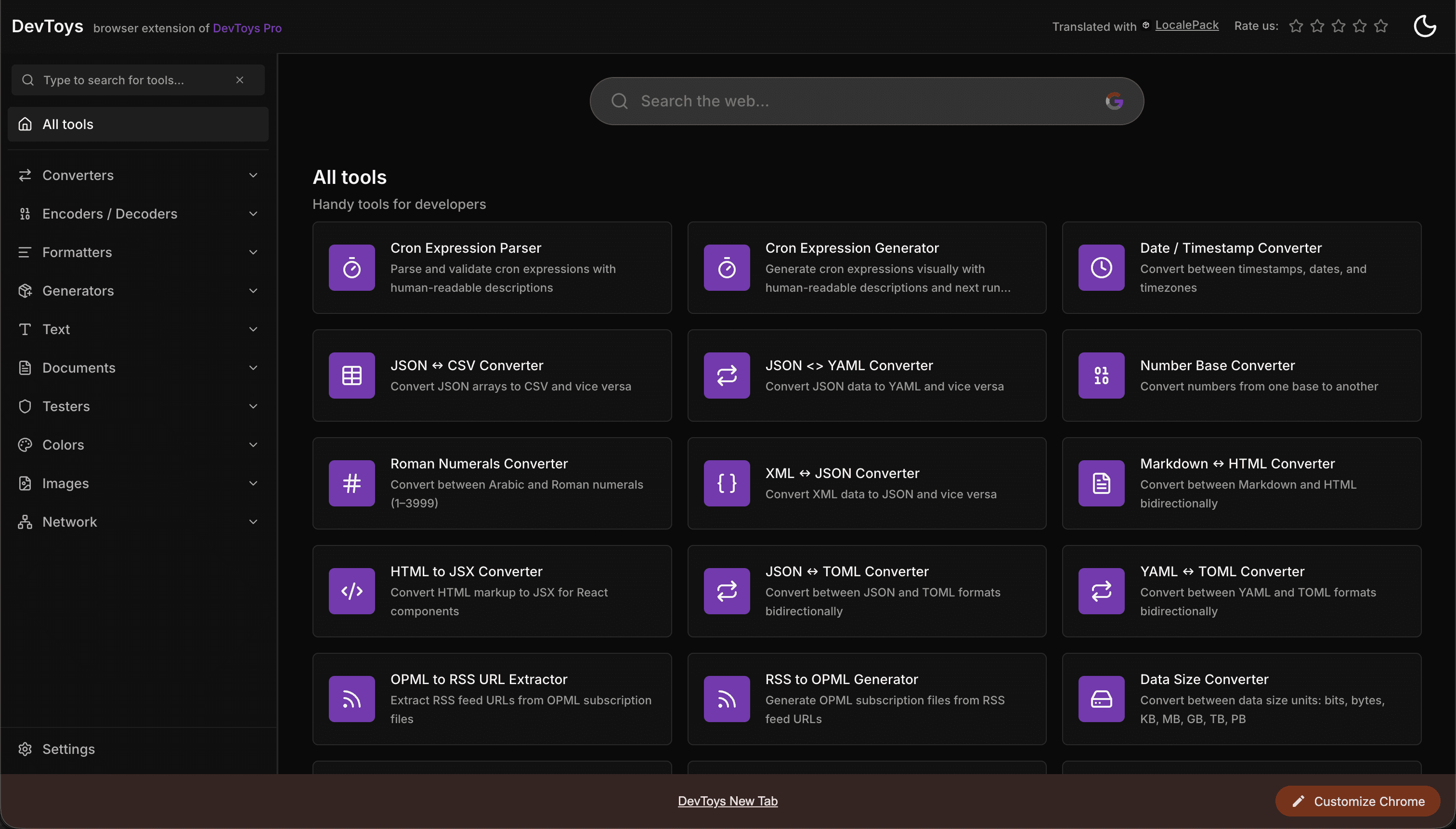
How the DevToys New Tab Chrome extension localized both its in-extension UI and its Chrome Web Store listing into 52 languages to reach a global audience.
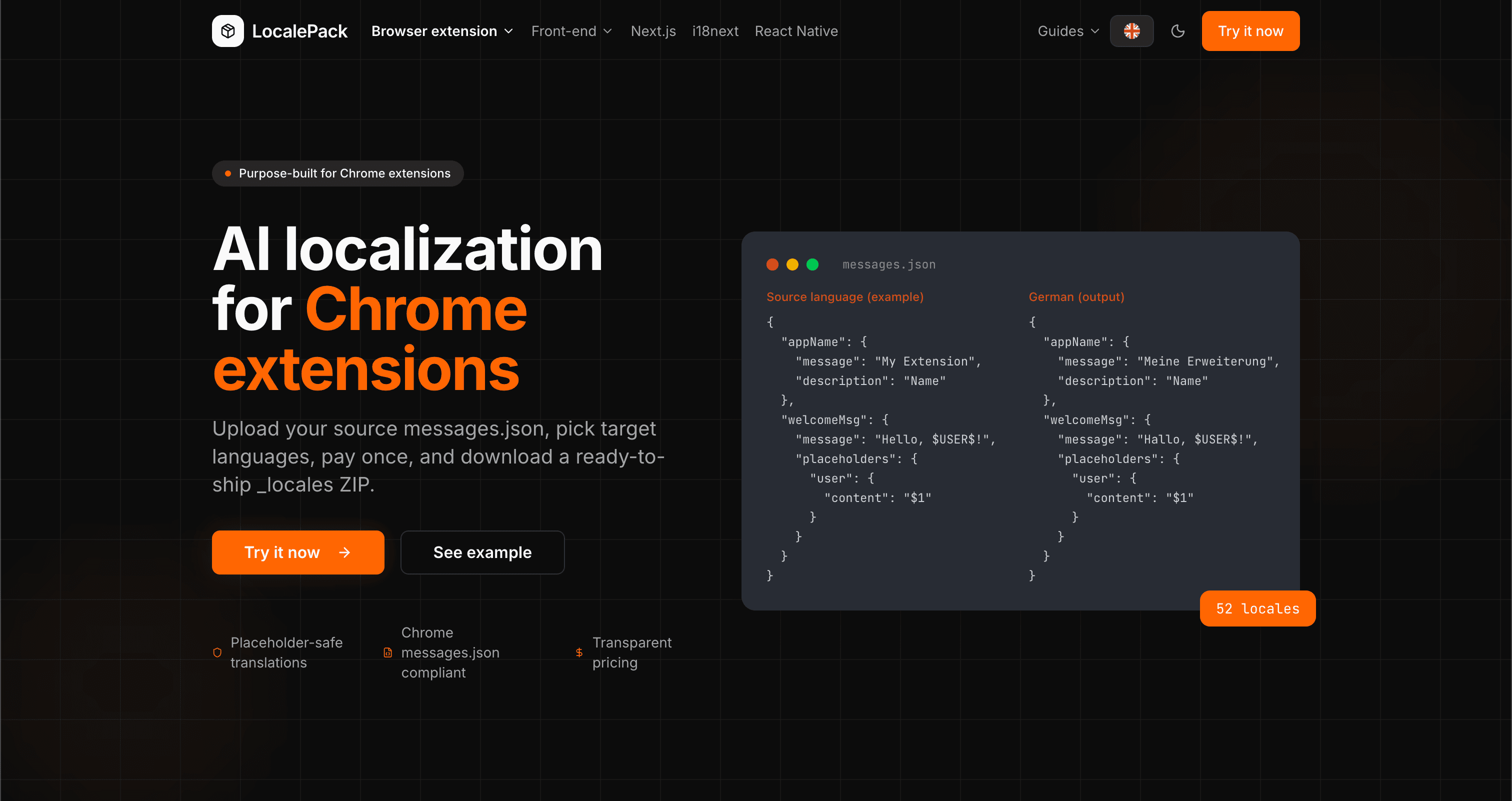
We used our own tool to translate the entire LocalePack site into 52 languages — 2.9M tokens for $27.37 — so developers worldwide find us in their own language.
“Giúp tôi tiết kiệm hàng giờ làm việc tẻ nhạt. Tải lên messages.json của tôi và nhận lại bản dịch hoàn hảo đúng theo định dạng tôi cần.”
Sarah K.
Dev độc lập, tiện ích AdBlock
“Our $PLACEHOLDER$ tokens came back untouched in all 52 locales. That is the whole reason we stopped scripting it ourselves.”
Marcus T.
Người duy trì tiện ích mở rộng
“Giá minh bạch là điểm thuyết phục tôi. Tôi biết chính xác mình sẽ trả bao nhiêu trước khi tải lên bất cứ thứ gì.”
Dev J.
Cộng tác viên mã nguồn mở
52
Ngôn ngữ được hỗ trợ
100%
Đầu ra an toàn với placeholder
ZIP
Sẵn sàng phát hành
Mọi điều bạn cần biết về LocalePack.
Deep dives on the formats, APIs and errors behind this page — written for developers, not translators.
A complete reference for the WebExtension messages.json format: the message, description, and placeholders fields, $PLACEHOLDER$ syntax, $1 positional substitutions, and common mistakes.
How to catch every class of messages.json error before your users do: JSON syntax, missing required fields, missing keys across locales, malformed placeholder syntax, and manifest key mismatches.
How the __MSG_key__ substitution syntax works in Chrome and Firefox extension manifests: which fields support it, how Chrome resolves tokens at load time, and the pitfalls that cause silent failures or upload rejections.
getMessage() returns an empty string when a message is missing, and logs nothing at all. Every cause of the silent empty string, how to tell it apart from undefined, and how to confirm each one.
Thanh toán một lần - Tải ZIP - Phát hành toàn cầu
Dùng thử LocalePack