
AstrologerAI: an AI astrology app localized into 52 languages
How the AstrologerAI app translated its entire experience into 52 languages with LocalePack — 6.3M tokens for $58.73 — to reach a worldwide audience in their own language.
上传你的源 messages.json,选择目标语言,一次付费,即可下载可直接发布的 _locales ZIP。
三步即可为你的 browser extension 完成本地化。翻译将在付款后开始——我们会将任务加入队列,并在几分钟内生成 ZIP。
拖放你的源 messages.json 文件。我们会立即解析并验证 browser extension 格式。
从 52 种语言中选择。付款前即可根据文件大小查看透明定价。
通过 Stripe 一次付费。我们会生成所有 _locales/{lang}/messages.json 文件,并将它们打包成一个 ZIP。
上传前即可清楚了解你将支付的金额。最终报价会在上传后根据字符串长度和所选语言计算得出。
将 messages.json 拖放到这里
或点击浏览
messages.json input. Max 500KB.
已选择 55 种语言中的 3 种
最终价格将在结账页上传文件后计算
一次性付款 • 无订阅
专为 browser extension 语言环境格式打造。不是通用翻译工具。
专为 browser extension 的 messages.json 结构打造,支持 message、description 和 placeholders。
原样保留 $PLACEHOLDER$ 语法。你的变量在所有语言中都保持完整。
我们会读取你的 description 字段,并将其作为上下文提示,以获得更准确的 AI 翻译。
下载包含正确 _locales/{lang}/messages.json 文件夹结构的 ZIP。直接放入你的扩展即可。
所有语言同时翻译。大多数任务在 5 分钟内完成。
无订阅、无月费。每个任务只需支付一次,永久下载。
A messages.json entry pairs a key with a "message" string, an optional "description" used as translation context, and an optional "placeholders" map. LocalePack parses all three: it translates only the message text, forwards the description to the model as context, and returns $PLACEHOLDER$ and $1 substitution tokens byte-identical.
_locales/
├── en/
│   └── messages.json   ← default_locale
├── de/
│   └── messages.json
├── fr/
│   └── messages.json
└── ja/
└── messages.json{
"appName": {
"message": "My Extension",
"description": "Extension name"
},
"greeting": {
"message": "Hello, $USER$!",
"placeholders": {
"user": { "content": "$1" }
}
}
}运行时 API
chrome.i18n / browser.i18n示例调用
getMessage("key")在 manifest 中必需
"default_locale"The same translated messages.json drops into _locales/{locale}/ for Chrome, Firefox, Edge, Opera and Safari without further edits.
A messages.json entry is more than a key and a string. Getting these four pieces wrong is what breaks extensions after machine translation.
Most generic translation tools treat $PLACEHOLDER$ and $1 as ordinary words. Once they are translated or reordered, the extension ships with broken interpolation.
通用翻译工具不理解 browser extension 格式。
LocalePack | 人工翻译 | 通用 TMS | |
|---|---|---|---|
| 设置时间 | 2 分钟 | 每种语言数小时 | 30+ 分钟 |
| 成本透明度 | |||
| WebExtension 格式安全性 | |||
| 占位符保护 | |||
| 速度(52 种语言) | < 5 分钟 | 周 | 小时 |
| 最适合 | Any messages.json file | 小型项目 | 企业级 Web 应用 |
真实项目使用 LocalePack,最多支持 52 种语言,触达全球受众。
How the AstrologerAI app translated its entire experience into 52 languages with LocalePack — 6.3M tokens for $58.73 — to reach a worldwide audience in their own language.
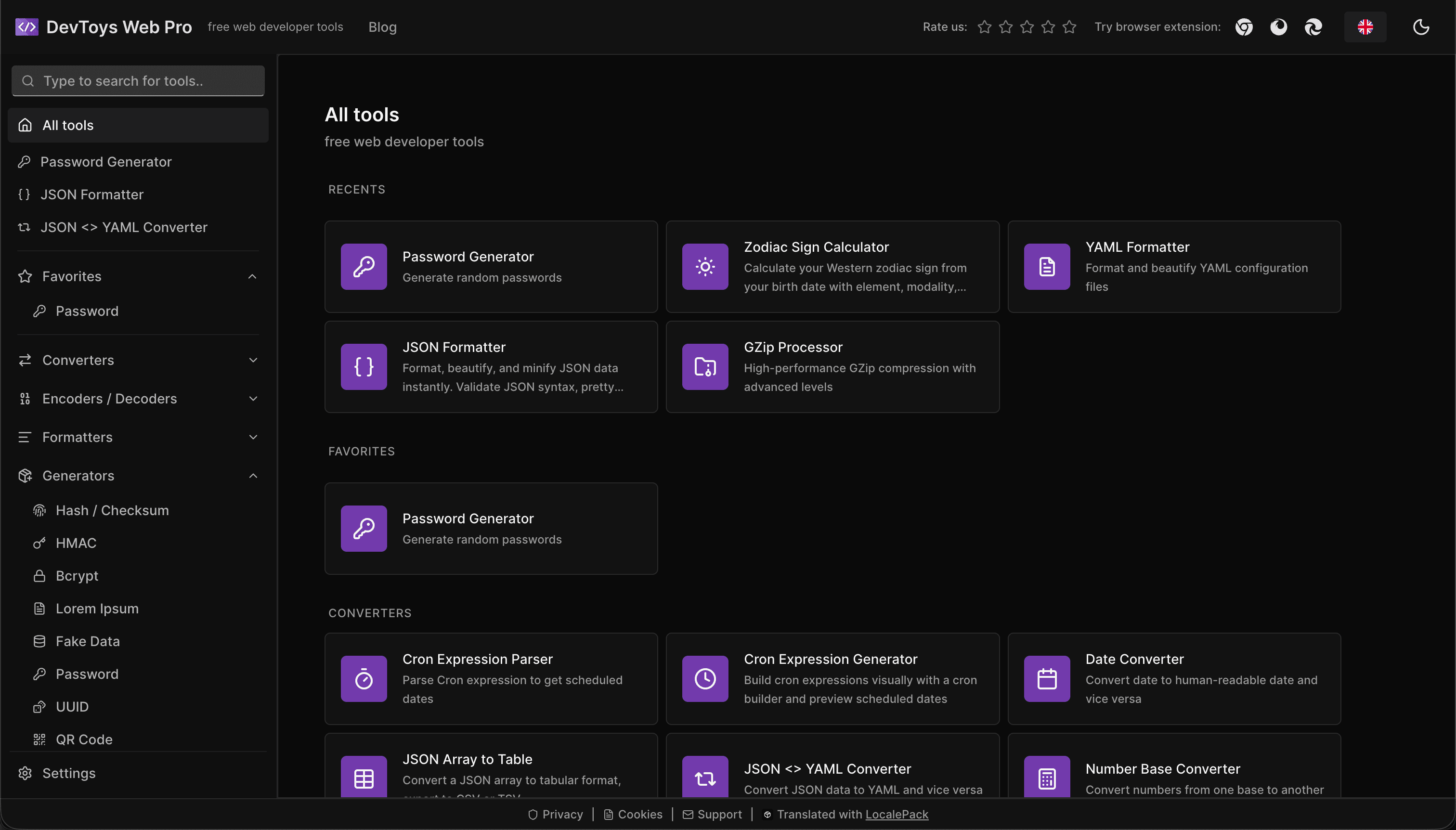
How the DevToys.pro web app translated its entire UI into 52 languages with LocalePack — 5.8M tokens for $58.44 — and quadrupled its international organic traffic.
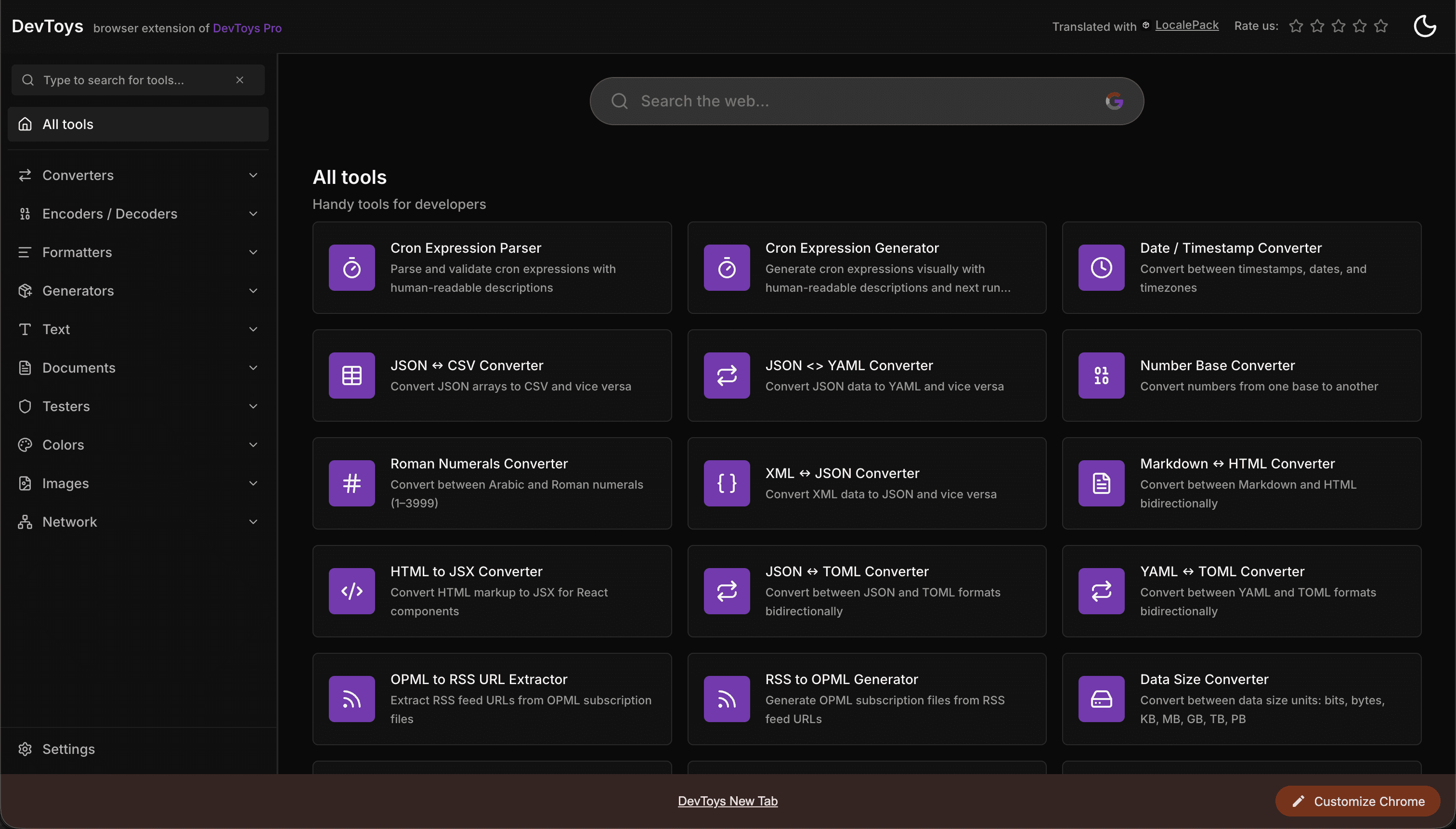
How the DevToys New Tab Chrome extension localized both its in-extension UI and its Chrome Web Store listing into 52 languages to reach a global audience.
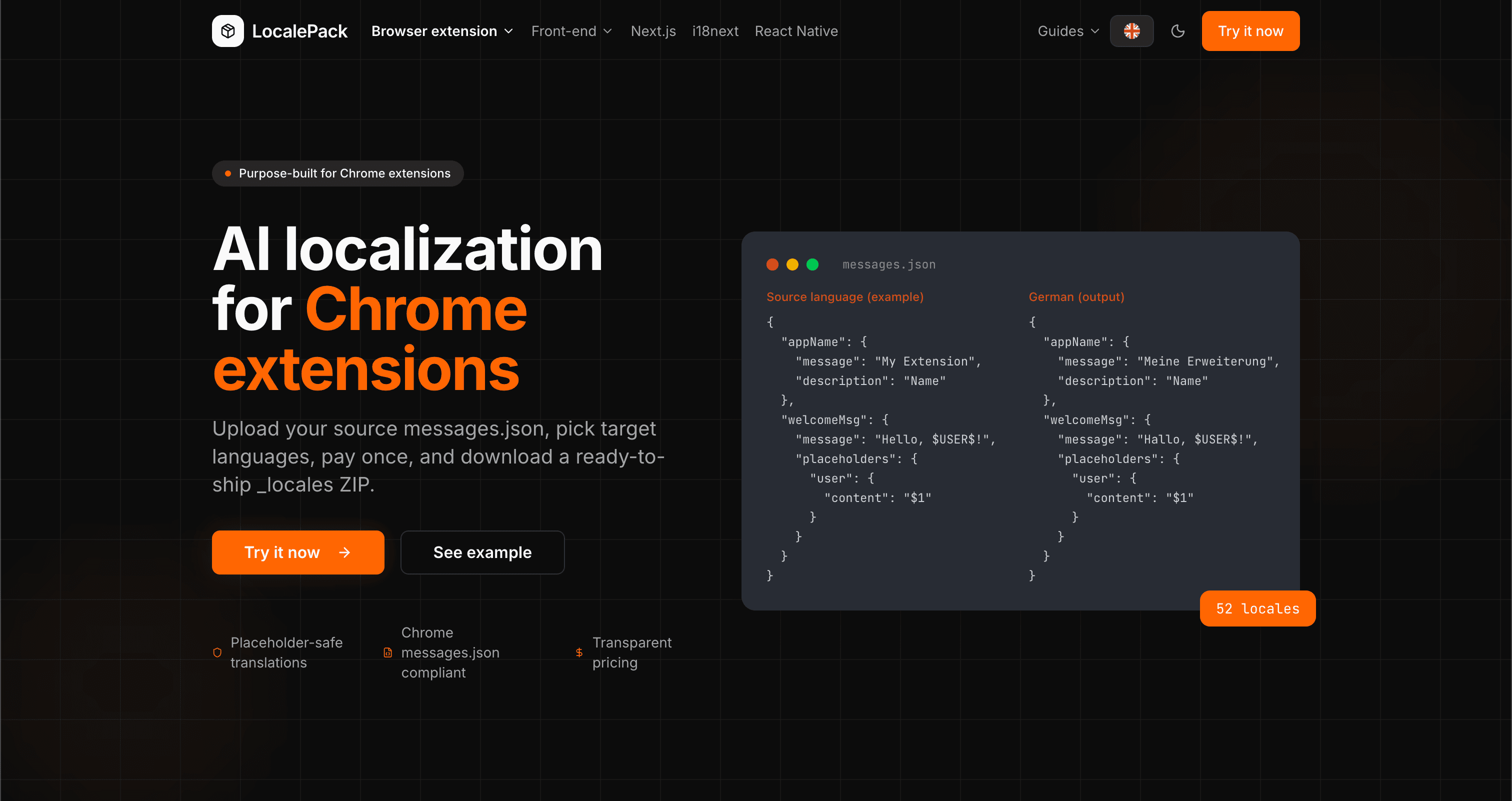
We used our own tool to translate the entire LocalePack site into 52 languages — 2.9M tokens for $27.37 — so developers worldwide find us in their own language.
“帮我省下了好几个小时的繁琐工作。上传我的 messages.json,就能拿到完全符合我所需格式的完美翻译。”
Sarah K.
独立开发者,AdBlock 扩展
“Our $PLACEHOLDER$ tokens came back untouched in all 52 locales. That is the whole reason we stopped scripting it ourselves.”
Marcus T.
扩展维护者
“透明定价是我选择它的关键。我在上传任何内容之前就清楚知道自己要付多少钱。”
Dev J.
开源贡献者
52
支持的语言环境
100%
占位符安全输出
ZIP
可直接上线
关于 LocalePack,你需要了解的一切。
Deep dives on the formats, APIs and errors behind this page — written for developers, not translators.
A complete reference for the WebExtension messages.json format: the message, description, and placeholders fields, $PLACEHOLDER$ syntax, $1 positional substitutions, and common mistakes.
How to catch every class of messages.json error before your users do: JSON syntax, missing required fields, missing keys across locales, malformed placeholder syntax, and manifest key mismatches.
How the __MSG_key__ substitution syntax works in Chrome and Firefox extension manifests: which fields support it, how Chrome resolves tokens at load time, and the pitfalls that cause silent failures or upload rejections.
getMessage() returns an empty string when a message is missing, and logs nothing at all. Every cause of the silent empty string, how to tell it apart from undefined, and how to confirm each one.