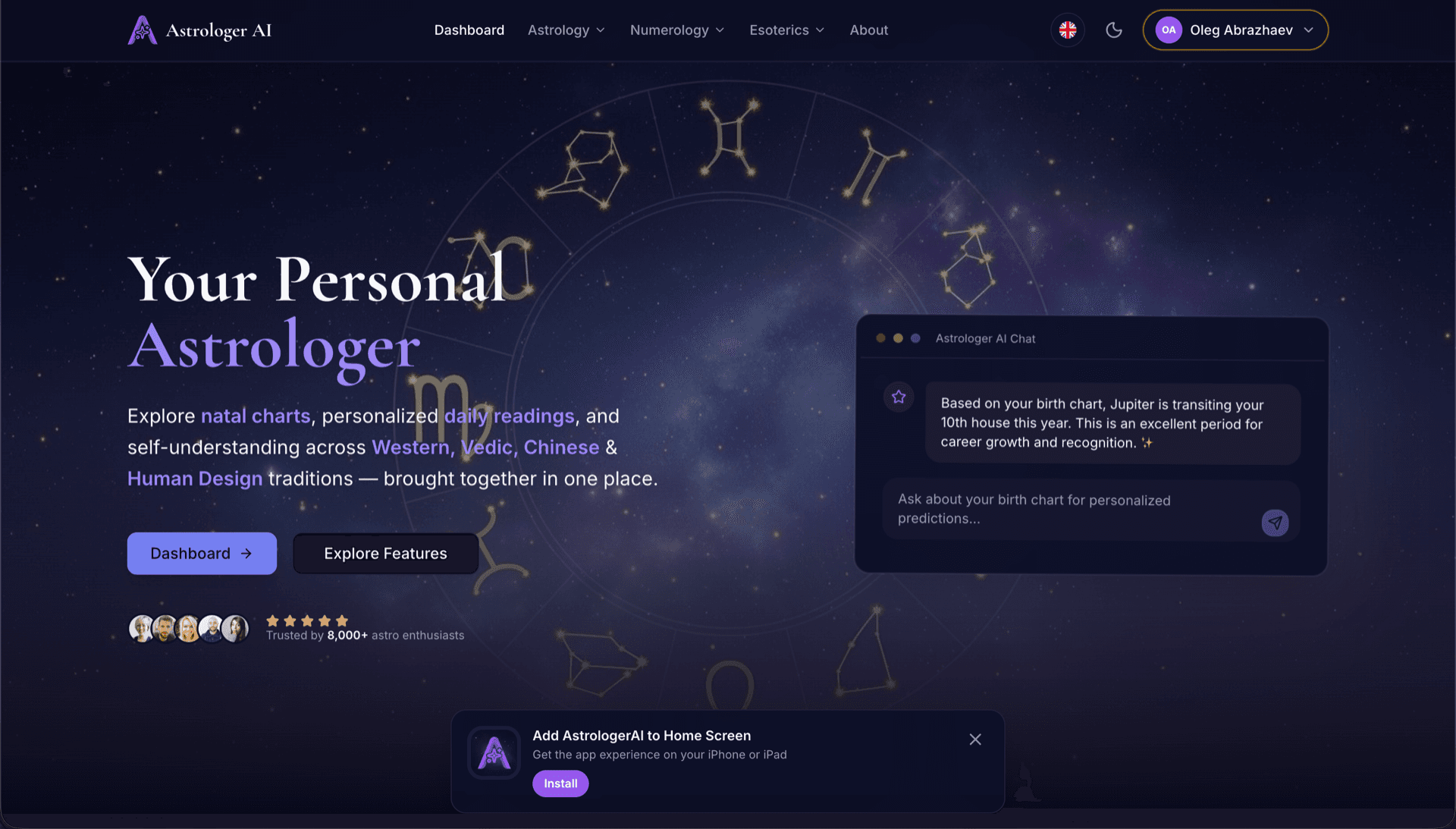
AstrologerAI: an AI astrology app localized into 52 languages
How the AstrologerAI app translated its entire experience into 52 languages with LocalePack — 6.3M tokens for $58.73 — to reach a worldwide audience in their own language.
Kaynak messages.json dosyanızı yükleyin, hedef dilleri seçin, tek sefer ödeme yapın ve yayına hazır bir _locales ZIP indirin.
browser extension öğenizi yerelleştirmek için üç basit adım. Çeviriler ödeme sonrası çalışır—işleri sıraya alır ve ZIP'i dakikalar içinde oluştururuz.
Kaynak messages.json dosyanızı bırakın. Anında ayrıştırır ve browser extension biçimini doğrularız.
52 dil arasından seçin. Ödeme yapmadan önce dosya boyutunuza göre şeffaf fiyatlandırmayı görün.
Stripe ile tek sefer ödeme yapın. Tüm _locales/{lang}/messages.json dosyalarını oluşturur ve bir ZIP içinde paketleriz.
Yüklemeden önce tam olarak ne ödeyeceğinizi görün. Nihai teklif, yükleme sonrası metin uzunluğu ve seçilen dillere göre hesaplanır.
messages.json dosyasını buraya bırakın
veya göz atmak için tıklayın
WebExtension messages.json format. Max 500KB.
55 dilin 3 tanesi seçildi
Nihai fiyat, ödeme sayfasında dosya yüklendikten sonra hesaplanır
Tek seferlik ödeme • Abonelik yok
browser extension yerel ayar formatı için özel olarak geliştirildi. Genel amaçlı bir çeviri aracı değil.
message, description ve placeholders desteğiyle browser extension messages.json yapısı için özel olarak geliştirildi.
$PLACEHOLDER$ söz dizimini olduğu gibi korur. Değişkenleriniz tüm dillerde bozulmadan kalır.
description alanlarınızı okur ve daha doğru yapay zekâ çevirileri için bağlam ipuçları olarak kullanırız.
Doğru _locales/{lang}/messages.json klasör yapısıyla bir ZIP indirin. Uzantınıza bırakın.
Tüm diller aynı anda çevrilir. Çoğu iş 5 dakikadan kısa sürede tamamlanır.
Abonelik yok, aylık ücret yok. İş başına bir kez ödeyin, sonsuza dek indirin.
Every major browser reads the same _locales/{locale}/messages.json structure. Chrome, Edge and Opera expose the chrome.i18n namespace; Firefox and Safari expose browser.i18n. The file format, the placeholder syntax and the default_locale requirement are identical across all of them, which is why a single translated folder ships everywhere.
_locales/
├── en/
│   └── messages.json   ← default_locale
├── de/
│   └── messages.json
├── fr/
│   └── messages.json
└── ja/
└── messages.json{
"appName": {
"message": "My Extension",
"description": "Extension name"
},
"greeting": {
"message": "Hello, $USER$!",
"placeholders": {
"user": { "content": "$1" }
}
}
}Çalışma zamanı API'si
chrome.i18n / browser.i18nÖrnek çağrı
getMessage("key")Manifestte gerekli
"default_locale"In-extension strings come from _locales/. Store listing copy is managed separately in each store's own dashboard — translating one does not translate the other.
The messages.json format is shared across every major browser. Only four things vary, and none of them require re-translating your strings.
One translated _locales/ folder covers Chrome, Firefox, Edge, Opera, and Safari. The porting work is in the build, never in the strings.
Genel amaçlı çeviri araçları browser extension formatını anlamaz.
LocalePack | Manuel çeviri | Genel TMS | |
|---|---|---|---|
| Kurulum süresi | 2 dakika | Dil başına saatler | 30+ dakika |
| Maliyet şeffaflığı | |||
| WebExtension format güvenliği | |||
| Yer tutucu koruması | |||
| Hız (52 dil) | < 5 dk | Haftalar | Saatler |
| En uygun olduğu durum | Cross-browser extensions | Küçük projeler | Kurumsal web uygulamaları |
LocalePack’i kullanarak 52 dile kadar küresel bir kitleye ulaşan gerçek projeler.
How the AstrologerAI app translated its entire experience into 52 languages with LocalePack — 6.3M tokens for $58.73 — to reach a worldwide audience in their own language.
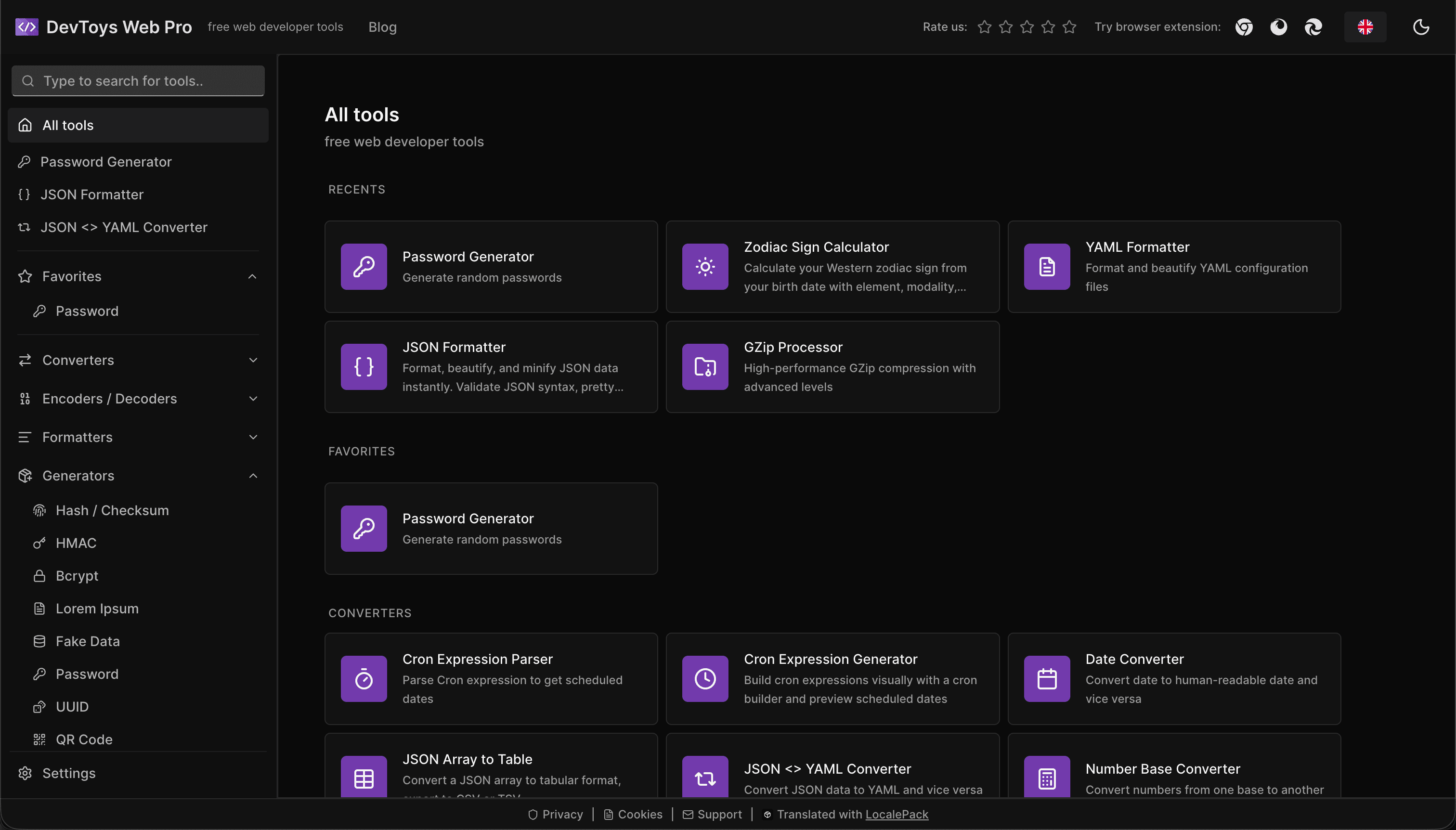
How the DevToys.pro web app translated its entire UI into 52 languages with LocalePack — 5.8M tokens for $58.44 — and quadrupled its international organic traffic.
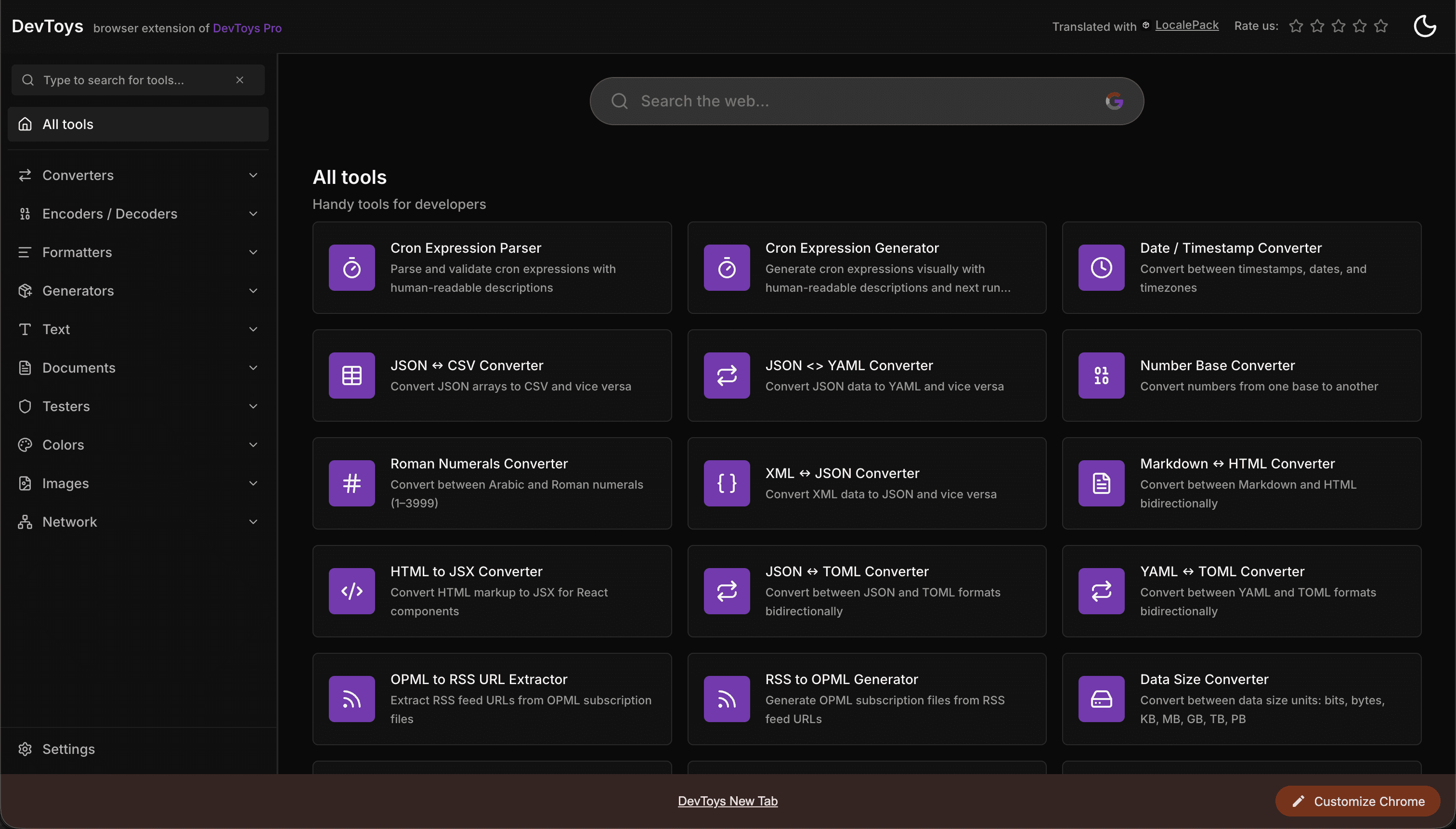
How the DevToys New Tab Chrome extension localized both its in-extension UI and its Chrome Web Store listing into 52 languages to reach a global audience.
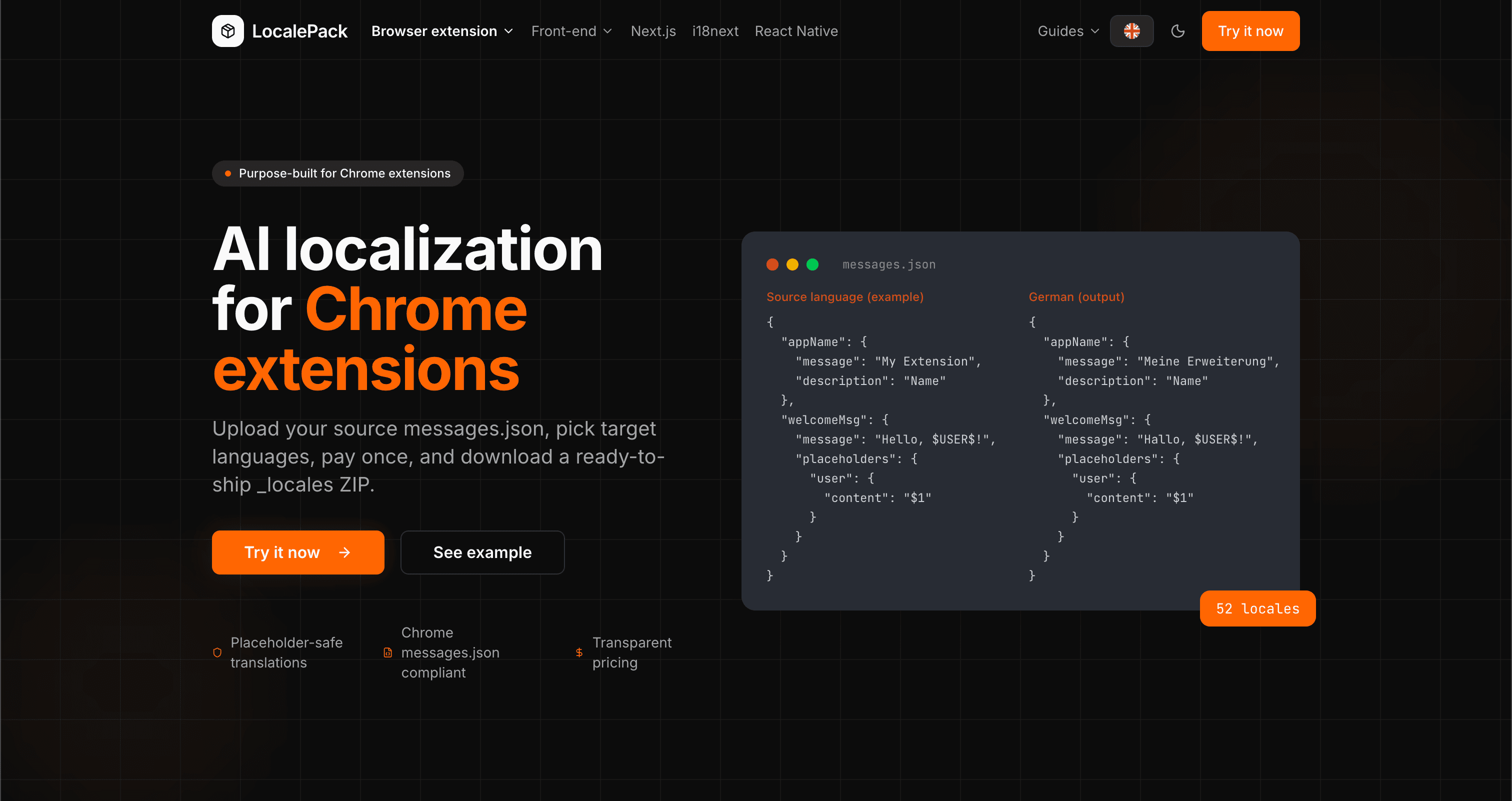
We used our own tool to translate the entire LocalePack site into 52 languages — 2.9M tokens for $27.37 — so developers worldwide find us in their own language.
“Sıkıcı işlerde bana saatler kazandırdı. messages.json dosyamı yükledim, ihtiyacım olan tam formatta kusursuz çeviriler geri geldi.”
Sarah K.
Bağımsız geliştirici, AdBlock uzantısı
“We ship the same _locales folder to Chrome, Firefox and Edge. One translation pass covers all three.”
Marcus T.
Uzantı bakım sorumlusu
“Şeffaf fiyatlandırma karar vermemi sağladı. Bir şey yüklemeden önce tam olarak ne ödeyeceğimi biliyordum.”
Dev J.
Açık kaynak katkıcısı
52
Desteklenen yerel ayarlar
100%
Yer tutucu güvenli çıktı
ZIP
Yayına hazır
LocalePack hakkında bilmeniz gereken her şey.
Deep dives on the formats, APIs and errors behind this page — written for developers, not translators.
A complete reference for the WebExtension messages.json format: the message, description, and placeholders fields, $PLACEHOLDER$ syntax, $1 positional substitutions, and common mistakes.
How @wxt-dev/i18n compiles YAML, JSON, JSONC, JSON5 and TOML message files into standard _locales/{lang}/messages.json — setup, nested keys, plurals, substitutions, type safety, and how to translate a WXT project.
Plasmo does not read _locales/ at the project root. The three paths it does accept, where default_locale actually lives, the alphabetical-default trap, and how to place a translated _locales ZIP correctly.
CRXJS ships no i18n helper and its docs have no i18n page. Here is the working pattern: put _locales under public/, declare default_locale in manifest.config.ts, and call chrome.i18n directly.
Tek sefer öde - ZIP indir - Dünya çapında yayınla
LocalePack'i deneyin