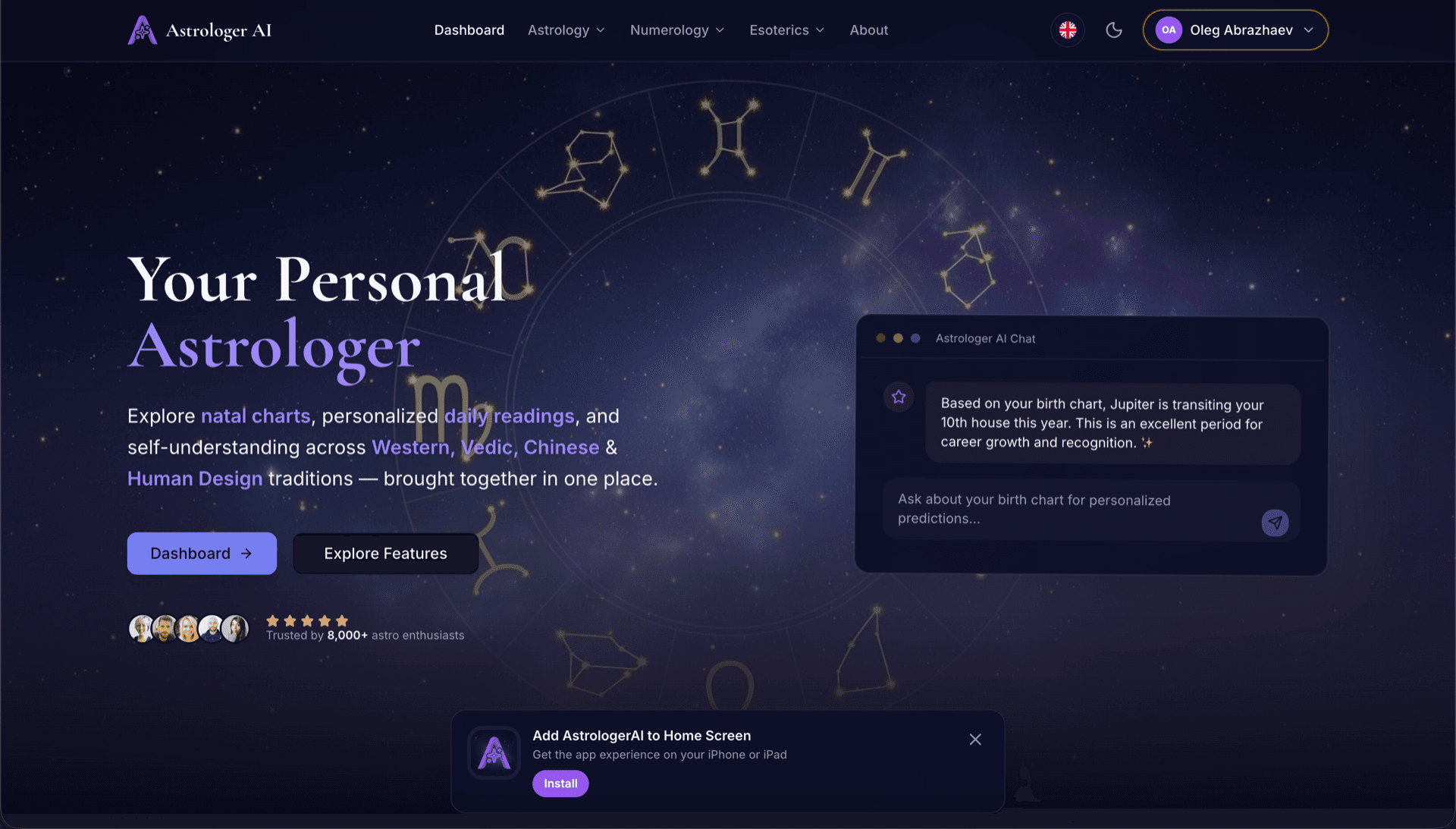
AstrologerAI: an AI astrology app localized into 52 languages
How the AstrologerAI app translated its entire experience into 52 languages with LocalePack — 6.3M tokens for $58.73 — to reach a worldwide audience in their own language.
તમારું સોર્સ messages.json અપલોડ કરો, લક્ષ્ય ભાષાઓ પસંદ કરો, એક વાર ચૂકવો, અને શિપ કરવા તૈયાર _locales ZIP ડાઉનલોડ કરો.
તમારા Chrome એક્સ્ટેન્શન ને લોકલાઇઝ કરવા માટે ત્રણ સરળ પગલાં. ચુકવણી પછી અનુવાદો ચાલે છે—અમે જોબ્સ કતારમાં મૂકીએ છીએ અને મિનિટોમાં ZIP જનરેટ કરીએ છીએ.
તમારી સોર્સ messages.json ફાઇલ મૂકો. અમે તેને તરત પાર્સ કરીએ છીએ અને Chrome એક્સ્ટેન્શન ફોર્મેટને માન્ય કરીએ છીએ.
52 ભાષાઓમાંથી પસંદ કરો. ચૂકવણી પહેલાં તમારી ફાઇલના કદના આધારે પારદર્શક કિંમતો જુઓ.
Stripe દ્વારા એક વાર ચૂકવો. અમે બધા _locales/{lang}/messages.json ફાઇલો જનરેટ કરીએ છીએ અને તેમને ZIP માં બંડલ કરીએ છીએ.
અપલોડ કરતા પહેલાં તમે કેટલું ચૂકવશો તે ચોક્કસ જુઓ. અંતિમ કોટ અપલોડ પછી સ્ટ્રિંગની લંબાઈ અને પસંદ કરેલી ભાષાઓના આધારે ગણવામાં આવે છે.
messages.json અહીં ડ્રોપ કરો
અથવા બ્રાઉઝ કરવા ક્લિક કરો
માત્ર Chrome એક્સ્ટેન્શન ફોર્મેટ. મહત્તમ 500KB.
55 માંથી 3 ભાષાઓ પસંદ કરેલ
ચેકઆઉટ પેજ પર ફાઇલ અપલોડ કર્યા પછી અંતિમ કિંમત ગણવામાં આવશે
એક વખતની ચુકવણી • કોઈ સબ્સ્ક્રિપ્શન નથી
Chrome એક્સ્ટેન્શન લોકેલ ફોર્મેટ માટે ખાસ બનાવેલ. સામાન્ય અનુવાદ ટૂલ નથી.
message, description, અને placeholders સપોર્ટ સાથે Chrome એક્સ્ટેન્શન messages.json સ્ટ્રક્ચર માટે ખાસ બનાવેલ.
$PLACEHOLDER$ સિન્ટેક્સને જેમ છે તેમ જ ચોક્કસ રીતે જાળવે છે. તમારી વેરિએબલ્સ તમામ ભાષાઓમાં અખંડિત રહે છે.
અમે તમારા description ફીલ્ડ્સ વાંચીએ છીએ અને વધુ ચોક્કસ AI અનુવાદ માટે તેને સંદર્ભ સંકેતો તરીકે વાપરીએ છીએ.
સાચી _locales/{lang}/messages.json ફોલ્ડર સ્ટ્રક્ચર સાથે ZIP ડાઉનલોડ કરો. તેને તમારા એક્સ્ટેન્શનમાં ડ્રોપ કરો.
બધી ભાષાઓનું અનુવાદ એકસાથે થાય છે. મોટાભાગના કામ 5 મિનિટથી ઓછા સમયમાં પૂર્ણ થાય છે.
કોઈ સબ્સ્ક્રિપ્શન નથી, કોઈ માસિક ફી નથી. દરેક કામ માટે એક વખત ચૂકવો, હંમેશા માટે ડાઉનલોડ કરો.
i18n સક્રિય કરવા માટે Chrome એક્સ્ટેન્શન manifest.json માં "default_locale" જાહેર કરે છે. ત્યારબાદ બ્રાઉઝર રનટાઇમ દરમિયાન _locales/{locale}/messages.json માંથી લોકેલ સ્ટ્રિંગ્સ વાંચે છે. દરેક કી માટે "message" ફીલ્ડ હોય છે, સંદર્ભ માટે વૈકલ્પિક "description" હોય છે, અને ડાયનેમિક મૂલ્યો માટે વૈકલ્પિક "placeholders" હોય છે — જે બધું LocalePack મૂળભૂત રીતે સમજે છે.
_locales/
├── en/
│   └── messages.json   ← default_locale
├── de/
│   └── messages.json
├── fr/
│   └── messages.json
└── ja/
└── messages.json{
"appName": {
"message": "My Extension",
"description": "Extension name"
},
"greeting": {
"message": "Hello, $USER$!",
"placeholders": {
"user": { "content": "$1" }
}
}
}રનટાઇમ API
chrome.i18nઉદાહરણ કોલ
chrome.i18n.getMessage("appName")મેનિફેસ્ટમાં જરૂરી
"default_locale"જ્યારે _locales/ માં મુલાકાતીના ભાષા ફોલ્ડર હોય છે, ત્યારે Chrome વેબ સ્ટોર આપમેળે તેમની લોકેલમાં તમારા એક્સ્ટેન્શનનું નામ અને વર્ણન દર્શાવે છે.
Chrome's i18n system fails quietly. These are the four rules that cause most broken releases.
A key that does not exist returns an empty string and logs nothing at all. Missing translations show up as blank UI, not as errors.
સામાન્ય હેતુના અનુવાદ ટૂલ્સ Chrome એક્સ્ટેન્શન ફોર્મેટ સમજે નથી.
LocalePack | મેન્યુઅલ અનુવાદ | સામાન્ય TMS | |
|---|---|---|---|
| સેટઅપ સમય | 2 મિનિટ | દર ભાષા દીઠ કલાકો | 30+ મિનિટ |
| ખર્ચ પારદર્શિતા | |||
| Chrome ફોર્મેટ સુરક્ષા | |||
| પ્લેસહોલ્ડર સુરક્ષા | |||
| ઝડપ (52 ભાષાઓ) | < 5 મિનિટ | અઠવાડિયા | કલાકો |
| સૌથી યોગ્ય માટે | Chrome એક્સ્ટેન્શન્સ | નાના પ્રોજેક્ટ્સ | એન્ટરપ્રાઇઝ વેબ એપ્સ |
વાસ્તવિક પ્રોજેક્ટ્સ જેમણે LocalePack નો ઉપયોગ કરીને 52 સુધીની ભાષાઓમાં વૈશ્વિક પ્રેક્ષકો સુધી પહોંચ્યા.
How the AstrologerAI app translated its entire experience into 52 languages with LocalePack — 6.3M tokens for $58.73 — to reach a worldwide audience in their own language.
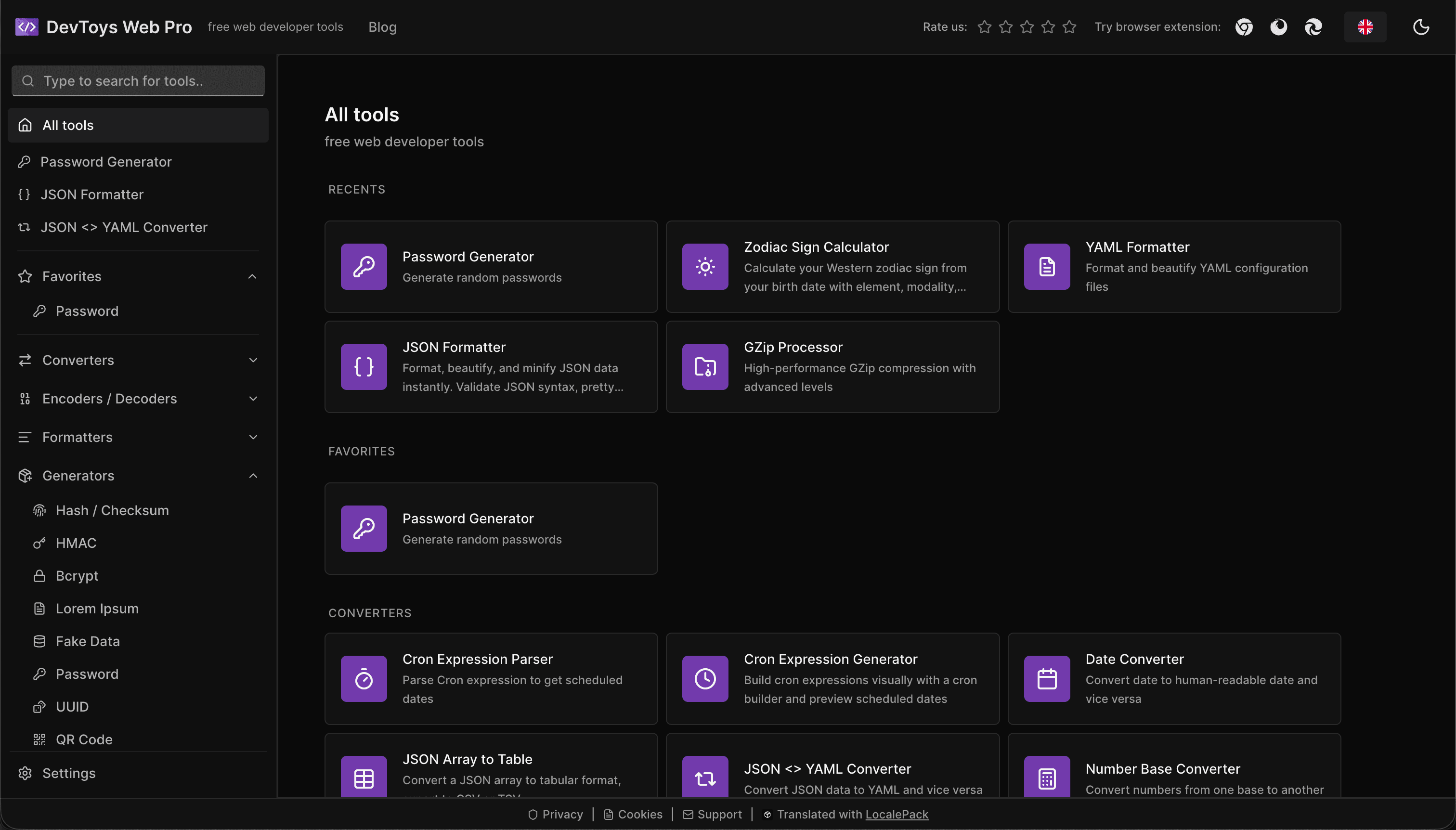
How the DevToys.pro web app translated its entire UI into 52 languages with LocalePack — 5.8M tokens for $58.44 — and quadrupled its international organic traffic.
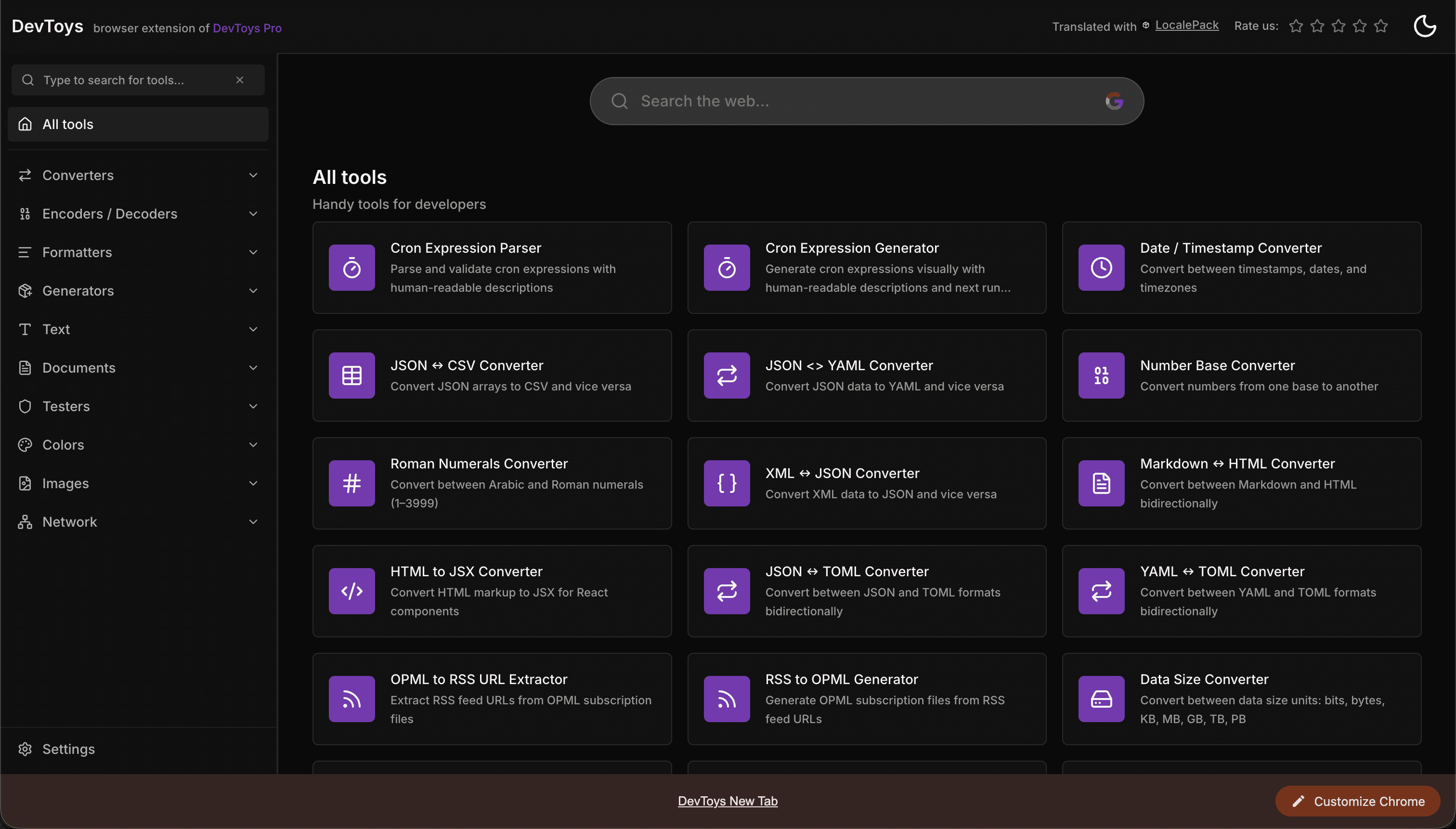
How the DevToys New Tab Chrome extension localized both its in-extension UI and its Chrome Web Store listing into 52 languages to reach a global audience.
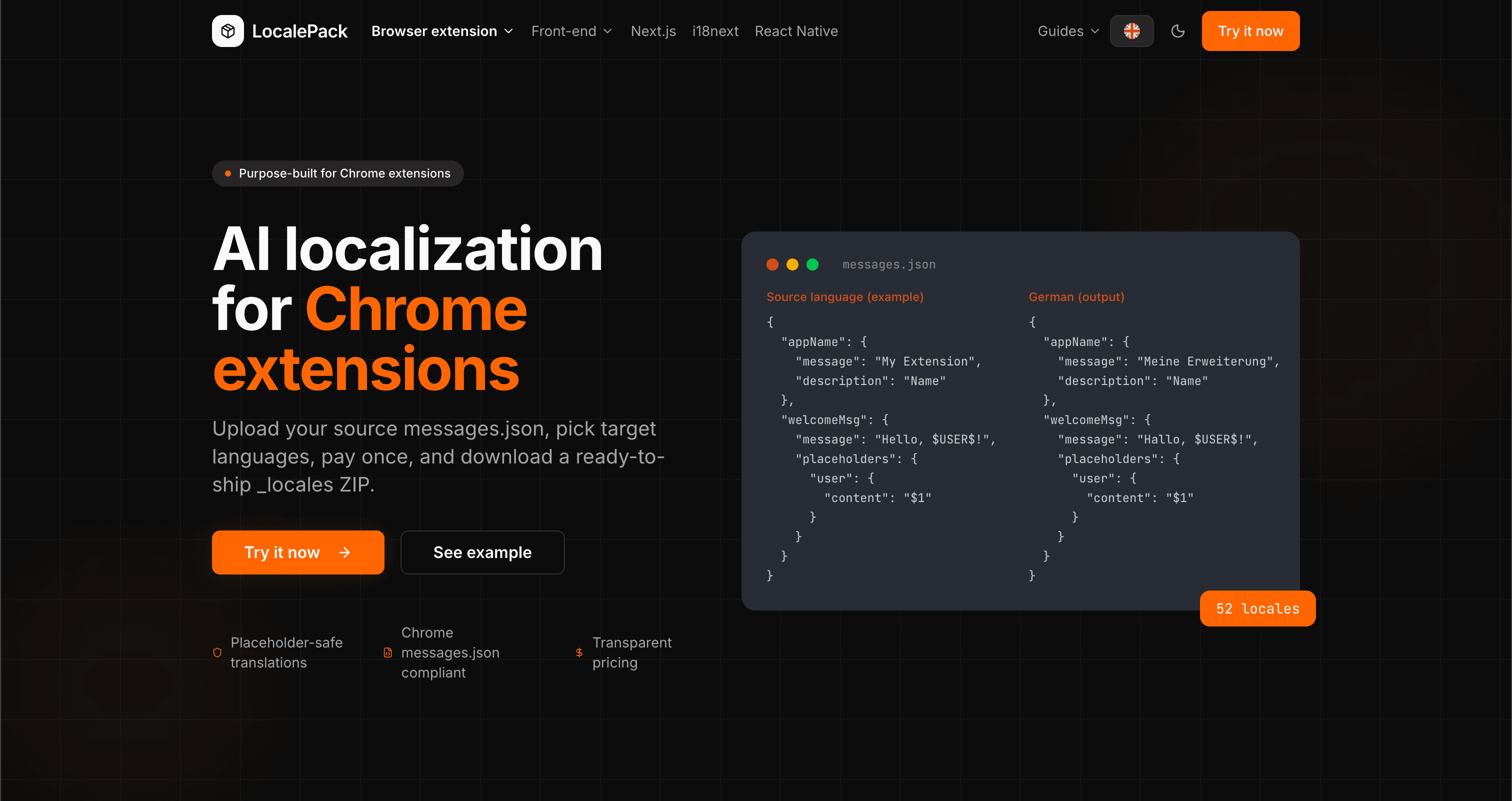
We used our own tool to translate the entire LocalePack site into 52 languages — 2.9M tokens for $27.37 — so developers worldwide find us in their own language.
“કંટાળાજનક કામના કલાકો બચાવી દીધા. મેં મારું messages.json અપલોડ કર્યું અને મને જરૂરી ચોક્કસ ફોર્મેટમાં પરફેક્ટ અનુવાદો પાછા મળ્યા.”
સારાહ K.
ઇન્ડી ડેવ, AdBlock એક્સ્ટેન્શન
“અંતે એવું ટૂલ જે Chrome એક્સ્ટેન્શન ફોર્મેટ સમજે છે. અનુવાદ પછી તૂટેલા પ્લેસહોલ્ડર્સ ઠીક કરવાની ઝંઝટ હવે નથી.”
માર્કસ T.
એક્સ્ટેન્શન મેન્ટેનર
“પારદર્શક કિંમતો જ નિર્ણયકારક મુદ્દો હતો. કંઈપણ અપલોડ કરતાં પહેલાં મને ચોક્કસ ખબર હતી કે હું કેટલું ચૂકવીશ.”
Dev J.
ઓપન સોર્સ યોગદાનકર્તા
52
સમર્થિત લોકેલ્સ
100%
પ્લેસહોલ્ડર-સેફ આઉટપુટ
ZIP
શિપ કરવા તૈયાર
LocalePack વિશે તમને જાણવાની જરૂર હોય તે બધું.
Deep dives on the formats, APIs and errors behind this page — written for developers, not translators.
Step-by-step guide to adding i18n to a Chrome extension: _locales structure, default_locale, messages.json syntax, chrome.i18n.getMessage(), placeholder preservation, and how to test locale switching.
All four chrome.i18n methods with exact signatures and return types: which are synchronous, which return promises, what getMessage() returns when it fails, and how browser.i18n differs in Firefox and Safari.
Synchronous getMessage() is an advantage in an MV3 service worker, not a problem — a common claim that gets this backwards. What actually breaks is the DOM, global-variable caching, localStorage and XMLHttpRequest.
An honest comparison of tools that translate Chrome extension messages.json files: LocalePack, Crowdin, Lokalise, Phrase, POEditor, Localazy, Weblate, and Localeship — setup overhead, pricing models, and placeholder safety.
Honest comparison of LocalePack and Lokalise for Chrome extension messages.json translation. Lokalise is a full TMS with team workflows and a monthly subscription; LocalePack is upload → pay once → download.
એકવાર ચૂકવો - ZIP ડાઉનલોડ કરો - વૈશ્વિક સ્તરે શિપ કરો
LocalePack અજમાવો