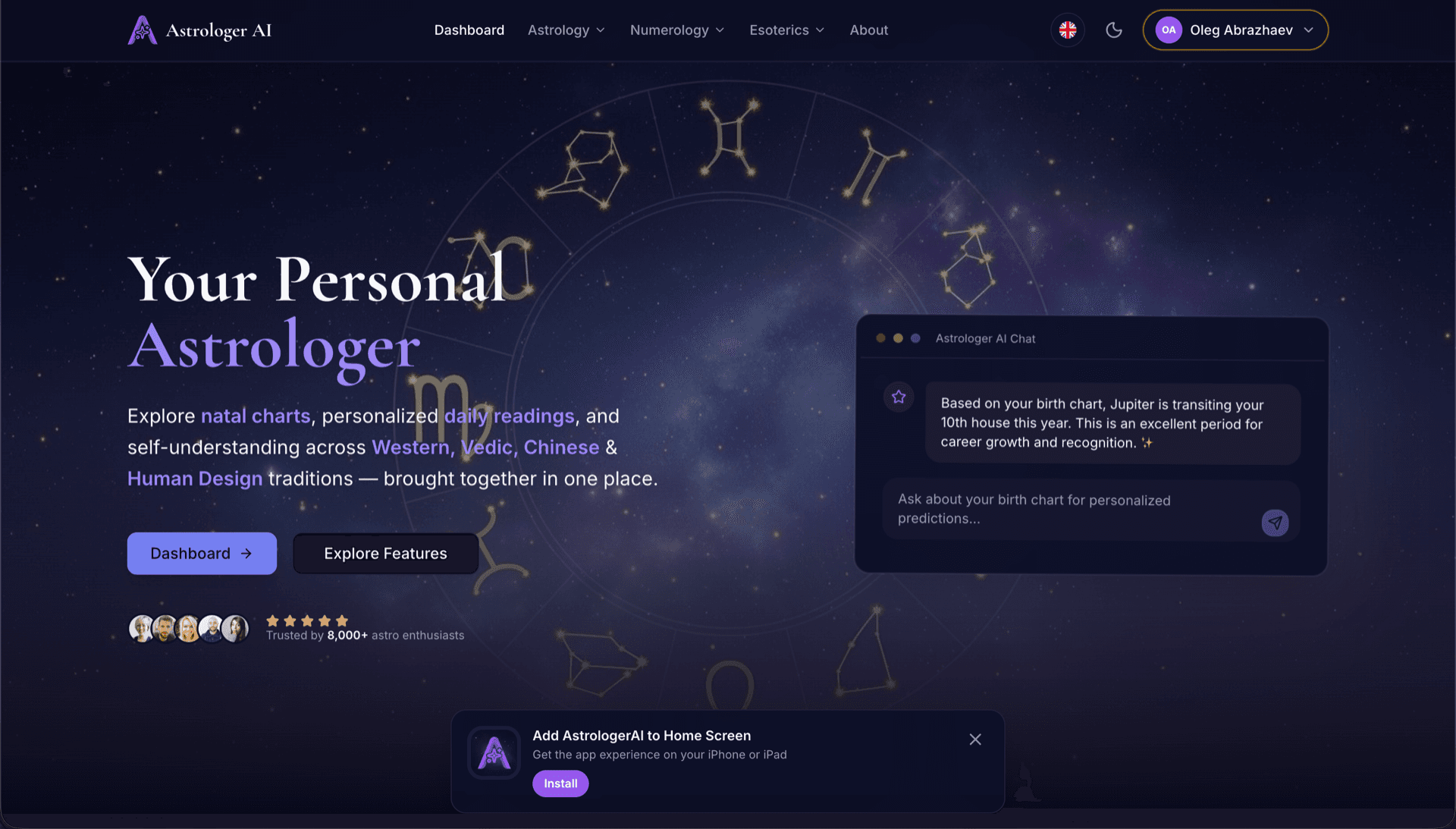
AstrologerAI: an AI astrology app localized into 52 languages
How the AstrologerAI app translated its entire experience into 52 languages with LocalePack — 6.3M tokens for $58.73 — to reach a worldwide audience in their own language.
העלה את messages.json של שפת המקור, בחר שפות יעד, שלם פעם אחת והורד ZIP של _locales מוכן לשחרור.
שלושה צעדים פשוטים ללוקליזציה של browser extension. התרגומים מתחילים לאחר התשלום—אנחנו מתזמנים משימות ומייצרים את ה-ZIP בתוך דקות.
גרור את קובץ messages.json של שפת המקור. אנחנו מנתחים אותו מיד ומוודאים את פורמט browser extension.
בחר מתוך 52 שפות. ראה תמחור שקוף לפי גודל הקובץ שלך לפני התשלום.
שלם פעם אחת דרך Stripe. אנחנו מייצרים את כל קובצי _locales/{lang}/messages.json ומאגדים אותם ל-ZIP.
ראה בדיוק כמה תשלם לפני ההעלאה. הצעת המחיר הסופית מחושבת לאחר ההעלאה לפי אורך המחרוזות והשפות שנבחרו.
גררו את messages.json לכאן
או לחץ כדי לעיין
WebExtension messages.json format. Max 500KB.
נבחרו 3 מתוך 55 שפות
המחיר הסופי מחושב לאחר העלאת הקובץ בעמוד התשלום
תשלום חד-פעמי • ללא מנוי
נבנה במיוחד עבור פורמט הלוקאל של browser extension. לא כלי תרגום גנרי.
נבנה במיוחד עבור מבנה messages.json של browser extension עם תמיכה ב-message, description ו-placeholders.
משמר את תחביר $PLACEHOLDER$ בדיוק כפי שהוא. המשתנים שלך נשארים שלמים בכל השפות.
אנחנו קוראים את שדות ה-description שלך ומשתמשים בהם כרמזי הקשר לתרגומי AI מדויקים יותר.
הורידו ZIP עם מבנה התיקיות הנכון _locales/{lang}/messages.json. פשוט הוסיפו אותו לתוסף שלכם.
כל השפות מתורגמות בו-זמנית. רוב העבודות מסתיימות בפחות מ-5 דקות.
בלי מנויים, בלי תשלומים חודשיים. משלמים פעם אחת לכל עבודה, ומורידים לנצח.
Every major browser reads the same _locales/{locale}/messages.json structure. Chrome, Edge and Opera expose the chrome.i18n namespace; Firefox and Safari expose browser.i18n. The file format, the placeholder syntax and the default_locale requirement are identical across all of them, which is why a single translated folder ships everywhere.
_locales/
├── en/
│   └── messages.json   ← default_locale
├── de/
│   └── messages.json
├── fr/
│   └── messages.json
└── ja/
└── messages.json{
"appName": {
"message": "My Extension",
"description": "Extension name"
},
"greeting": {
"message": "Hello, $USER$!",
"placeholders": {
"user": { "content": "$1" }
}
}
}API בזמן ריצה
chrome.i18n / browser.i18nקריאה לדוגמה
getMessage("key")נדרש במניפסט
"default_locale"In-extension strings come from _locales/. Store listing copy is managed separately in each store's own dashboard — translating one does not translate the other.
The messages.json format is shared across every major browser. Only four things vary, and none of them require re-translating your strings.
One translated _locales/ folder covers Chrome, Firefox, Edge, Opera, and Safari. The porting work is in the build, never in the strings.
כלי תרגום כלליים לא מבינים את פורמט browser extension.
LocalePack | תרגום ידני | TMS גנרי | |
|---|---|---|---|
| זמן הקמה | 2 דקות | שעות לכל שפה | 30+ דקות |
| שקיפות עלויות | |||
| בטיחות פורמט של WebExtension | |||
| הגנה על מצייני מקום | |||
| מהירות (52 שפות) | < 5 דק׳ | שבועות | שעות |
| הכי מתאים עבור | Cross-browser extensions | פרויקטים קטנים | אפליקציות ווב ארגוניות |
פרויקטים אמיתיים שהשתמשו ב-LocalePack כדי להגיע לקהל גלובלי בעד 52 שפות.
How the AstrologerAI app translated its entire experience into 52 languages with LocalePack — 6.3M tokens for $58.73 — to reach a worldwide audience in their own language.
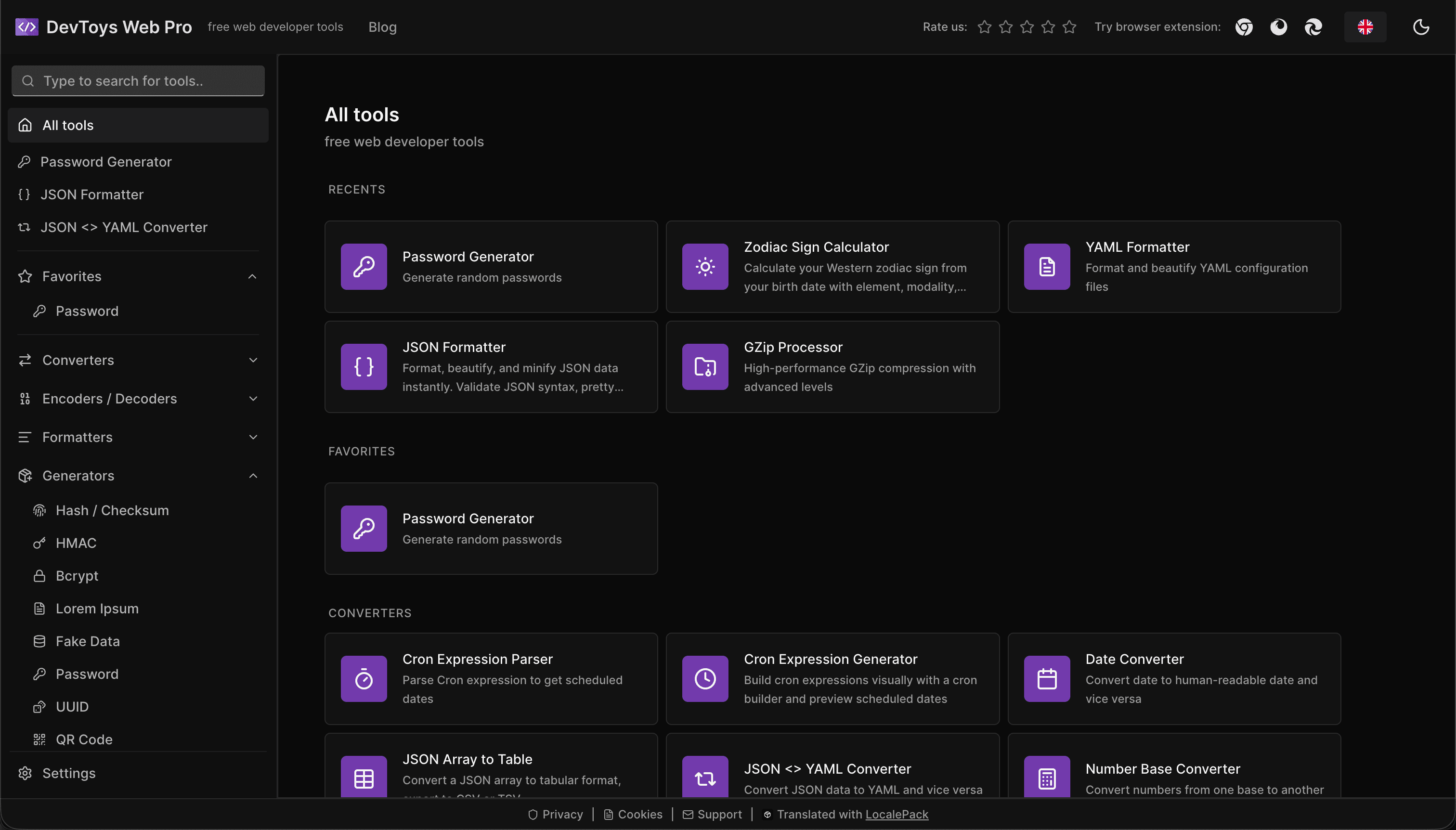
How the DevToys.pro web app translated its entire UI into 52 languages with LocalePack — 5.8M tokens for $58.44 — and quadrupled its international organic traffic.
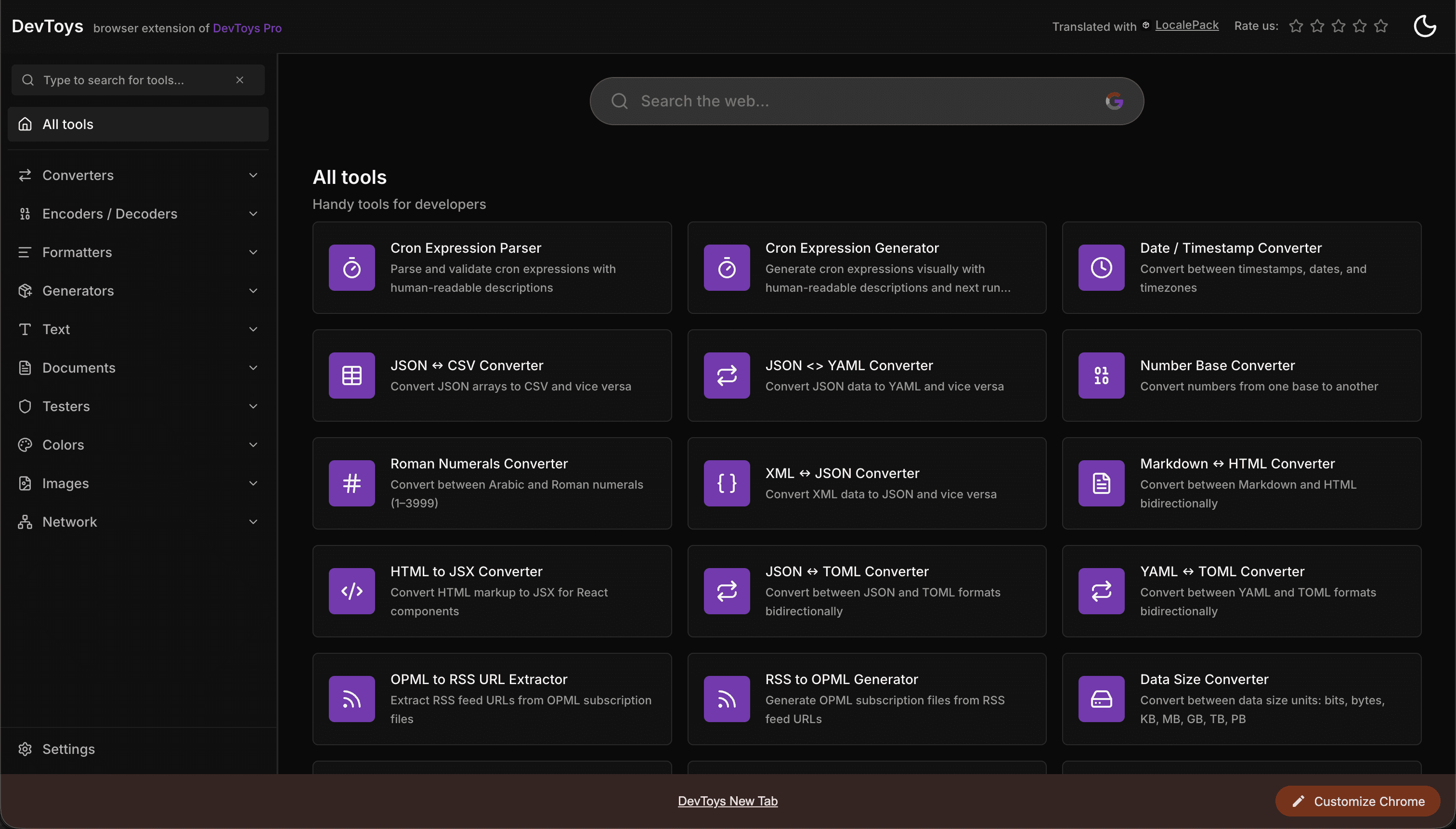
How the DevToys New Tab Chrome extension localized both its in-extension UI and its Chrome Web Store listing into 52 languages to reach a global audience.
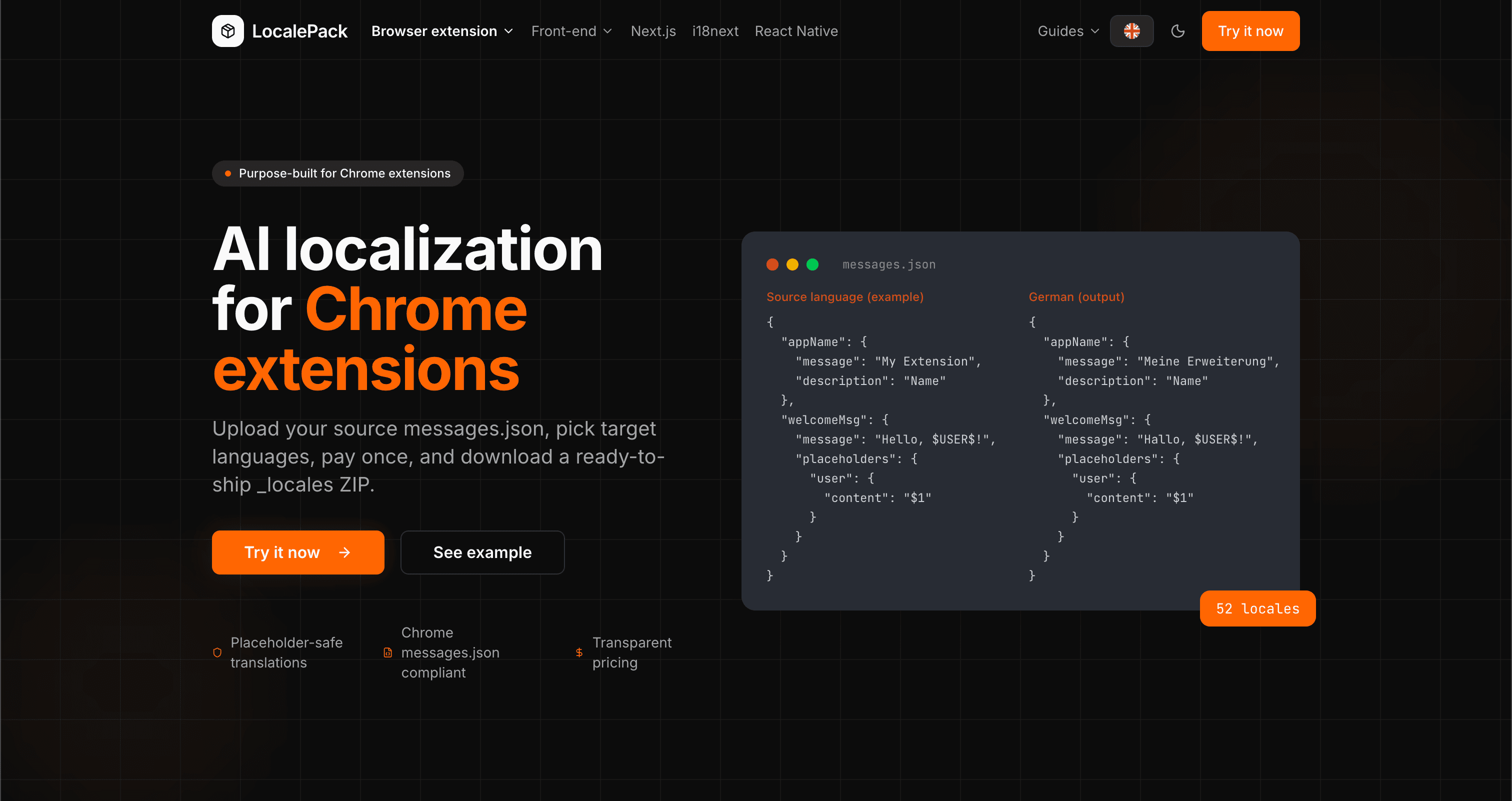
We used our own tool to translate the entire LocalePack site into 52 languages — 2.9M tokens for $27.37 — so developers worldwide find us in their own language.
“חסך לי שעות של עבודה מייגעת. העליתי את messages.json שלי וקיבלתי בחזרה תרגומים מושלמים בדיוק בפורמט שהייתי צריך.”
שרה ק.
מפתחת עצמאית, תוסף AdBlock
“We ship the same _locales folder to Chrome, Firefox and Edge. One translation pass covers all three.”
מרקוס ט.
מתחזק תוסף
“תמחור שקוף היה נקודת המכירה. ידעתי בדיוק כמה אשלם לפני שהעליתי משהו.”
Dev J.
תורם קוד פתוח
52
שפות נתמכות
100%
פלט בטוח למצייני מיקום
ZIP
מוכן לשחרור
כל מה שצריך לדעת על LocalePack.
Deep dives on the formats, APIs and errors behind this page — written for developers, not translators.
A complete reference for the WebExtension messages.json format: the message, description, and placeholders fields, $PLACEHOLDER$ syntax, $1 positional substitutions, and common mistakes.
How @wxt-dev/i18n compiles YAML, JSON, JSONC, JSON5 and TOML message files into standard _locales/{lang}/messages.json — setup, nested keys, plurals, substitutions, type safety, and how to translate a WXT project.
Plasmo does not read _locales/ at the project root. The three paths it does accept, where default_locale actually lives, the alphabetical-default trap, and how to place a translated _locales ZIP correctly.
CRXJS ships no i18n helper and its docs have no i18n page. Here is the working pattern: put _locales under public/, declare default_locale in manifest.config.ts, and call chrome.i18n directly.
תשלום חד-פעמי - הורדת ZIP - השקה גלובלית
נסו את LocalePack