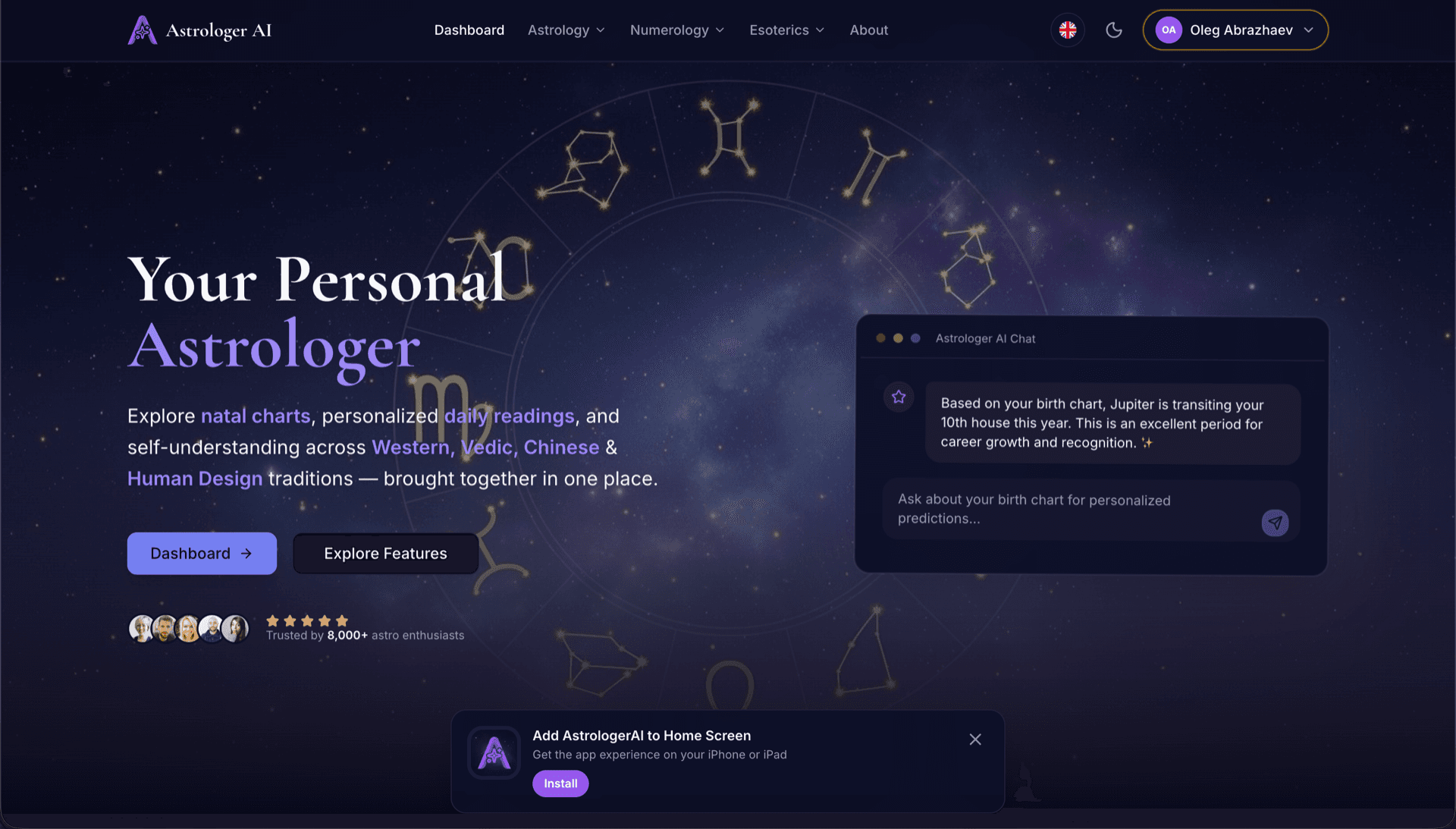
AstrologerAI: an AI astrology app localized into 52 languages
How the AstrologerAI app translated its entire experience into 52 languages with LocalePack — 6.3M tokens for $58.73 — to reach a worldwide audience in their own language.
Pakia messages.json yako ya chanzo, chagua lugha lengwa, lipa mara moja, kisha pakua ZIP ya _locales iliyo tayari kutumwa.
Hatua tatu rahisi za kujanibisha browser extension yako. Tafsiri huanza baada ya malipo—tunaweka kazi kwenye foleni na kutengeneza ZIP ndani ya dakika chache.
Dondosha faili yako ya messages.json ya chanzo. Tunaichanganua papo hapo na kuthibitisha umbizo la browser extension.
Chagua kutoka lugha 52. Ona bei iliyo wazi kulingana na ukubwa wa faili yako kabla ya kulipa.
Lipa mara moja kupitia Stripe. Tunatengeneza faili zote za _locales/{lang}/messages.json na kuzikusanya kwenye ZIP.
Ona hasa utakacholipa kabla ya kupakia. Nukuu ya mwisho huhesabiwa baada ya kupakia kulingana na urefu wa maandishi na lugha ulizochagua.
Dondosha messages.json hapa
au bofya ili kuvinjari
messages.json input. Max 500KB.
3 kati ya 55 lugha zimechaguliwa
Bei ya mwisho huhesabiwa baada ya kupakia faili kwenye ukurasa wa malipo
Malipo ya mara moja • Hakuna usajili
Imeundwa mahsusi kwa muundo wa eneo wa browser extension. Si zana ya tafsiri ya jumla.
Imeundwa mahsusi kwa muundo wa messages.json wa browser extension wenye usaidizi wa message, description, na placeholders.
Huhifadhi sintaksia ya $PLACEHOLDER$ kama ilivyo. Vigeu vyako hubaki salama katika lugha zote.
Tunasoma sehemu zako za description na kuzitumia kama vidokezo vya muktadha kwa tafsiri sahihi zaidi za AI.
Pakua ZIP yenye muundo sahihi wa folda _locales/{lang}/messages.json. Iweke kwenye kiendelezi chako.
Lugha zote hutafsiriwa kwa wakati mmoja. Kazi nyingi hukamilika ndani ya chini ya dakika 5.
Hakuna usajili, hakuna ada za kila mwezi. Lipa mara moja kwa kila kazi, pakua milele.
A messages.json entry pairs a key with a "message" string, an optional "description" used as translation context, and an optional "placeholders" map. LocalePack parses all three: it translates only the message text, forwards the description to the model as context, and returns $PLACEHOLDER$ and $1 substitution tokens byte-identical.
_locales/
├── en/
│   └── messages.json   ← default_locale
├── de/
│   └── messages.json
├── fr/
│   └── messages.json
└── ja/
└── messages.json{
"appName": {
"message": "My Extension",
"description": "Extension name"
},
"greeting": {
"message": "Hello, $USER$!",
"placeholders": {
"user": { "content": "$1" }
}
}
}API ya wakati wa utekelezaji
chrome.i18n / browser.i18nMfano wa mwito
getMessage("key")Inahitajika kwenye manifest
"default_locale"The same translated messages.json drops into _locales/{locale}/ for Chrome, Firefox, Edge, Opera and Safari without further edits.
A messages.json entry is more than a key and a string. Getting these four pieces wrong is what breaks extensions after machine translation.
Most generic translation tools treat $PLACEHOLDER$ and $1 as ordinary words. Once they are translated or reordered, the extension ships with broken interpolation.
Zana za tafsiri za matumizi ya jumla hazielewi muundo wa browser extension.
LocalePack | Tafsiri ya mkono | TMS ya jumla | |
|---|---|---|---|
| Muda wa usanidi | Dakika 2 | Saa kwa kila lugha | Dakika 30+ |
| Uwazi wa gharama | |||
| Usalama wa muundo wa WebExtension | |||
| Ulinzi wa placeholder | |||
| Kasi (lugha 52) | < dakika 5 | Wiki | Saa |
| Inafaa zaidi kwa | Any messages.json file | Miradi midogo | Programu za wavuti za makampuni |
Miradi halisi iliyotumia LocalePack kufikia hadhira ya kimataifa katika hadi lugha 52.
How the AstrologerAI app translated its entire experience into 52 languages with LocalePack — 6.3M tokens for $58.73 — to reach a worldwide audience in their own language.
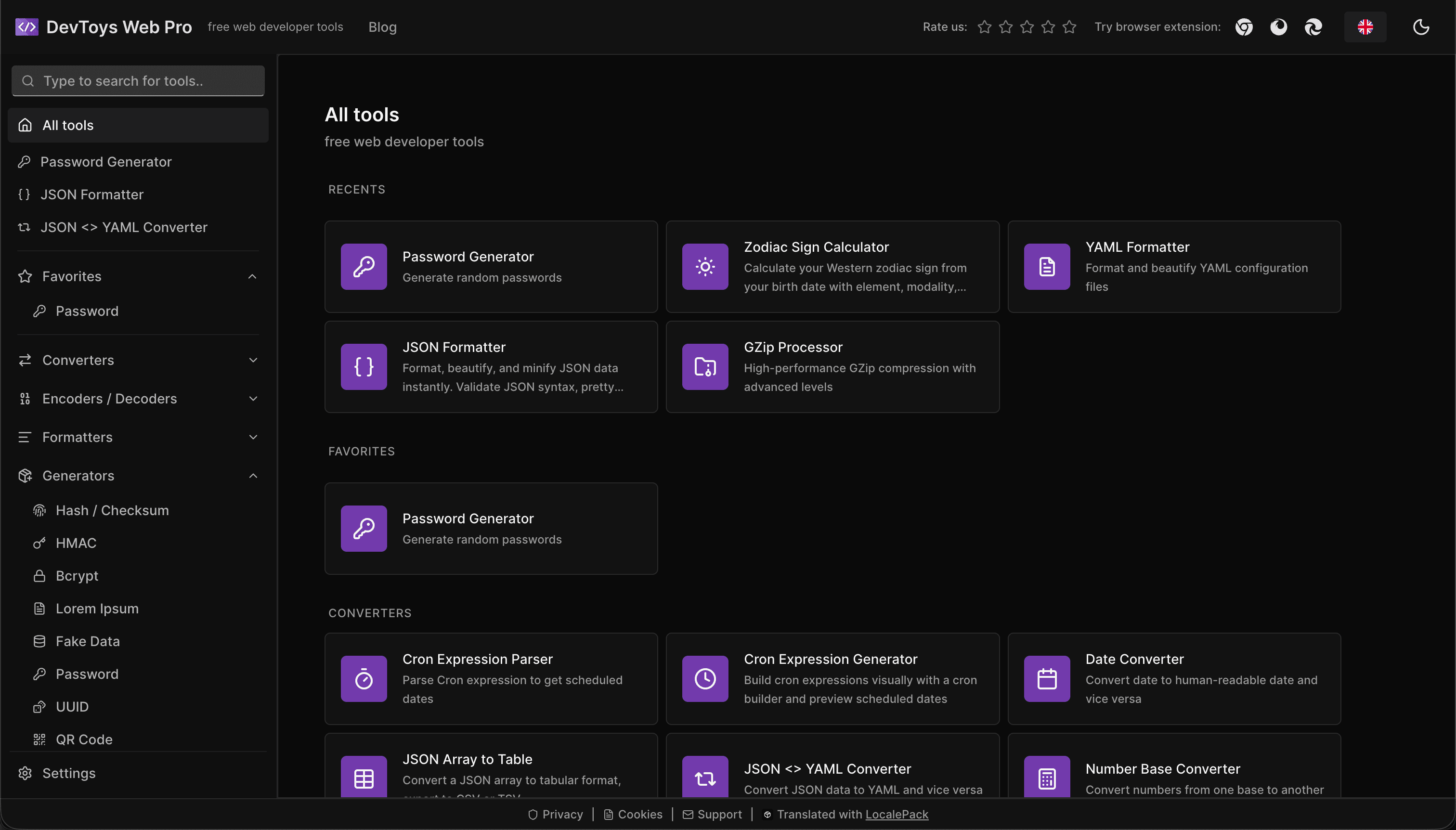
How the DevToys.pro web app translated its entire UI into 52 languages with LocalePack — 5.8M tokens for $58.44 — and quadrupled its international organic traffic.
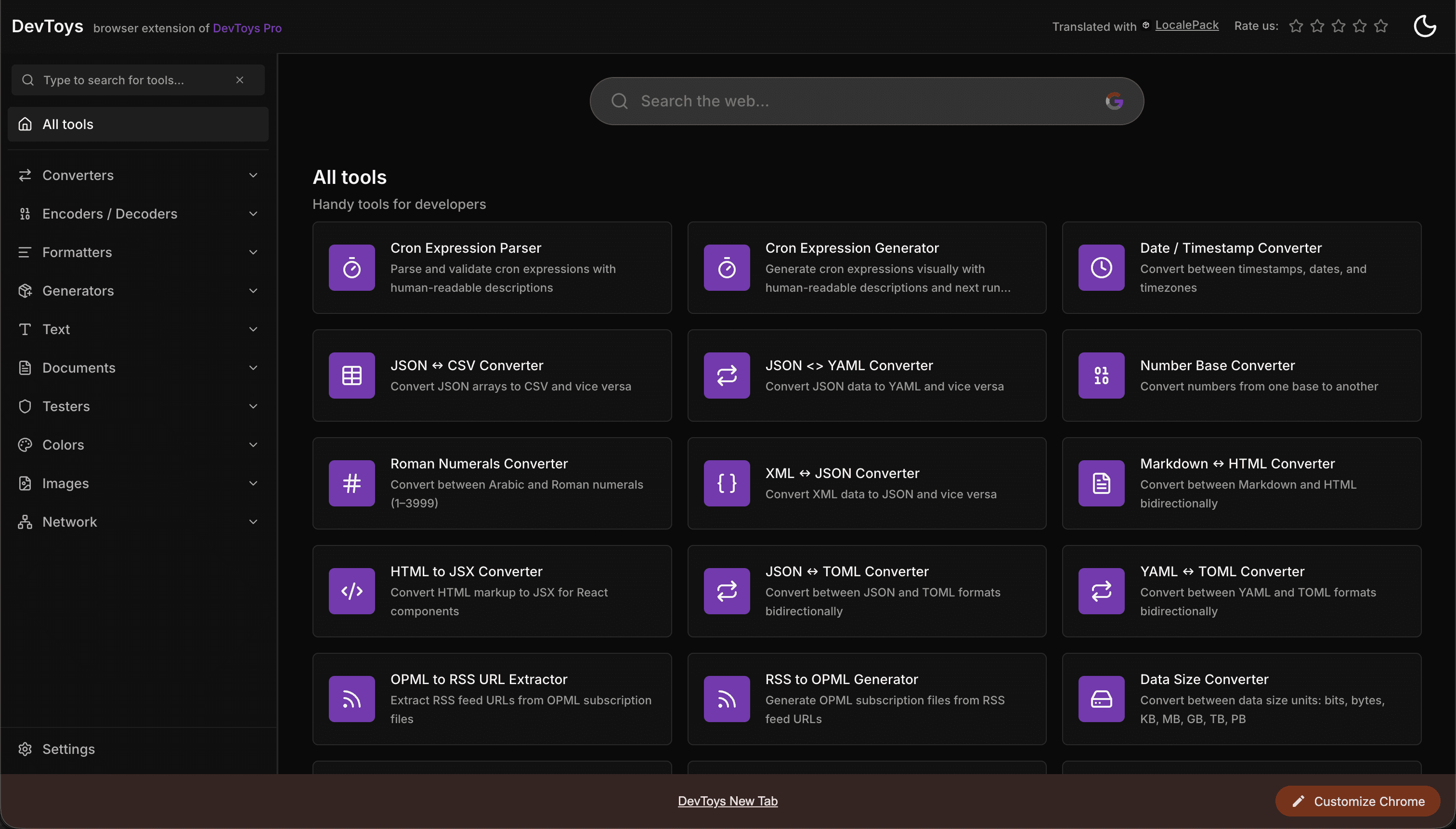
How the DevToys New Tab Chrome extension localized both its in-extension UI and its Chrome Web Store listing into 52 languages to reach a global audience.
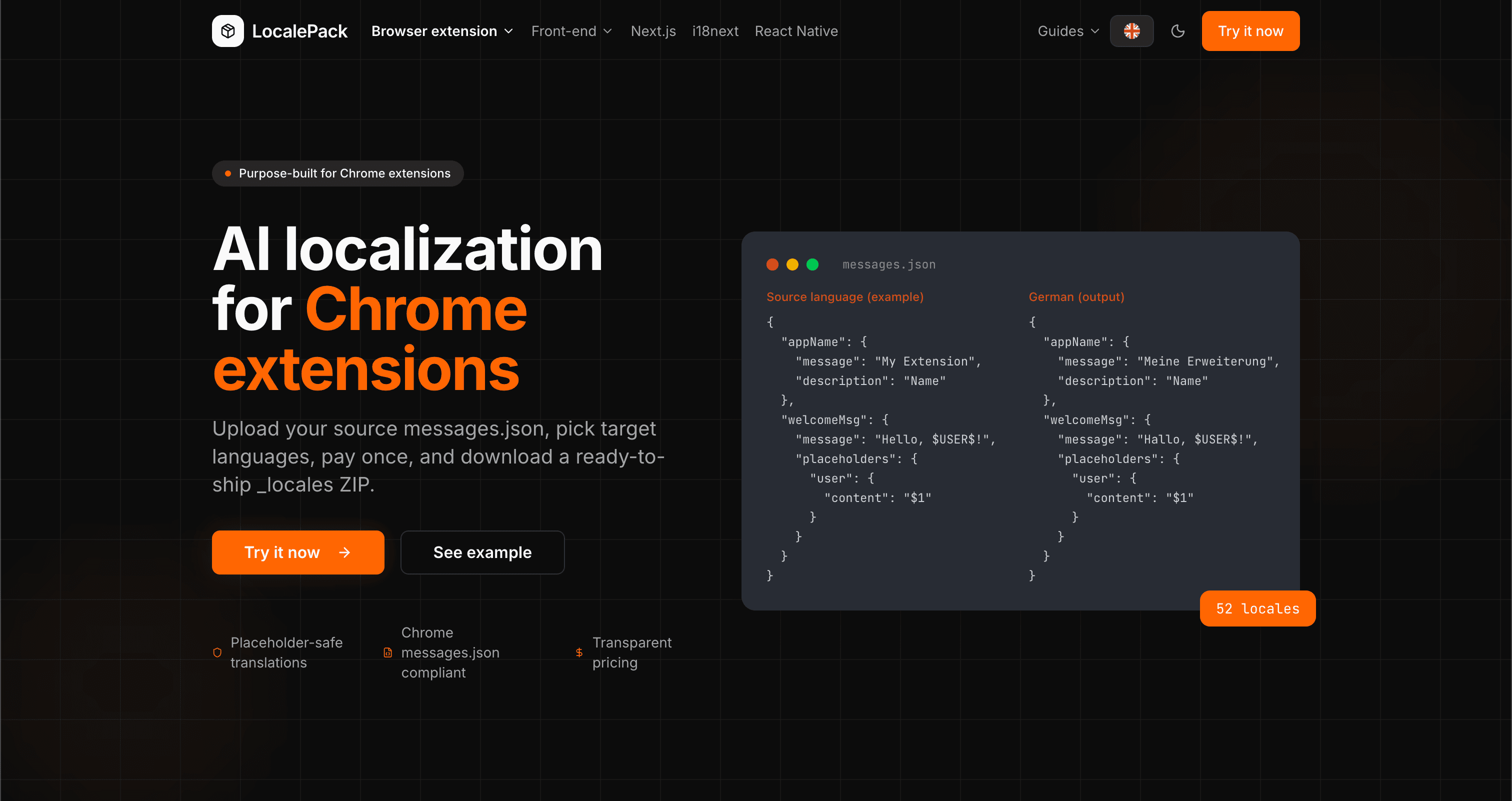
We used our own tool to translate the entire LocalePack site into 52 languages — 2.9M tokens for $27.37 — so developers worldwide find us in their own language.
“Imeniokoa saa nyingi za kazi ya kuchosha. Nilipakia messages.json yangu, nikapata tafsiri kamili katika muundo uleule niliouhitaji.”
Sarah K.
Msanidi huru, kiendelezi cha AdBlock
“Our $PLACEHOLDER$ tokens came back untouched in all 52 locales. That is the whole reason we stopped scripting it ourselves.”
Marcus T.
Msimamizi wa kiendelezi
“Bei iliyo wazi ndiyo iliyonishawishi. Nilijua hasa nitakacholipa kabla ya kupakia chochote.”
Dev J.
Mchangiaji wa chanzo huria
52
Lugha zinazotumika
100%
Matokeo salama kwa vishikizo
ZIP
Tayari kusafirisha
Kila unachohitaji kujua kuhusu LocalePack.
Deep dives on the formats, APIs and errors behind this page — written for developers, not translators.
A complete reference for the WebExtension messages.json format: the message, description, and placeholders fields, $PLACEHOLDER$ syntax, $1 positional substitutions, and common mistakes.
How to catch every class of messages.json error before your users do: JSON syntax, missing required fields, missing keys across locales, malformed placeholder syntax, and manifest key mismatches.
How the __MSG_key__ substitution syntax works in Chrome and Firefox extension manifests: which fields support it, how Chrome resolves tokens at load time, and the pitfalls that cause silent failures or upload rejections.
getMessage() returns an empty string when a message is missing, and logs nothing at all. Every cause of the silent empty string, how to tell it apart from undefined, and how to confirm each one.
Lipa mara moja - Pakua ZIP - Sambaza duniani kote
Ijaribu LocalePack