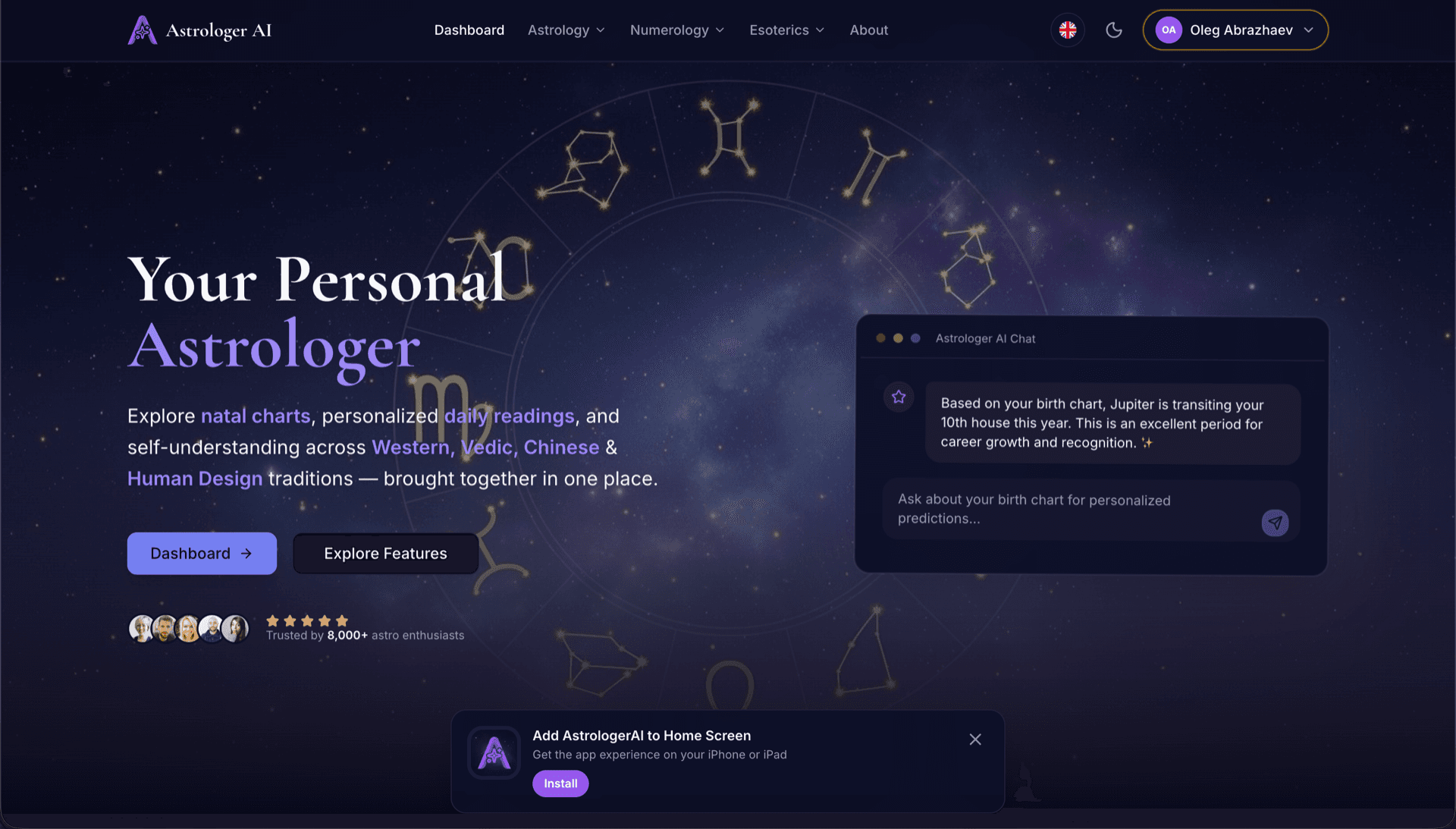
AstrologerAI: an AI astrology app localized into 52 languages
How the AstrologerAI app translated its entire experience into 52 languages with LocalePack — 6.3M tokens for $58.73 — to reach a worldwide audience in their own language.
輸入你的擴充功能名稱、簡短說明與商店說明。取得 52 個地區語系的翻譯,並以可直接上傳的 ZIP 提供。
三個簡單步驟即可在地化你的 Chrome 線上應用程式商店資訊。不需要上傳檔案——只要輸入你的資訊文字。
填寫 3 個欄位:擴充功能名稱(75 個字元)、簡短說明(132 個字元)與商店說明(16,000 個字元)。我們會即時驗證字元限制。
從 52 種語言中選擇。付款前可依你的文字長度查看透明的定價。
透過 Stripe 一次付款。我們會產生 _locales/{lang}/messages.json 檔案,包含 appName、shortDesc 與 storeDesc 鍵——並打包成 ZIP。
輸入你的商店頁面文字、選擇語言,並在付款前查看價格。
3 個欄位 → 翻譯成所有選取的語言
已選擇 52 種語言中的 3 種
最終價格將於結帳頁面提交後計算
一次性付款 • 無訂閱
專為 Chrome 線上應用程式商店資訊翻譯而設計。不是通用的翻譯工具。
專為 Chrome 線上應用程式商店資訊欄位打造:擴充功能名稱(75 個字元)、簡短說明(132 個字元)與商店說明(16,000 個字元)。
每筆翻譯都會依欄位與語言,對照 CWS 字元限制進行驗證。不需要手動檢查。
AI 針對行銷文案進行調校——自然、有說服力的翻譯,同時保留表情符號、格式與品牌名稱。
下載一個 ZIP,包含 _locales/{lang}/messages.json 結構,以及用於批次上傳到 CWS Dashboard 的自動化腳本。
全部 52 種語言會同時翻譯。大多數工作在 5 分鐘內完成。
無訂閱、無月費。每次工作付一次,永久下載。
Chrome 線上應用程式商店使用與 _locales/ 相同的資料夾結構,與擴充功能內 i18n 一致。你的商店頁面名稱與簡短描述會在 manifest.json 中透過 __MSG_*__ 佔位符來引用,而完整的商店描述則會直接上傳到 CWS 控制台。
_locales/
├── en/
│   └── messages.json
├── de/
│   └── messages.json
├── fr/
│   └── messages.json
└── ja/
└── messages.json{
"appName": {
"message": "Dark Mode",
"description": "Extension name (max 75)"
},
"shortDesc": {
"message": "Turn on Dark Mode...",
"description": "Short desc (max 132)"
},
"storeDesc": {
"message": "🔥 Experience the...",
"description": "Store desc (max 16000)"
}
}{
"name": "__MSG_appName__",
"description": "__MSG_shortDesc__",
"default_locale": "en",
"version": "1.0.0"
}最多 75 個字元最多 132 個字元最多 16,000 個字元Chrome 線上應用程式商店會自動以訪客的語系顯示你的擴充功能名稱與簡短描述。商店描述必須透過 CWS 控制台按語言逐一上傳——LocalePack 內建自動化腳本,可在幾秒內完成。
52 種語言 × 3 個欄位 = 156 筆獨立翻譯。LocalePack 幾分鐘就能完成。
LocalePack | 人工翻譯 | 通用 TMS | |
|---|---|---|---|
| 設定時間 | 2 分鐘 | 每種語言數小時 | 30 分鐘以上 |
| 字元上限強制檢查 | |||
| CWS 格式輸出 | |||
| 包含自動化腳本 | |||
| 速度(52 種語言) | < 5 分鐘 | 週 | 小時 |
| 最適合 | CWS 列表 | 1-2 種語言 | 企業級 Web 應用程式 |
使用 LocalePack 的真實專案,最多可支援 52 種語言,觸及全球受眾。
How the AstrologerAI app translated its entire experience into 52 languages with LocalePack — 6.3M tokens for $58.73 — to reach a worldwide audience in their own language.
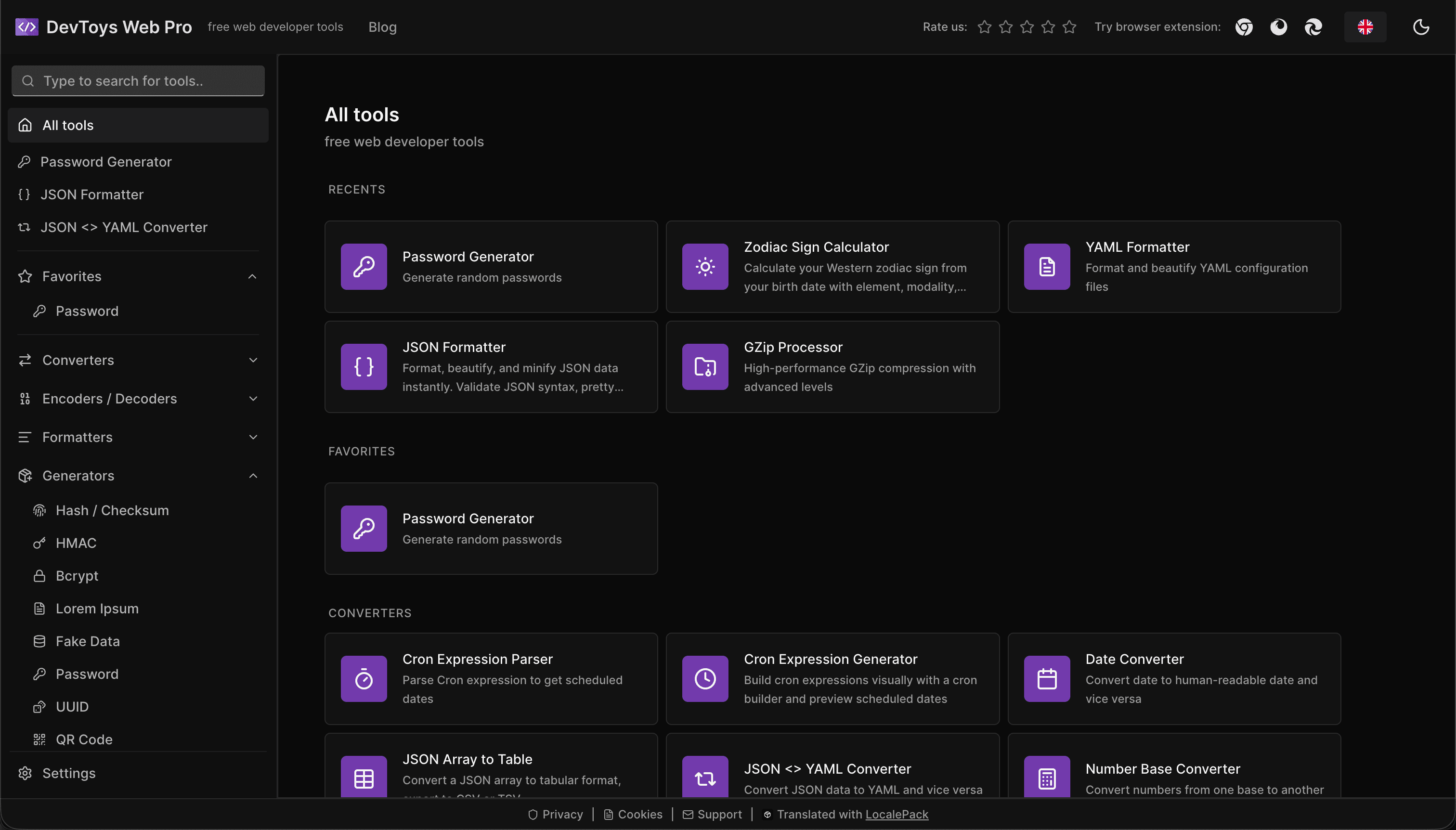
How the DevToys.pro web app translated its entire UI into 52 languages with LocalePack — 5.8M tokens for $58.44 — and quadrupled its international organic traffic.
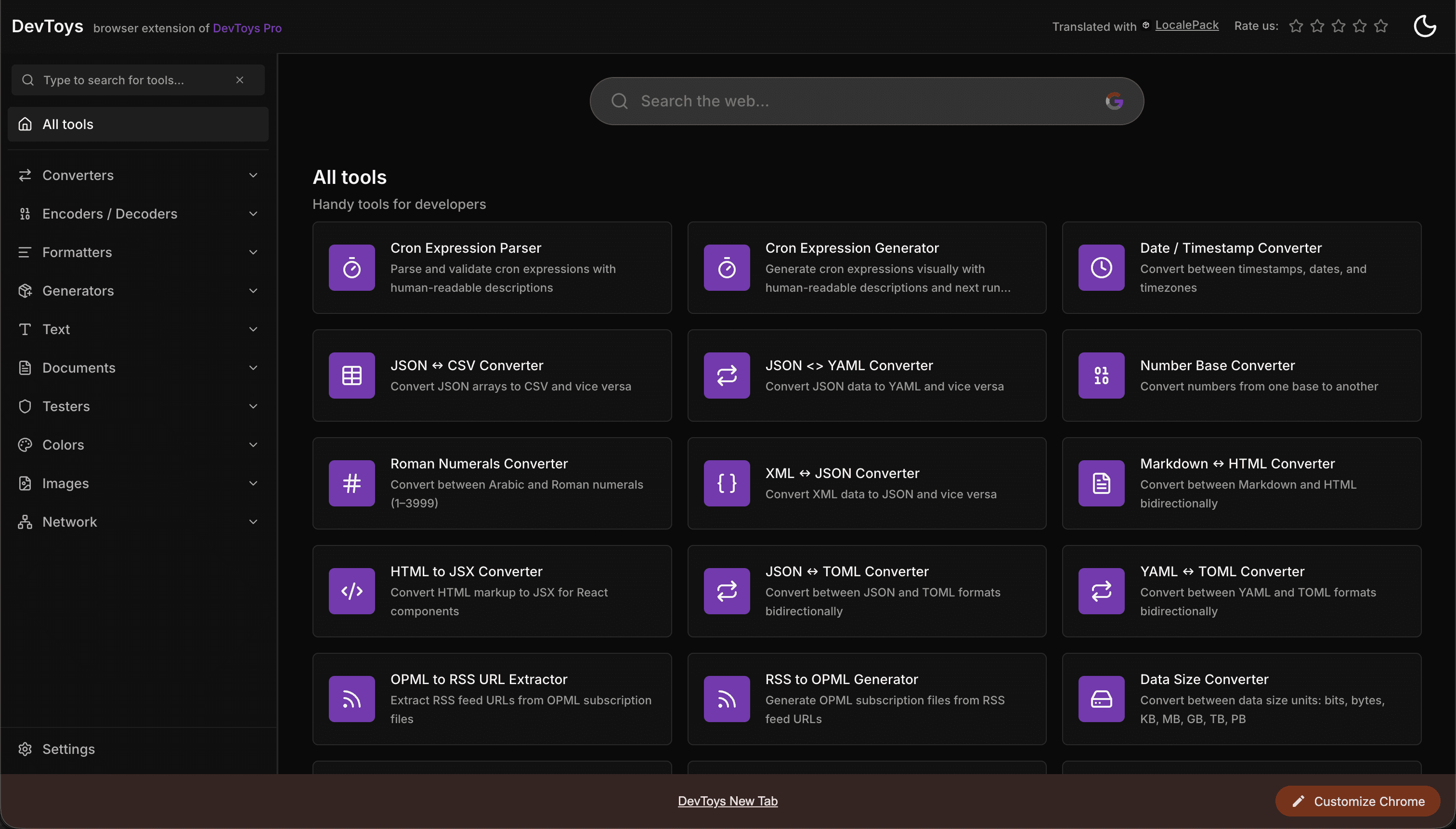
How the DevToys New Tab Chrome extension localized both its in-extension UI and its Chrome Web Store listing into 52 languages to reach a global audience.
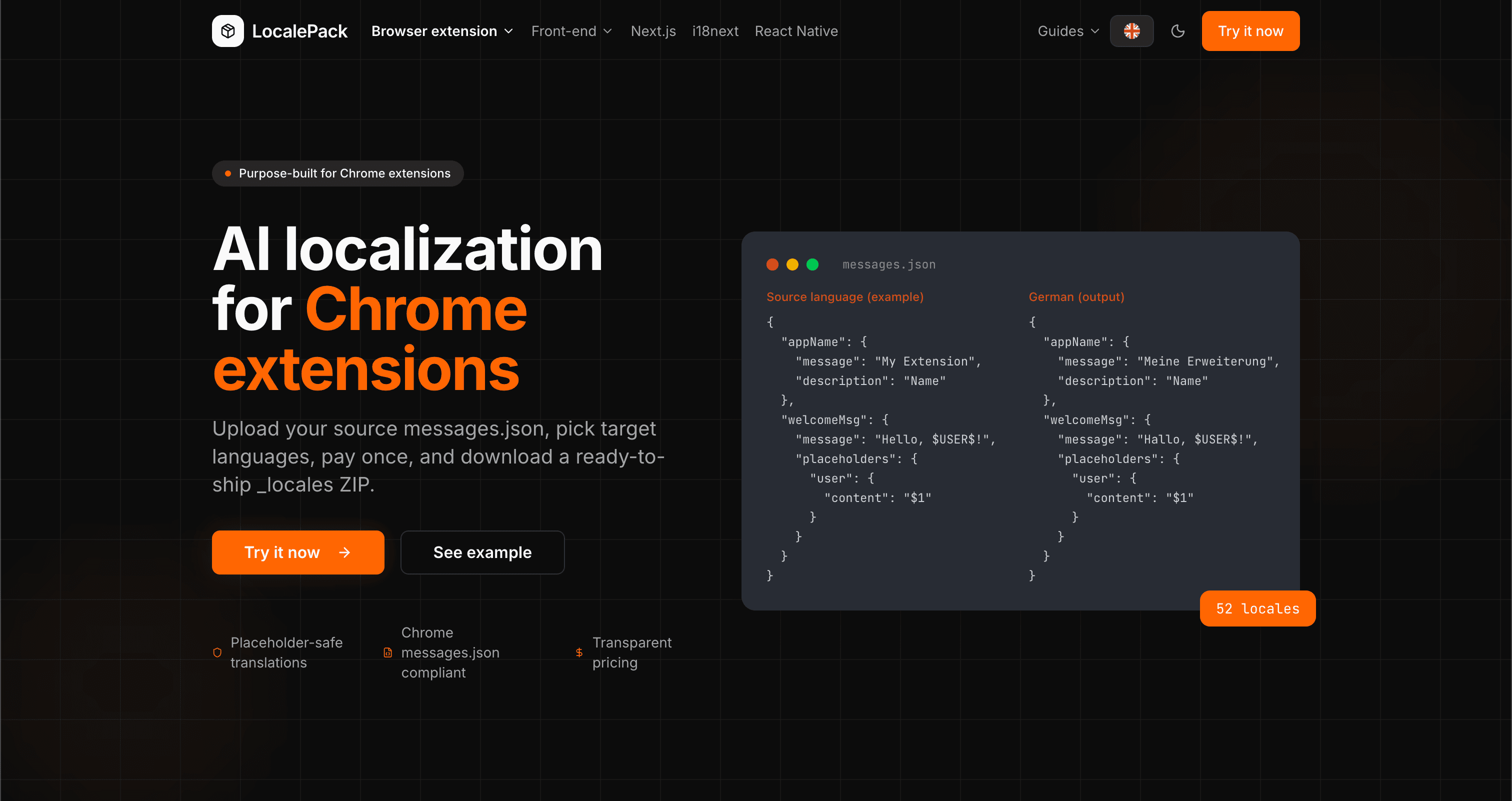
We used our own tool to translate the entire LocalePack site into 52 languages — 2.9M tokens for $27.37 — so developers worldwide find us in their own language.
“手動把我的 CWS 商店頁面翻譯成 20 種語言花了我一整天。LocalePack 在 5 分鐘內就完成全部 52 種。”
Alex R.
獨立開發者,Tab Manager 擴充功能
“光是自動化腳本就幫我省下好幾個小時,不用一直在 CWS 控制台的語言切換器裡點來點去。徹底改變遊戲規則。”
Priya M.
擴充功能發佈者
“翻譯文字的字元限制一直很讓人頭痛。LocalePack 會自動處理——不再有被截斷的商店描述。”
Jonas K.
Chrome 擴充功能代理商
52
支援的語系
3
每個語系的欄位數
ZIP
可立即上傳
你需要了解的所有 CWS 列表翻譯資訊。
Deep dives on the formats, APIs and errors behind this page — written for developers, not translators.
How to bulk-fill all 52 Chrome Web Store listing translations at once using a browser console script — no manual copy-paste per language.
The difference between localizing your Chrome Web Store listing and localizing in-extension strings — and the _MSG_ pattern that bridges them.
How to localize an add-on listing on addons.mozilla.org: which fields can be translated, the 250-character summary ceiling and what it costs you in German and Russian, and the per-locale Developer Hub workflow.
Why Partner Center shows only one listing language even when your package ships twenty, how __MSG_ manifest references drive language detection, and which listing fields Edge requires for every language versus just one.
Honest comparison of LocalePack and Localeship for Chrome Web Store listing translation. Both are pay-per-use tools — the key difference is that LocalePack also translates in-extension messages.json strings.
一次付費 • 下載 ZIP • 幾秒內上傳到 CWS