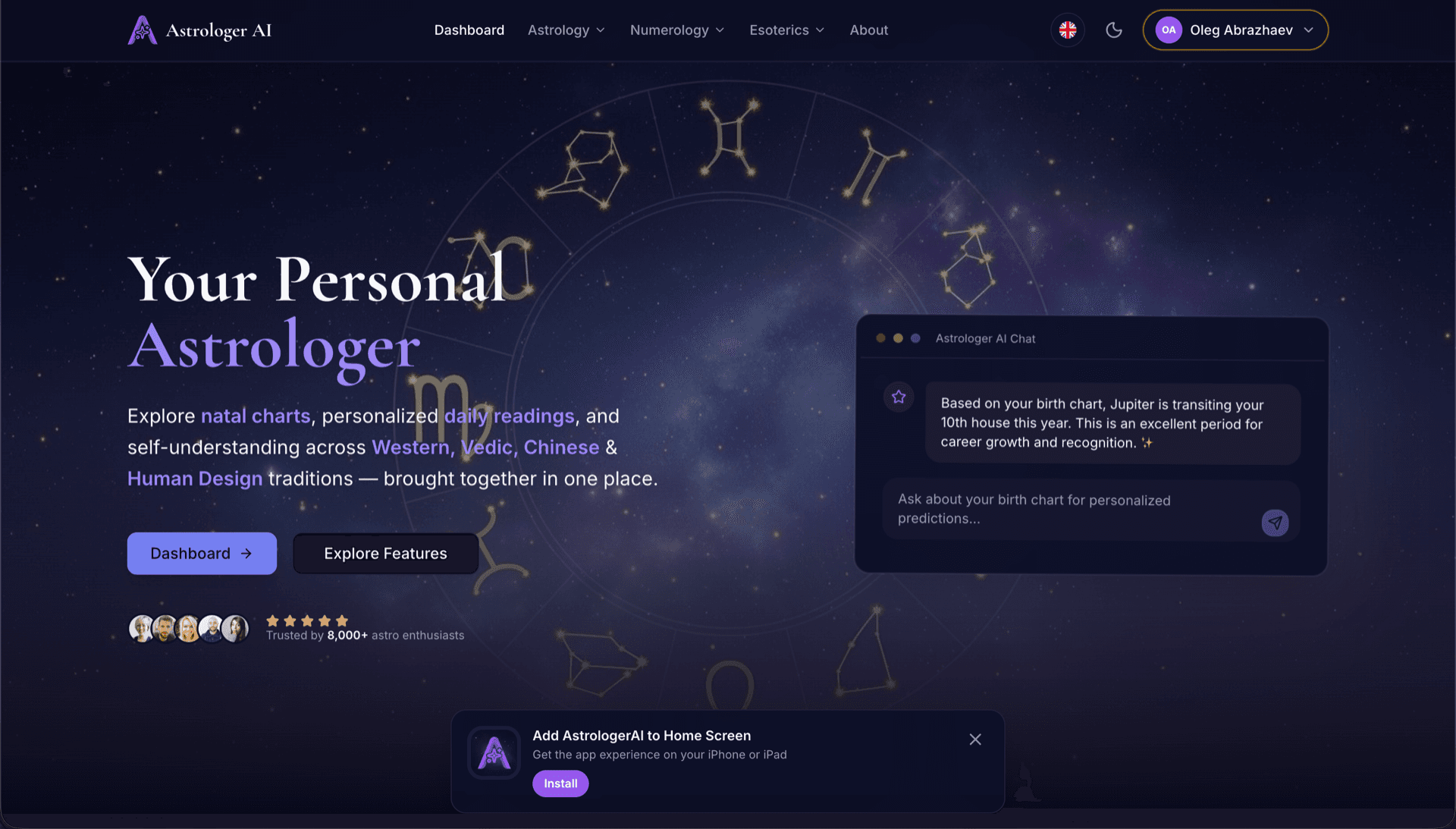
AstrologerAI: an AI astrology app localized into 52 languages
How the AstrologerAI app translated its entire experience into 52 languages with LocalePack — 6.3M tokens for $58.73 — to reach a worldwide audience in their own language.
上傳你的命名空間 JSON 檔案,選擇目標語言,一次付費,然後下載可直接用於 useTranslation() 的語系檔案。
三個簡單步驟即可在你的 react-i18next 專案中完成在地化。上傳命名空間 JSON,一次付費,下載可直接用於 I18nextProvider 的檔案。
放入你的 locales/ 命名空間檔案(例如 locales/en/common.json)。我們會自動偵測 {{placeholders}} 與 _one/_other 複數鍵。
從 52 種語言中選擇。付款前可先查看依檔案大小與複雜度計算的透明定價。
透過 Stripe 一次付費。取得可直接交給 I18nextProvider 的 locales/ ZIP——相同的命名空間結構、已翻譯的值。
上傳前就能清楚看到你將支付的費用。最終報價會在上傳後,依檔案複雜度與所選語言計算。
將 JSON 檔案拖放到這裡
或點擊以瀏覽
react-i18next 命名空間 JSON(locales/**)。最大 500KB。
已選擇 52 種語言中的 3 種
最終價格將於結帳頁面上傳檔案後計算
一次性付款 • 無訂閱
專為 useTranslation()、I18nextProvider 與命名空間 JSON 而設計——不是通用的翻譯工具。
讓 common.json、auth.json 與所有命名空間在每個語系中保持一致,useTranslation('ns') 無需修改即可運作。
逐位元組保留 {{name}}、{{count}} 等插值 token——避免你的 React 元件出現破損字串。
處理 react-i18next 的複數拆分(如 key_one 與 key_other),讓所有目標語言的文法都保持正確。
下載包含相同資料夾結構的 locales/ ZIP——放進你的 repo,並可直接傳給 I18nextProvider。
所有語言同時翻譯。多數工作可在 5 分鐘內完成。
無訂閱、無月費。每次工作付一次,永久下載。
react-i18next 透過 I18nextProvider 載入語系檔案。LocalePack 會以你的應用程式既有的結構產生所有命名空間檔案。
locales/
├── en/
│   ├── common.json   ← source namespace
│   └── auth.json
├── de/
│   ├── common.json
│   └── auth.json
├── fr/
│   └── ...
└── ...       (52 locales)
// locales/en/common.json
{
  "welcome": "Hello {{name}}",
  "items_one": "{{count}} item",
  "items_other": "{{count}} items"
}

// After i18next.init({ ns: ['common'] })
i18next.t('common:welcome', { name: 'Ada' });
i18next.t('common:items', { count: 5 });
Hook API
t()
I18nextProvider
i18next.init()
佔位符
{{variable}}
複數
_one/_other
通用翻譯工具會破壞 useTranslation() 的命名空間 JSON、雙大括號 placeholder,以及 _one/_other 的複數慣例。
LocalePack | 人工翻譯 | 通用 TMS | |
|---|---|---|---|
| 設定時間 | 2 分鐘 | 每種語言數小時 | 30 分鐘以上 |
| 成本透明度 | |||
| 命名空間 JSON 支援 | |||
| {{placeholder}} 與複數安全性 | |||
| 速度(52 種語言) | < 5 分鐘 | 週 | 小時 |
| 最適合 | react-i18next 應用程式 | 小型專案 | 企業 CMS |
使用 LocalePack 的真實專案,最多可支援 52 種語言,觸及全球受眾。
How the AstrologerAI app translated its entire experience into 52 languages with LocalePack — 6.3M tokens for $58.73 — to reach a worldwide audience in their own language.
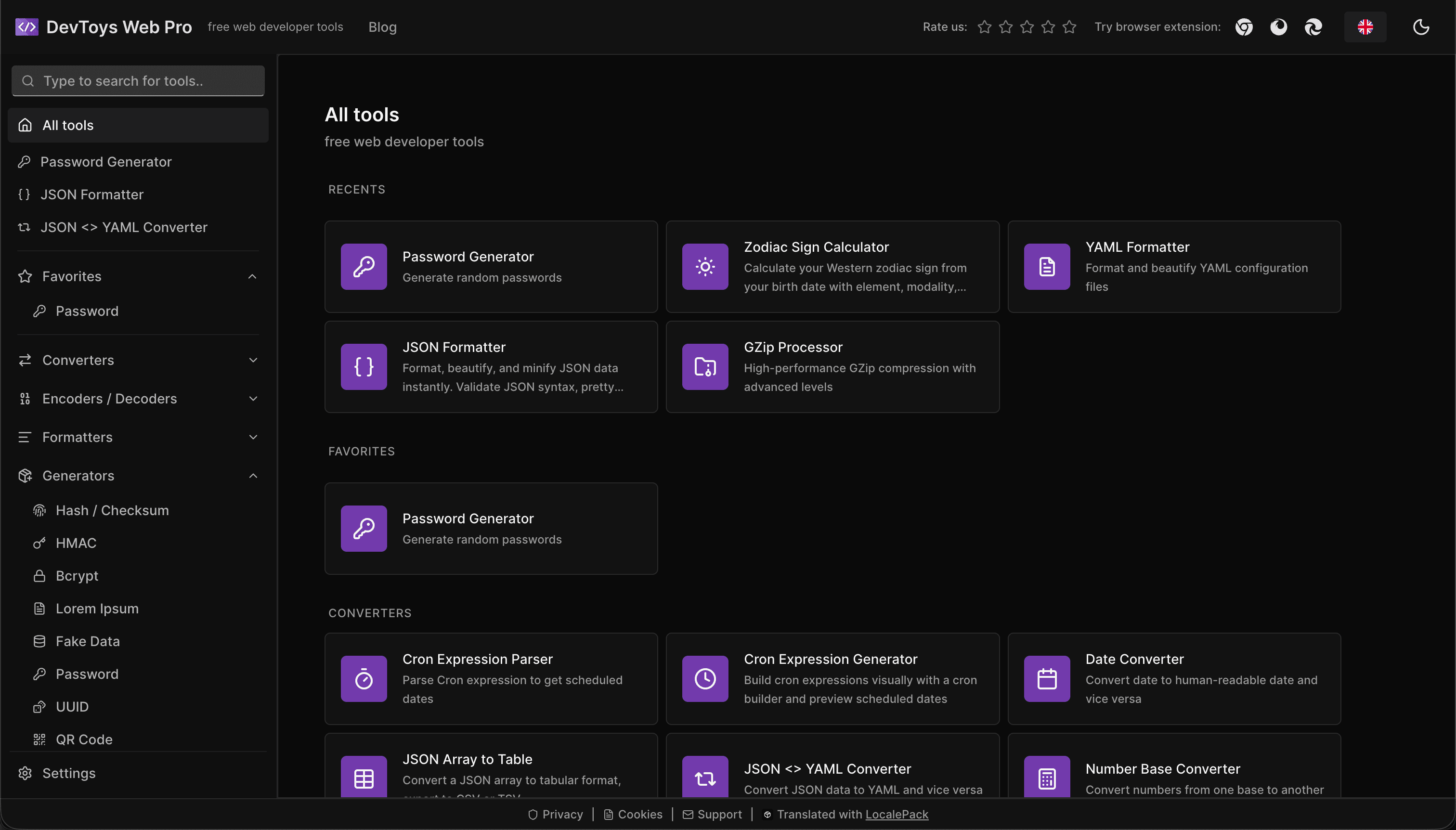
How the DevToys.pro web app translated its entire UI into 52 languages with LocalePack — 5.8M tokens for $58.44 — and quadrupled its international organic traffic.
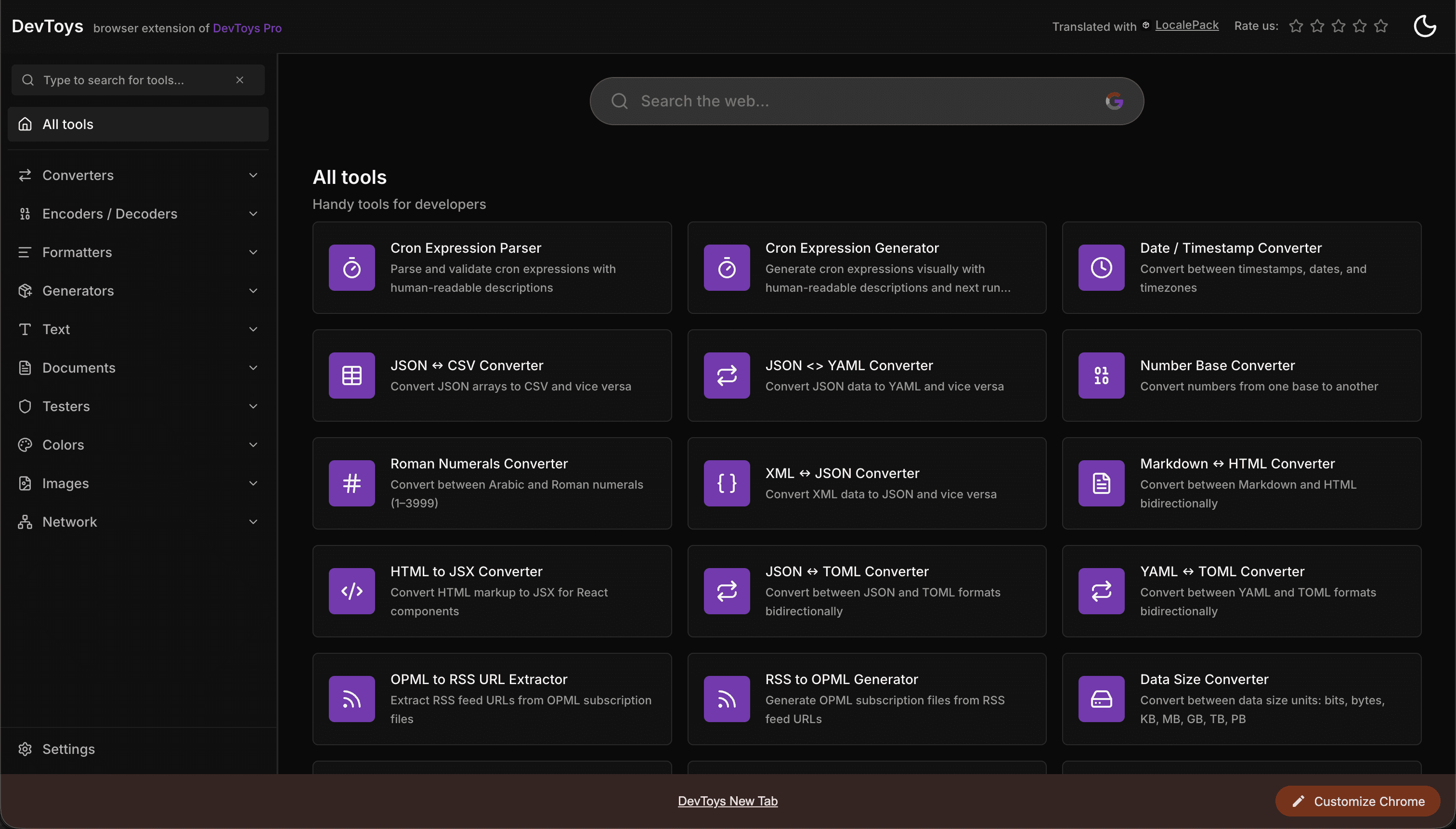
How the DevToys New Tab Chrome extension localized both its in-extension UI and its Chrome Web Store listing into 52 languages to reach a global audience.
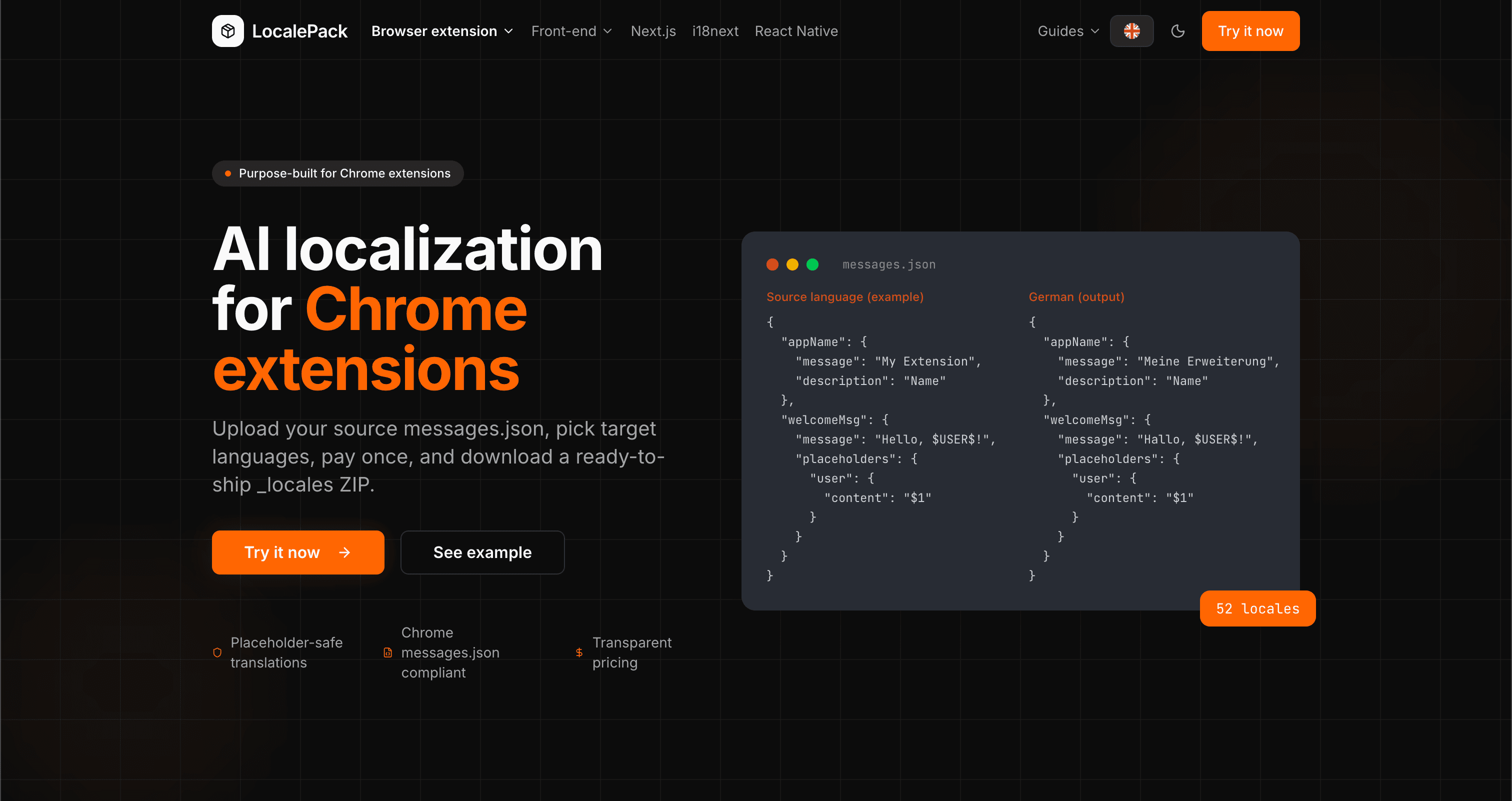
We used our own tool to translate the entire LocalePack site into 52 languages — 2.9M tokens for $27.37 — so developers worldwide find us in their own language.
“我們的 React 應用程式在一個下午就從僅支援英文擴展到 12 種語言。useTranslation() 的命名空間完整保留。”
Sam K.
React 開發者,SaaS 新創
“把 ZIP 丟進去後 I18nextProvider 就直接能用。不用手動合併,也不會把 {{variables}} 搞壞。”
Priya M.
前端工程師
“我連一個檔案都還沒上傳,就先看到價格預估。這正是我做一次性在地化工作所需要的。”
Chris D.
自由接案 React 開發者
52
支援的語系
100%
{{placeholder}} 與複數安全
ZIP
命名空間 ZIP
Deep dives on the formats, APIs and errors behind this page — written for developers, not translators.
A complete reference for the i18next JSON locale format — namespace files, double-brace {{placeholder}} syntax, _one/_other plural keys, nested objects, and how to structure your locales/ folder.
Practical comparison of the three leading Next.js i18n libraries — App Router support, file format, TypeScript safety, pluralization syntax, and when to pick each one.
Honest comparison of LocalePack and POEditor for i18next JSON translation. POEditor is a collaborative TMS with a string-count subscription and a free tier; LocalePack is upload → pay once → download.
How to get accurate AI translations for your Chrome extension: write description fields that give the model context, define placeholders with examples, avoid string concatenation, and handle plurals, casing, and length expansion.