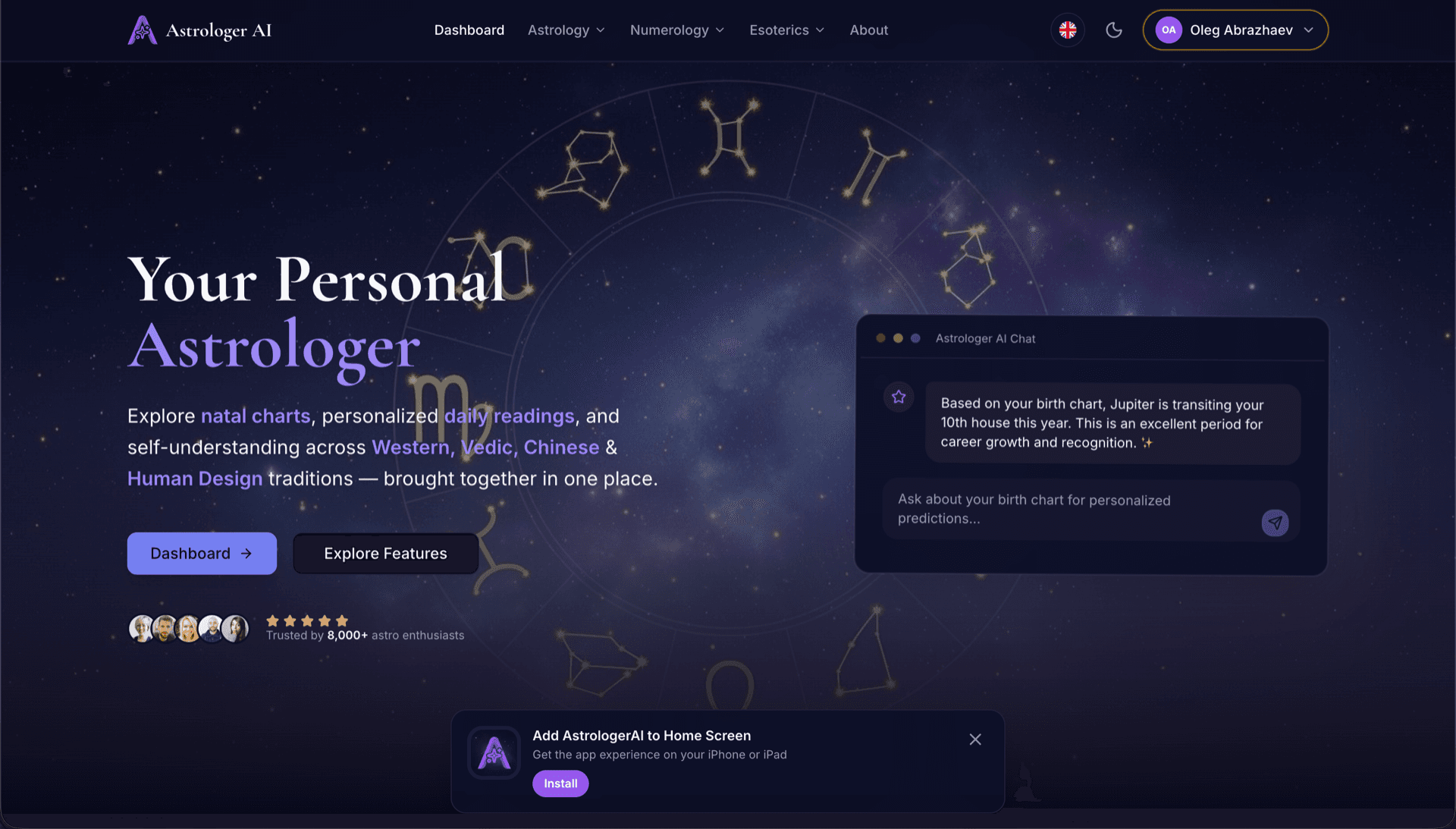
AstrologerAI: an AI astrology app localized into 52 languages
How the AstrologerAI app translated its entire experience into 52 languages with LocalePack — 6.3M tokens for $58.73 — to reach a worldwide audience in their own language.
የመነሻ መልዕክቶችዎን messages.json ይስቀሉ፣ የመድረሻ ቋንቋዎችን ይምረጡ፣ አንድ ጊዜ ይክፈሉ፣ እና ለመላክ ዝግጁ የሆነ _locales ZIP ያውርዱ።
የየChrome ቅጥያዎን ለማካባቢያዊ ማድረግ ሶስት ቀላል እርምጃዎች። ትርጉሞች ከክፍያ በኋላ ይጀምራሉ—ስራዎችን እንሰርዛለን እና በጥቂት ደቂቃዎች ውስጥ ZIP እንፈጥራለን።
የመነሻ messages.json ፋይልዎን ያኑሩ። ወዲያውኑ እንተነትነዋለን እና የየChrome ቅጥያ ቅርጸትን እናረጋግጣለን።
ከ52 ቋንቋዎች ይምረጡ። ከመክፈልዎ በፊት በፋይልዎ መጠን ላይ የተመሰረተ ግልጽ ዋጋ ይመልከቱ።
በStripe በኩል አንድ ጊዜ ይክፈሉ። ሁሉንም _locales/{lang}/messages.json ፋይሎች እንፈጥራለን እና ወደ ZIP እንጠቅማቸዋለን።
ከመስቀልዎ በፊት ትክክለኛውን የሚከፍሉትን ይመልከቱ። የመጨረሻ ጥቅስ ከመስቀል በኋላ በሕብረቁምፊ ርዝመት እና በተመረጡ ቋንቋዎች መሠረት ይታሰባል።
messages.json እዚህ ጣል
ወይም ለመፈለግ ይጫኑ
የChrome ኤክስቴንሽን ፎርማት ብቻ። ከፍተኛው 500KB።
ከ55 ቋንቋዎች ውስጥ 3 ተመርጠዋል
የመጨረሻ ዋጋ በመክፈያ ገጽ ላይ ፋይሉ ከተሰቀለ በኋላ ይታሰባል
አንድ ጊዜ ክፍያ • ምንም ዓይነት ምዝገባ የለም
ለየChrome ቅጥያ ሎኬል ፎርማት በተለይ የተሰራ። አጠቃላይ የትርጉም መሣሪያ አይደለም።
ለየChrome ቅጥያ messages.json መዋቅር በተለይ የተገነባ፣ message, description እና placeholders ድጋፍ ያለው።
$PLACEHOLDER$ ስነ-ስርዓትን እንደሆነ በትክክል ይጠብቃል። ተለዋዋጮችህ በሁሉም ቋንቋዎች ላይ ሳይቀየሩ ይቆያሉ።
የdescription መስኮችህን እናነባለን እና ለበለጠ ትክክለኛ የAI ትርጉሞች እንደ አውድ ምልክቶች እንጠቀማቸዋለን።
ትክክለኛውን _locales/{lang}/messages.json የአቃፊ መዋቅር ያለው ZIP አውርድ። ወደ ኤክስቴንሽንህ ውስጥ ጣለው።
ሁሉም ቋንቋዎች በአንድ ጊዜ ይተረጎማሉ። አብዛኛዎቹ ስራዎች ከ5 ደቂቃ በታች ይጠናቀቃሉ።
ምንም ምዝገባ የለም፣ ምንም ወርሃዊ ክፍያ የለም። ለእያንዳንዱ ስራ አንድ ጊዜ ክፈል፣ ለዘላለም አውርድ።
Chrome ኤክስቴንሽኖች i18n ለማንቃት በ manifest.json ውስጥ "default_locale" ያስታውቃሉ። ከዚያ በኋላ አሳሹ በስራ ላይ ሲሆን የአካባቢ ቋንቋ ስትሪንጎችን ከ _locales/{locale}/messages.json ያነባል። እያንዳንዱ ቁልፍ "message" መስክ አለው፣ ለአውድ አማራጭ "description" እና ለተለዋዋጭ እሴቶች አማራጭ "placeholders" አሉት — እነዚህን ሁሉ LocalePack በተፈጥሮ ይደግፋል።
_locales/
├── en/
│   └── messages.json   ← default_locale
├── de/
│   └── messages.json
├── fr/
│   └── messages.json
└── ja/
└── messages.json{
"appName": {
"message": "My Extension",
"description": "Extension name"
},
"greeting": {
"message": "Hello, $USER$!",
"placeholders": {
"user": { "content": "$1" }
}
}
}የRuntime API
chrome.i18nየጥሪ ምሳሌ
chrome.i18n.getMessage("appName")በmanifest ውስጥ የሚያስፈልግ
"default_locale"Chrome Web Store በ _locales/ ውስጥ የእነሱ ቋንቋ ፎልደር ሲኖር የኤክስቴንሽንዎን ስም እና መግለጫ በጎብኚው አካባቢ ቋንቋ በራስ-ሰር ያሳያል።
Chrome's i18n system fails quietly. These are the four rules that cause most broken releases.
A key that does not exist returns an empty string and logs nothing at all. Missing translations show up as blank UI, not as errors.
አጠቃላይ የትርጉም መሣሪያዎች የየChrome ቅጥያ ፎርማትን አያስተውሉም።
LocalePack | በእጅ ትርጉም | አጠቃላይ TMS | |
|---|---|---|---|
| የማዋቀር ጊዜ | 2 ደቂቃ | በእያንዳንዱ ቋንቋ ሰዓታት | 30+ ደቂቃ |
| የዋጋ ግልጽነት | |||
| የChrome ፎርማት ደህንነት | |||
| የPlaceholder ጥበቃ | |||
| ፍጥነት (52 ቋንቋዎች) | < 5 ደቂቃ | ሳምንታት | ሰዓታት |
| ለማን ይመች | የChrome ቅጥያዎች | ትናንሽ ፕሮጀክቶች | የድርጅት ደረጃ የድር መተግበሪያዎች |
LocalePackን በመጠቀም እስከ 52 ቋንቋዎች ድረስ ዓለም አቀፍ ተመልካቾችን የደረሱ እውነተኛ ፕሮጀክቶች።
How the AstrologerAI app translated its entire experience into 52 languages with LocalePack — 6.3M tokens for $58.73 — to reach a worldwide audience in their own language.
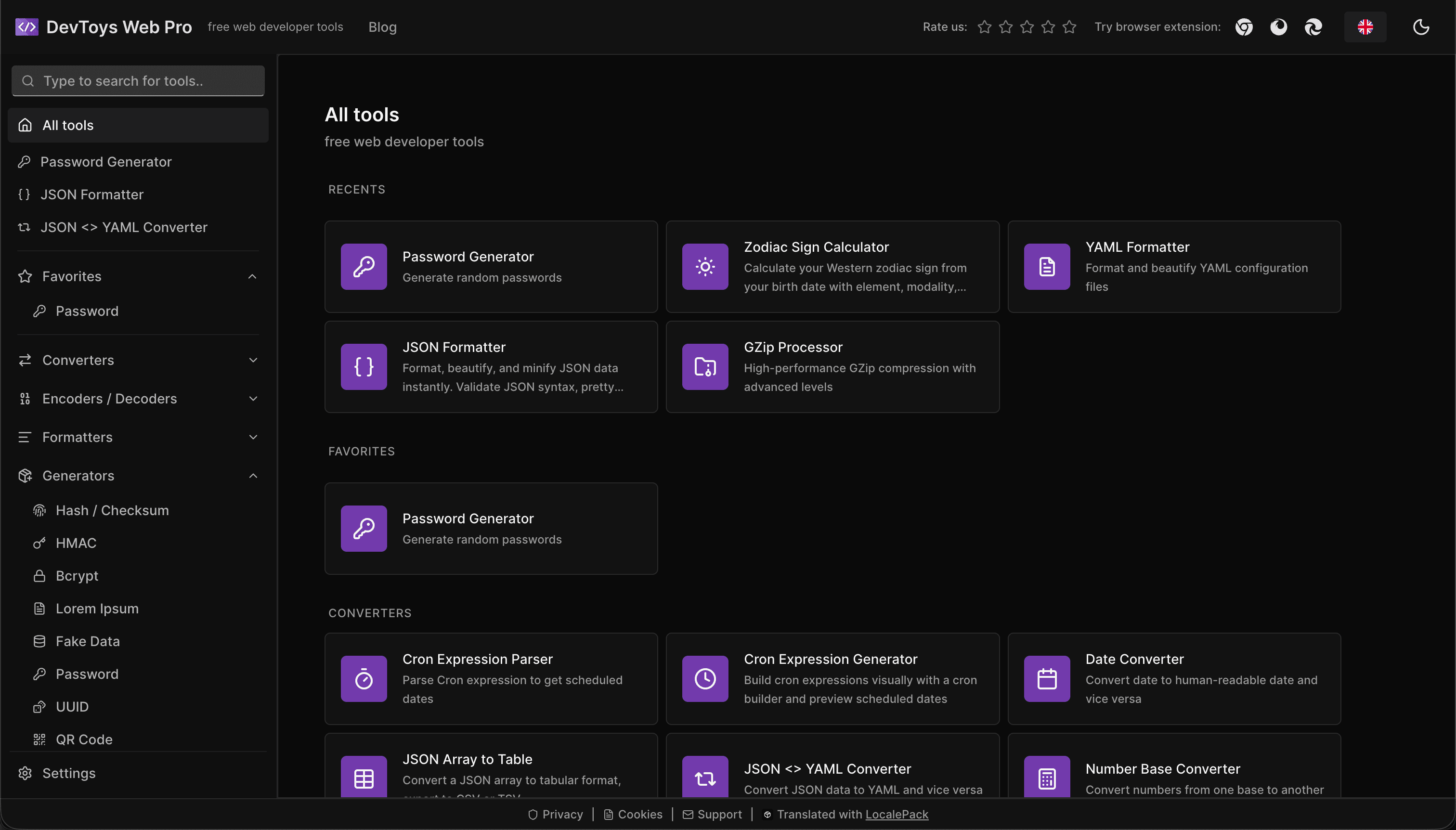
How the DevToys.pro web app translated its entire UI into 52 languages with LocalePack — 5.8M tokens for $58.44 — and quadrupled its international organic traffic.
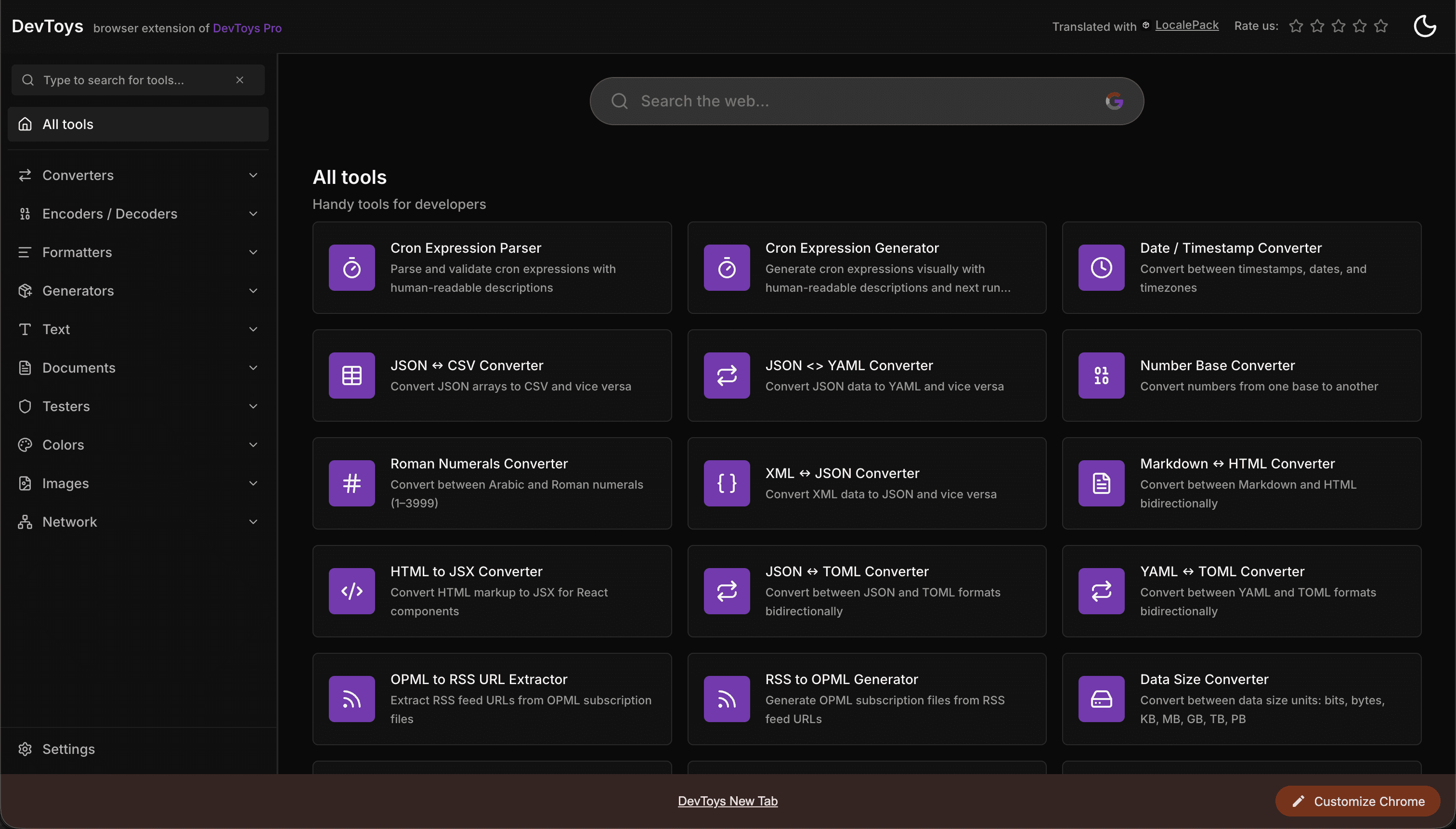
How the DevToys New Tab Chrome extension localized both its in-extension UI and its Chrome Web Store listing into 52 languages to reach a global audience.
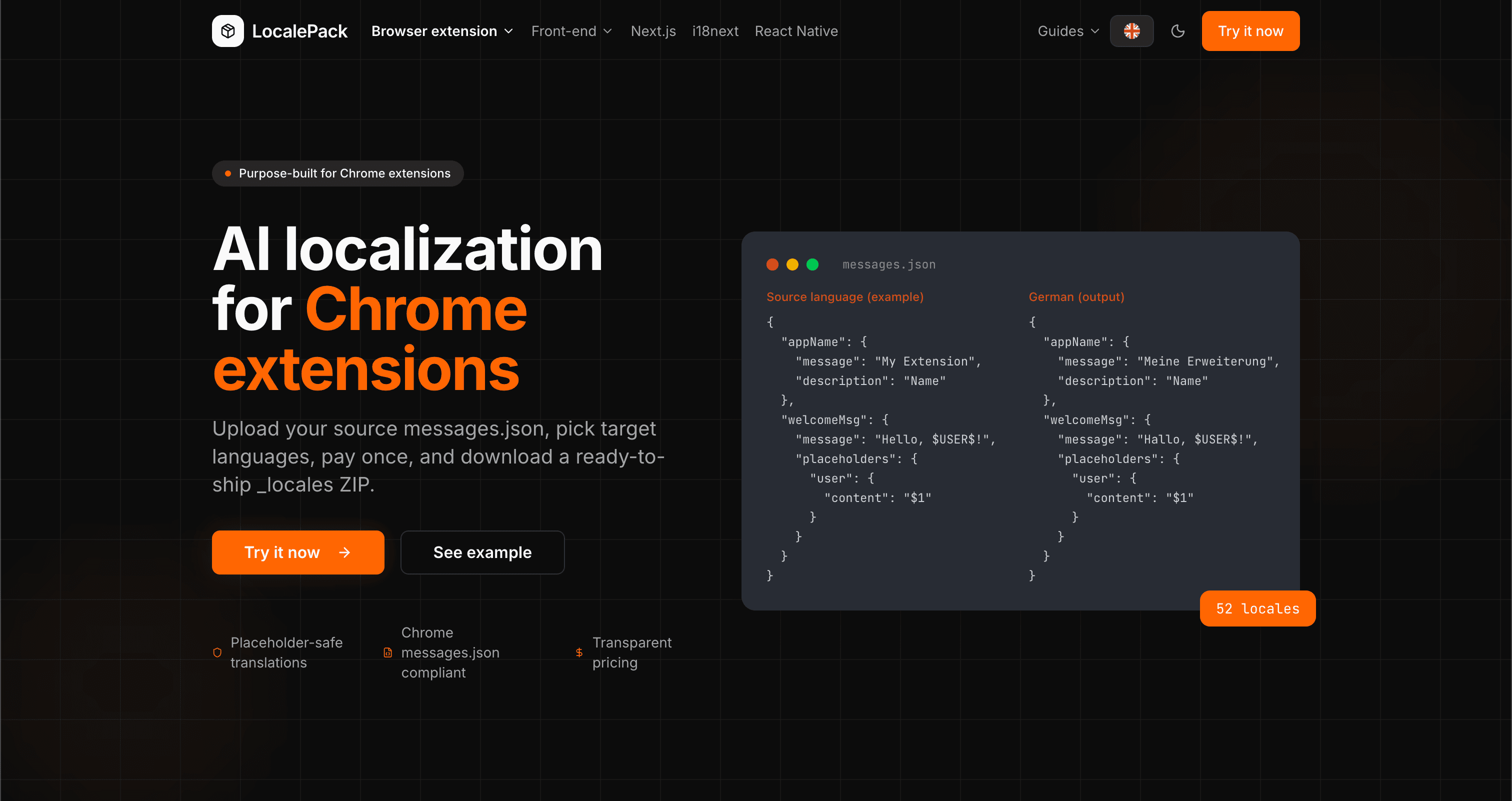
We used our own tool to translate the entire LocalePack site into 52 languages — 2.9M tokens for $27.37 — so developers worldwide find us in their own language.
“አሰልቺ ሥራ ላይ ብዙ ሰዓታት አዳነኝ። messages.json ሰቀልኩ፣ በሚፈልገው ትክክለኛ ቅርጸት ፍጹም ትርጉሞችን መልሼ ተቀበልኩ።”
ሳራ ኬ.
ኢንዲ ዴቭ፣ AdBlock ቅጥያ
“በመጨረሻ Chrome ቅጥያ ቅርጸትን የሚረዳ መሣሪያ። ከትርጉም በኋላ የተሰበሩ ቦታ ያዢዎችን መጠገን አቁሜአለሁ።”
ማርከስ ቲ.
የቅጥያ አስተዳዳሪ
“ግልጽ ዋጋ አቀራረብ የሚያሳምን ነጥብ ነበር። ምንም ነገር ከመስቀል በፊት ትክክል ምን እንደምከፍል አውቄ ነበር።”
Dev J.
የክፍት ምንጭ አስተዋጽኦ አበርካች
52
የሚደገፉ ቋንቋ-ክልሎች
100%
ቦታ ያዢ-ደህንነቱ የተጠበቀ ውጤት
ZIP
ለመላክ ዝግጁ
ስለ LocalePack ማወቅ የሚያስፈልግዎት ሁሉ።
Deep dives on the formats, APIs and errors behind this page — written for developers, not translators.
Step-by-step guide to adding i18n to a Chrome extension: _locales structure, default_locale, messages.json syntax, chrome.i18n.getMessage(), placeholder preservation, and how to test locale switching.
All four chrome.i18n methods with exact signatures and return types: which are synchronous, which return promises, what getMessage() returns when it fails, and how browser.i18n differs in Firefox and Safari.
Synchronous getMessage() is an advantage in an MV3 service worker, not a problem — a common claim that gets this backwards. What actually breaks is the DOM, global-variable caching, localStorage and XMLHttpRequest.
An honest comparison of tools that translate Chrome extension messages.json files: LocalePack, Crowdin, Lokalise, Phrase, POEditor, Localazy, Weblate, and Localeship — setup overhead, pricing models, and placeholder safety.
Honest comparison of LocalePack and Lokalise for Chrome extension messages.json translation. Lokalise is a full TMS with team workflows and a monthly subscription; LocalePack is upload → pay once → download.