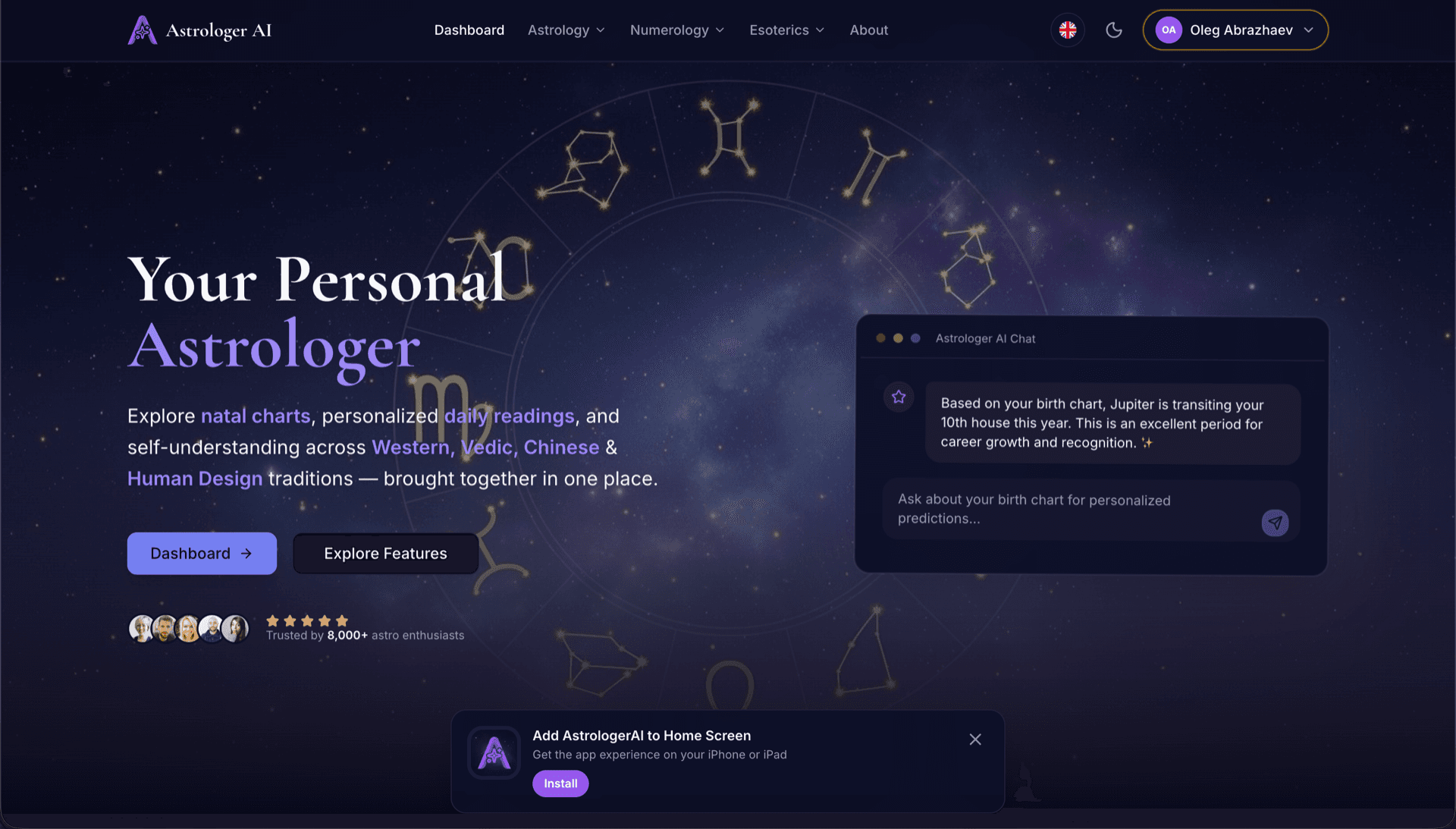
AstrologerAI: an AI astrology app localized into 52 languages
How the AstrologerAI app translated its entire experience into 52 languages with LocalePack — 6.3M tokens for $58.73 — to reach a worldwide audience in their own language.
Unggah messages.json sumber Anda, pilih bahasa target, bayar sekali, lalu unduh ZIP _locales yang siap dirilis.
Tiga langkah sederhana untuk melokalkan browser extension Anda. Terjemahan berjalan setelah pembayaran—kami mengantrekan pekerjaan dan menghasilkan ZIP dalam hitungan menit.
Letakkan file messages.json sumber Anda. Kami memprosesnya seketika dan memvalidasi format browser extension.
Pilih dari 52 bahasa. Lihat harga transparan berdasarkan ukuran file Anda sebelum membayar.
Bayar sekali melalui Stripe. Kami menghasilkan semua file _locales/{lang}/messages.json dan mengemasnya menjadi ZIP.
Lihat persis berapa yang akan Anda bayar sebelum mengunggah. Penawaran final dihitung setelah unggah berdasarkan panjang string dan bahasa yang dipilih.
Letakkan messages.json di sini
atau klik untuk menelusuri
messages.json input. Max 500KB.
3 dari 55 bahasa dipilih
Harga final dihitung setelah file diunggah di halaman checkout
Pembayaran sekali bayar • Tanpa langganan
Dibuat khusus untuk format locale browser extension. Bukan alat terjemahan generik.
Dibuat khusus untuk struktur messages.json browser extension dengan dukungan message, description, dan placeholders.
Mempertahankan sintaks $PLACEHOLDER$ persis apa adanya. Variabel Anda tetap utuh di semua bahasa.
Kami membaca kolom description Anda dan menggunakannya sebagai petunjuk konteks untuk terjemahan AI yang lebih akurat.
Unduh ZIP dengan struktur folder _locales/{lang}/messages.json yang benar. Masukkan ke ekstensi Anda.
Semua bahasa diterjemahkan secara bersamaan. Sebagian besar pekerjaan selesai dalam kurang dari 5 menit.
Tanpa langganan, tanpa biaya bulanan. Bayar sekali per pekerjaan, unduh selamanya.
A messages.json entry pairs a key with a "message" string, an optional "description" used as translation context, and an optional "placeholders" map. LocalePack parses all three: it translates only the message text, forwards the description to the model as context, and returns $PLACEHOLDER$ and $1 substitution tokens byte-identical.
_locales/
├── en/
│   └── messages.json   ← default_locale
├── de/
│   └── messages.json
├── fr/
│   └── messages.json
└── ja/
└── messages.json{
"appName": {
"message": "My Extension",
"description": "Extension name"
},
"greeting": {
"message": "Hello, $USER$!",
"placeholders": {
"user": { "content": "$1" }
}
}
}API runtime
chrome.i18n / browser.i18nContoh pemanggilan
getMessage("key")Wajib di manifest
"default_locale"The same translated messages.json drops into _locales/{locale}/ for Chrome, Firefox, Edge, Opera and Safari without further edits.
A messages.json entry is more than a key and a string. Getting these four pieces wrong is what breaks extensions after machine translation.
Most generic translation tools treat $PLACEHOLDER$ and $1 as ordinary words. Once they are translated or reordered, the extension ships with broken interpolation.
Alat terjemahan serbaguna tidak memahami format browser extension.
LocalePack | Terjemahan manual | TMS generik | |
|---|---|---|---|
| Waktu penyiapan | 2 menit | Berjam-jam per bahasa | 30+ menit |
| Transparansi biaya | |||
| Keamanan format WebExtension | |||
| Perlindungan placeholder | |||
| Kecepatan (52 bahasa) | < 5 menit | Minggu | Jam |
| Paling cocok untuk | Any messages.json file | Proyek kecil | Aplikasi web perusahaan |
Proyek nyata yang menggunakan LocalePack untuk menjangkau audiens global hingga 52 bahasa.
How the AstrologerAI app translated its entire experience into 52 languages with LocalePack — 6.3M tokens for $58.73 — to reach a worldwide audience in their own language.
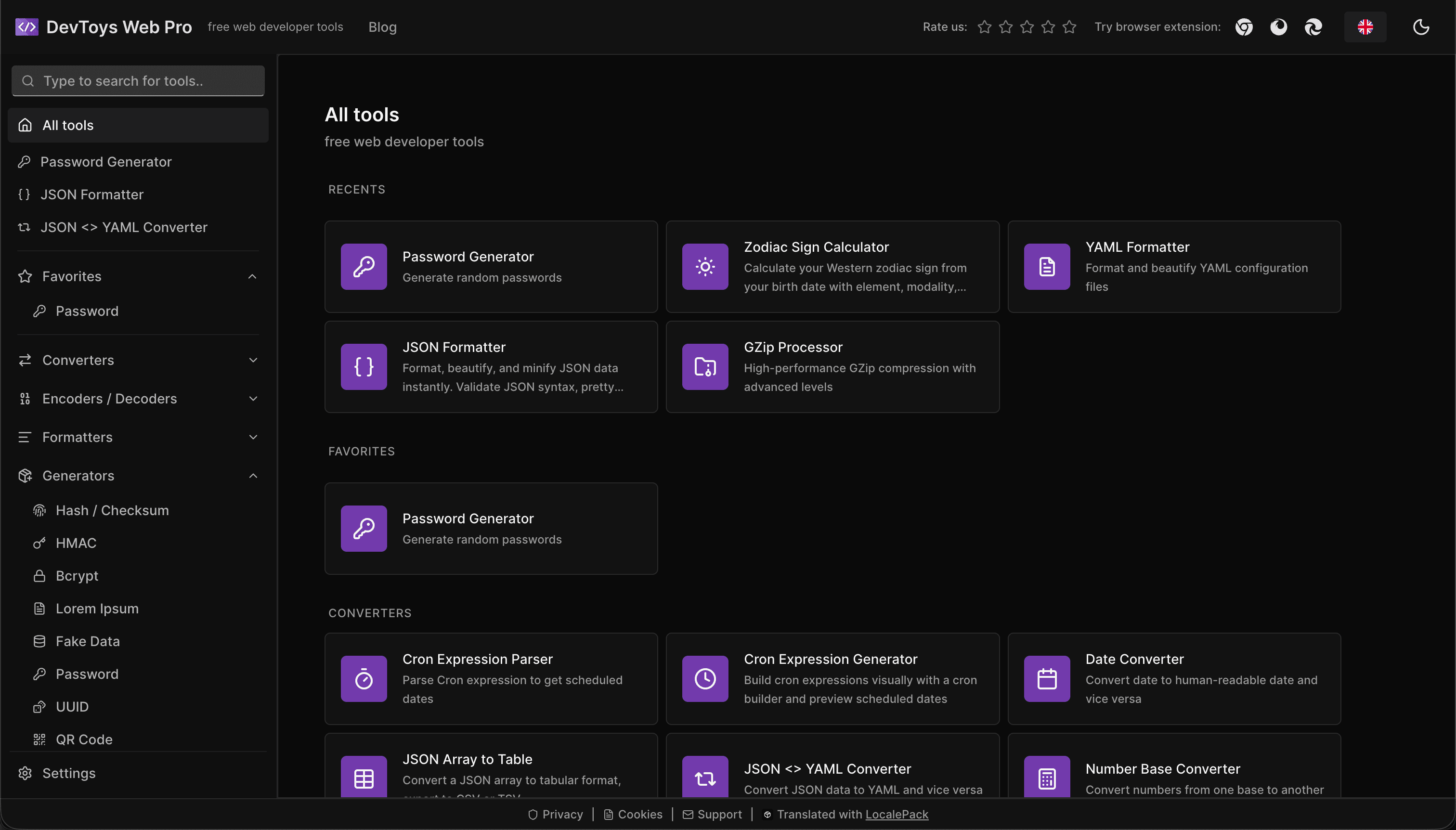
How the DevToys.pro web app translated its entire UI into 52 languages with LocalePack — 5.8M tokens for $58.44 — and quadrupled its international organic traffic.
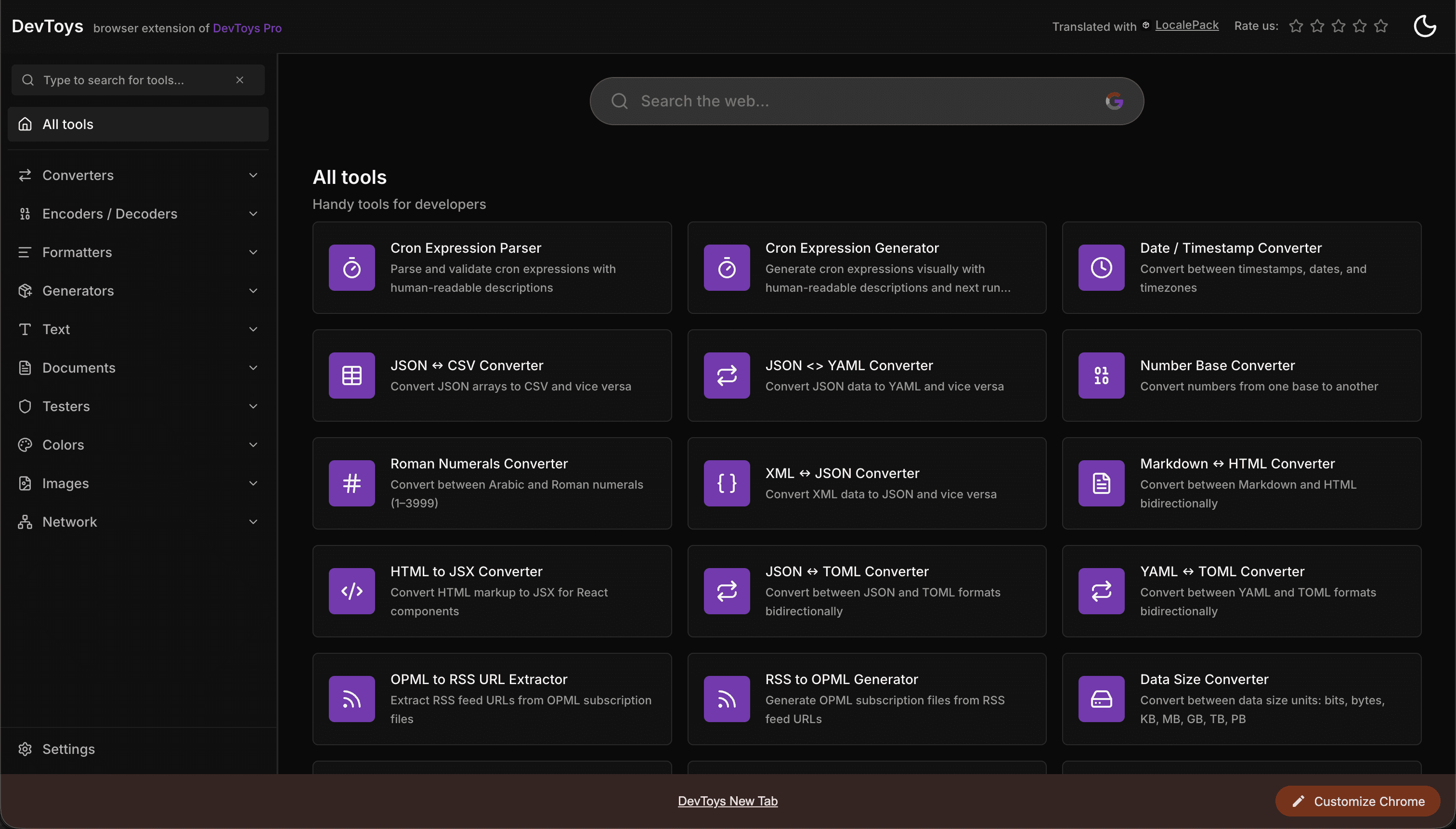
How the DevToys New Tab Chrome extension localized both its in-extension UI and its Chrome Web Store listing into 52 languages to reach a global audience.
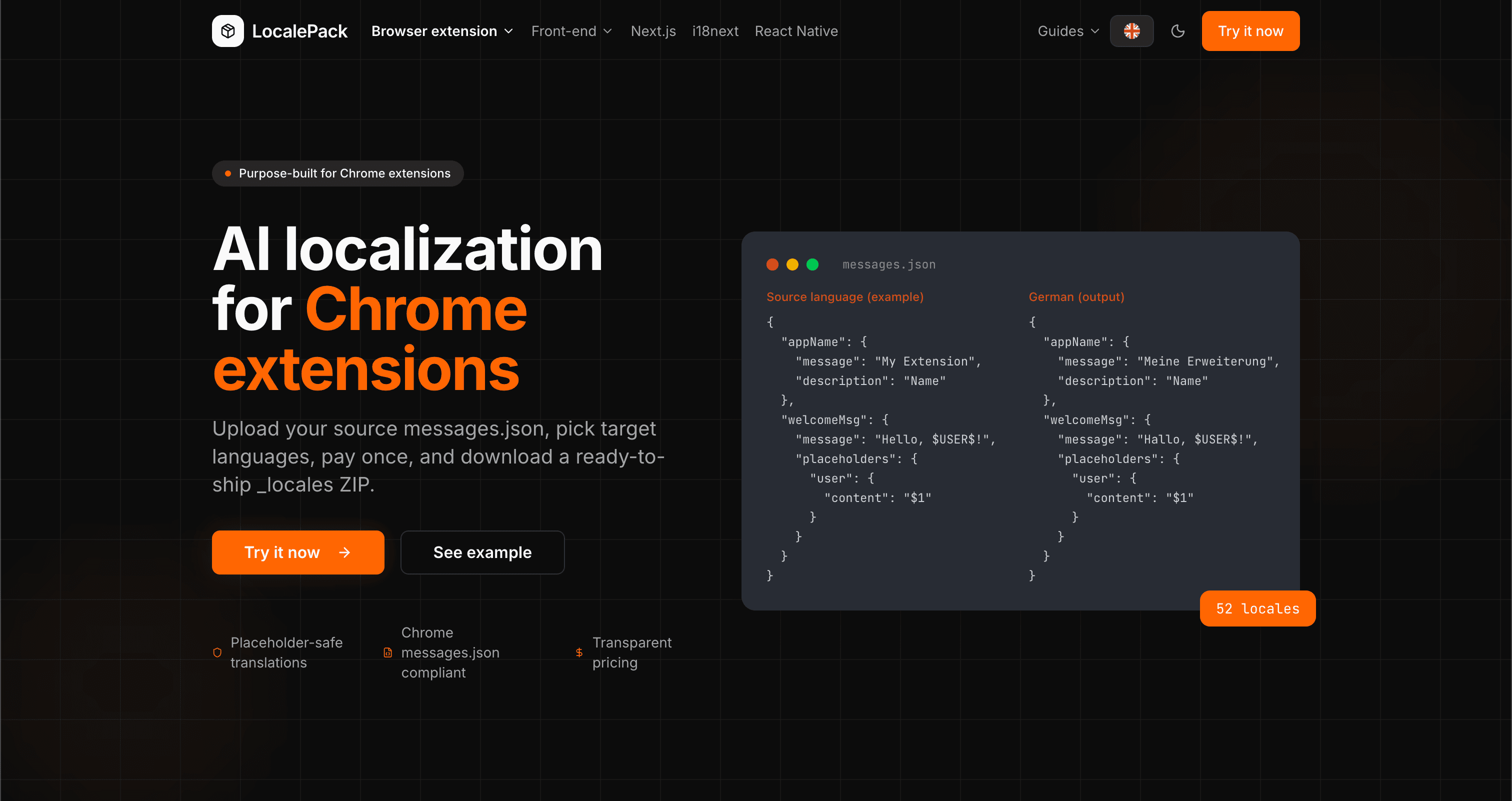
We used our own tool to translate the entire LocalePack site into 52 languages — 2.9M tokens for $27.37 — so developers worldwide find us in their own language.
“Menghemat saya berjam-jam pekerjaan yang membosankan. Saya mengunggah messages.json, lalu mendapatkan terjemahan sempurna dalam format persis yang saya butuhkan.”
Sarah K.
Pengembang indie, ekstensi AdBlock
“Our $PLACEHOLDER$ tokens came back untouched in all 52 locales. That is the whole reason we stopped scripting it ourselves.”
Marcus T.
Pengelola ekstensi
“Harga yang transparan adalah poin penentunya. Saya tahu persis berapa yang akan saya bayar sebelum mengunggah apa pun.”
Dev J.
Kontributor open source
52
Locale yang didukung
100%
Output aman untuk placeholder
ZIP
Siap dirilis
Semua yang perlu Anda ketahui tentang LocalePack.
Deep dives on the formats, APIs and errors behind this page — written for developers, not translators.
A complete reference for the WebExtension messages.json format: the message, description, and placeholders fields, $PLACEHOLDER$ syntax, $1 positional substitutions, and common mistakes.
How to catch every class of messages.json error before your users do: JSON syntax, missing required fields, missing keys across locales, malformed placeholder syntax, and manifest key mismatches.
How the __MSG_key__ substitution syntax works in Chrome and Firefox extension manifests: which fields support it, how Chrome resolves tokens at load time, and the pitfalls that cause silent failures or upload rejections.
getMessage() returns an empty string when a message is missing, and logs nothing at all. Every cause of the silent empty string, how to tell it apart from undefined, and how to confirm each one.
Bayar sekali - Unduh ZIP - Rilis secara global
Coba LocalePack