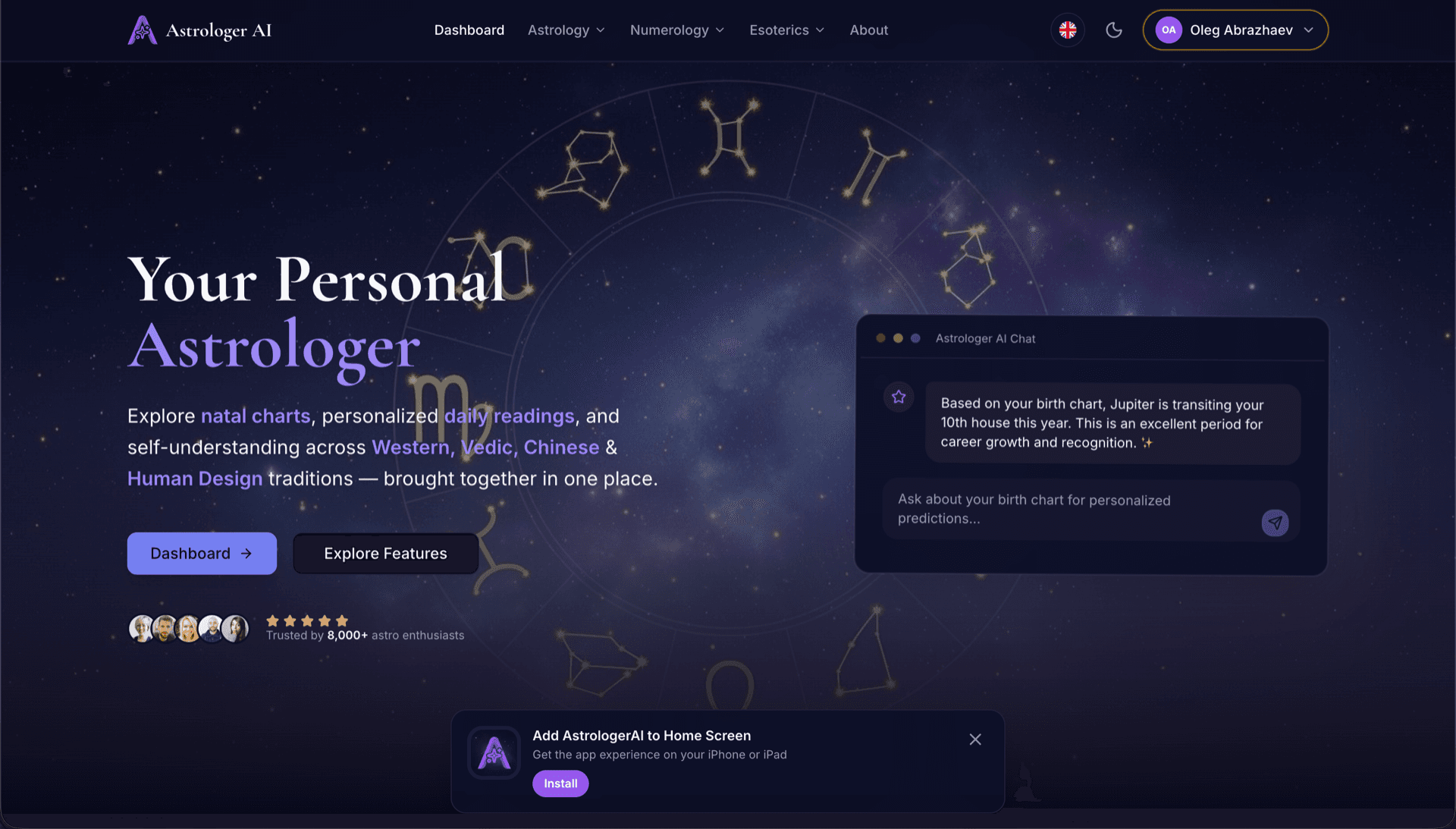
AstrologerAI: an AI astrology app localized into 52 languages
How the AstrologerAI app translated its entire experience into 52 languages with LocalePack — 6.3M tokens for $58.73 — to reach a worldwide audience in their own language.
Carica il tuo messages.json sorgente, scegli le lingue di destinazione, paga una sola volta e scarica un ZIP _locales pronto per la pubblicazione.
Tre semplici passaggi per localizzare la tua browser extension. Le traduzioni partono dopo il pagamento: mettiamo i lavori in coda e generiamo lo ZIP in pochi minuti.
Trascina il tuo file messages.json sorgente. Lo analizziamo subito e convalidiamo il formato della browser extension.
Scegli tra 52 lingue. Visualizza prezzi trasparenti in base alla dimensione del file prima di pagare.
Paga una sola volta tramite Stripe. Generiamo tutti i file _locales/{lang}/messages.json e li raggruppiamo in uno ZIP.
Scopri esattamente quanto pagherai prima di caricare. Il preventivo finale viene calcolato dopo il caricamento in base alla lunghezza delle stringhe e alle lingue selezionate.
Trascina qui messages.json
oppure fai clic per sfogliare
messages.json input. Max 500KB.
3 di 55 lingue selezionate
Prezzo finale calcolato dopo il caricamento del file nella pagina di checkout
Pagamento una tantum • Nessun abbonamento
Progettato appositamente per il formato locale di browser extension. Non è uno strumento di traduzione generico.
Creato specificamente per la struttura messages.json di browser extension, con supporto per message, description e placeholder.
Preserva la sintassi $PLACEHOLDER$ esattamente com'è. Le tue variabili restano intatte in tutte le lingue.
Leggiamo i campi description e li usiamo come indizi di contesto per traduzioni AI più accurate.
Scarica uno ZIP con la corretta struttura di cartelle _locales/{lang}/messages.json. Inseriscilo nella tua estensione.
Tutte le lingue vengono tradotte contemporaneamente. La maggior parte dei lavori si completa in meno di 5 minuti.
Niente abbonamenti, niente costi mensili. Paghi una volta per lavoro, scarichi per sempre.
A messages.json entry pairs a key with a "message" string, an optional "description" used as translation context, and an optional "placeholders" map. LocalePack parses all three: it translates only the message text, forwards the description to the model as context, and returns $PLACEHOLDER$ and $1 substitution tokens byte-identical.
_locales/
├── en/
│   └── messages.json   ← default_locale
├── de/
│   └── messages.json
├── fr/
│   └── messages.json
└── ja/
└── messages.json{
"appName": {
"message": "My Extension",
"description": "Extension name"
},
"greeting": {
"message": "Hello, $USER$!",
"placeholders": {
"user": { "content": "$1" }
}
}
}API runtime
chrome.i18n / browser.i18nChiamata di esempio
getMessage("key")Richiesto nel manifest
"default_locale"The same translated messages.json drops into _locales/{locale}/ for Chrome, Firefox, Edge, Opera and Safari without further edits.
A messages.json entry is more than a key and a string. Getting these four pieces wrong is what breaks extensions after machine translation.
Most generic translation tools treat $PLACEHOLDER$ and $1 as ordinary words. Once they are translated or reordered, the extension ships with broken interpolation.
Gli strumenti di traduzione generalisti non comprendono il formato browser extension.
LocalePack | Traduzione manuale | TMS generico | |
|---|---|---|---|
| Tempo di configurazione | 2 minuti | Ore per lingua | 30+ minuti |
| Trasparenza dei costi | |||
| Sicurezza del formato WebExtension | |||
| Protezione dei placeholder | |||
| Velocità (52 lingue) | < 5 min | Settimane | Ore |
| Ideale per | Any messages.json file | Piccoli progetti | App web enterprise |
Progetti reali che hanno usato LocalePack per raggiungere un pubblico globale in fino a 52 lingue.
How the AstrologerAI app translated its entire experience into 52 languages with LocalePack — 6.3M tokens for $58.73 — to reach a worldwide audience in their own language.
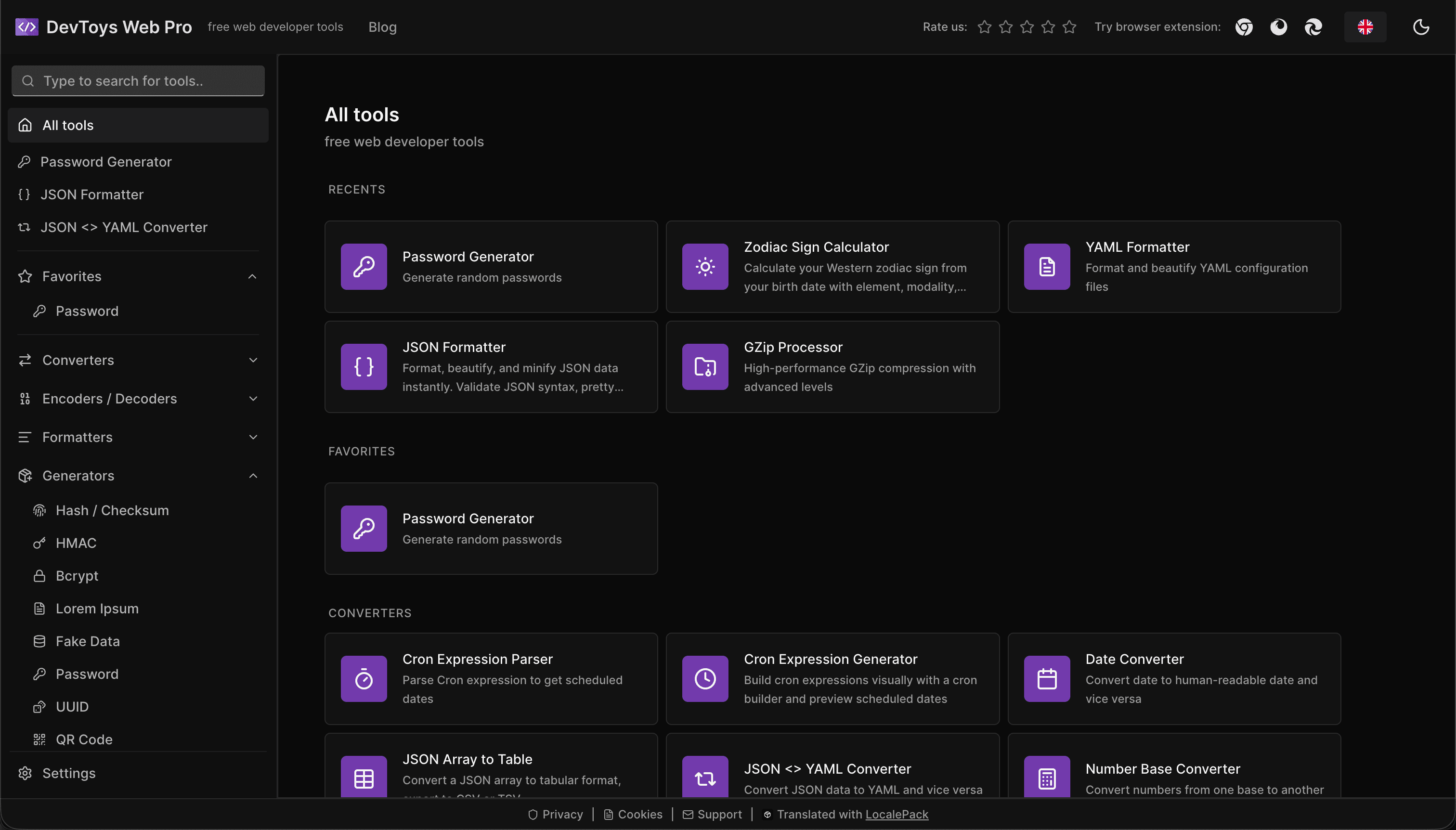
How the DevToys.pro web app translated its entire UI into 52 languages with LocalePack — 5.8M tokens for $58.44 — and quadrupled its international organic traffic.
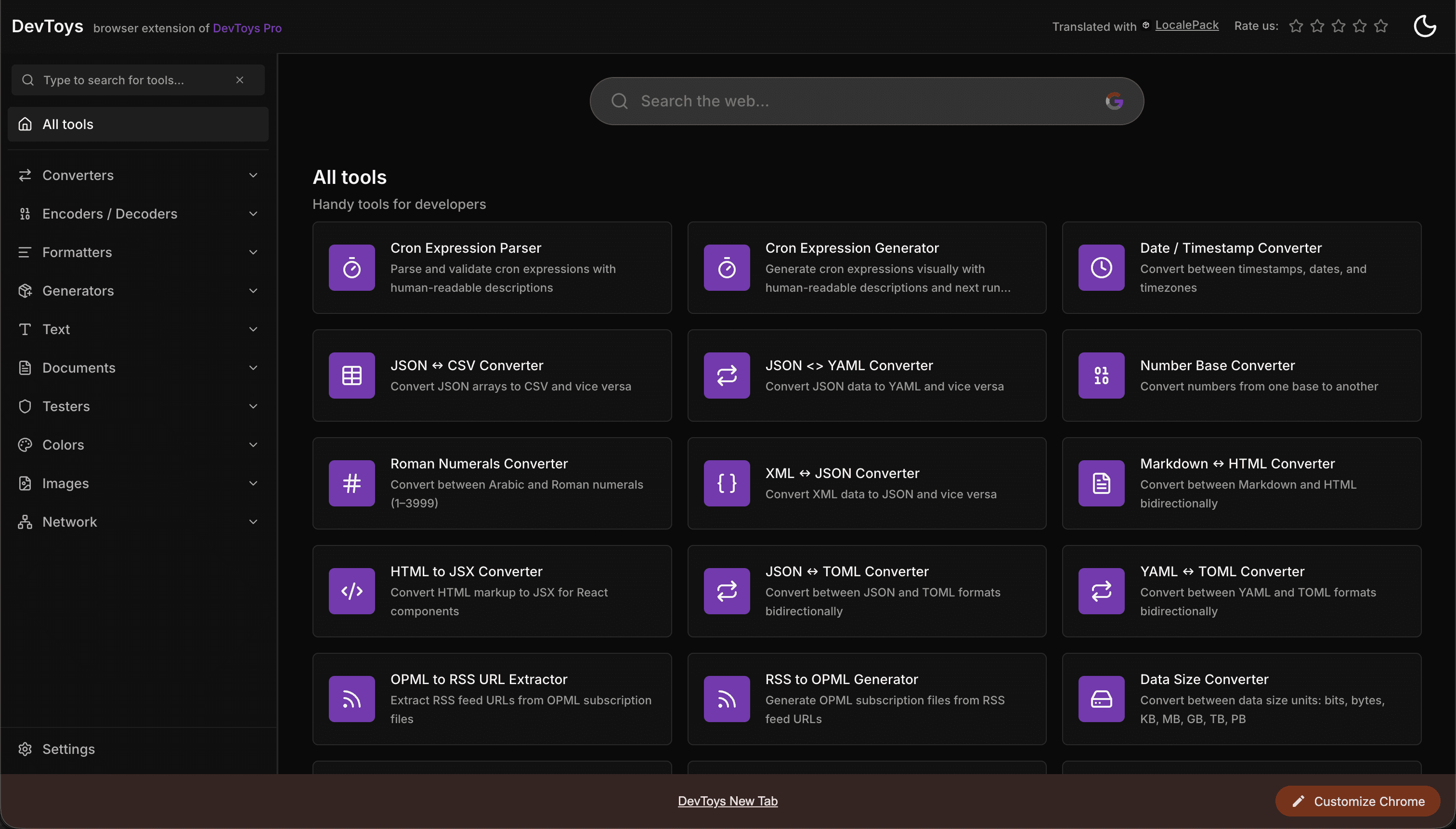
How the DevToys New Tab Chrome extension localized both its in-extension UI and its Chrome Web Store listing into 52 languages to reach a global audience.
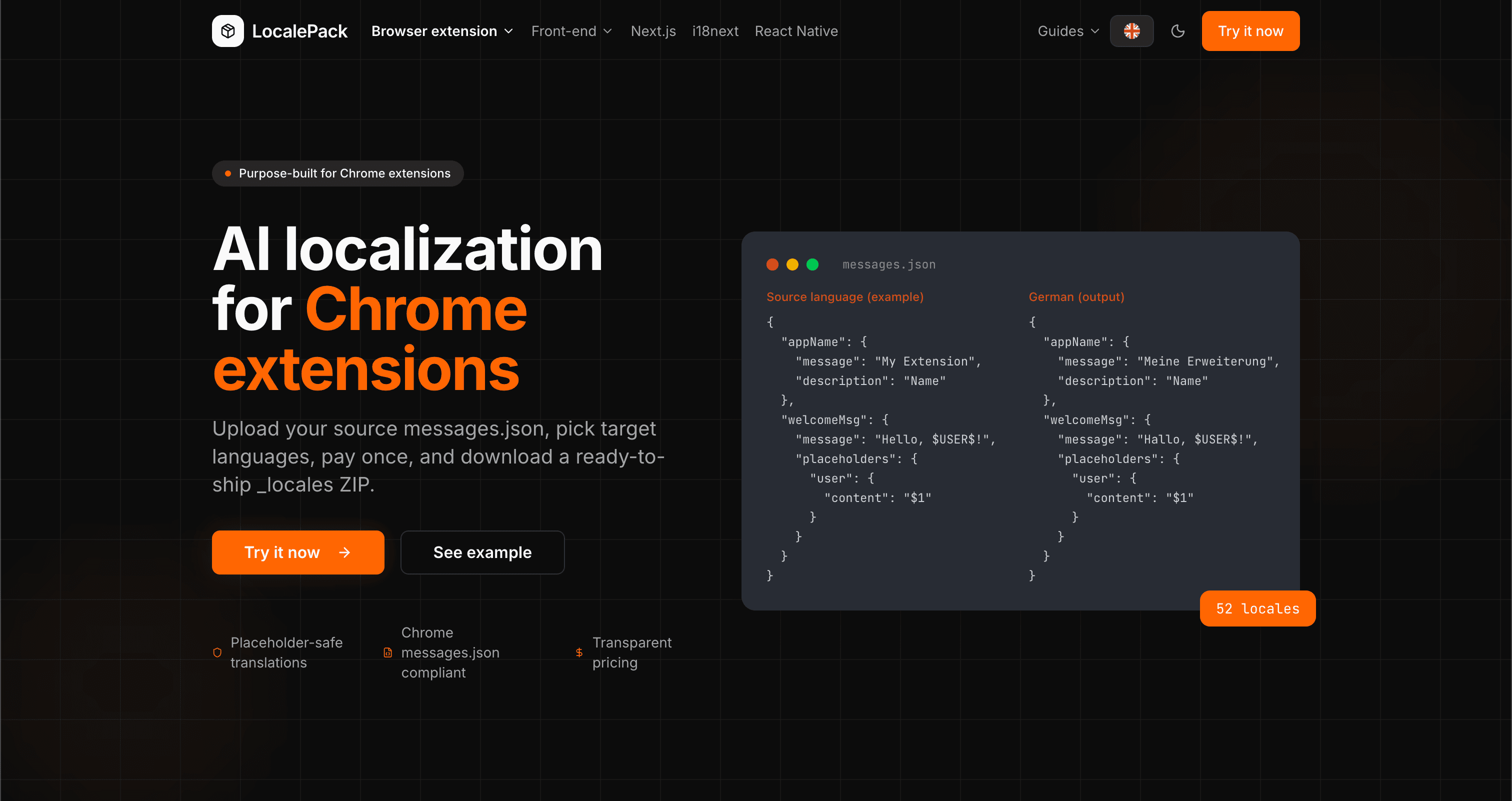
We used our own tool to translate the entire LocalePack site into 52 languages — 2.9M tokens for $27.37 — so developers worldwide find us in their own language.
“Mi ha fatto risparmiare ore di lavoro noioso. Ho caricato il mio messages.json e ho ottenuto traduzioni perfette nel formato esatto di cui avevo bisogno.”
Sarah K.
Sviluppatrice indie, estensione AdBlock
“Our $PLACEHOLDER$ tokens came back untouched in all 52 locales. That is the whole reason we stopped scripting it ourselves.”
Marcus T.
Manutentore di estensioni
“La trasparenza dei prezzi è stata decisiva. Sapevo esattamente quanto avrei pagato prima di caricare qualsiasi cosa.”
Dev J.
Contributor open source
52
Località supportate
100%
Output sicuro per i placeholder
ZIP
Pronto per la pubblicazione
Tutto ciò che devi sapere su LocalePack.
Deep dives on the formats, APIs and errors behind this page — written for developers, not translators.
A complete reference for the WebExtension messages.json format: the message, description, and placeholders fields, $PLACEHOLDER$ syntax, $1 positional substitutions, and common mistakes.
How to catch every class of messages.json error before your users do: JSON syntax, missing required fields, missing keys across locales, malformed placeholder syntax, and manifest key mismatches.
How the __MSG_key__ substitution syntax works in Chrome and Firefox extension manifests: which fields support it, how Chrome resolves tokens at load time, and the pitfalls that cause silent failures or upload rejections.
getMessage() returns an empty string when a message is missing, and logs nothing at all. Every cause of the silent empty string, how to tell it apart from undefined, and how to confirm each one.
Paga una volta - Scarica ZIP - Distribuisci a livello globale
Prova LocalePack