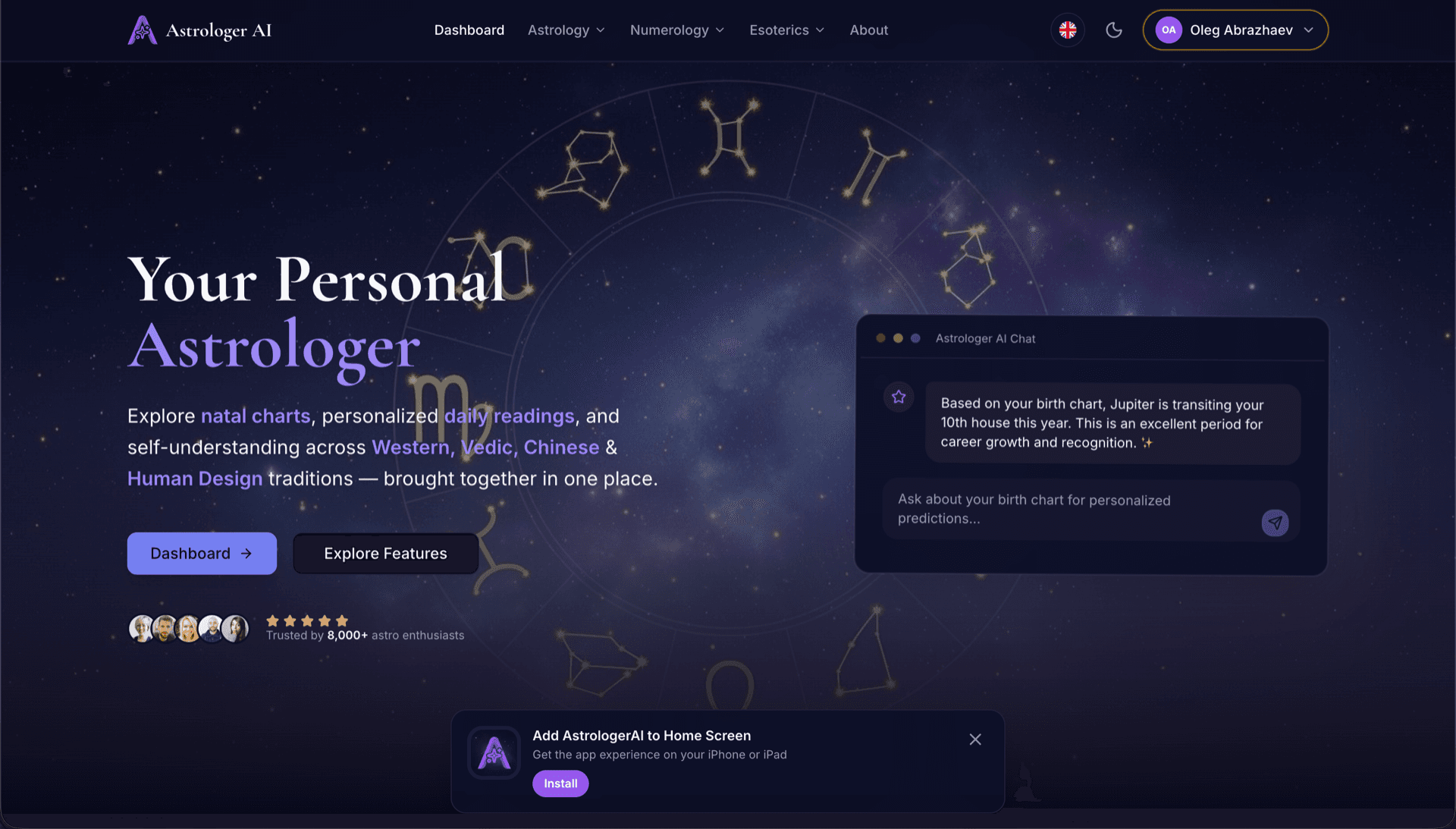
AstrologerAI: an AI astrology app localized into 52 languages
How the AstrologerAI app translated its entire experience into 52 languages with LocalePack — 6.3M tokens for $58.73 — to reach a worldwide audience in their own language.
നിങ്ങളുടെ സോഴ്സ് messages.json അപ്ലോഡ് ചെയ്യുക, ലക്ഷ്യഭാഷകൾ തിരഞ്ഞെടുക്കുക, ഒരിക്കൽ മാത്രം പണമടയ്ക്കുക, പിന്നെ ഷിപ്പ് ചെയ്യാൻ തയ്യാറായ _locales ZIP ഡൗൺലോഡ് ചെയ്യുക.
നിങ്ങളുടെ browser extension ലോക്കലൈസ് ചെയ്യാൻ മൂന്ന് ലളിതമായ ഘട്ടങ്ങൾ. പണമടച്ചതിന് ശേഷം വിവർത്തനങ്ങൾ പ്രവർത്തിക്കും—ഞങ്ങൾ ജോബുകൾ ക്യൂ ചെയ്ത് മിനിറ്റുകൾക്കുള്ളിൽ ZIP സൃഷ്ടിക്കും.
നിങ്ങളുടെ സോഴ്സ് messages.json ഫയൽ ഡ്രോപ്പ് ചെയ്യുക. ഞങ്ങൾ അത് ഉടൻ പാർസ് ചെയ്ത് browser extension ഫോർമാറ്റ് സാധൂകരിക്കും.
52 ഭാഷകളിൽ നിന്ന് തിരഞ്ഞെടുക്കുക. പണമടയ്ക്കുന്നതിന് മുമ്പ് നിങ്ങളുടെ ഫയൽ വലുപ്പത്തെ അടിസ്ഥാനമാക്കിയുള്ള സുതാര്യമായ വിലനിർണ്ണയം കാണുക.
Stripe വഴി ഒരിക്കൽ മാത്രം പണമടയ്ക്കുക. ഞങ്ങൾ എല്ലാ _locales/{lang}/messages.json ഫയലുകളും സൃഷ്ടിച്ച് അവയെ ZIP ആയി ബണ്ടിൽ ചെയ്യും.
അപ്ലോഡ് ചെയ്യുന്നതിന് മുമ്പ് നിങ്ങൾ എത്ര പണമടയ്ക്കുമെന്ന് കൃത്യമായി കാണുക. അപ്ലോഡിന് ശേഷം സ്ട്രിംഗ് നീളവും തിരഞ്ഞെടുക്കുന്ന ഭാഷകളും അടിസ്ഥാനമാക്കി അന്തിമ ക്വോട്ട് കണക്കാക്കപ്പെടും.
messages.json ഇവിടെ ഡ്രോപ്പ് ചെയ്യുക
അല്ലെങ്കിൽ ബ്രൗസ് ചെയ്യാൻ ക്ലിക്ക് ചെയ്യുക
WebExtension messages.json format. Max 500KB.
55 ഭാഷകളിൽ 3 എണ്ണം തിരഞ്ഞെടുക്കപ്പെട്ടു
ചെക്ക്ഔട്ട് പേജിൽ ഫയൽ അപ്ലോഡ് ചെയ്തതിന് ശേഷം അന്തിമ വില കണക്കാക്കും
ഒറ്റത്തവണ പേയ്മെന്റ് • സബ്സ്ക്രിപ്ഷൻ ഇല്ല
browser extension ലോക്കേൽ ഫോർമാറ്റിനായി പ്രത്യേകമായി നിർമ്മിച്ചത്. പൊതുവായ ഒരു വിവർത്തന ടൂൾ അല്ല.
browser extension messages.json ഘടനയ്ക്കായി പ്രത്യേകമായി നിർമ്മിച്ചത്; message, description, placeholders പിന്തുണയോടെ.
$PLACEHOLDER$ സിന്റാക്സ് അതേപടി കൃത്യമായി നിലനിർത്തുന്നു. നിങ്ങളുടെ വേരിയബിളുകൾ എല്ലാ ഭാഷകളിലും അക്ഷുണ്ണമായി തുടരും.
കൂടുതൽ കൃത്യമായ AI വിവർത്തനങ്ങൾക്കായി ഞങ്ങൾ നിങ്ങളുടെ description ഫീൽഡുകൾ വായിച്ച് കോൺടെക്സ്റ്റ് സൂചനകളായി ഉപയോഗിക്കുന്നു.
ശരിയായ _locales/{lang}/messages.json ഫോൾഡർ ഘടനയോടെ ഒരു ZIP ഡൗൺലോഡ് ചെയ്യുക. അത് നിങ്ങളുടെ എക്സ്റ്റൻഷനിലേക്ക് ഡ്രോപ്പ് ചെയ്യുക.
എല്ലാ ഭാഷകളും ഒരേസമയം വിവർത്തനം ചെയ്യപ്പെടുന്നു. മിക്ക ജോലികളും 5 മിനിറ്റിനുള്ളിൽ പൂർത്തിയാകും.
സബ്സ്ക്രിപ്ഷനുകളില്ല, മാസഫീസുകളില്ല. ഓരോ ജോബിനും ഒരിക്കൽ മാത്രം പണമടയ്ക്കുക, എന്നും ഡൗൺലോഡ് ചെയ്യുക.
Every major browser reads the same _locales/{locale}/messages.json structure. Chrome, Edge and Opera expose the chrome.i18n namespace; Firefox and Safari expose browser.i18n. The file format, the placeholder syntax and the default_locale requirement are identical across all of them, which is why a single translated folder ships everywhere.
_locales/
├── en/
│   └── messages.json   ← default_locale
├── de/
│   └── messages.json
├── fr/
│   └── messages.json
└── ja/
└── messages.json{
"appName": {
"message": "My Extension",
"description": "Extension name"
},
"greeting": {
"message": "Hello, $USER$!",
"placeholders": {
"user": { "content": "$1" }
}
}
}റൺടൈം API
chrome.i18n / browser.i18nഉദാഹരണ കോൾ
getMessage("key")മാനിഫെസ്റ്റിൽ ആവശ്യമാണ്
"default_locale"In-extension strings come from _locales/. Store listing copy is managed separately in each store's own dashboard — translating one does not translate the other.
The messages.json format is shared across every major browser. Only four things vary, and none of them require re-translating your strings.
One translated _locales/ folder covers Chrome, Firefox, Edge, Opera, and Safari. The porting work is in the build, never in the strings.
പൊതുവായ വിവർത്തന ടൂളുകൾക്ക് browser extension ഫോർമാറ്റ് മനസ്സിലാകില്ല.
LocalePack | മാനുവൽ വിവർത്തനം | പൊതുവായ TMS | |
|---|---|---|---|
| സജ്ജീകരണ സമയം | 2 മിനിറ്റ് | ഓരോ ഭാഷയ്ക്കും മണിക്കൂറുകൾ | 30+ മിനിറ്റ് |
| ചെലവിന്റെ സുതാര്യത | |||
| WebExtension ഫോർമാറ്റ് സുരക്ഷ | |||
| പ്ലേസ്ഹോൾഡർ സംരക്ഷണം | |||
| വേഗം (52 ഭാഷകൾ) | < 5 മിനിറ്റ് | ആഴ്ചകൾ | മണിക്കൂറുകൾ |
| ഏറ്റവും അനുയോജ്യം | Cross-browser extensions | ചെറിയ പ്രോജക്റ്റുകൾ | എന്റർപ്രൈസ് വെബ് ആപ്പുകൾ |
LocalePack ഉപയോഗിച്ച് 52 ഭാഷകൾ വരെ ഉൾപ്പെടുത്തി ആഗോള പ്രേക്ഷകരിലേക്കെത്തിയ യഥാർത്ഥ പ്രോജക്റ്റുകൾ.
How the AstrologerAI app translated its entire experience into 52 languages with LocalePack — 6.3M tokens for $58.73 — to reach a worldwide audience in their own language.
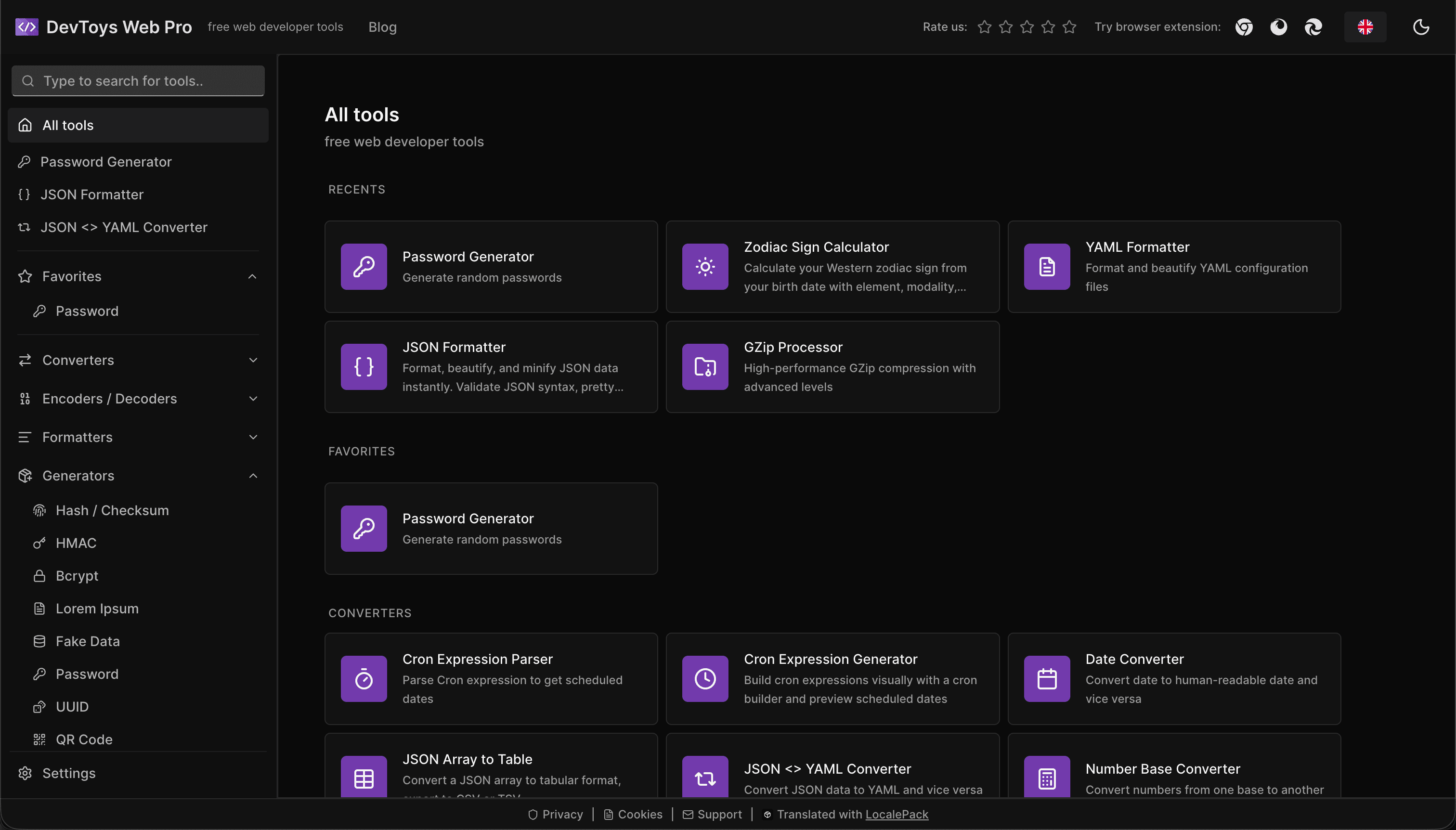
How the DevToys.pro web app translated its entire UI into 52 languages with LocalePack — 5.8M tokens for $58.44 — and quadrupled its international organic traffic.
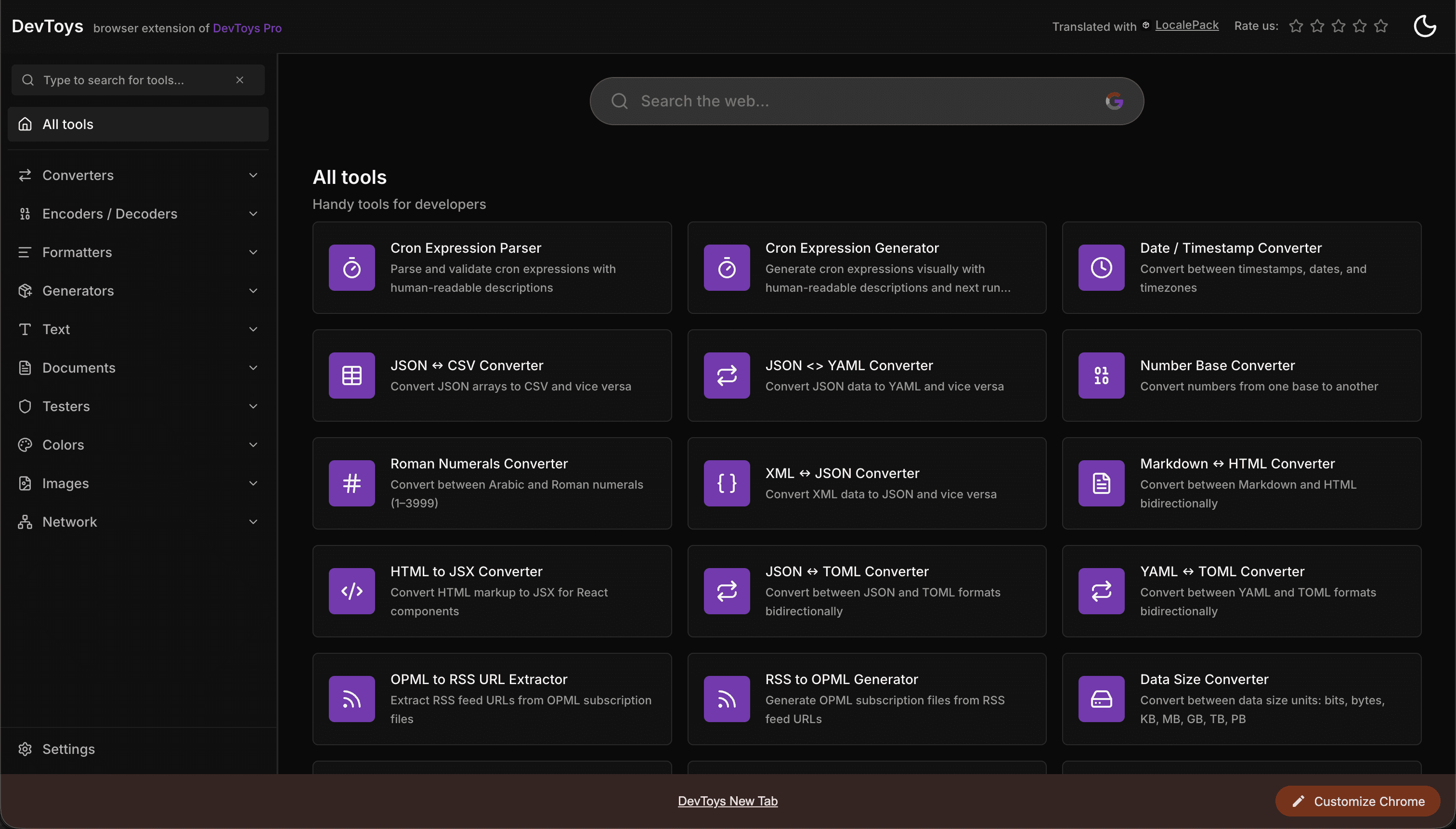
How the DevToys New Tab Chrome extension localized both its in-extension UI and its Chrome Web Store listing into 52 languages to reach a global audience.
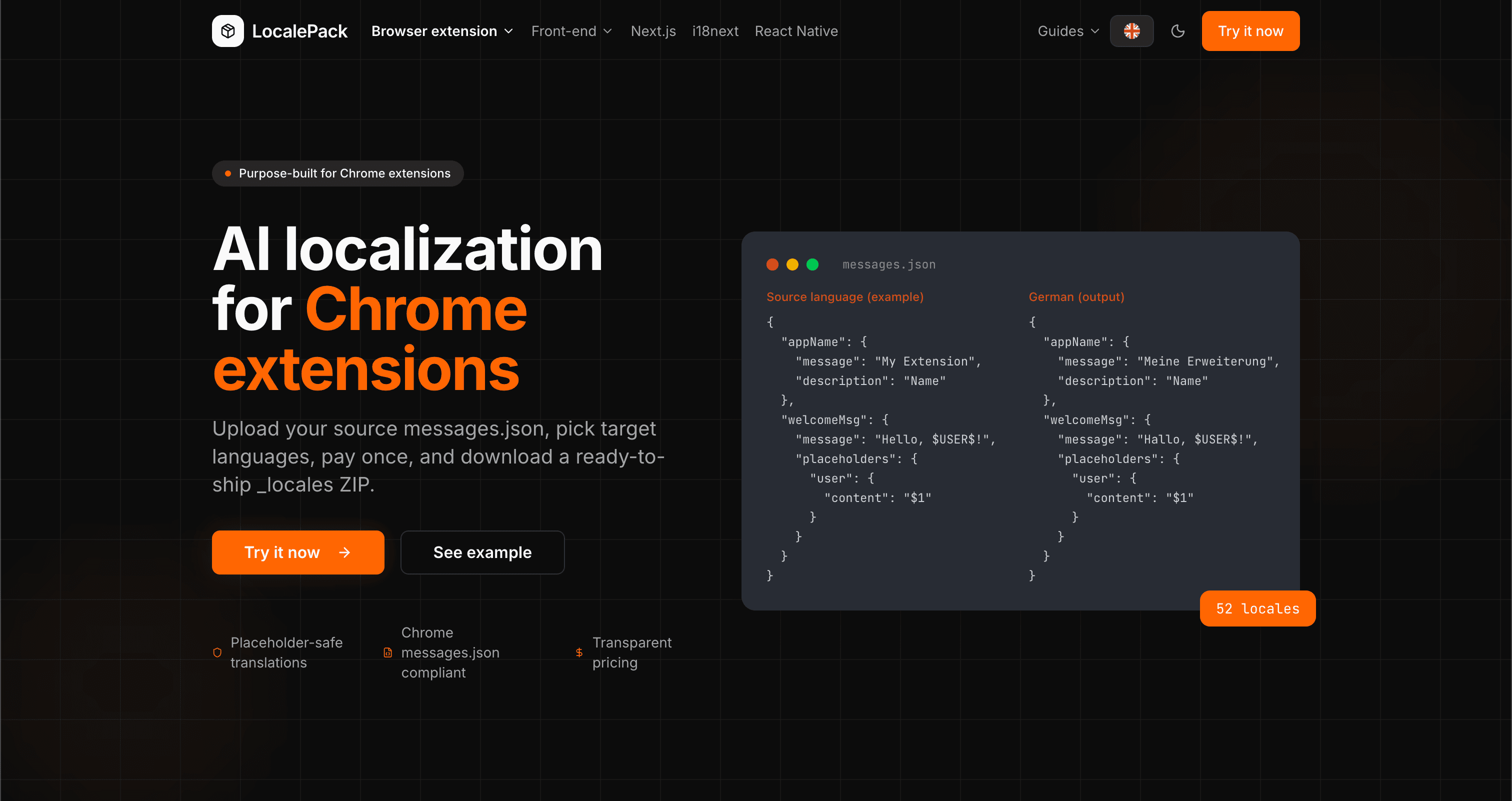
We used our own tool to translate the entire LocalePack site into 52 languages — 2.9M tokens for $27.37 — so developers worldwide find us in their own language.
“ബോറടിപ്പിക്കുന്ന ജോലിയുടെ മണിക്കൂറുകൾ ലാഭിച്ചു. എന്റെ messages.json അപ്ലോഡ് ചെയ്തു, എനിക്ക് വേണ്ട കൃത്യമായ ഫോർമാറ്റിൽ തന്നെ പൂർണ്ണമായ വിവർത്തനങ്ങൾ തിരികെ ലഭിച്ചു.”
സാറാ കെ.
ഇൻഡി ഡെവ്, AdBlock എക്സ്റ്റൻഷൻ
“We ship the same _locales folder to Chrome, Firefox and Edge. One translation pass covers all three.”
മാർക്കസ് ടി.
എക്സ്റ്റൻഷൻ മെയിന്റെയ്നർ
“വ്യക്തമായ വിലനിർണ്ണയമാണ് തീരുമാനകാരണം. ഒന്നും അപ്ലോഡ് ചെയ്യുന്നതിന് മുമ്പേ ഞാൻ എത്ര പണമടയ്ക്കുമെന്ന് കൃത്യമായി അറിഞ്ഞിരുന്നു.”
Dev J.
ഓപ്പൺ സോഴ്സ് സംഭാവകൻ
52
പിന്തുണയ്ക്കുന്ന ലോക്കേലുകൾ
100%
പ്ലേസ്ഹോൾഡർ-സുരക്ഷിത ഔട്ട്പുട്ട്
ZIP
ഷിപ്പ് ചെയ്യാൻ തയ്യാറാണ്
LocalePack സംബന്ധിച്ച് നിങ്ങൾ അറിയേണ്ടതെല്ലാം.
Deep dives on the formats, APIs and errors behind this page — written for developers, not translators.
A complete reference for the WebExtension messages.json format: the message, description, and placeholders fields, $PLACEHOLDER$ syntax, $1 positional substitutions, and common mistakes.
How @wxt-dev/i18n compiles YAML, JSON, JSONC, JSON5 and TOML message files into standard _locales/{lang}/messages.json — setup, nested keys, plurals, substitutions, type safety, and how to translate a WXT project.
Plasmo does not read _locales/ at the project root. The three paths it does accept, where default_locale actually lives, the alphabetical-default trap, and how to place a translated _locales ZIP correctly.
CRXJS ships no i18n helper and its docs have no i18n page. Here is the working pattern: put _locales under public/, declare default_locale in manifest.config.ts, and call chrome.i18n directly.
ഒരിക്കൽ പണമടയ്ക്കുക - ZIP ഡൗൺലോഡ് ചെയ്യുക - ആഗോളമായി ഷിപ്പ് ചെയ്യുക
LocalePack പരീക്ഷിക്കുക