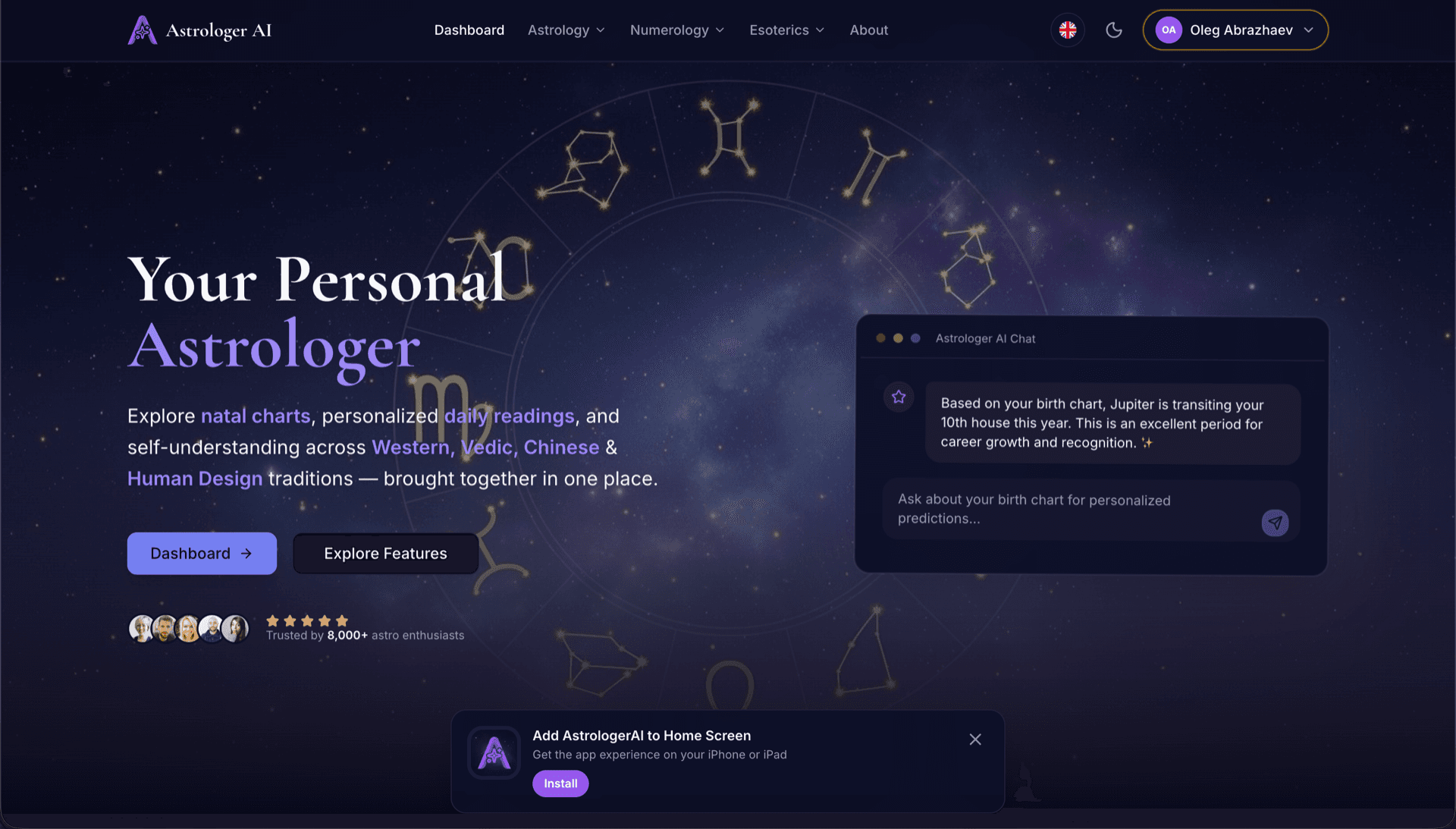
AstrologerAI: an AI astrology app localized into 52 languages
How the AstrologerAI app translated its entire experience into 52 languages with LocalePack — 6.3M tokens for $58.73 — to reach a worldwide audience in their own language.
നിങ്ങളുടെ JSON വിവർത്തന ഫയൽ അപ്ലോഡ് ചെയ്യുക, ലക്ഷ്യഭാഷകൾ തിരഞ്ഞെടുക്കുക, ഒരിക്കൽ പണമടയ്ക്കുക, ഉപയോഗിക്കാൻ തയ്യാറായ locale ഫയലുകൾ ഡൗൺലോഡ് ചെയ്യുക.
നിങ്ങളുടെ Next.js ആപ്പ് ലോക്കലൈസ് ചെയ്യാൻ മൂന്ന് ലളിത ഘട്ടങ്ങൾ. പേയ്മെന്റിന് ശേഷം ട്രാൻസ്ലേഷനുകൾ പ്രവർത്തിക്കും—ഞങ്ങൾ ജോബുകൾ ക്യൂ ചെയ്ത് മിനിറ്റുകൾക്കകം ഫയലുകൾ സൃഷ്ടിക്കും.
നിങ്ങളുടെ JSON ട്രാൻസ്ലേഷൻ ഫയൽ (next-intl, react-i18next, അല്ലെങ്കിൽ ലളിത JSON) ഡ്രോപ്പ് ചെയ്യുക. ഫോർമാറ്റ് ഞങ്ങൾ സ്വയം കണ്ടെത്തും.
52 ഭാഷകളിൽ നിന്ന് തിരഞ്ഞെടുക്കുക. പണമടയ്ക്കുന്നതിന് മുമ്പ് നിങ്ങളുടെ ഫയലിന്റെ വലിപ്പവും സങ്കീർണ്ണതയും അടിസ്ഥാനമാക്കിയുള്ള വ്യക്തമായ വിലനിർണ്ണയം കാണുക.
Stripe വഴി ഒരിക്കൽ മാത്രം പേയ് ചെയ്യുക. നിങ്ങളുടെ nested ഘടന, ICU സന്ദേശങ്ങൾ, പ്ലേസ്ഹോൾഡറുകൾ എന്നിവ സംരക്ഷിച്ച് ഞങ്ങൾ locale ഫയലുകൾ സൃഷ്ടിക്കും.
അപ്ലോഡ് ചെയ്യുന്നതിന് മുമ്പ് നിങ്ങൾ എത്ര പണമടയ്ക്കുമെന്ന് കൃത്യമായി കാണുക. ഫയലിന്റെ സങ്കീർണ്ണതയും തിരഞ്ഞെടുക്കുന്ന ഭാഷകളും അടിസ്ഥാനമാക്കി അപ്ലോഡിന് ശേഷം അന്തിമ ക്വോട്ട് കണക്കാക്കപ്പെടും.
JSON ഫയൽ ഇവിടെ ഇടുക
അല്ലെങ്കിൽ ബ്രൗസ് ചെയ്യാൻ ക്ലിക്ക് ചെയ്യുക
next-intl, react-i18next, അല്ലെങ്കിൽ ഫ്ലാറ്റ് JSON. പരമാവധി 500KB.
52 ഭാഷകളിൽ 3 എണ്ണം തിരഞ്ഞെടുക്കപ്പെട്ടു
ചെക്ക്ഔട്ട് പേജിൽ ഫയൽ അപ്ലോഡ് ചെയ്തതിന് ശേഷം അന്തിമ വില കണക്കാക്കും
ഒറ്റത്തവണ പേയ്മെന്റ് • സബ്സ്ക്രിപ്ഷൻ ഇല്ല
Next.js i18n ട്രാൻസ്ലേഷൻ ഫയലുകൾക്കായി പ്രത്യേകമായി നിർമ്മിച്ചത്. പൊതുവായ ഒരു ട്രാൻസ്ലേഷൻ ടൂൾ അല്ല.
next-intl, react-i18next, i18next, കൂടാതെ ലളിതമായ ഫ്ലാറ്റ് JSON എന്നിവ പിന്തുണയ്ക്കുന്നു. അപ്ലോഡിൽ നിങ്ങളുടെ ഫോർമാറ്റ് ഞങ്ങൾ സ്വയം കണ്ടെത്തും.
{count, plural, one {# item} other {# items}} പോലുള്ള ICU plural/select സിന്റാക്സ് എല്ലാ ട്രാൻസ്ലേഷനുകളിലും സംരക്ഷിക്കുന്നു.
ആഴത്തിൽ nested ആയ JSON ഘടനകൾ കൈകാര്യം ചെയ്യുന്നു. നിങ്ങളുടെ namespace ഹയർആർക്കി ഔട്ട്പുട്ട് ഫയലുകളിൽ കൃത്യമായി സംരക്ഷിക്കപ്പെടും.
ഓരോ locale-നും വിവർത്തനം ചെയ്ത JSON ഫയലുകൾ ഡൗൺലോഡ് ചെയ്യുക. അവ messages/ അല്ലെങ്കിൽ locales/ ഫോൾഡറിലേക്ക് ഇടുക, പിന്നെ ഷിപ്പ് ചെയ്യുക.
എല്ലാ ഭാഷകളും ഒരേസമയം വിവർത്തനം ചെയ്യപ്പെടുന്നു. മിക്ക ജോലികളും 5 മിനിറ്റിനുള്ളിൽ പൂർത്തിയാകും.
സബ്സ്ക്രിപ്ഷനുകളില്ല, മാസഫീസുകളില്ല. ഓരോ ജോബിനും ഒരിക്കൽ മാത്രം പണമടയ്ക്കുക, എന്നും ഡൗൺലോഡ് ചെയ്യുക.
next-intl അല്ലെങ്കിൽ react-i18next ഉപയോഗിക്കുന്ന Next.js ആപ്പുകൾ ഓരോ locale-നും JSON ഫയലുകളിൽ ട്രാൻസ്ലേഷനുകൾ സംഭരിക്കുന്നു. നിങ്ങളുടെ സ്രോതസ് ഫയലിൽ നിന്ന് LocalePack അവയെല്ലാം സൃഷ്ടിക്കുന്നു.
messages/
├── en.json   ← source locale
├── de.json
├── fr.json
├── ja.json
└── ...       (52 locales)
// messages/en.json
{
  "HomePage": {
    "title": "Welcome to our platform",
    "description": "Build amazing apps",
    "items": "{count, plural,
      =0 {No items}
      one {# item}
      other {# items}}"
  }
}

// In your component
const t = useTranslations('HomePage');
<h1>{t('title')}</h1>
<p>{t('items', { count: 5 })}</p>
റൺടൈം API
useTranslations()
കോൺഫിഗ് ഫയൽ
i18n.ts
പ്ലേസ്ഹോൾഡറുകൾ
{variable}
ബഹുവചനങ്ങൾ
ICU format
പൊതുവായ വിവർത്തന ടൂളുകൾക്ക് Next.js i18n ഫോർമാറ്റ്, ICU സന്ദേശങ്ങൾ, അല്ലെങ്കിൽ നെസ്റ്റഡ് JSON ഘടനകൾ മനസ്സിലാകില്ല.
LocalePack | മാനുവൽ വിവർത്തനം | പൊതുവായ TMS | |
|---|---|---|---|
| സജ്ജീകരണ സമയം | 2 മിനിറ്റ് | ഓരോ ഭാഷയ്ക്കും മണിക്കൂറുകൾ | 30+ മിനിറ്റ് |
| ചെലവിന്റെ സുതാര്യത | |||
| നെസ്റ്റഡ് JSON പിന്തുണ | |||
| ICU സന്ദേശ സുരക്ഷ | |||
| വേഗം (52 ഭാഷകൾ) | < 5 മിനിറ്റ് | ആഴ്ചകൾ | മണിക്കൂറുകൾ |
| ഏറ്റവും അനുയോജ്യം | Next.js ആപ്പുകൾ | ചെറിയ പ്രോജക്റ്റുകൾ | എന്റർപ്രൈസ് CMS |
LocalePack ഉപയോഗിച്ച് 52 ഭാഷകൾ വരെ ഉൾപ്പെടുത്തി ആഗോള പ്രേക്ഷകരിലേക്കെത്തിയ യഥാർത്ഥ പ്രോജക്റ്റുകൾ.
How the AstrologerAI app translated its entire experience into 52 languages with LocalePack — 6.3M tokens for $58.73 — to reach a worldwide audience in their own language.
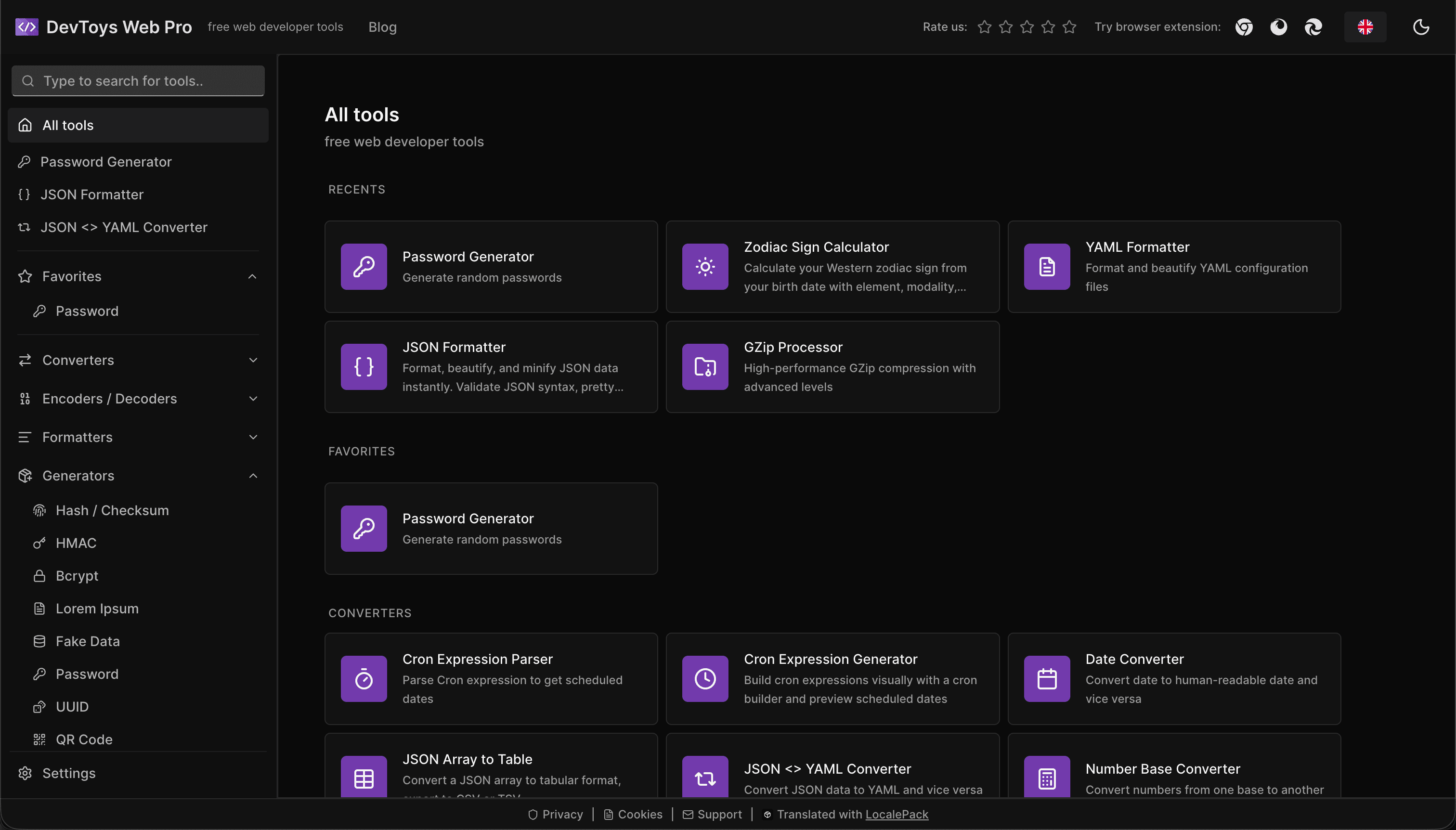
How the DevToys.pro web app translated its entire UI into 52 languages with LocalePack — 5.8M tokens for $58.44 — and quadrupled its international organic traffic.
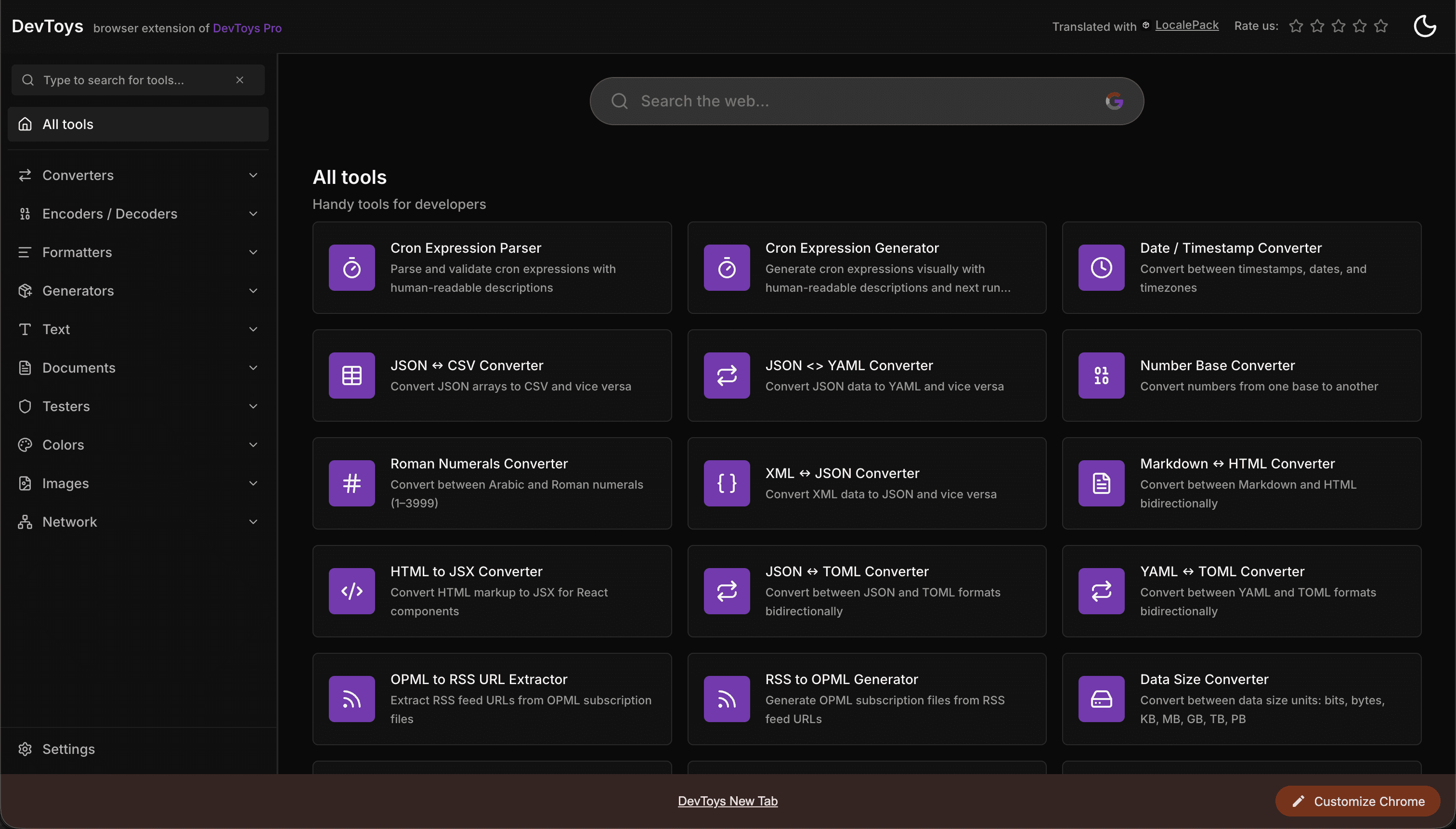
How the DevToys New Tab Chrome extension localized both its in-extension UI and its Chrome Web Store listing into 52 languages to reach a global audience.
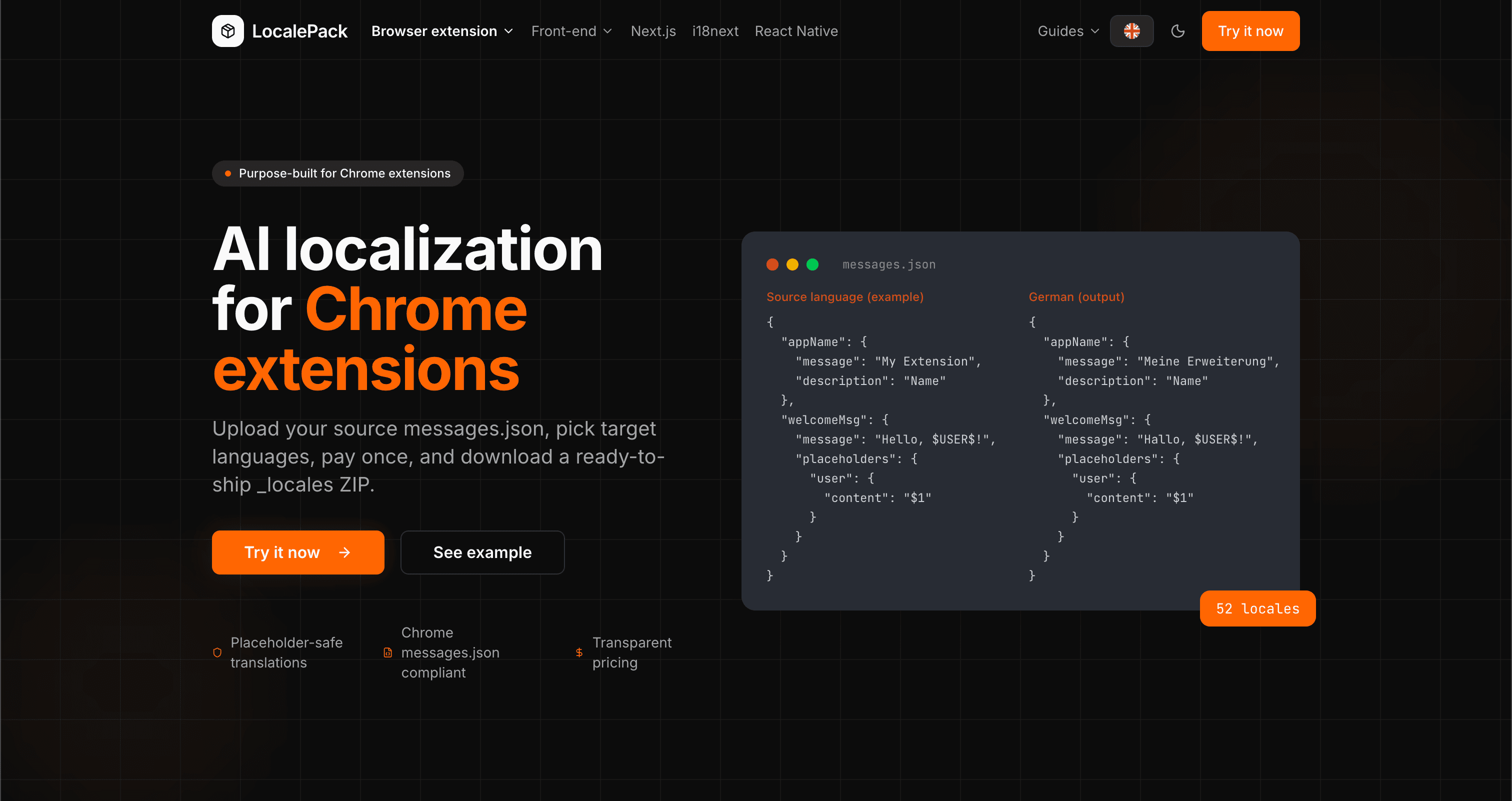
We used our own tool to translate the entire LocalePack site into 52 languages — 2.9M tokens for $27.37 — so developers worldwide find us in their own language.
“എനിക്ക് ദിവസങ്ങളോളം ജോലി ലാഭിച്ചു. എന്റെ next-intl JSON അപ്ലോഡ് ചെയ്തു, ICU ബഹുവചനങ്ങൾ അക്ഷുണ്ണമായി നിലനിർത്തിയ പൂർണ്ണമായി ഘടിപ്പിച്ച വിവർത്തനങ്ങൾ തിരികെ ലഭിച്ചു.”
Alex R.
ഫുൾ-സ്റ്റാക്ക് ഡെവലപ്പർ, SaaS ആപ്പ്
“ഒടുവിൽ നെസ്റ്റഡ് JSON മനസ്സിലാക്കുകയും എന്റെ ICU സന്ദേശങ്ങൾ തകരാറാക്കാതിരിക്കുകയും ചെയ്യുന്ന ഒരു ടൂൾ. ഔട്ട്പുട്ട് നേരിട്ട് എന്റെ messages/ ഫോൾഡറിലേക്ക് ഇടാം.”
Lisa M.
Next.js ഡെവലപ്പർ
“വ്യക്തമായ വിലനിർണ്ണയമാണ് തീരുമാനകാരണം. ഒന്നും അപ്ലോഡ് ചെയ്യുന്നതിന് മുമ്പേ ഞാൻ എത്ര പണമടയ്ക്കുമെന്ന് കൃത്യമായി അറിഞ്ഞിരുന്നു.”
Dev J.
ഓപ്പൺ സോഴ്സ് സംഭാവകൻ
52
പിന്തുണയ്ക്കുന്ന ലോക്കേലുകൾ
100%
ICU-സേഫ് ഔട്ട്പുട്ട്
JSON
ഷിപ്പ് ചെയ്യാൻ തയ്യാറാണ്
Deep dives on the formats, APIs and errors behind this page — written for developers, not translators.
Practical comparison of the three leading Next.js i18n libraries — App Router support, file format, TypeScript safety, pluralization syntax, and when to pick each one.
A complete reference for the i18next JSON locale format — namespace files, double-brace {{placeholder}} syntax, _one/_other plural keys, nested objects, and how to structure your locales/ folder.
Honest comparison of LocalePack and Phrase Strings for Next.js locale JSON translation. Phrase is a full TMS with per-seat subscription pricing; LocalePack is upload → pay once → download.
How to get accurate AI translations for your Chrome extension: write description fields that give the model context, define placeholders with examples, avoid string concatenation, and handle plurals, casing, and length expansion.
ഒരിക്കൽ പണമടയ്ക്കുക • locale ഫയലുകൾ ഡൗൺലോഡ് ചെയ്യുക • ആഗോളമായി ഷിപ്പ് ചെയ്യുക
LocalePack പരീക്ഷിക്കുക