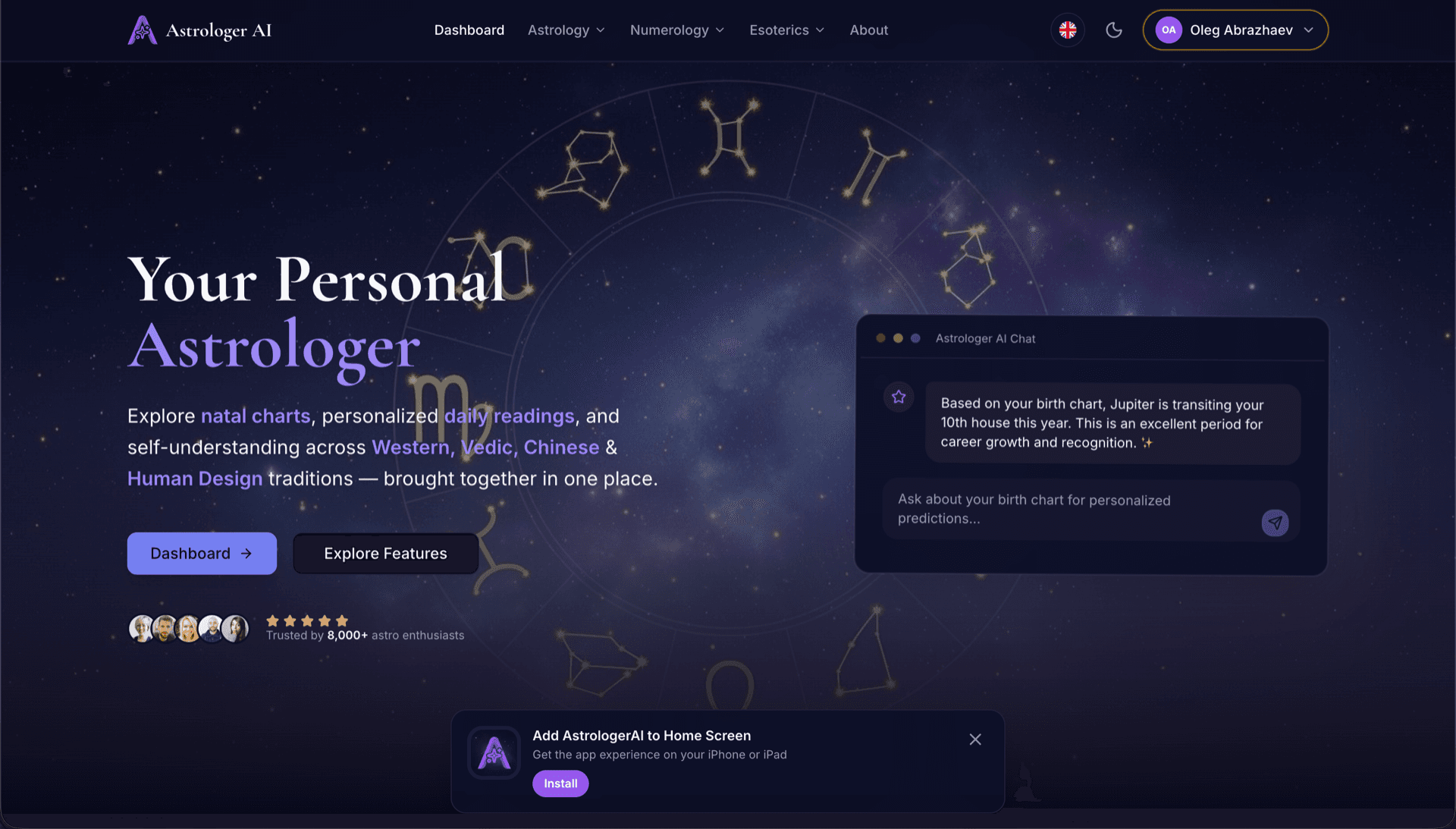
AstrologerAI: an AI astrology app localized into 52 languages
How the AstrologerAI app translated its entire experience into 52 languages with LocalePack — 6.3M tokens for $58.73 — to reach a worldwide audience in their own language.
Naložite izvorni messages.json, izberite ciljne jezike, plačajte enkrat in prenesite ZIP _locales, pripravljen za objavo.
Trije preprosti koraki za lokalizacijo vaše browser extension. Prevodi se zaženejo po plačilu—opravila uvrstimo v čakalno vrsto in ZIP ustvarimo v nekaj minutah.
Spustite izvorno datoteko messages.json. Takoj jo razčlenimo in preverimo obliko browser extension.
Izbirajte med 52 jeziki. Pred plačilom si oglejte transparentno ceno glede na velikost datoteke.
Plačajte enkrat prek Stripe. Ustvarimo vse datoteke _locales/{lang}/messages.json in jih združimo v ZIP.
Pred nalaganjem natančno preverite, koliko boste plačali. Končna ponudba se po nalaganju izračuna glede na dolžino nizov in izbrane jezike.
Sem spustite messages.json
ali kliknite za brskanje
messages.json input. Max 500KB.
Izbranih 3 od 55 jezikov
Končna cena se izračuna po nalaganju datoteke na strani blagajne
Enkratno plačilo • Brez naročnine
Namenjeno posebej za format lokalizacije browser extension. Ni generično prevajalsko orodje.
Zgrajeno posebej za strukturo browser extension messages.json s podporo za message, description in placeholders.
Natančno ohrani sintakso $PLACEHOLDER$ takšno, kot je. Vaše spremenljivke ostanejo nedotaknjene v vseh jezikih.
Preberemo vaša polja description in jih uporabimo kot kontekstne namige za natančnejše AI prevode.
Prenesite ZIP s pravilno strukturo map _locales/{lang}/messages.json. Vstavite ga v svojo razširitev.
Vsi jeziki se prevajajo hkrati. Večina opravil je končanih v manj kot 5 minutah.
Brez naročnin, brez mesečnih stroškov. Plačate enkrat na opravilo, prenesete za vedno.
A messages.json entry pairs a key with a "message" string, an optional "description" used as translation context, and an optional "placeholders" map. LocalePack parses all three: it translates only the message text, forwards the description to the model as context, and returns $PLACEHOLDER$ and $1 substitution tokens byte-identical.
_locales/
├── en/
│   └── messages.json   ← default_locale
├── de/
│   └── messages.json
├── fr/
│   └── messages.json
└── ja/
└── messages.json{
"appName": {
"message": "My Extension",
"description": "Extension name"
},
"greeting": {
"message": "Hello, $USER$!",
"placeholders": {
"user": { "content": "$1" }
}
}
}API izvajalnega okolja
chrome.i18n / browser.i18nPrimer klica
getMessage("key")Zahtevano v manifestu
"default_locale"The same translated messages.json drops into _locales/{locale}/ for Chrome, Firefox, Edge, Opera and Safari without further edits.
A messages.json entry is more than a key and a string. Getting these four pieces wrong is what breaks extensions after machine translation.
Most generic translation tools treat $PLACEHOLDER$ and $1 as ordinary words. Once they are translated or reordered, the extension ships with broken interpolation.
Splošna prevajalska orodja ne razumejo formata browser extension.
LocalePack | Ročno prevajanje | Generični TMS | |
|---|---|---|---|
| Čas nastavitve | 2 minuti | Ure na jezik | 30+ minut |
| Preglednost stroškov | |||
| Varnost formata WebExtension | |||
| Zaščita označevalnikov | |||
| Hitrost (52 jezikov) | < 5 min | Tedni | Ure |
| Najboljše za | Any messages.json file | Majhni projekti | Poslovne spletne aplikacije |
Resnični projekti, ki so z LocalePackom dosegli globalno občinstvo v do 52 jezikih.
How the AstrologerAI app translated its entire experience into 52 languages with LocalePack — 6.3M tokens for $58.73 — to reach a worldwide audience in their own language.
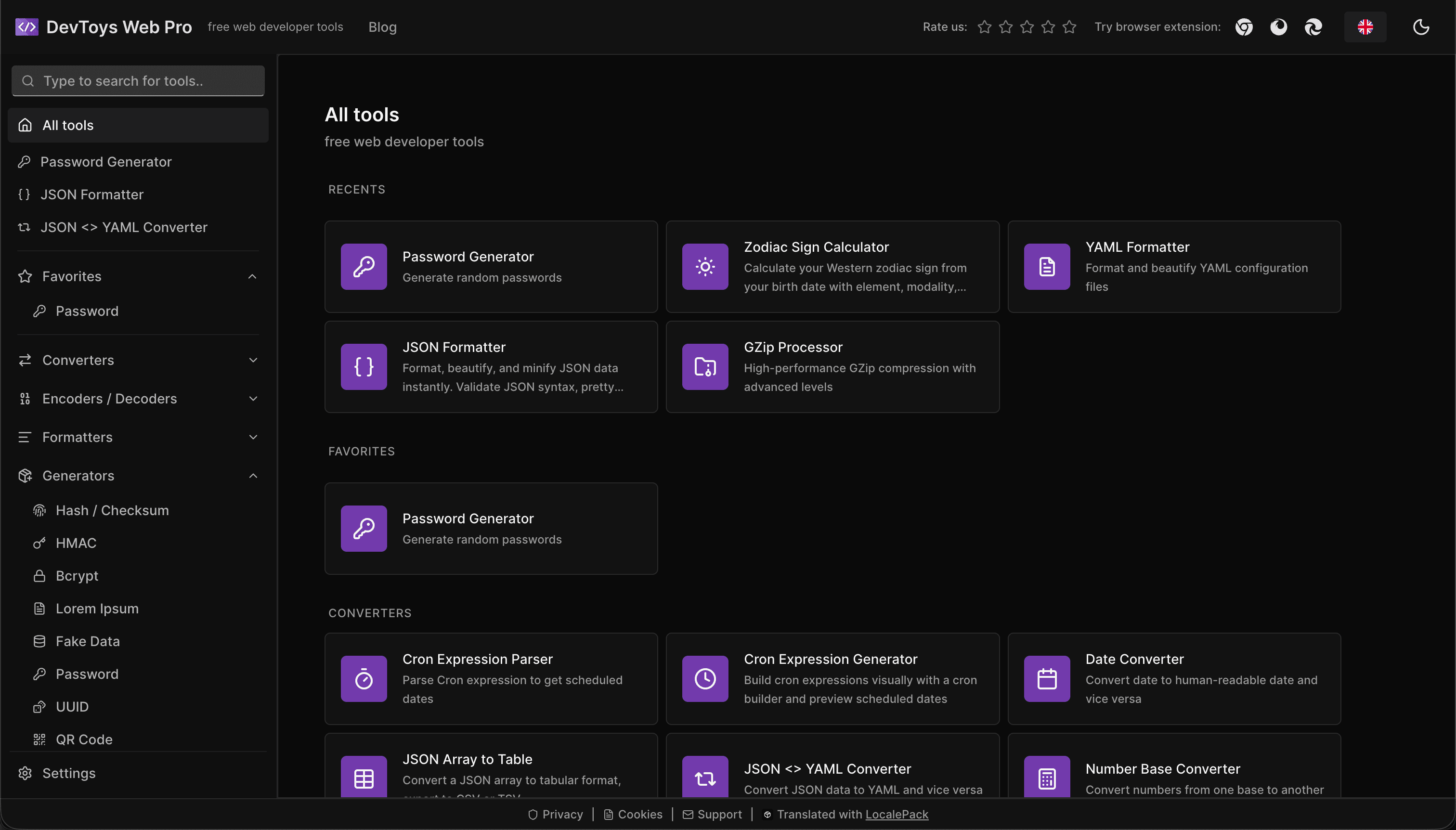
How the DevToys.pro web app translated its entire UI into 52 languages with LocalePack — 5.8M tokens for $58.44 — and quadrupled its international organic traffic.
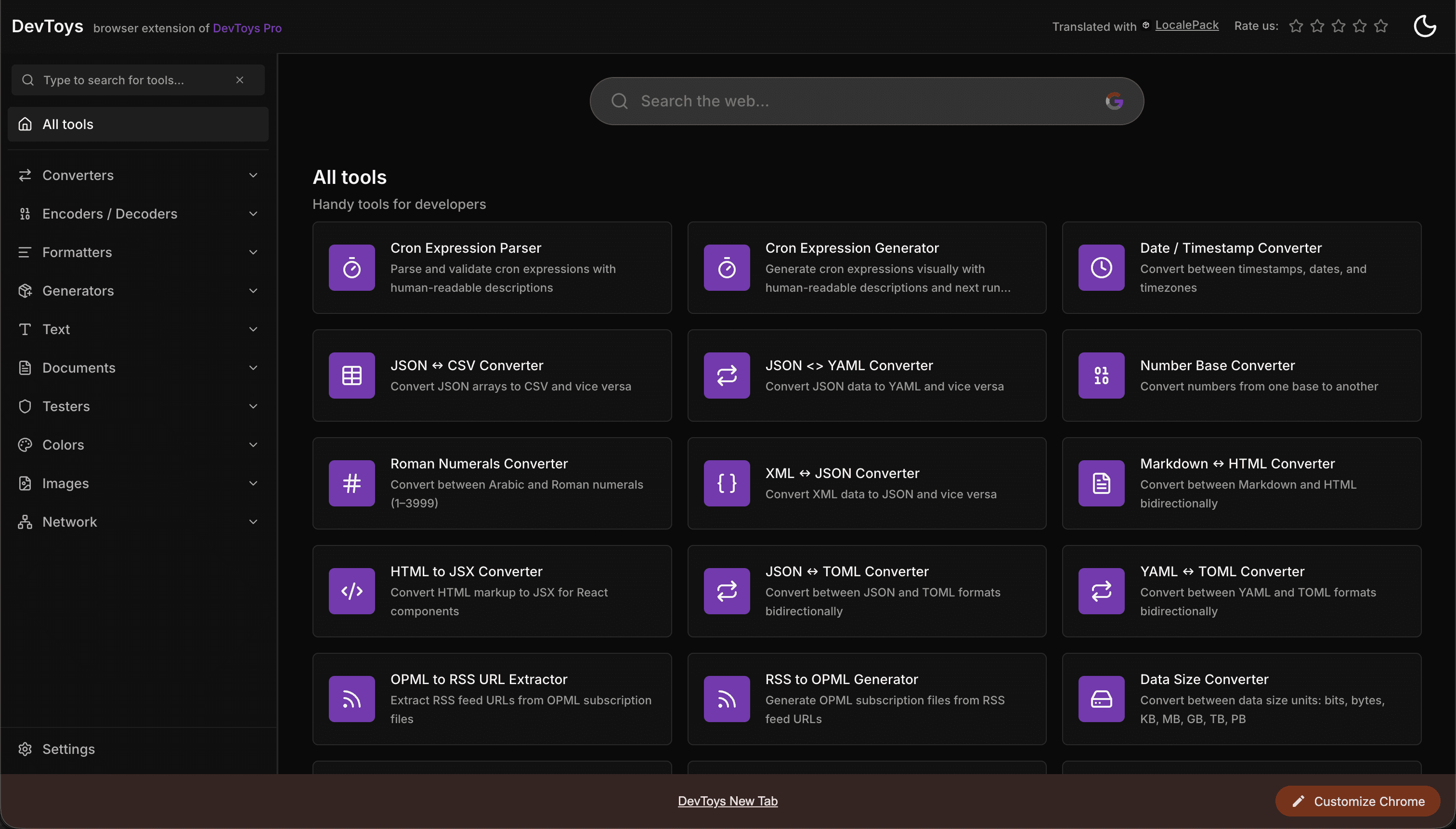
How the DevToys New Tab Chrome extension localized both its in-extension UI and its Chrome Web Store listing into 52 languages to reach a global audience.
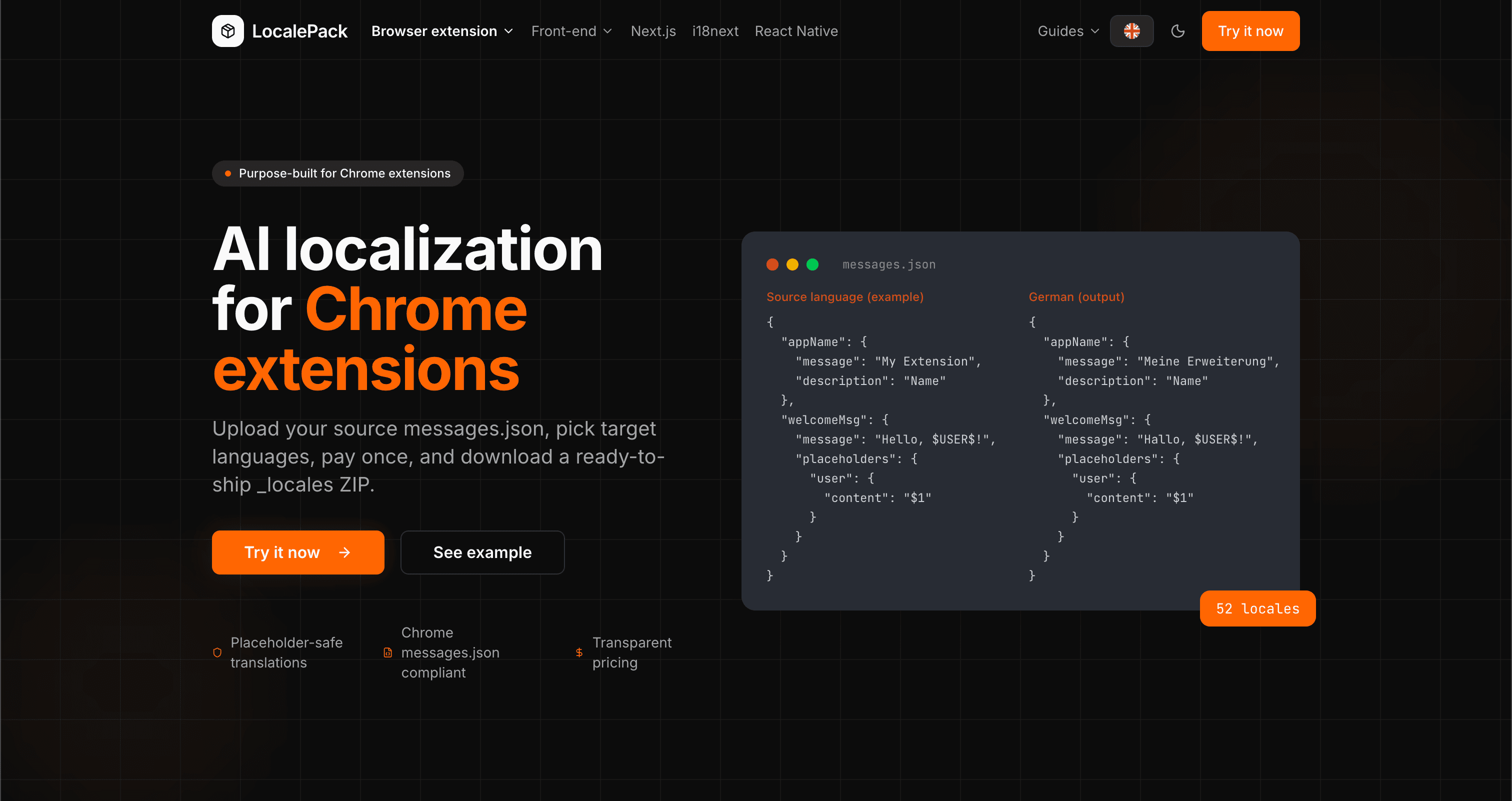
We used our own tool to translate the entire LocalePack site into 52 languages — 2.9M tokens for $27.37 — so developers worldwide find us in their own language.
“Prihranilo mi je ure dolgočasnega dela. Naložil sem svoj messages.json in dobil popolne prevode v natanko takšni obliki, kot sem jo potreboval.”
Sarah K.
Neodvisna razvijalka, razširitev AdBlock
“Our $PLACEHOLDER$ tokens came back untouched in all 52 locales. That is the whole reason we stopped scripting it ourselves.”
Marcus T.
Vzdrževalec razširitve
“Transparentne cene so bile odločilne. Točno sem vedel, koliko bom plačal, še preden sem karkoli naložil.”
Dev J.
Sodelavec odprtokodne skupnosti
52
Podprte lokalizacije
100%
Izhod, varen za označbe mesta
ZIP
Pripravljeno za objavo
Vse, kar morate vedeti o LocalePacku.
Deep dives on the formats, APIs and errors behind this page — written for developers, not translators.
A complete reference for the WebExtension messages.json format: the message, description, and placeholders fields, $PLACEHOLDER$ syntax, $1 positional substitutions, and common mistakes.
How to catch every class of messages.json error before your users do: JSON syntax, missing required fields, missing keys across locales, malformed placeholder syntax, and manifest key mismatches.
How the __MSG_key__ substitution syntax works in Chrome and Firefox extension manifests: which fields support it, how Chrome resolves tokens at load time, and the pitfalls that cause silent failures or upload rejections.
getMessage() returns an empty string when a message is missing, and logs nothing at all. Every cause of the silent empty string, how to tell it apart from undefined, and how to confirm each one.
Plačate enkrat – Prenesete ZIP – Pošljete globalno
Preizkusite LocalePack