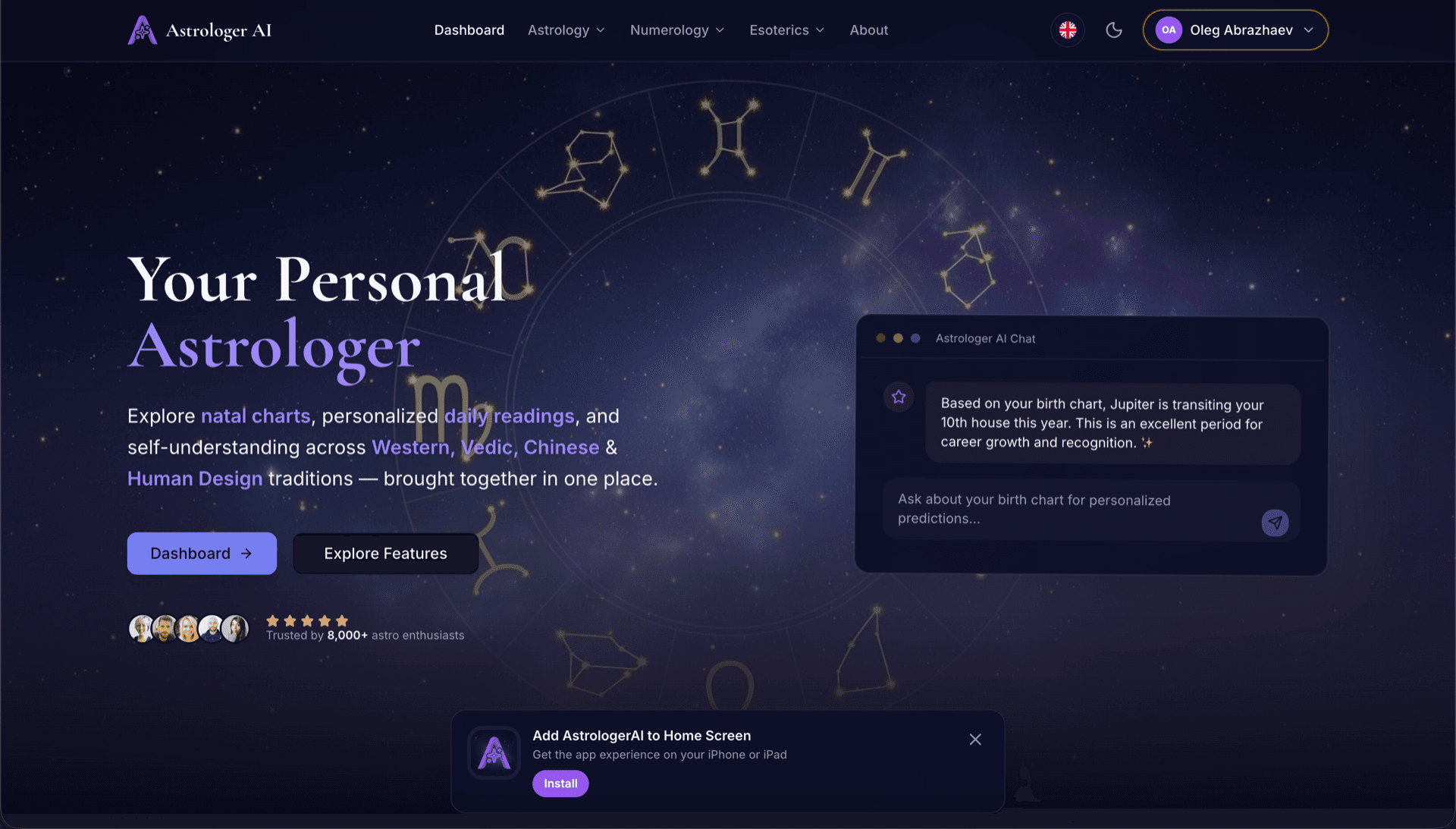
AstrologerAI: an AI astrology app localized into 52 languages
How the AstrologerAI app translated its entire experience into 52 languages with LocalePack — 6.3M tokens for $58.73 — to reach a worldwide audience in their own language.
元の messages.json をアップロードし、対象言語を選び、1回の支払いで、すぐに公開できる _locales の ZIP をダウンロードできます。
Chrome 拡張機能 をローカライズするための簡単な3ステップ。翻訳は支払い後に実行され、ジョブをキューに入れて数分で ZIP を生成します。
元の messages.json ファイルをドロップしてください。すぐに解析し、Chrome 拡張機能 の形式を検証します。
52言語から選べます。支払い前に、ファイルサイズに基づく明確な料金を確認できます。
Stripe で1回だけ支払います。すべての _locales/{lang}/messages.json ファイルを生成し、ZIP にまとめます。
アップロード前に支払い金額を正確に確認できます。最終見積もりは、アップロード後に文字列の長さと選択した言語に基づいて算出されます。
ここにmessages.jsonをドロップ
またはクリックして参照
Chrome拡張機能形式のみ。最大500KB。
55言語中3言語を選択
最終価格は、チェックアウトページでファイルをアップロード後に算出されます
一括払い • サブスクリプションなし
Chrome 拡張機能のロケール形式に特化。汎用的な翻訳ツールではありません。
Chrome 拡張機能のmessages.json構造(message、description、placeholders)に特化して構築されています。
$PLACEHOLDER$構文をそのまま正確に保持します。変数はすべての言語でそのまま維持されます。
descriptionフィールドを読み取り、より正確なAI翻訳のためのコンテキストヒントとして活用します。
正しい_locales/{lang}/messages.jsonのフォルダ構成でZIPをダウンロードできます。拡張機能にそのまま入れるだけです。
すべての言語を同時に翻訳します。ほとんどのジョブは5分以内に完了します。
サブスクなし、月額料金なし。ジョブごとに一度支払えば、いつでもダウンロードできます。
Chrome 拡張機能は、i18n を有効にするために manifest.json で "default_locale" を宣言します。ブラウザは実行時に _locales/{locale}/messages.json からロケール文字列を読み込みます。各キーには "message" フィールド、文脈のための任意の "description"、動的値のための任意の "placeholders" があり、これらはすべて LocalePack がネイティブに理解します。
_locales/
├── en/
│   └── messages.json   ← default_locale
├── de/
│   └── messages.json
├── fr/
│   └── messages.json
└── ja/
└── messages.json{
"appName": {
"message": "My Extension",
"description": "Extension name"
},
"greeting": {
"message": "Hello, $USER$!",
"placeholders": {
"user": { "content": "$1" }
}
}
}ランタイムAPI
chrome.i18n呼び出し例
chrome.i18n.getMessage("appName")マニフェストで必須
"default_locale"_locales/ に訪問者の言語フォルダが含まれている場合、Chrome ウェブストアは拡張機能名と説明を訪問者のロケールで自動的に表示します。
Chrome's i18n system fails quietly. These are the four rules that cause most broken releases.
A key that does not exist returns an empty string and logs nothing at all. Missing translations show up as blank UI, not as errors.
汎用の翻訳ツールはChrome 拡張機能形式を理解しません。
LocalePack | 手動翻訳 | 汎用TMS | |
|---|---|---|---|
| セットアップ時間 | 2分 | 言語ごとに数時間 | 30分以上 |
| 料金の透明性 | |||
| Chrome形式の安全性 | |||
| プレースホルダー保護 | |||
| 速度(52言語) | 5分未満 | 週 | 時間 |
| 最適な用途 | Chrome 拡張機能 | 小規模プロジェクト | エンタープライズ向け Web アプリ |
LocalePack を使って、最大 52 言語でグローバルなユーザーに届けた実際のプロジェクト。
How the AstrologerAI app translated its entire experience into 52 languages with LocalePack — 6.3M tokens for $58.73 — to reach a worldwide audience in their own language.
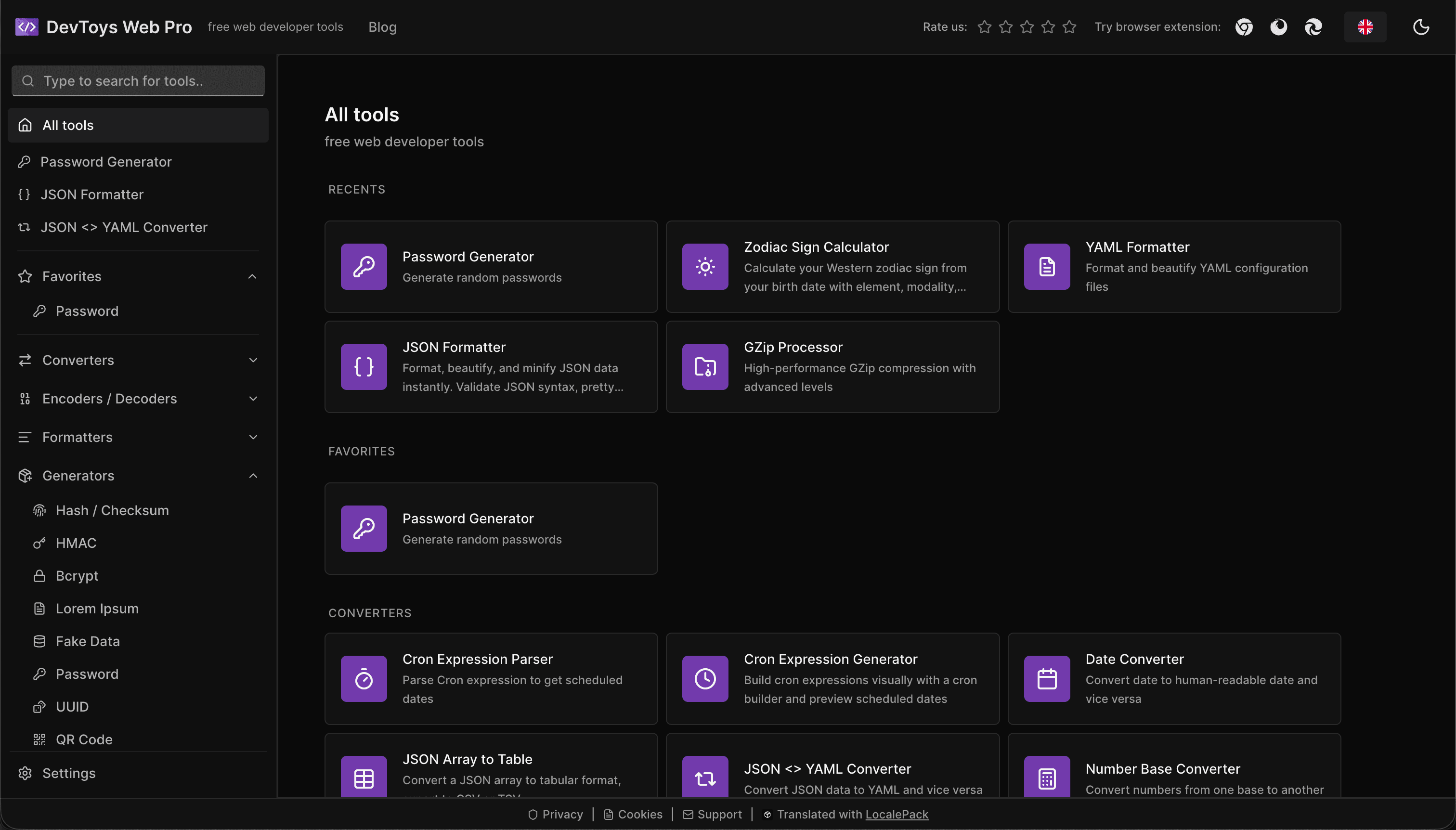
How the DevToys.pro web app translated its entire UI into 52 languages with LocalePack — 5.8M tokens for $58.44 — and quadrupled its international organic traffic.
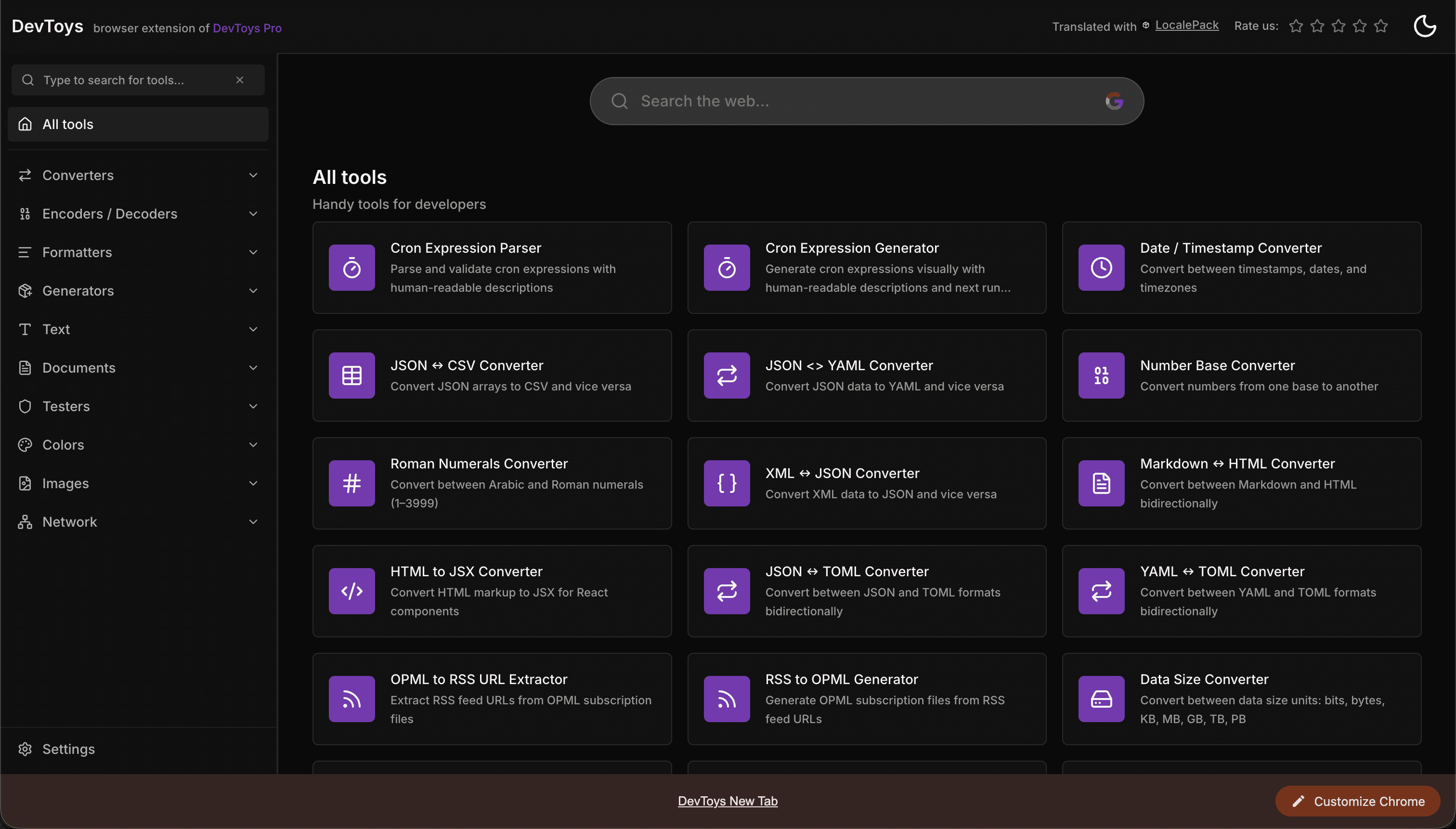
How the DevToys New Tab Chrome extension localized both its in-extension UI and its Chrome Web Store listing into 52 languages to reach a global audience.
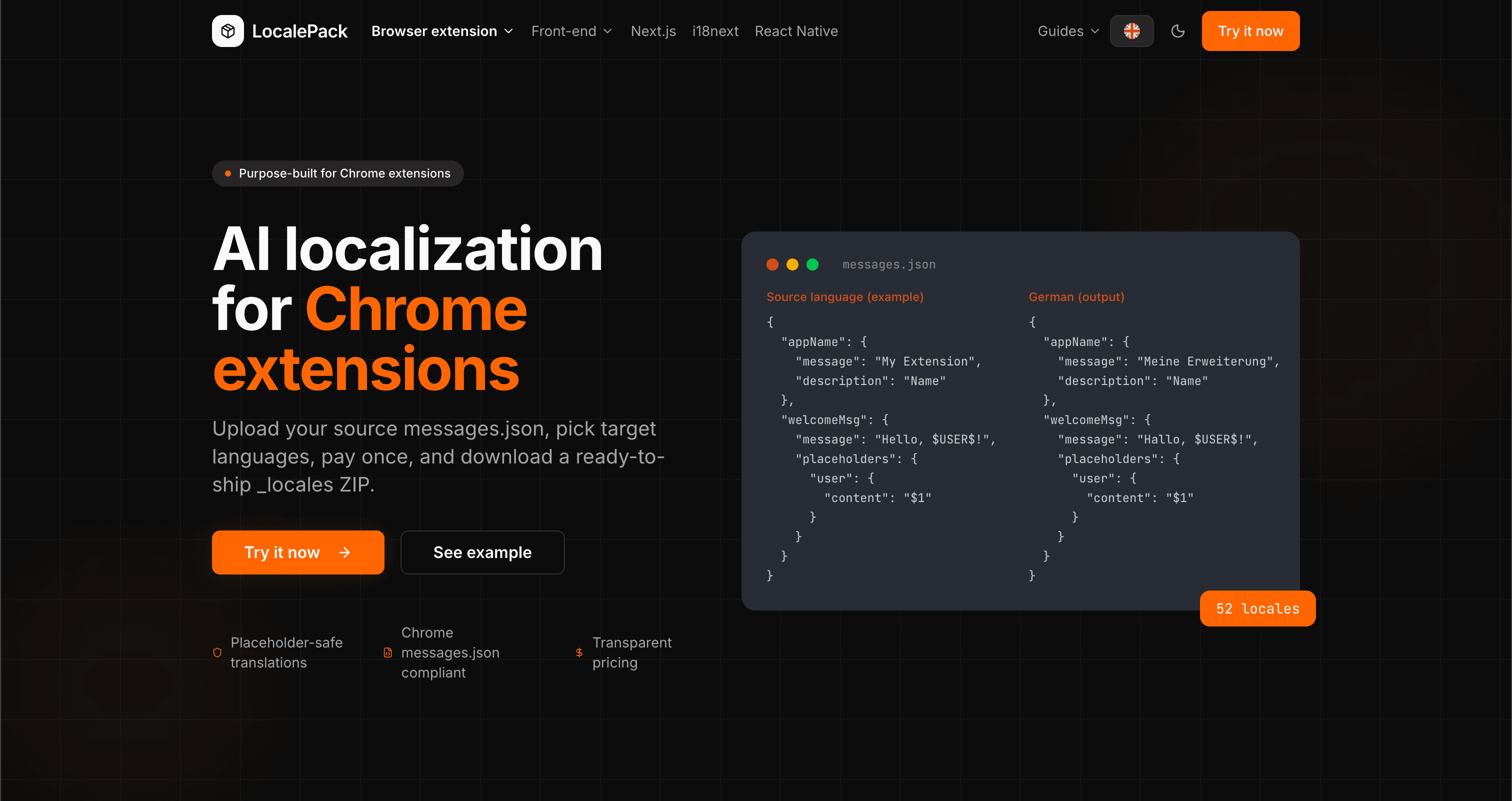
We used our own tool to translate the entire LocalePack site into 52 languages — 2.9M tokens for $27.37 — so developers worldwide find us in their own language.
“面倒な作業を何時間も節約できました。messages.json をアップロードしたら、必要な形式そのままで完璧な翻訳が返ってきました。”
Sarah K.
個人開発者、AdBlock 拡張機能
“ついに Chrome 拡張機能の形式を理解してくれるツールが登場。翻訳後に壊れたプレースホルダーを直す必要がなくなりました。”
Marcus T.
拡張機能メンテナー
“透明な料金体系が決め手でした。何かをアップロードする前に、支払う金額が正確に分かりました。”
Dev J.
オープンソース貢献者
52
対応ロケール
100%
プレースホルダーを安全に保持
ZIP
すぐにリリース可能
LocalePack について知っておくべきことをまとめました。
Deep dives on the formats, APIs and errors behind this page — written for developers, not translators.
Step-by-step guide to adding i18n to a Chrome extension: _locales structure, default_locale, messages.json syntax, chrome.i18n.getMessage(), placeholder preservation, and how to test locale switching.
All four chrome.i18n methods with exact signatures and return types: which are synchronous, which return promises, what getMessage() returns when it fails, and how browser.i18n differs in Firefox and Safari.
Synchronous getMessage() is an advantage in an MV3 service worker, not a problem — a common claim that gets this backwards. What actually breaks is the DOM, global-variable caching, localStorage and XMLHttpRequest.
An honest comparison of tools that translate Chrome extension messages.json files: LocalePack, Crowdin, Lokalise, Phrase, POEditor, Localazy, Weblate, and Localeship — setup overhead, pricing models, and placeholder safety.
Honest comparison of LocalePack and Lokalise for Chrome extension messages.json translation. Lokalise is a full TMS with team workflows and a monthly subscription; LocalePack is upload → pay once → download.