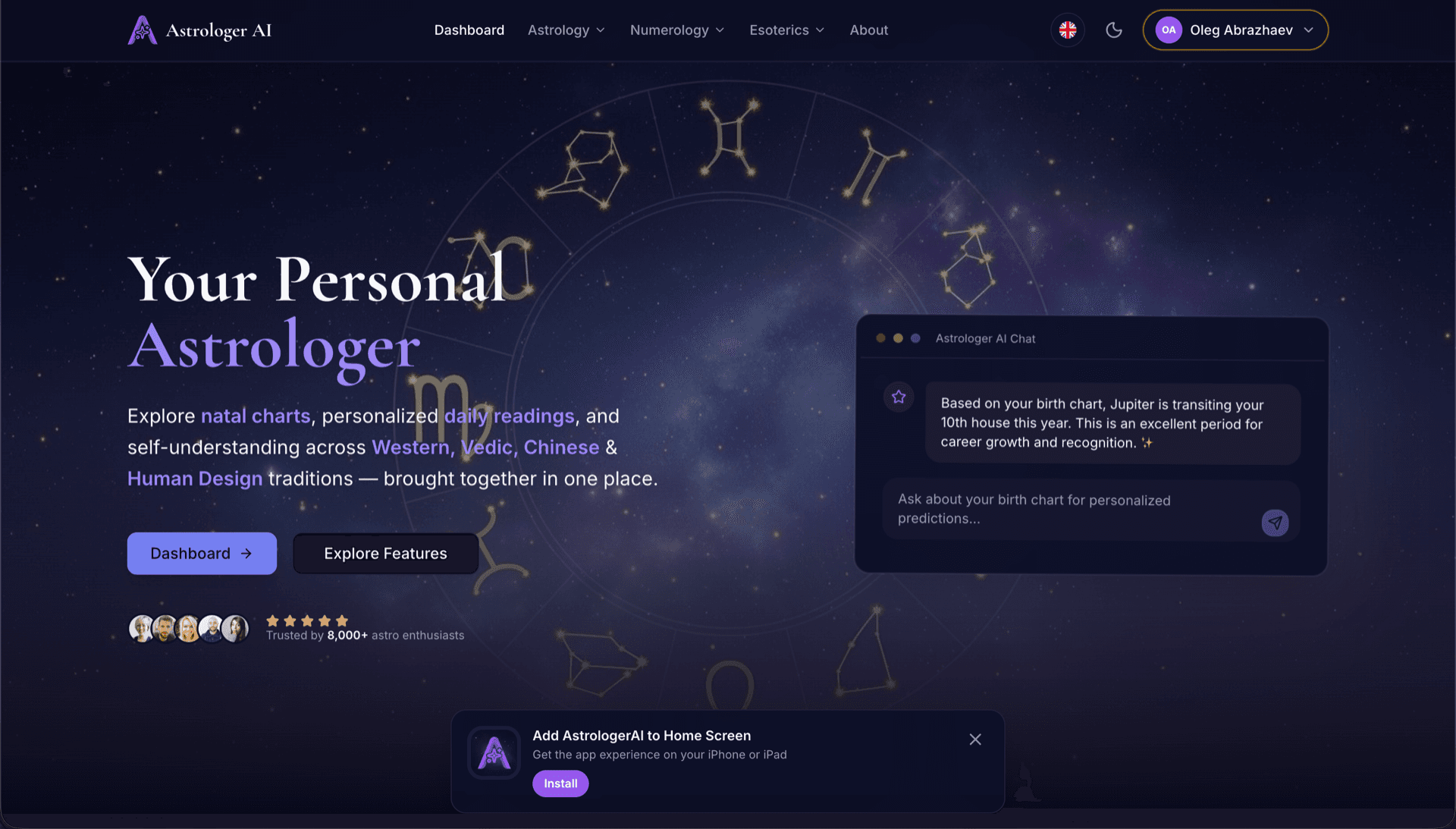
AstrologerAI: an AI astrology app localized into 52 languages
How the AstrologerAI app translated its entire experience into 52 languages with LocalePack — 6.3M tokens for $58.73 — to reach a worldwide audience in their own language.
元の messages.json をアップロードし、対象言語を選び、1回の支払いで、すぐに公開できる _locales の ZIP をダウンロードできます。
Safari 拡張機能 をローカライズするための簡単な3ステップ。翻訳は支払い後に実行され、ジョブをキューに入れて数分で ZIP を生成します。
元の messages.json ファイルをドロップしてください。すぐに解析し、Safari 拡張機能 の形式を検証します。
52言語から選べます。支払い前に、ファイルサイズに基づく明確な料金を確認できます。
Stripe で1回だけ支払います。すべての _locales/{lang}/messages.json ファイルを生成し、ZIP にまとめます。
アップロード前に支払い金額を正確に確認できます。最終見積もりは、アップロード後に文字列の長さと選択した言語に基づいて算出されます。
ここにmessages.jsonをドロップ
またはクリックして参照
Safari WebExtension 形式のみ。最大 500KB。
55言語中3言語を選択
最終価格は、チェックアウトページでファイルをアップロード後に算出されます
一括払い • サブスクリプションなし
Safari 拡張機能のロケール形式に特化。汎用的な翻訳ツールではありません。
Safari 拡張機能のmessages.json構造(message、description、placeholders)に特化して構築されています。
$PLACEHOLDER$構文をそのまま正確に保持します。変数はすべての言語でそのまま維持されます。
descriptionフィールドを読み取り、より正確なAI翻訳のためのコンテキストヒントとして活用します。
正しい_locales/{lang}/messages.jsonのフォルダ構成でZIPをダウンロードできます。拡張機能にそのまま入れるだけです。
すべての言語を同時に翻訳します。ほとんどのジョブは5分以内に完了します。
サブスクなし、月額料金なし。ジョブごとに一度支払えば、いつでもダウンロードできます。
Safari Web Extensions は Chrome や Firefox と同じ WebExtension 形式を使用しており、_locales/{locale}/messages.json 構造も完全に同一です。Apple は既存の拡張機能を簡単に移植できるよう、標準形式を採用しました。browser.i18n API は Safari Web Extensions で利用でき、LocalePack の出力は完全に互換です。
_locales/
├── en/
│   └── messages.json   ← default_locale
├── de/
│   └── messages.json
├── fr/
│   └── messages.json
└── ja/
└── messages.json{
"appName": {
"message": "My Extension",
"description": "Extension name"
},
"greeting": {
"message": "Hello, $USER$!",
"placeholders": {
"user": { "content": "$1" }
}
}
}ランタイムAPI
browser.i18n呼び出し例
browser.i18n.getMessage("appName")マニフェストで必須
"default_locale"Mac App Store と iOS App Store は、_locales/ にユーザーの言語が含まれている場合、拡張機能のローカライズされた名前と説明を表示します。App Store Connect は _locales/ フォルダ内のロケールコードを尊重します。
Apple adopted the standard WebExtension format, so your locale files port directly — the difference is in how Safari extensions are built and distributed.
Safari's format compatibility is real, but its build and submission pipeline is not shared with the Chromium browsers — budget time for that separately.
汎用の翻訳ツールはSafari 拡張機能形式を理解しません。
LocalePack | 手動翻訳 | 汎用TMS | |
|---|---|---|---|
| セットアップ時間 | 2分 | 言語ごとに数時間 | 30分以上 |
| 料金の透明性 | |||
| Safari形式の安全性 | |||
| プレースホルダー保護 | |||
| 速度(52言語) | 5分未満 | 週 | 時間 |
| 最適な用途 | Safari 拡張機能 | 小規模プロジェクト | エンタープライズ向け Web アプリ |
LocalePack を使って、最大 52 言語でグローバルなユーザーに届けた実際のプロジェクト。
How the AstrologerAI app translated its entire experience into 52 languages with LocalePack — 6.3M tokens for $58.73 — to reach a worldwide audience in their own language.
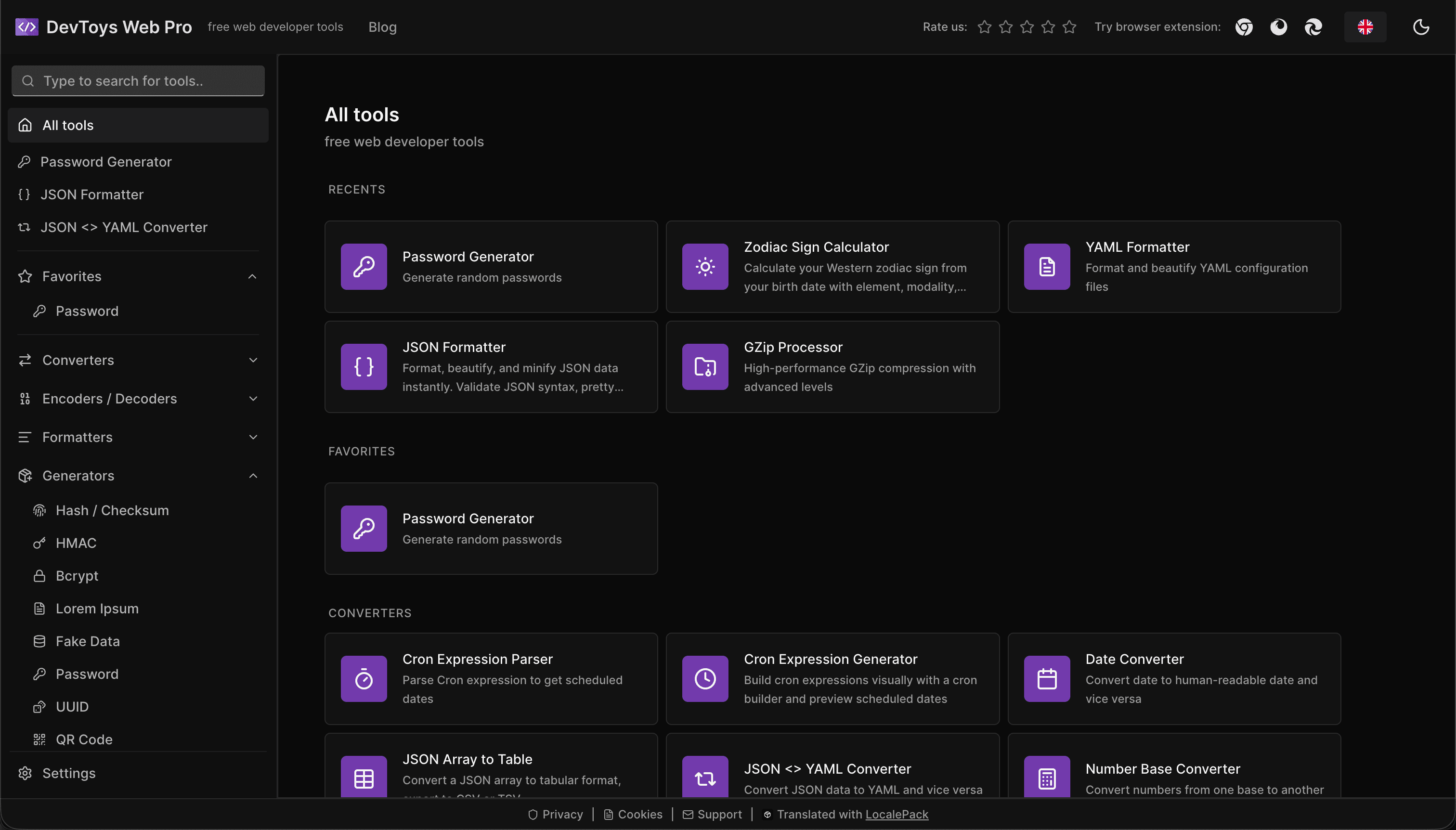
How the DevToys.pro web app translated its entire UI into 52 languages with LocalePack — 5.8M tokens for $58.44 — and quadrupled its international organic traffic.
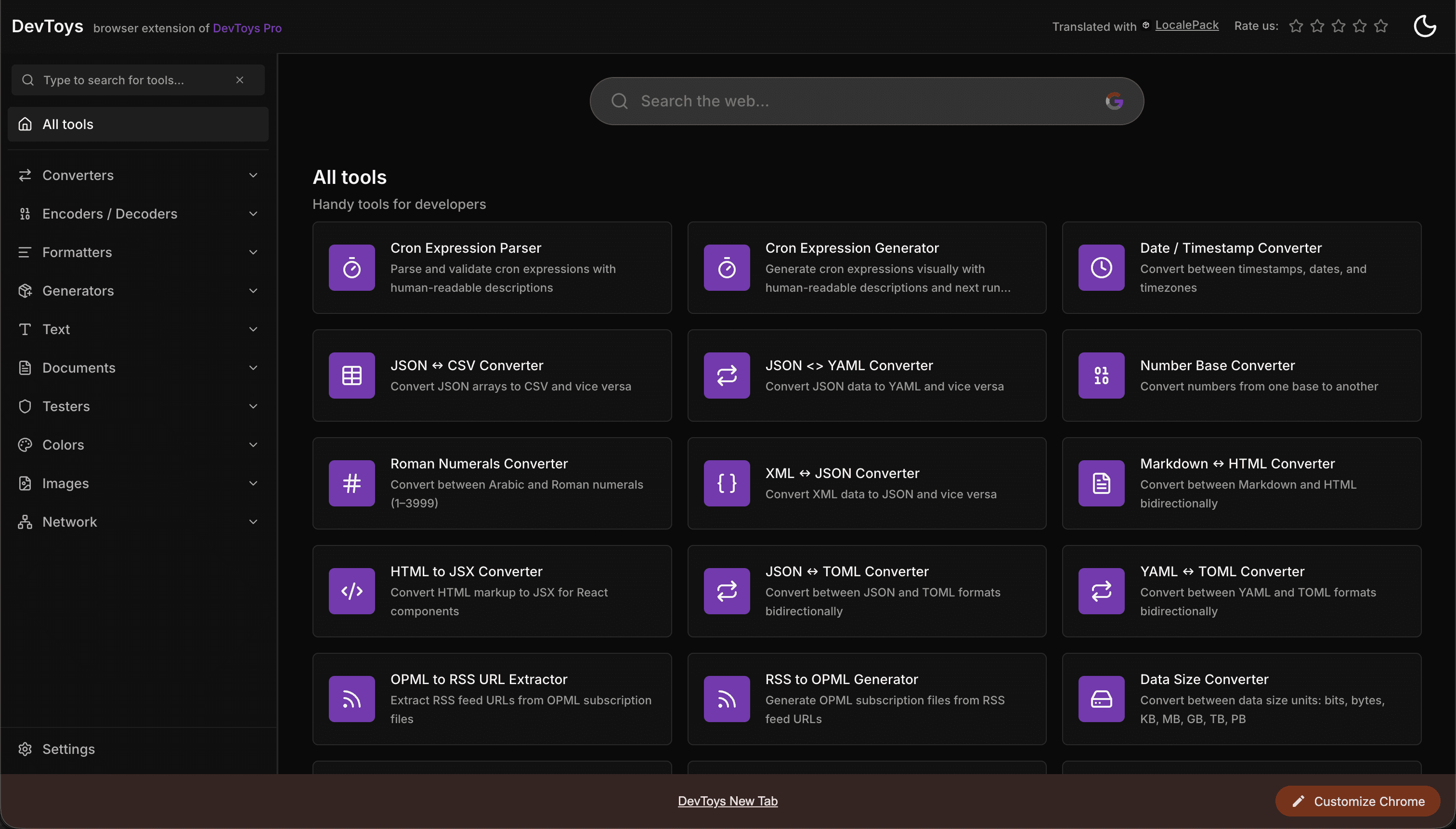
How the DevToys New Tab Chrome extension localized both its in-extension UI and its Chrome Web Store listing into 52 languages to reach a global audience.
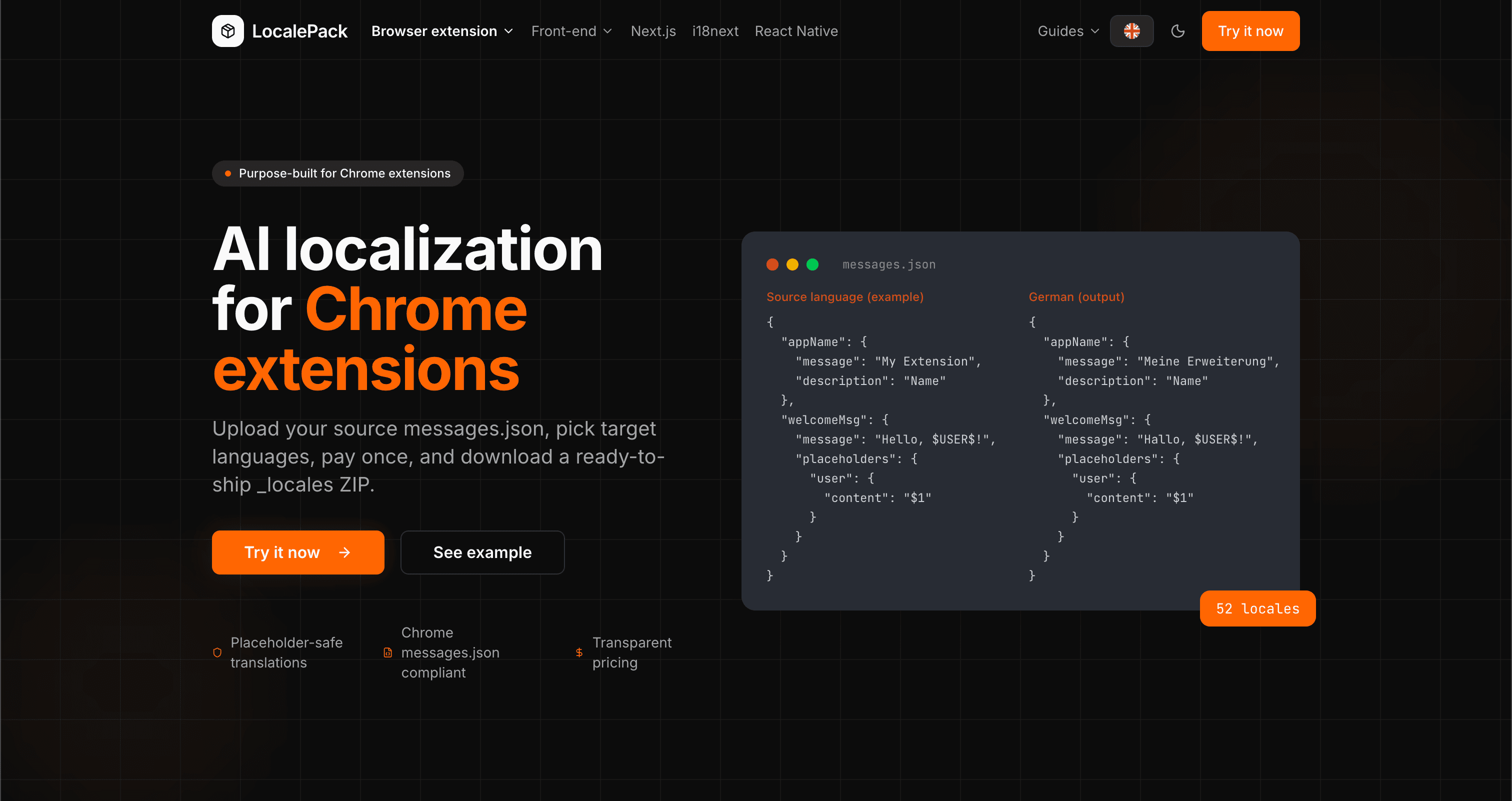
We used our own tool to translate the entire LocalePack site into 52 languages — 2.9M tokens for $27.37 — so developers worldwide find us in their own language.
“面倒な作業を何時間も節約できました。messages.json をアップロードしたら、必要な形式そのままで完璧な翻訳が返ってきました。”
Sarah K.
個人開発者、AdBlock 拡張機能
“ついに Safari 拡張機能の形式を理解してくれるツールが登場。翻訳後に壊れたプレースホルダーを直す必要がなくなりました。”
Marcus T.
拡張機能メンテナー
“透明な料金体系が決め手でした。何かをアップロードする前に、支払う金額が正確に分かりました。”
Dev J.
オープンソース貢献者
52
対応ロケール
100%
プレースホルダーを安全に保持
ZIP
すぐにリリース可能
LocalePack について知っておくべきことをまとめました。
Deep dives on the formats, APIs and errors behind this page — written for developers, not translators.
How Safari Web Extensions use the same messages.json/_locales format as Chrome and Firefox, and what to know for Mac App Store submission.
A complete reference for the WebExtension messages.json format: the message, description, and placeholders fields, $PLACEHOLDER$ syntax, $1 positional substitutions, and common mistakes.
The difference between localizing your Chrome Web Store listing and localizing in-extension strings — and the _MSG_ pattern that bridges them.
Every locale code Chrome accepts as a _locales folder name, with language and native names, the underscore-vs-hyphen trap that makes pt-BR silently ignored, and how Chrome picks a locale at runtime.