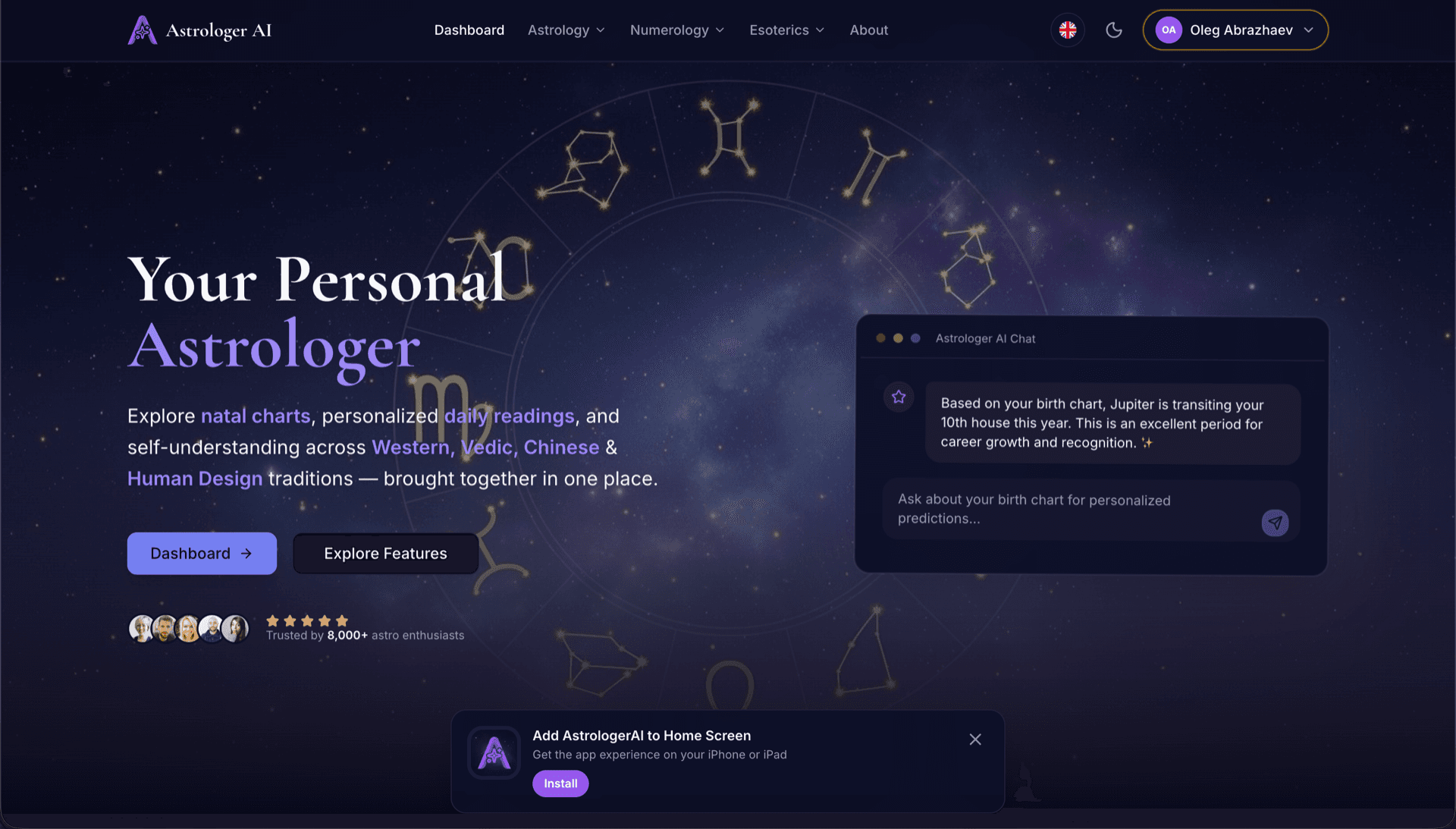
AstrologerAI: an AI astrology app localized into 52 languages
How the AstrologerAI app translated its entire experience into 52 languages with LocalePack — 6.3M tokens for $58.73 — to reach a worldwide audience in their own language.
Prześlij źródłowy plik messages.json, wybierz języki docelowe, zapłać jednorazowo i pobierz gotowy do publikacji ZIP z _locales.
Trzy proste kroki, aby zlokalizować Twoje browser extension. Tłumaczenia uruchamiamy po płatności — kolejkujemy zadania i generujemy ZIP w kilka minut.
Upuść źródłowy plik messages.json. Natychmiast go analizujemy i weryfikujemy format browser extension.
Wybierz spośród 52 języków. Zobacz przejrzystą wycenę na podstawie rozmiaru pliku, zanim zapłacisz.
Zapłać jednorazowo przez Stripe. Generujemy wszystkie pliki _locales/{lang}/messages.json i pakujemy je do ZIP.
Zobacz dokładnie, ile zapłacisz, zanim prześlesz plik. Ostateczna wycena jest obliczana po przesłaniu na podstawie długości tekstów i wybranych języków.
Upuść tutaj messages.json
lub kliknij, aby przeglądać
messages.json input. Max 500KB.
Wybrano 3 z 55 języków
Cena końcowa zostanie obliczona po przesłaniu pliku na stronie kasy
Płatność jednorazowa • Bez subskrypcji
Stworzone z myślą o formacie lokalizacji browser extension. To nie jest ogólne narzędzie do tłumaczeń.
Zaprojektowane specjalnie pod strukturę messages.json browser extension z obsługą pól message, description oraz placeholders.
Zachowuje składnię $PLACEHOLDER$ dokładnie bez zmian. Twoje zmienne pozostają nienaruszone we wszystkich językach.
Odczytujemy pola description i wykorzystujemy je jako wskazówki kontekstowe, aby uzyskać dokładniejsze tłumaczenia AI.
Pobierz ZIP z poprawną strukturą folderów _locales/{lang}/messages.json. Wystarczy dodać go do rozszerzenia.
Wszystkie języki są tłumaczone jednocześnie. Większość zadań kończy się w mniej niż 5 minut.
Bez subskrypcji, bez miesięcznych opłat. Płać raz za zadanie, pobieraj bez ograniczeń.
A messages.json entry pairs a key with a "message" string, an optional "description" used as translation context, and an optional "placeholders" map. LocalePack parses all three: it translates only the message text, forwards the description to the model as context, and returns $PLACEHOLDER$ and $1 substitution tokens byte-identical.
_locales/
├── en/
│   └── messages.json   ← default_locale
├── de/
│   └── messages.json
├── fr/
│   └── messages.json
└── ja/
└── messages.json{
"appName": {
"message": "My Extension",
"description": "Extension name"
},
"greeting": {
"message": "Hello, $USER$!",
"placeholders": {
"user": { "content": "$1" }
}
}
}API w czasie działania
chrome.i18n / browser.i18nPrzykładowe wywołanie
getMessage("key")Wymagane w manifeście
"default_locale"The same translated messages.json drops into _locales/{locale}/ for Chrome, Firefox, Edge, Opera and Safari without further edits.
A messages.json entry is more than a key and a string. Getting these four pieces wrong is what breaks extensions after machine translation.
Most generic translation tools treat $PLACEHOLDER$ and $1 as ordinary words. Once they are translated or reordered, the extension ships with broken interpolation.
Narzędzia do tłumaczeń ogólnego przeznaczenia nie rozumieją formatu browser extension.
LocalePack | Tłumaczenie ręczne | Ogólny TMS | |
|---|---|---|---|
| Czas konfiguracji | 2 minuty | Godziny na język | 30+ minut |
| Przejrzystość kosztów | |||
| Bezpieczeństwo formatu WebExtension | |||
| Ochrona placeholderów | |||
| Szybkość (52 języki) | < 5 min | Tygodnie | Godziny |
| Najlepsze dla | Any messages.json file | Małe projekty | Korporacyjne aplikacje webowe |
Prawdziwe projekty, które wykorzystały LocalePack, aby dotrzeć do globalnej publiczności w nawet 52 językach.
How the AstrologerAI app translated its entire experience into 52 languages with LocalePack — 6.3M tokens for $58.73 — to reach a worldwide audience in their own language.
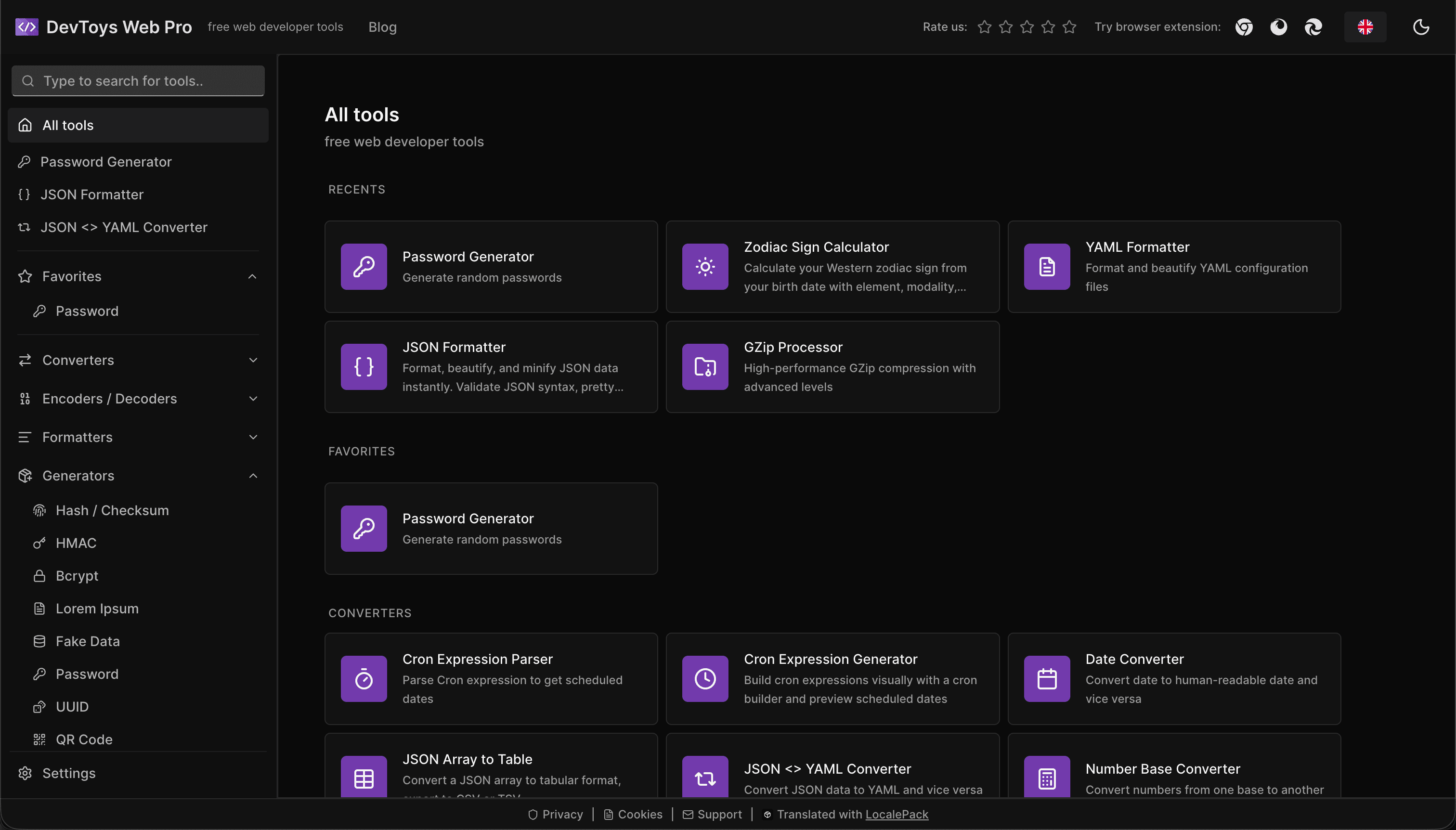
How the DevToys.pro web app translated its entire UI into 52 languages with LocalePack — 5.8M tokens for $58.44 — and quadrupled its international organic traffic.
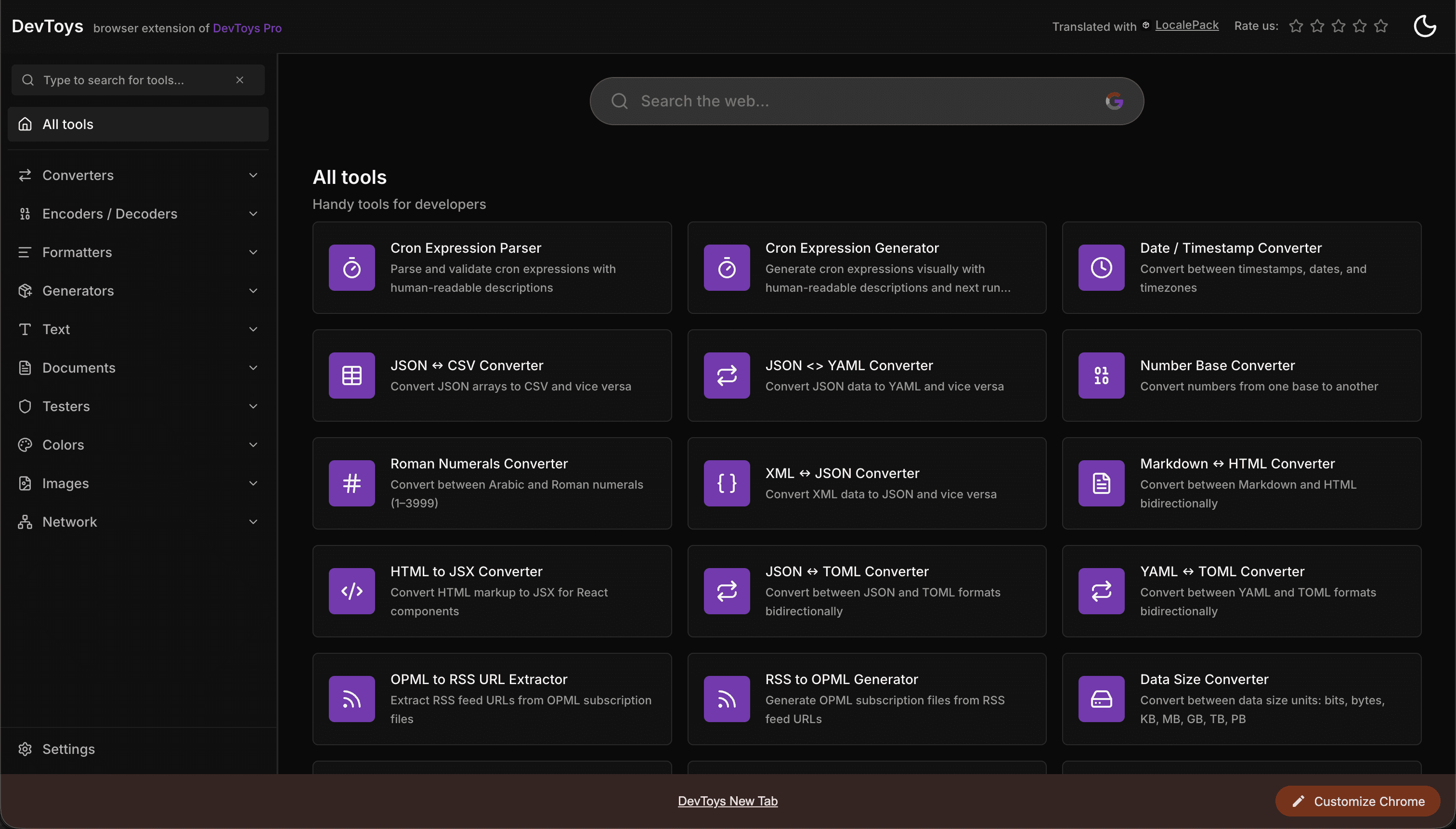
How the DevToys New Tab Chrome extension localized both its in-extension UI and its Chrome Web Store listing into 52 languages to reach a global audience.
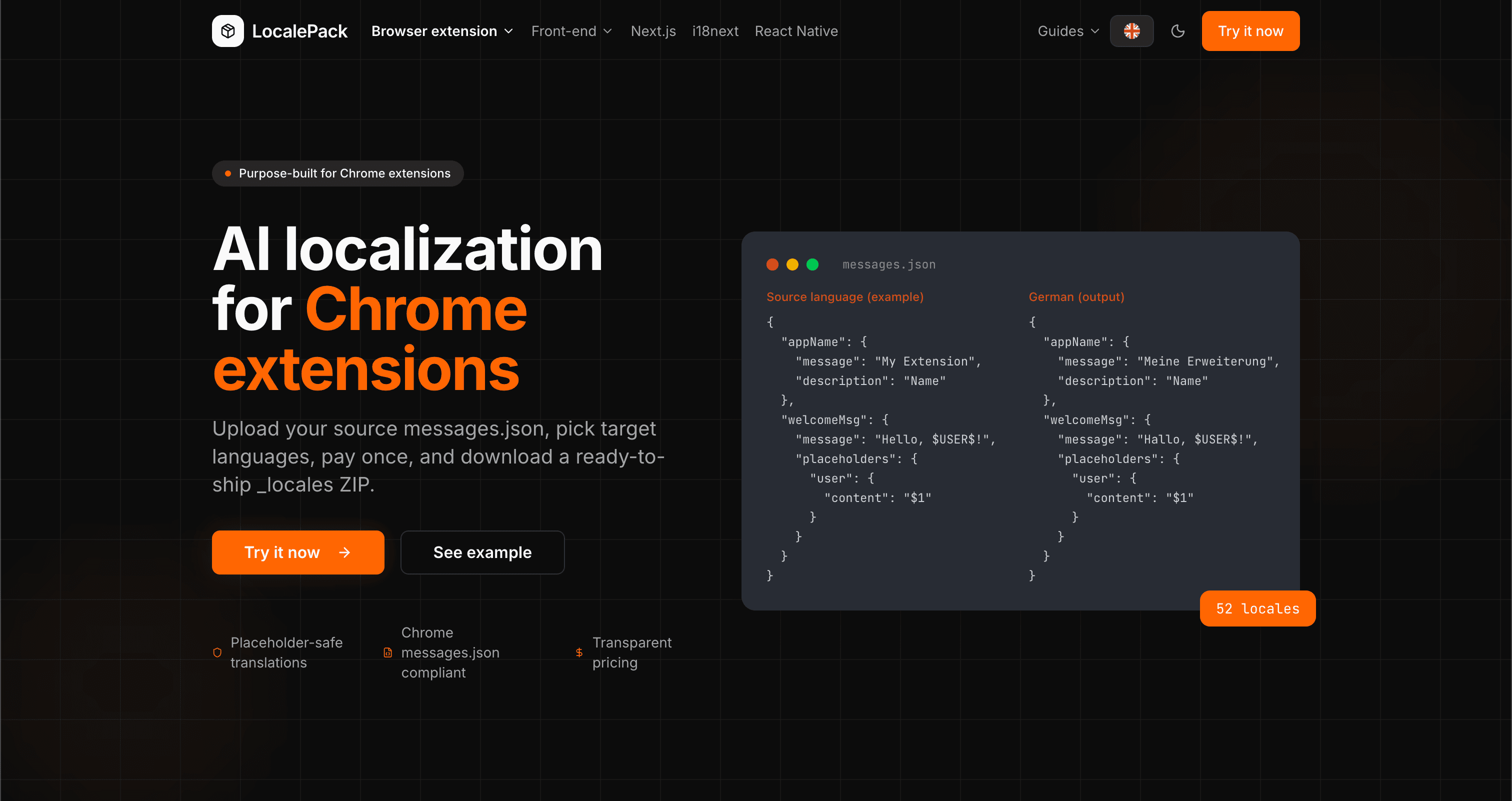
We used our own tool to translate the entire LocalePack site into 52 languages — 2.9M tokens for $27.37 — so developers worldwide find us in their own language.
“Zaoszczędziło mi godziny żmudnej pracy. Wgrałam swój messages.json i dostałam idealne tłumaczenia w dokładnie takim formacie, jakiego potrzebowałam.”
Sarah K.
Niezależna deweloperka, rozszerzenie AdBlock
“Our $PLACEHOLDER$ tokens came back untouched in all 52 locales. That is the whole reason we stopped scripting it ourselves.”
Marcus T.
Opiekun rozszerzenia
“Przejrzysty cennik był decydujący. Dokładnie wiedziałem, ile zapłacę, zanim cokolwiek przesłałem.”
Dev J.
Współtwórca open source
52
Obsługiwane języki
100%
Wynik bezpieczny dla placeholderów
ZIP
Gotowe do wdrożenia
Wszystko, co musisz wiedzieć o LocalePack.
Deep dives on the formats, APIs and errors behind this page — written for developers, not translators.
A complete reference for the WebExtension messages.json format: the message, description, and placeholders fields, $PLACEHOLDER$ syntax, $1 positional substitutions, and common mistakes.
How to catch every class of messages.json error before your users do: JSON syntax, missing required fields, missing keys across locales, malformed placeholder syntax, and manifest key mismatches.
How the __MSG_key__ substitution syntax works in Chrome and Firefox extension manifests: which fields support it, how Chrome resolves tokens at load time, and the pitfalls that cause silent failures or upload rejections.
getMessage() returns an empty string when a message is missing, and logs nothing at all. Every cause of the silent empty string, how to tell it apart from undefined, and how to confirm each one.
Płać raz – Pobierz ZIP – Wysyłaj globalnie
Wypróbuj LocalePack