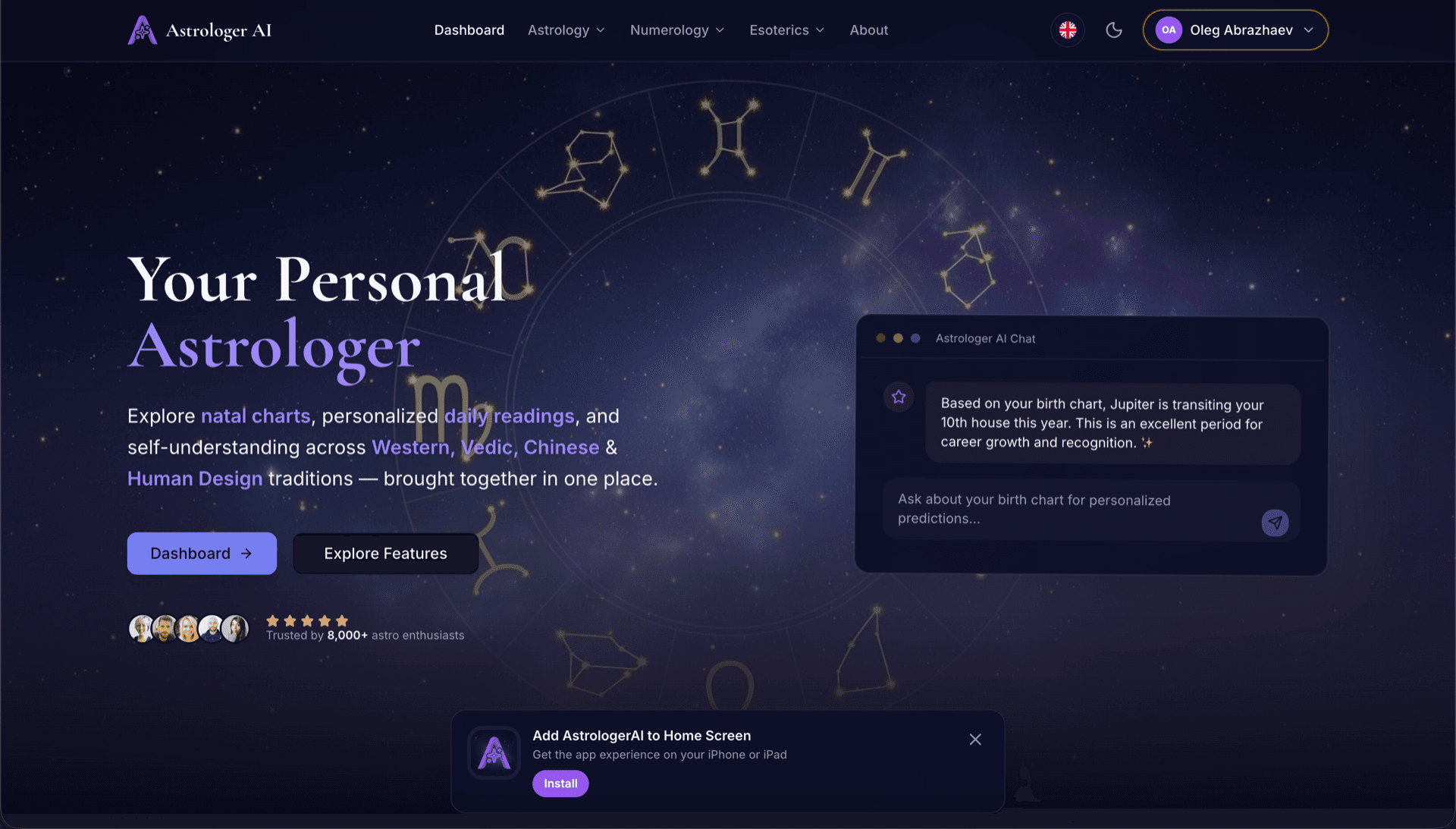
AstrologerAI: an AI astrology app localized into 52 languages
How the AstrologerAI app translated its entire experience into 52 languages with LocalePack — 6.3M tokens for $58.73 — to reach a worldwide audience in their own language.
อัปโหลด messages.json ต้นฉบับ เลือกภาษาเป้าหมาย จ่ายครั้งเดียว แล้วดาวน์โหลด ZIP _locales ที่พร้อมปล่อยใช้งาน
สามขั้นตอนง่ายๆ ในการทำโลคัลไลซ์ ส่วนขยาย Chrome ของคุณ การแปลจะเริ่มหลังชำระเงิน—เราจัดคิวงานและสร้าง ZIP ภายในไม่กี่นาที
วางไฟล์ messages.json ต้นฉบับของคุณ เราจะพาร์สทันทีและตรวจสอบรูปแบบ ส่วนขยาย Chrome
เลือกได้จาก 52 ภาษา ดูราคาแบบโปร่งใสตามขนาดไฟล์ของคุณก่อนชำระเงิน
จ่ายครั้งเดียวผ่าน Stripe เราจะสร้างไฟล์ _locales/{lang}/messages.json ทั้งหมดและรวมเป็น ZIP
ดูได้ชัดเจนว่าคุณจะจ่ายเท่าไร ก่อนอัปโหลด ใบเสนอราคาสุดท้ายจะคำนวณหลังอัปโหลดตามความยาวสตริงและภาษาที่เลือก
วาง messages.json ที่นี่
หรือคลิกเพื่อเลือกไฟล์
รองรับเฉพาะรูปแบบของส่วนขยาย Chrome เท่านั้น ขนาดสูงสุด 500KB
เลือกแล้ว 3 จาก 55 ภาษา
ราคาสุดท้ายจะคำนวณหลังอัปโหลดไฟล์บนหน้าชำระเงิน
ชำระเงินครั้งเดียว • ไม่มีการสมัครสมาชิก
ออกแบบมาโดยเฉพาะสำหรับรูปแบบโลแคลของ ส่วนขยาย Chrome ไม่ใช่เครื่องมือแปลทั่วไป
สร้างมาโดยเฉพาะสำหรับโครงสร้าง messages.json ของ ส่วนขยาย Chrome พร้อมรองรับ message, description และ placeholders
คงรูปแบบไวยากรณ์ $PLACEHOLDER$ ไว้เหมือนเดิมทุกประการ ตัวแปรของคุณจะคงอยู่ครบถ้วนในทุกภาษา
เราอ่านฟิลด์ description ของคุณและใช้เป็นคำใบ้บริบทเพื่อให้ AI แปลได้แม่นยำยิ่งขึ้น
ดาวน์โหลด ZIP ที่มีโครงสร้างโฟลเดอร์ _locales/{lang}/messages.json ที่ถูกต้อง แล้วนำไปใส่ในส่วนขยายของคุณได้ทันที
แปลทุกภาษาไปพร้อมกัน งานส่วนใหญ่เสร็จภายในไม่ถึง 5 นาที
ไม่มีการสมัครสมาชิก ไม่มีค่าธรรมเนียมรายเดือน จ่ายครั้งเดียวต่อหนึ่งงาน ดาวน์โหลดได้ตลอดไป
ส่วนขยาย Chrome จะประกาศ "default_locale" ใน manifest.json เพื่อเปิดใช้งาน i18n จากนั้นเบราว์เซอร์จะอ่านสตริงภาษาจาก _locales/{locale}/messages.json ระหว่างรันไทม์ แต่ละคีย์มีฟิลด์ "message" มี "description" แบบไม่บังคับสำหรับบริบท และมี "placeholders" แบบไม่บังคับสำหรับค่าที่เปลี่ยนแปลงได้ — ซึ่งทั้งหมดนี้ LocalePack รองรับได้โดยตรง
_locales/
├── en/
│   └── messages.json   ← default_locale
├── de/
│   └── messages.json
├── fr/
│   └── messages.json
└── ja/
└── messages.json{
"appName": {
"message": "My Extension",
"description": "Extension name"
},
"greeting": {
"message": "Hello, $USER$!",
"placeholders": {
"user": { "content": "$1" }
}
}
}Runtime API
chrome.i18nตัวอย่างการเรียกใช้งาน
chrome.i18n.getMessage("appName")จำเป็นต้องมีใน manifest
"default_locale"Chrome เว็บสโตร์จะแสดงชื่อและคำอธิบายส่วนขยายของคุณโดยอัตโนมัติเป็นภาษาท้องถิ่นของผู้เข้าชม เมื่อ _locales/ มีโฟลเดอร์ภาษาของพวกเขา
Chrome's i18n system fails quietly. These are the four rules that cause most broken releases.
A key that does not exist returns an empty string and logs nothing at all. Missing translations show up as blank UI, not as errors.
เครื่องมือแปลแบบใช้งานทั่วไปไม่เข้าใจรูปแบบของ ส่วนขยาย Chrome
LocalePack | แปลด้วยตนเอง | TMS ทั่วไป | |
|---|---|---|---|
| เวลาในการตั้งค่า | 2 นาที | หลายชั่วโมงต่อภาษา | 30+ นาที |
| ความโปร่งใสของราคา | |||
| ความปลอดภัยของรูปแบบ Chrome | |||
| ปกป้องเพลซโฮลเดอร์ | |||
| ความเร็ว (52 ภาษา) | < 5 นาที | สัปดาห์ | ชั่วโมง |
| เหมาะที่สุดสำหรับ | ส่วนขยาย Chrome | โปรเจกต์ขนาดเล็ก | เว็บแอปสำหรับองค์กร |
โปรเจกต์จริงที่ใช้ LocalePack เพื่อเข้าถึงผู้ชมทั่วโลกได้สูงสุดถึง 52 ภาษา
How the AstrologerAI app translated its entire experience into 52 languages with LocalePack — 6.3M tokens for $58.73 — to reach a worldwide audience in their own language.
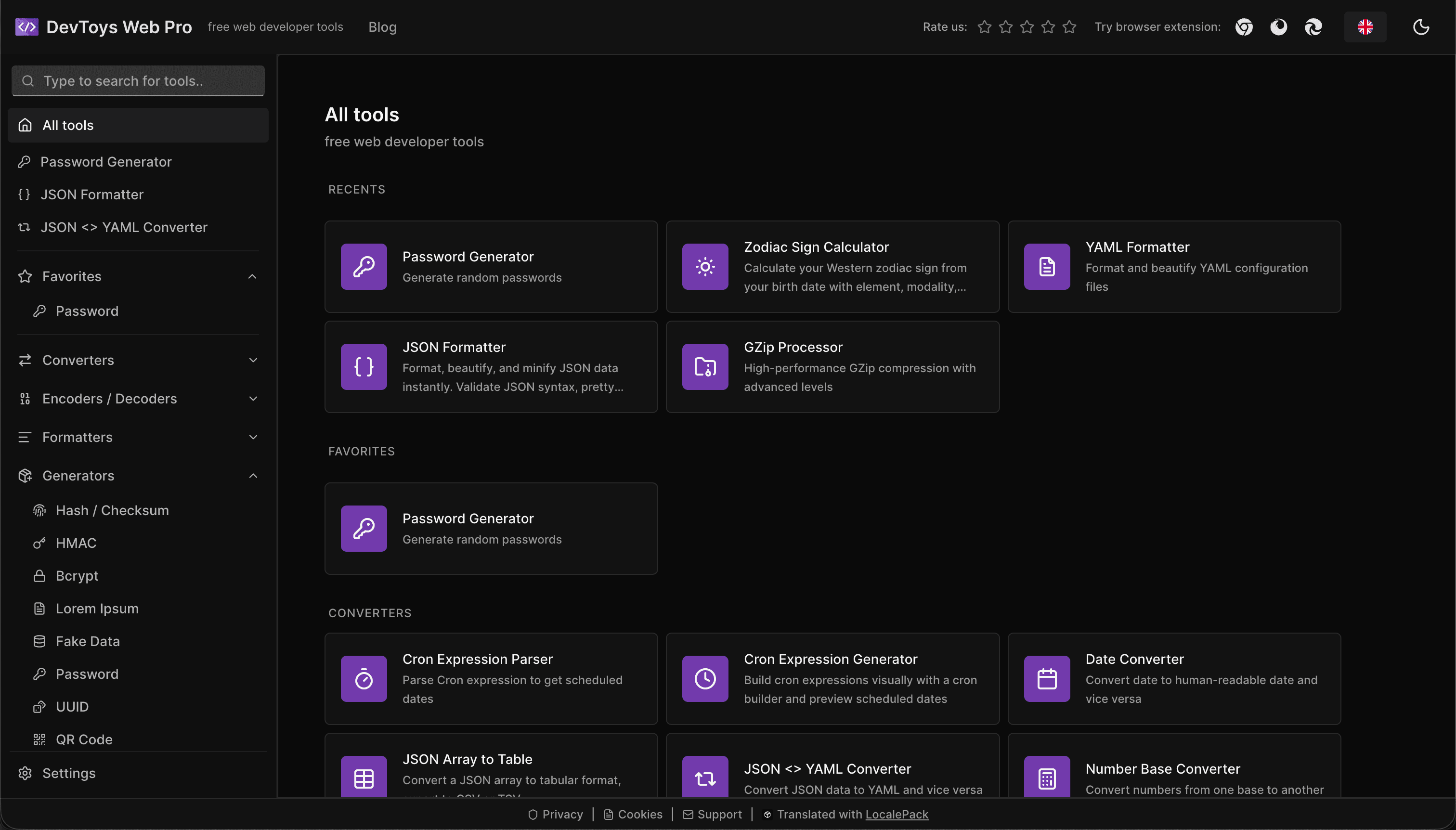
How the DevToys.pro web app translated its entire UI into 52 languages with LocalePack — 5.8M tokens for $58.44 — and quadrupled its international organic traffic.
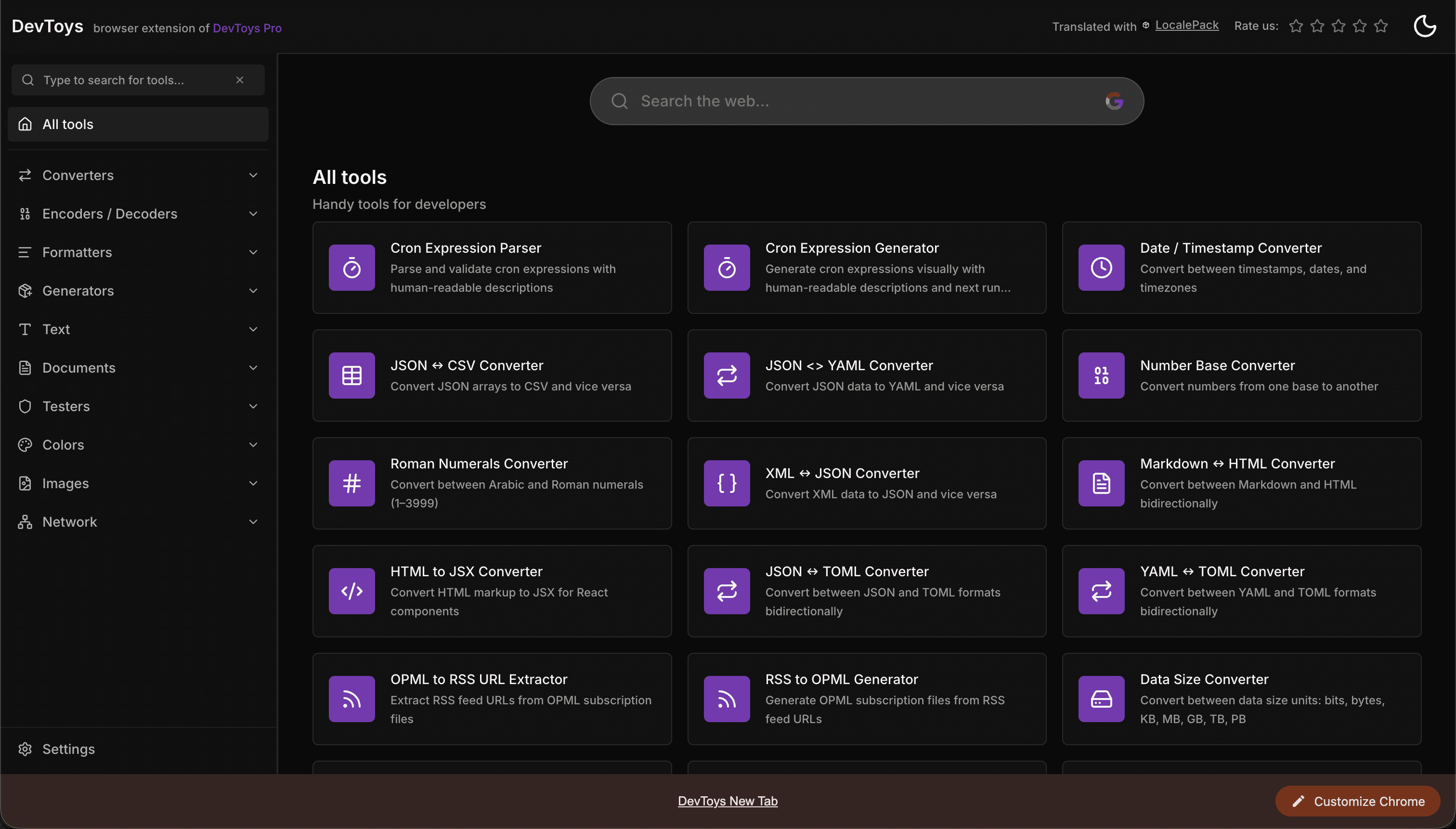
How the DevToys New Tab Chrome extension localized both its in-extension UI and its Chrome Web Store listing into 52 languages to reach a global audience.
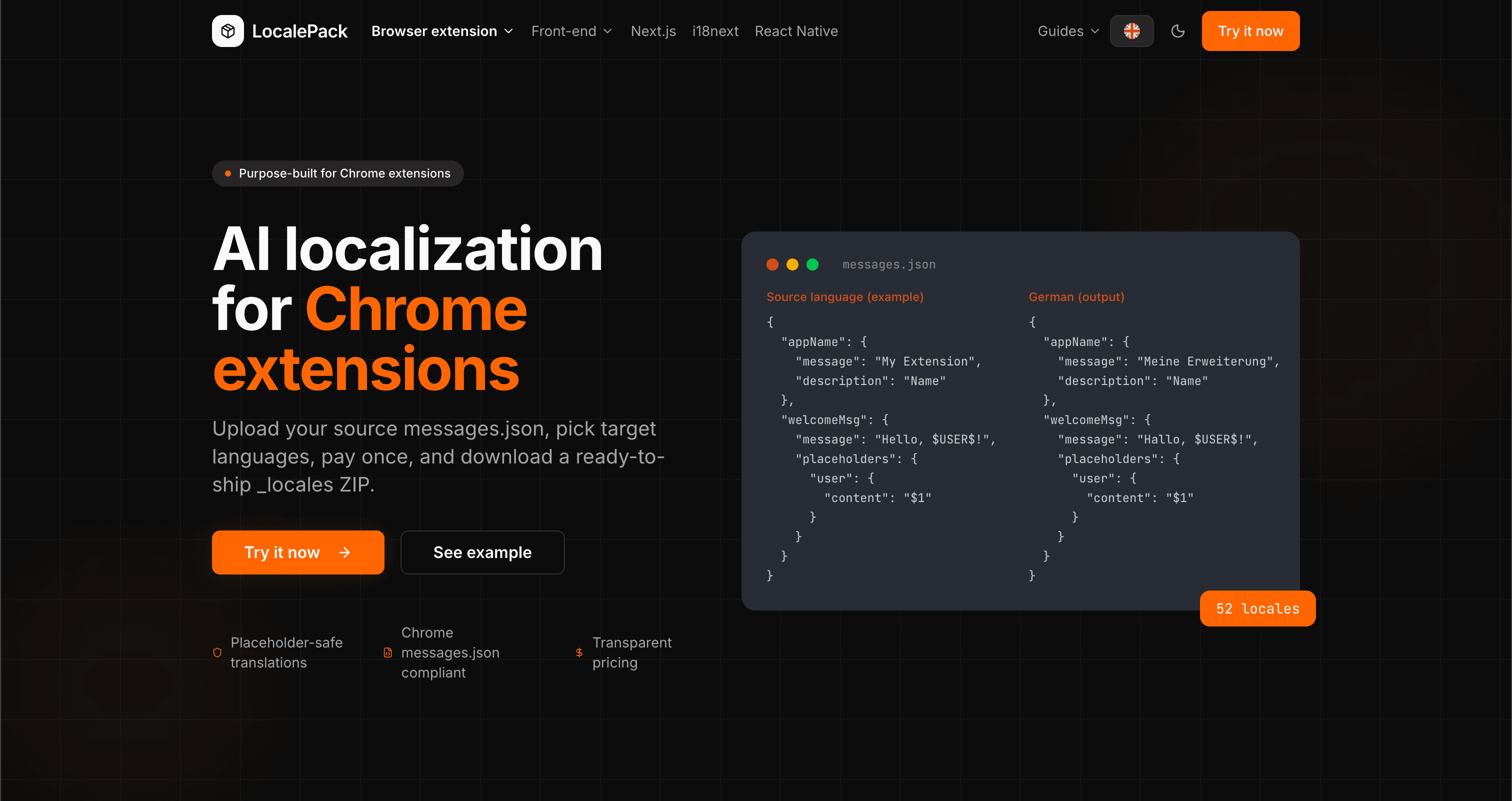
We used our own tool to translate the entire LocalePack site into 52 languages — 2.9M tokens for $27.37 — so developers worldwide find us in their own language.
“ช่วยประหยัดเวลางานจุกจิกไปได้หลายชั่วโมง อัปโหลด messages.json ของฉันแล้วได้คำแปลที่สมบูรณ์แบบกลับมาในรูปแบบเดียวกับที่ต้องการเป๊ะๆ”
Sarah K.
นักพัฒนาอิสระ, ส่วนขยาย AdBlock
“ในที่สุดก็มีเครื่องมือที่เข้าใจฟอร์แมตส่วนขยาย Chrome ไม่ต้องมานั่งแก้ placeholder ที่พังหลังการแปลอีกต่อไป”
Marcus T.
ผู้ดูแลส่วนขยาย
“ราคาที่โปร่งใสคือจุดที่ทำให้ตัดสินใจซื้อ ฉันรู้แน่ชัดว่าจะต้องจ่ายเท่าไรตั้งแต่ก่อนอัปโหลดอะไรทั้งนั้น”
Dev J.
ผู้ร่วมพัฒนาโอเพนซอร์ส
52
ภาษาที่รองรับ
100%
ผลลัพธ์ปลอดภัยต่อ placeholder
ZIP
พร้อมส่งขึ้นระบบ
ทุกสิ่งที่คุณต้องรู้เกี่ยวกับ LocalePack
Deep dives on the formats, APIs and errors behind this page — written for developers, not translators.
Step-by-step guide to adding i18n to a Chrome extension: _locales structure, default_locale, messages.json syntax, chrome.i18n.getMessage(), placeholder preservation, and how to test locale switching.
All four chrome.i18n methods with exact signatures and return types: which are synchronous, which return promises, what getMessage() returns when it fails, and how browser.i18n differs in Firefox and Safari.
Synchronous getMessage() is an advantage in an MV3 service worker, not a problem — a common claim that gets this backwards. What actually breaks is the DOM, global-variable caching, localStorage and XMLHttpRequest.
An honest comparison of tools that translate Chrome extension messages.json files: LocalePack, Crowdin, Lokalise, Phrase, POEditor, Localazy, Weblate, and Localeship — setup overhead, pricing models, and placeholder safety.
Honest comparison of LocalePack and Lokalise for Chrome extension messages.json translation. Lokalise is a full TMS with team workflows and a monthly subscription; LocalePack is upload → pay once → download.
จ่ายครั้งเดียว - ดาวน์โหลด ZIP - ส่งได้ทั่วโลก
ลองใช้ LocalePack