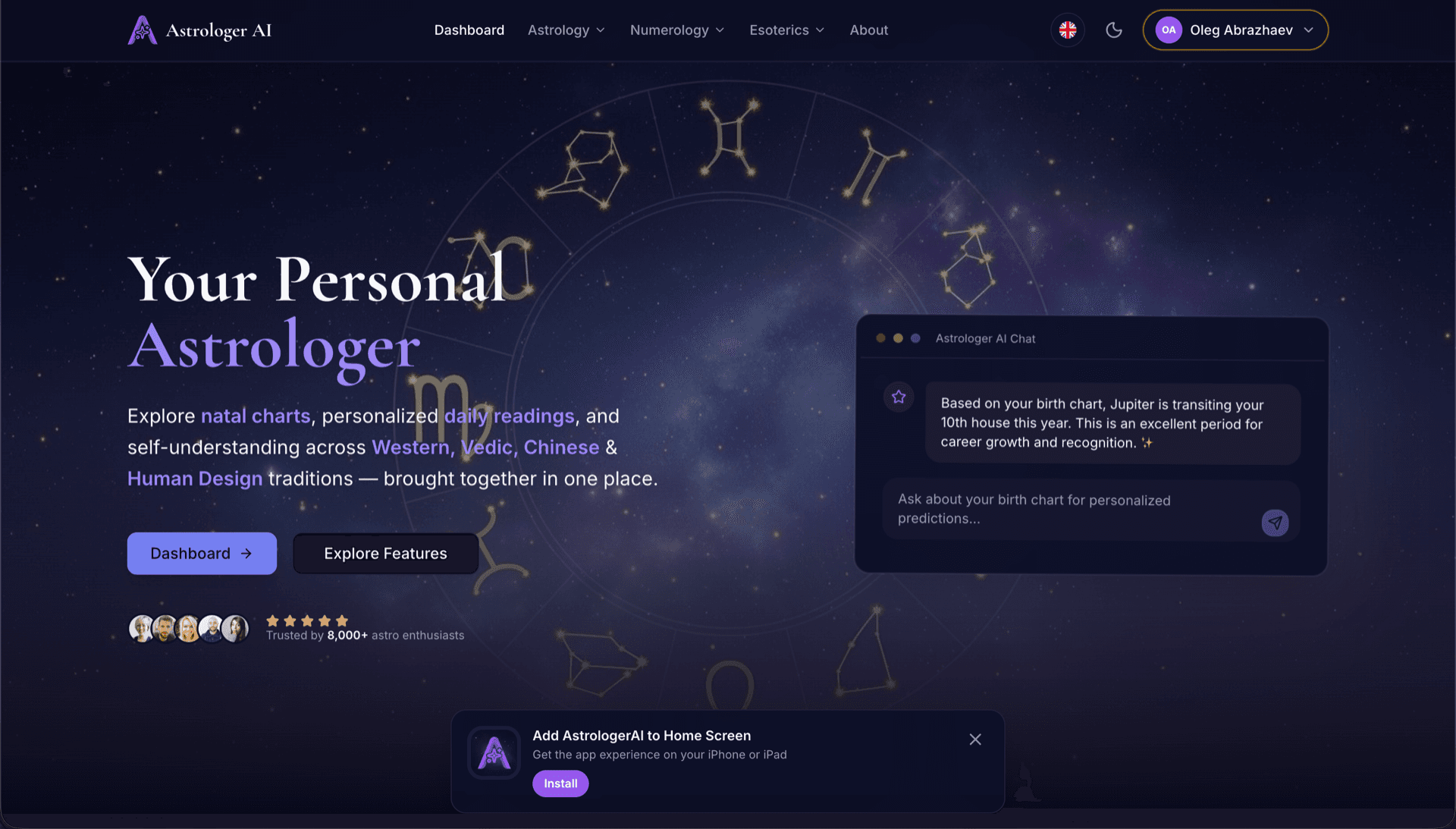
AstrologerAI: an AI astrology app localized into 52 languages
How the AstrologerAI app translated its entire experience into 52 languages with LocalePack — 6.3M tokens for $58.73 — to reach a worldwide audience in their own language.
อัปโหลด messages.json ต้นฉบับ เลือกภาษาเป้าหมาย จ่ายครั้งเดียว แล้วดาวน์โหลด ZIP _locales ที่พร้อมปล่อยใช้งาน
สามขั้นตอนง่ายๆ ในการทำโลคัลไลซ์ ส่วนขยาย Edge ของคุณ การแปลจะเริ่มหลังชำระเงิน—เราจัดคิวงานและสร้าง ZIP ภายในไม่กี่นาที
วางไฟล์ messages.json ต้นฉบับของคุณ เราจะพาร์สทันทีและตรวจสอบรูปแบบ ส่วนขยาย Edge
เลือกได้จาก 52 ภาษา ดูราคาแบบโปร่งใสตามขนาดไฟล์ของคุณก่อนชำระเงิน
จ่ายครั้งเดียวผ่าน Stripe เราจะสร้างไฟล์ _locales/{lang}/messages.json ทั้งหมดและรวมเป็น ZIP
ดูได้ชัดเจนว่าคุณจะจ่ายเท่าไร ก่อนอัปโหลด ใบเสนอราคาสุดท้ายจะคำนวณหลังอัปโหลดตามความยาวสตริงและภาษาที่เลือก
วาง messages.json ที่นี่
หรือคลิกเพื่อเลือกไฟล์
รองรับเฉพาะรูปแบบส่วนขยาย Edge เท่านั้น ขนาดสูงสุด 500KB
เลือกแล้ว 3 จาก 55 ภาษา
ราคาสุดท้ายจะคำนวณหลังอัปโหลดไฟล์บนหน้าชำระเงิน
ชำระเงินครั้งเดียว • ไม่มีการสมัครสมาชิก
ออกแบบมาโดยเฉพาะสำหรับรูปแบบโลแคลของ ส่วนขยาย Edge ไม่ใช่เครื่องมือแปลทั่วไป
สร้างมาโดยเฉพาะสำหรับโครงสร้าง messages.json ของ ส่วนขยาย Edge พร้อมรองรับ message, description และ placeholders
คงรูปแบบไวยากรณ์ $PLACEHOLDER$ ไว้เหมือนเดิมทุกประการ ตัวแปรของคุณจะคงอยู่ครบถ้วนในทุกภาษา
เราอ่านฟิลด์ description ของคุณและใช้เป็นคำใบ้บริบทเพื่อให้ AI แปลได้แม่นยำยิ่งขึ้น
ดาวน์โหลด ZIP ที่มีโครงสร้างโฟลเดอร์ _locales/{lang}/messages.json ที่ถูกต้อง แล้วนำไปใส่ในส่วนขยายของคุณได้ทันที
แปลทุกภาษาไปพร้อมกัน งานส่วนใหญ่เสร็จภายในไม่ถึง 5 นาที
ไม่มีการสมัครสมาชิก ไม่มีค่าธรรมเนียมรายเดือน จ่ายครั้งเดียวต่อหนึ่งงาน ดาวน์โหลดได้ตลอดไป
ส่วนขยาย Microsoft Edge ใช้รูปแบบ i18n ของ Chromium ที่เหมือนกันทุกประการ — โครงสร้าง _locales/{locale}/messages.json แบบเดียวกับ Chrome หากส่วนขยายของคุณรองรับ Chrome อยู่แล้ว เอาต์พุตจาก LocalePack ก็ใช้กับ Edge ได้โดยไม่ต้องแก้ไขใดๆ
_locales/
├── en/
│   └── messages.json   ← default_locale
├── de/
│   └── messages.json
├── fr/
│   └── messages.json
└── ja/
└── messages.json{
"appName": {
"message": "My Extension",
"description": "Extension name"
},
"greeting": {
"message": "Hello, $USER$!",
"placeholders": {
"user": { "content": "$1" }
}
}
}Runtime API
chrome.i18nตัวอย่างการเรียกใช้งาน
chrome.i18n.getMessage("appName")จำเป็นต้องมีใน manifest
"default_locale"Edge สร้างบน Chromium ไฟล์ ZIP ของ _locales ใดๆ ที่ใช้ได้กับ Chrome จะใช้กับ Edge ได้ทันทีโดยไม่ต้องปรับเปลี่ยน
สโตร์ Microsoft Edge Add-ons จะอ่าน _locales/ เพื่อแสดงชื่อและคำอธิบายส่วนขยายที่แปลแล้วให้ผู้ใช้ที่เรียกดูสโตร์ด้วยภาษาของตน
Edge extensions use the identical Chromium i18n format. That means the compatibility is total — and so are Chrome's constraints.
Because Edge inherits Chromium's behaviour, it also inherits the silent failure: an unsupported locale folder is ignored rather than reported.
เครื่องมือแปลแบบใช้งานทั่วไปไม่เข้าใจรูปแบบของ ส่วนขยาย Edge
LocalePack | แปลด้วยตนเอง | TMS ทั่วไป | |
|---|---|---|---|
| เวลาในการตั้งค่า | 2 นาที | หลายชั่วโมงต่อภาษา | 30+ นาที |
| ความโปร่งใสของราคา | |||
| ความปลอดภัยของรูปแบบ Edge | |||
| ปกป้องเพลซโฮลเดอร์ | |||
| ความเร็ว (52 ภาษา) | < 5 นาที | สัปดาห์ | ชั่วโมง |
| เหมาะที่สุดสำหรับ | ส่วนขยาย Edge | โปรเจกต์ขนาดเล็ก | เว็บแอปสำหรับองค์กร |
โปรเจกต์จริงที่ใช้ LocalePack เพื่อเข้าถึงผู้ชมทั่วโลกได้สูงสุดถึง 52 ภาษา
How the AstrologerAI app translated its entire experience into 52 languages with LocalePack — 6.3M tokens for $58.73 — to reach a worldwide audience in their own language.
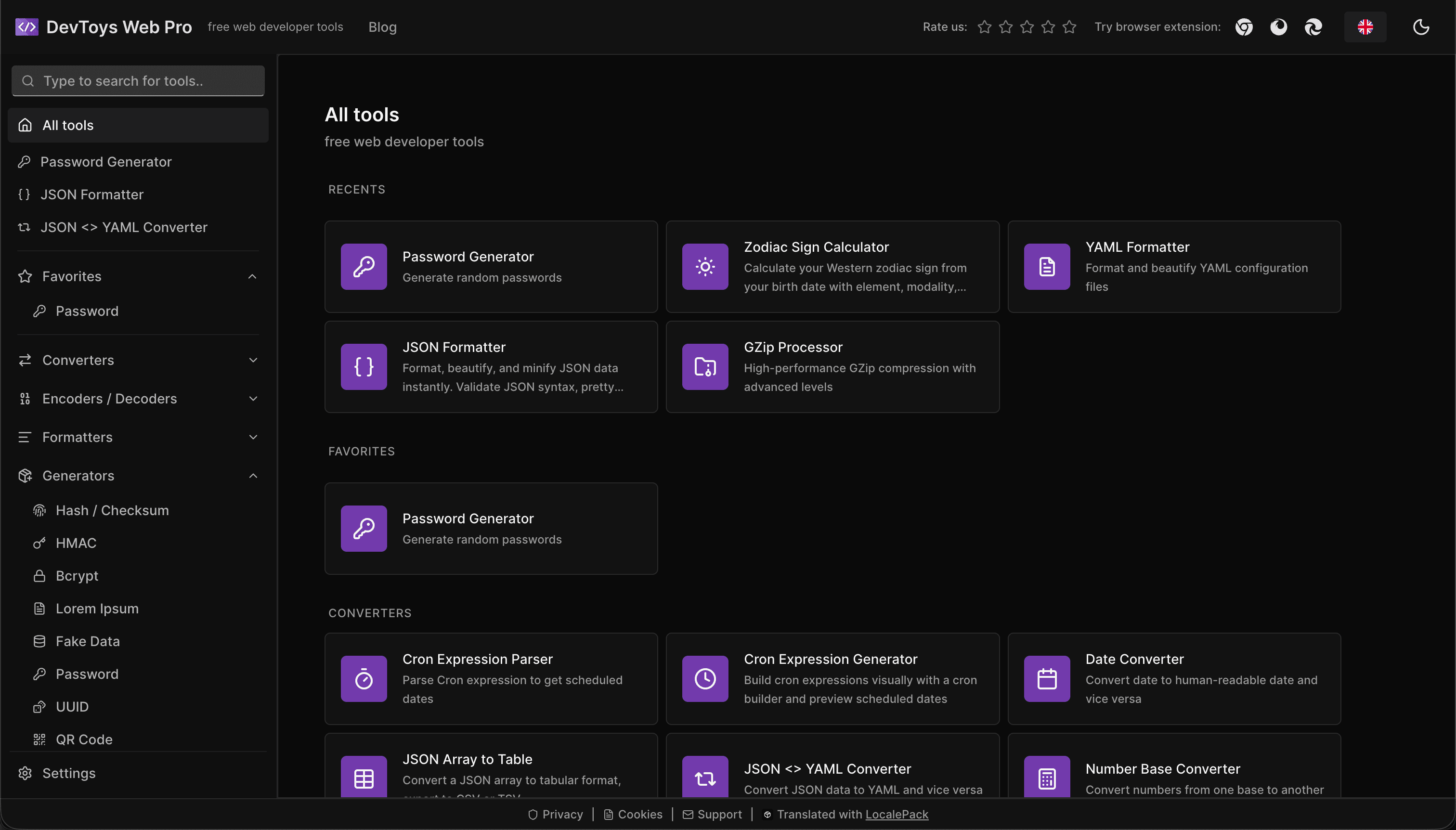
How the DevToys.pro web app translated its entire UI into 52 languages with LocalePack — 5.8M tokens for $58.44 — and quadrupled its international organic traffic.
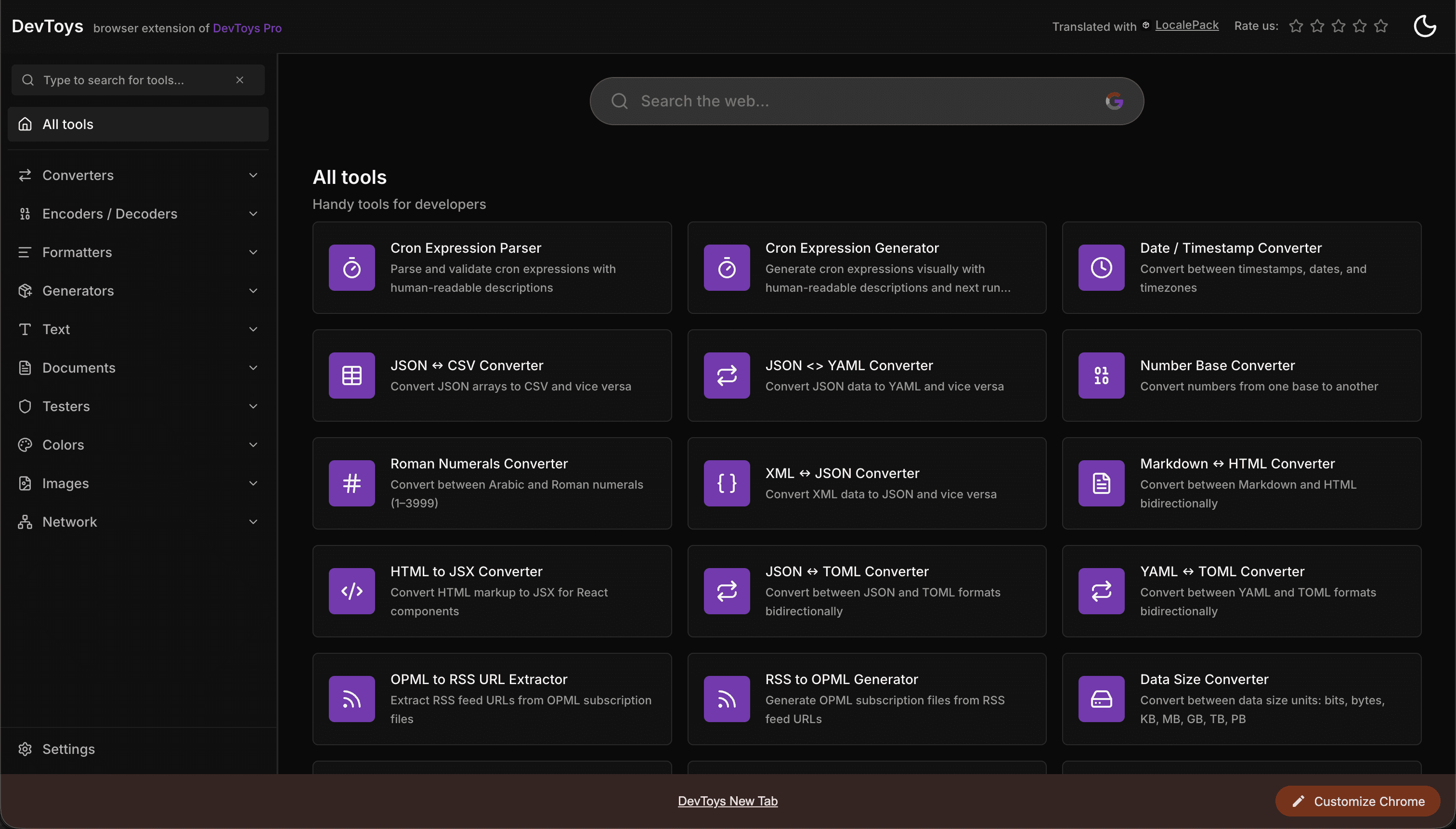
How the DevToys New Tab Chrome extension localized both its in-extension UI and its Chrome Web Store listing into 52 languages to reach a global audience.
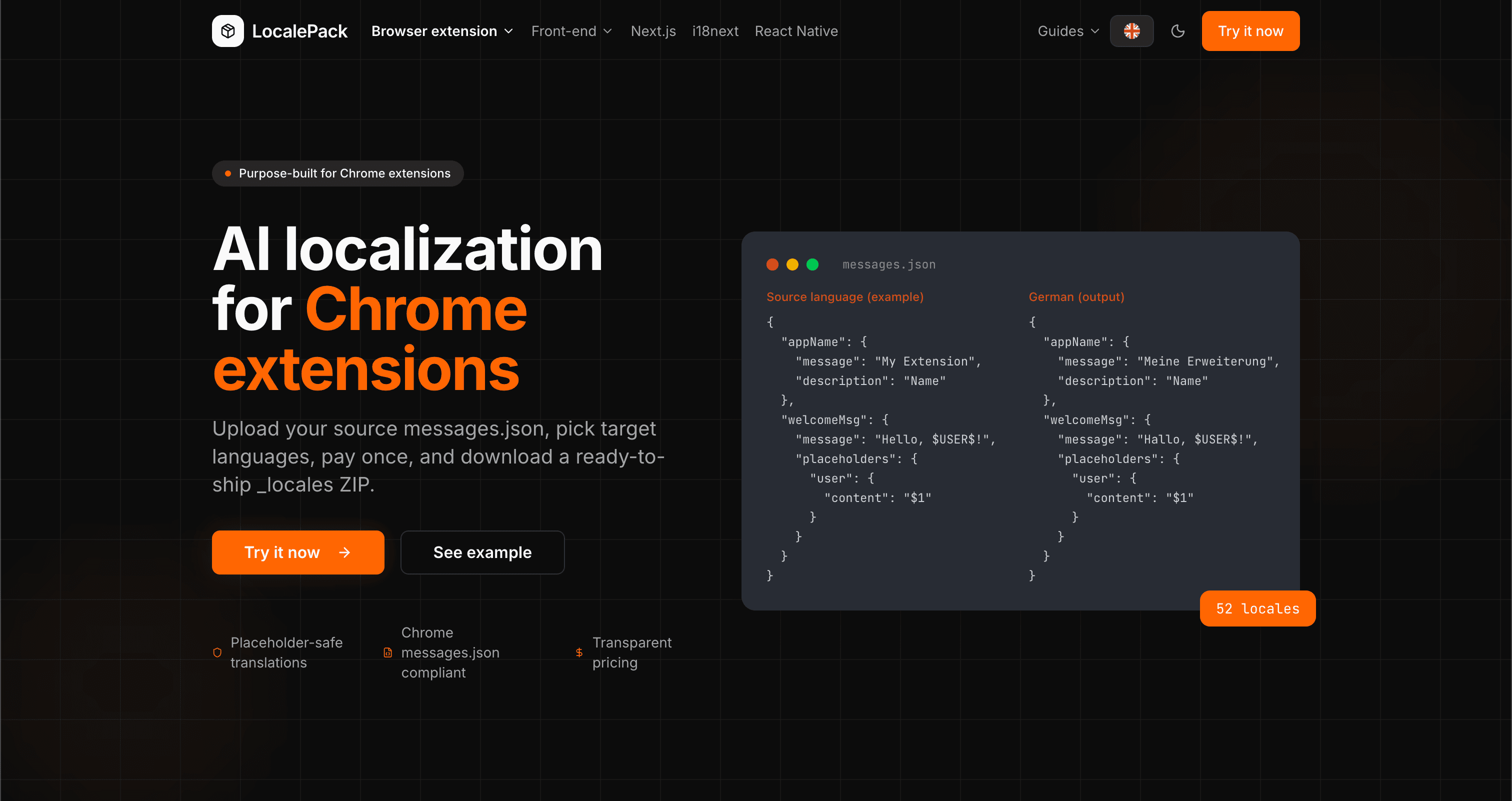
We used our own tool to translate the entire LocalePack site into 52 languages — 2.9M tokens for $27.37 — so developers worldwide find us in their own language.
“ช่วยประหยัดเวลางานจุกจิกไปได้หลายชั่วโมง อัปโหลด messages.json ของฉันแล้วได้คำแปลที่สมบูรณ์แบบกลับมาในรูปแบบเดียวกับที่ต้องการเป๊ะๆ”
Sarah K.
นักพัฒนาอิสระ, ส่วนขยาย AdBlock
“ในที่สุดก็มีเครื่องมือที่เข้าใจรูปแบบส่วนขยาย Edge ไม่ต้องมานั่งแก้ placeholder ที่พังหลังการแปลอีกต่อไป”
Marcus T.
ผู้ดูแลส่วนขยาย
“ราคาที่โปร่งใสคือจุดที่ทำให้ตัดสินใจซื้อ ฉันรู้แน่ชัดว่าจะต้องจ่ายเท่าไรตั้งแต่ก่อนอัปโหลดอะไรทั้งนั้น”
Dev J.
ผู้ร่วมพัฒนาโอเพนซอร์ส
52
ภาษาที่รองรับ
100%
ผลลัพธ์ปลอดภัยต่อ placeholder
ZIP
พร้อมส่งขึ้นระบบ
ทุกสิ่งที่คุณต้องรู้เกี่ยวกับ LocalePack
Deep dives on the formats, APIs and errors behind this page — written for developers, not translators.
How to set up the _locales folder, what default_locale does in manifest.json, and how Chrome picks the right messages.json at runtime.
Why Partner Center shows only one listing language even when your package ships twenty, how __MSG_ manifest references drive language detection, and which listing fields Edge requires for every language versus just one.
All four chrome.i18n methods with exact signatures and return types: which are synchronous, which return promises, what getMessage() returns when it fails, and how browser.i18n differs in Firefox and Safari.
Every locale code Chrome accepts as a _locales folder name, with language and native names, the underscore-vs-hyphen trap that makes pt-BR silently ignored, and how Chrome picks a locale at runtime.
How to catch every class of messages.json error before your users do: JSON syntax, missing required fields, missing keys across locales, malformed placeholder syntax, and manifest key mismatches.
จ่ายครั้งเดียว - ดาวน์โหลด ZIP - ส่งได้ทั่วโลก
ลองใช้ LocalePack