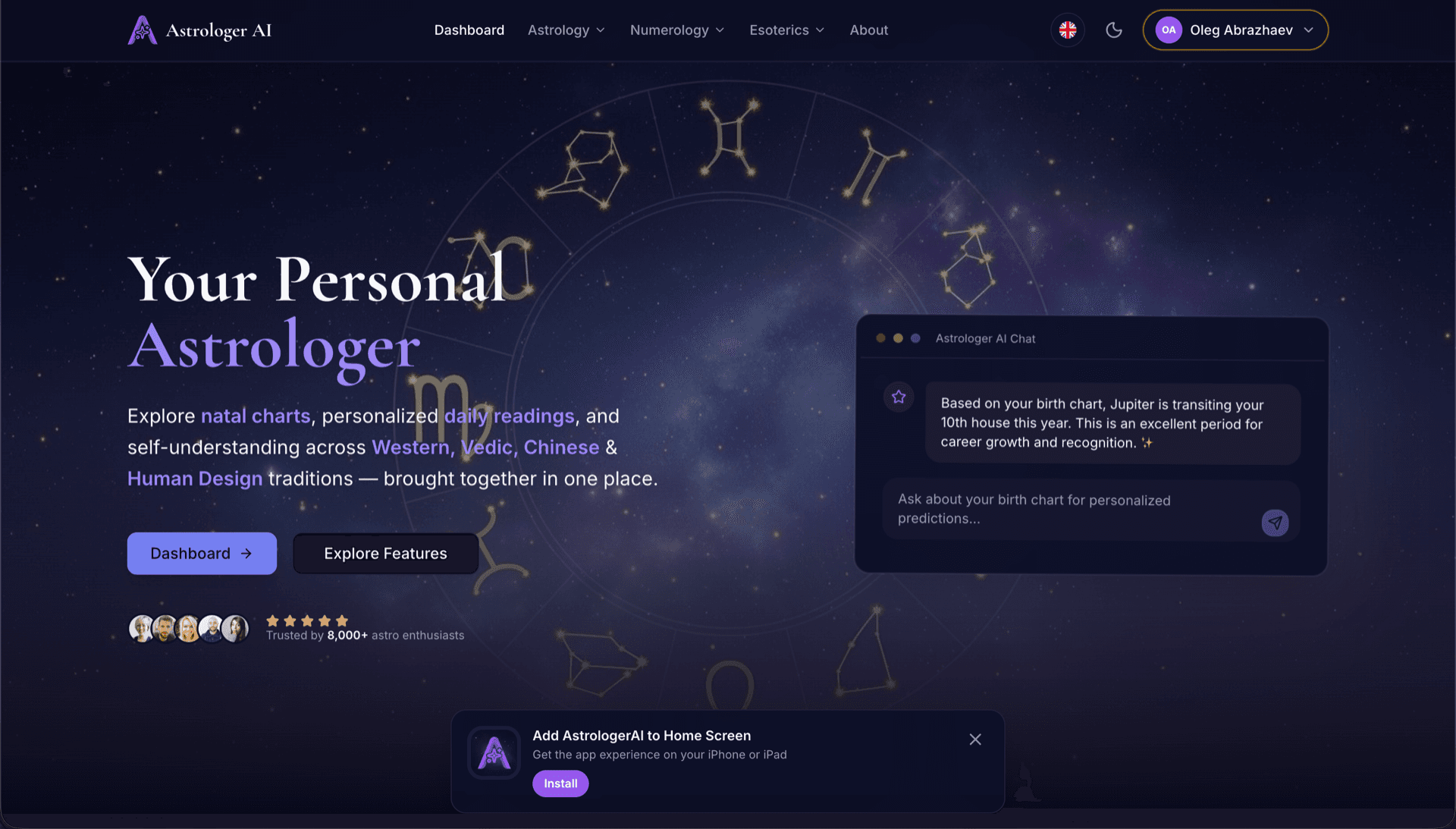
AstrologerAI: an AI astrology app localized into 52 languages
How the AstrologerAI app translated its entire experience into 52 languages with LocalePack — 6.3M tokens for $58.73 — to reach a worldwide audience in their own language.
Upload your namespace JSON files, pick target languages, pay once, and download a ready-to-use locales ZIP.
Three simple steps to localize your i18next project. Translations run after payment—we queue jobs and generate namespace files in minutes.
Drop your JSON namespaces (e.g. locales/en/common.json). We detect i18next structure and plural keys automatically.
Choose from 52 languages. See transparent pricing based on your file size and complexity before you pay.
Pay once via Stripe. We return a ZIP mirroring locales/{lang}/ with double-brace placeholders and _one/_other keys preserved.
See exactly what you'll pay before uploading. Final quote is computed after upload based on file complexity and languages selected.
Drop JSON file here
or click to browse
i18next namespace JSON (locales/**). Max 500KB.
3 of 52 languages selected
Final price calculated after file upload on checkout page
One-time payment • No subscription
Purpose-built for i18next JSON namespaces, double-brace placeholders, and plural keys—not a generic translation tool.
Keeps common.json, auth.json, and nested namespaces aligned across every target locale in your ZIP.
Preserves i18next interpolation tokens like {{name}} and {{count}} exactly—no broken strings after translation.
Handles i18next-style plural splits such as key_one and key_other so grammars stay correct per language.
Download a locales/ tree ready for i18next.init() or react-i18next—same paths, translated values.
All languages are translated simultaneously. Most jobs complete in under 5 minutes.
No subscriptions, no monthly fees. Pay once per job, download forever.
i18next projects often split strings by namespace under locales/{lang}/. LocalePack generates the same structure for every language you pick.
locales/
├── en/
│   ├── common.json   ← source namespace
│   └── auth.json
├── de/
│   ├── common.json
│   └── auth.json
├── fr/
│   └── ...
└── ...       (52 locales)
// locales/en/common.json
{
  "welcome": "Hello {{name}}",
  "items_one": "{{count}} item",
  "items_other": "{{count}} items"
}

// After i18next.init({ ns: ['common'] })
i18next.t('common:welcome', { name: 'Ada' });
i18next.t('common:items', { count: 5 });
Runtime API
t()
Config file
i18next.init()
Placeholders
{{variable}}
Plurals
_one/_other
General-purpose translation tools often break i18next namespaces, double-brace placeholders, and _one/_other plural conventions.
LocalePack | Manual translation | Generic TMS | |
|---|---|---|---|
| Setup time | 2 minutes | Hours per language | 30+ minutes |
| Cost transparency | |||
| Namespace JSON support | |||
| {{placeholder}} & plural safety | |||
| Speed (52 languages) | < 5 min | Weeks | Hours |
| Best for | i18next & React apps | Small projects | Enterprise CMS |
Real projects that used LocalePack to reach a global audience in up to 52 languages.
How the AstrologerAI app translated its entire experience into 52 languages with LocalePack — 6.3M tokens for $58.73 — to reach a worldwide audience in their own language.
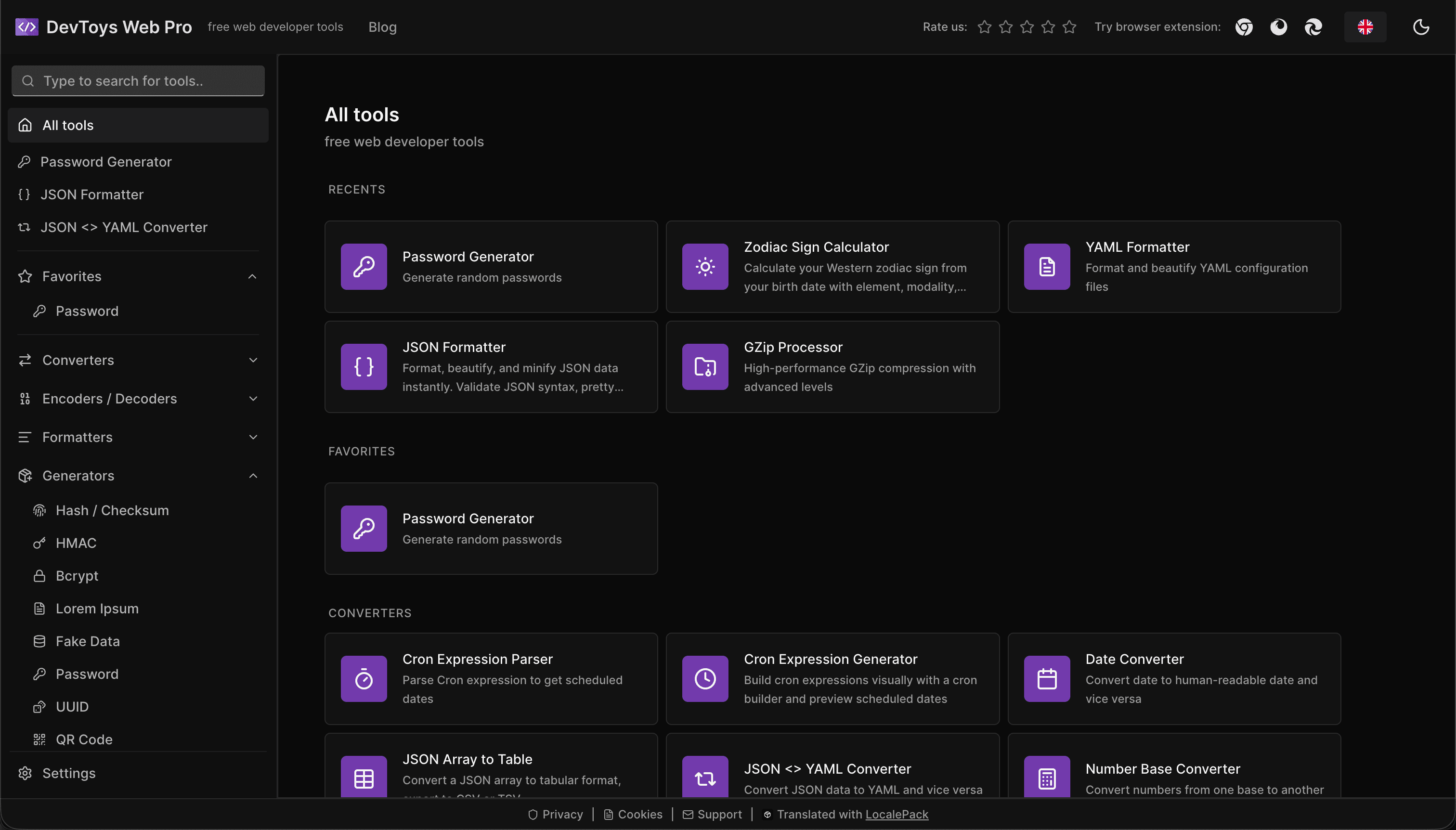
How the DevToys.pro web app translated its entire UI into 52 languages with LocalePack — 5.8M tokens for $58.44 — and quadrupled its international organic traffic.
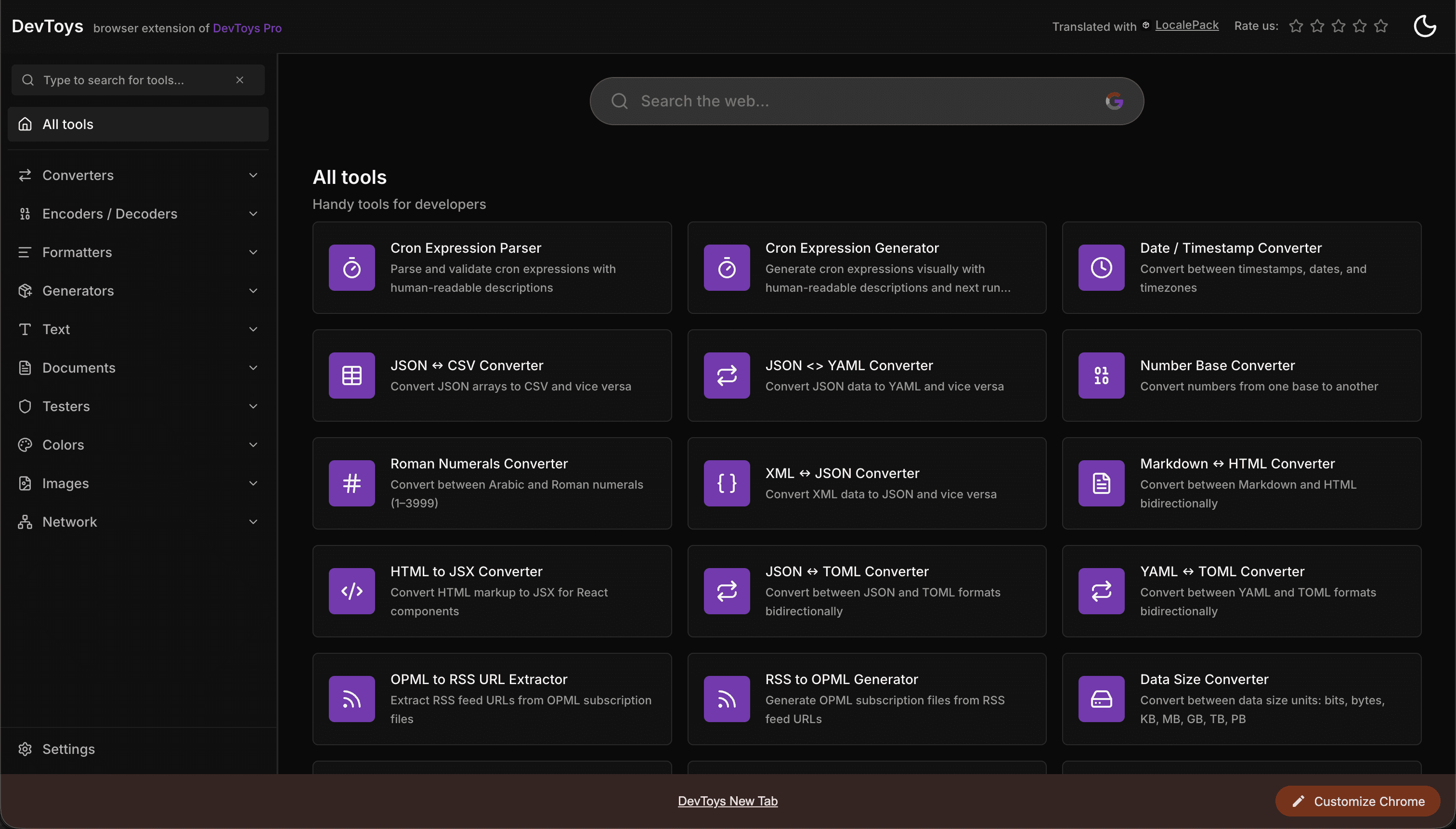
How the DevToys New Tab Chrome extension localized both its in-extension UI and its Chrome Web Store listing into 52 languages to reach a global audience.
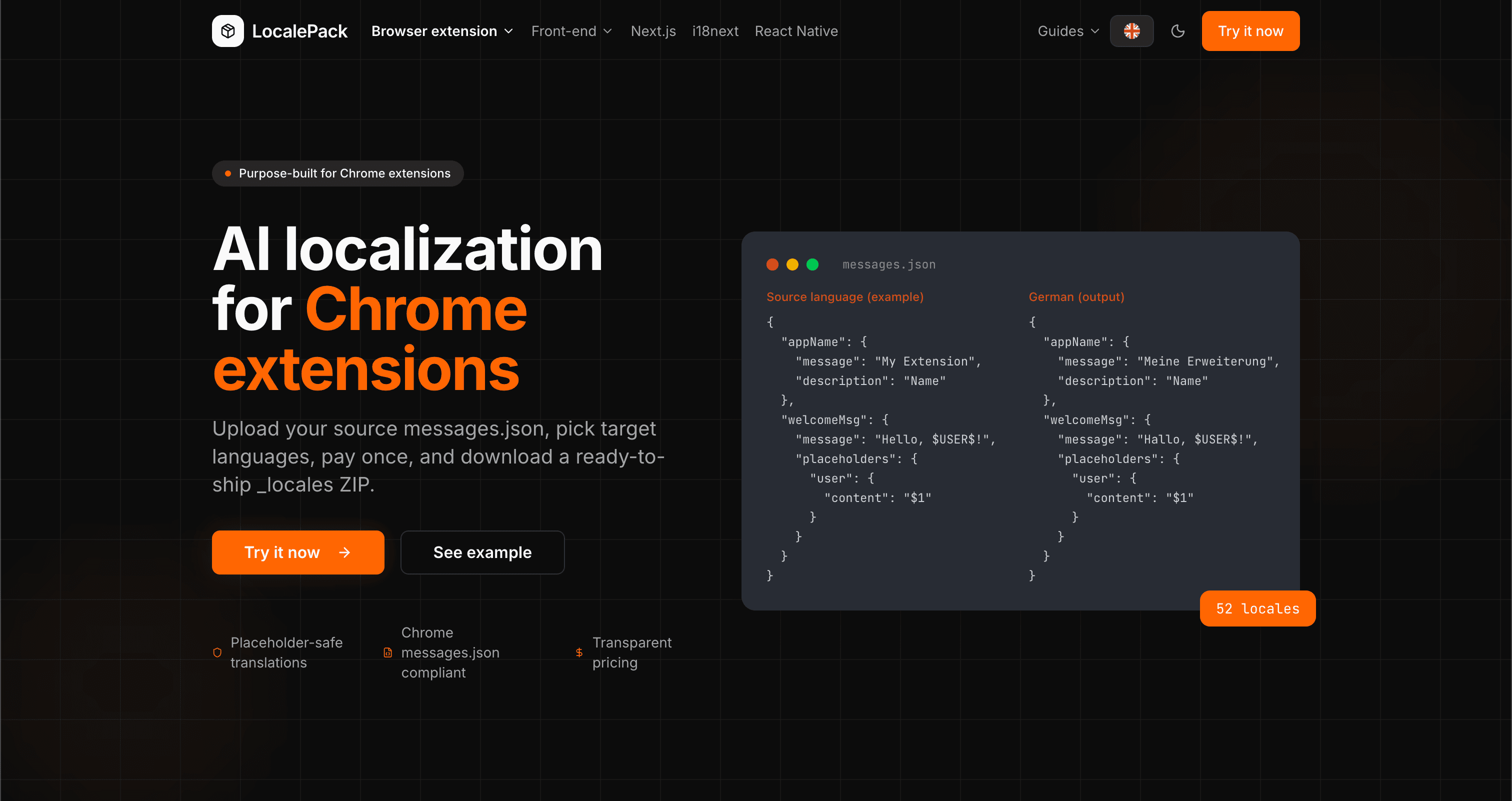
We used our own tool to translate the entire LocalePack site into 52 languages — 2.9M tokens for $27.37 — so developers worldwide find us in their own language.
“Our locales/en folder went to 12 languages in one afternoon. {{variables}} and plural keys came back intact.”
Alex R.
Full-stack developer, SaaS app
“Finally a pipeline that respects namespaces. The ZIP drops straight into our repo—no manual merging.”
Lisa M.
Frontend engineer
“Transparent pricing sold me. I saw the estimate before uploading a single common.json.”
Dev J.
Open source contributor
52
Locales supported
100%
Mustache-style & plural-safe
ZIP
Namespace ZIP
Deep dives on the formats, APIs and errors behind this page — written for developers, not translators.
A complete reference for the i18next JSON locale format — namespace files, double-brace {{placeholder}} syntax, _one/_other plural keys, nested objects, and how to structure your locales/ folder.
Practical comparison of the three leading Next.js i18n libraries — App Router support, file format, TypeScript safety, pluralization syntax, and when to pick each one.
Honest comparison of LocalePack and POEditor for i18next JSON translation. POEditor is a collaborative TMS with a string-count subscription and a free tier; LocalePack is upload → pay once → download.
How to catch every class of messages.json error before your users do: JSON syntax, missing required fields, missing keys across locales, malformed placeholder syntax, and manifest key mismatches.
Pay once • Download namespace ZIP • Ship globally
Try LocalePack