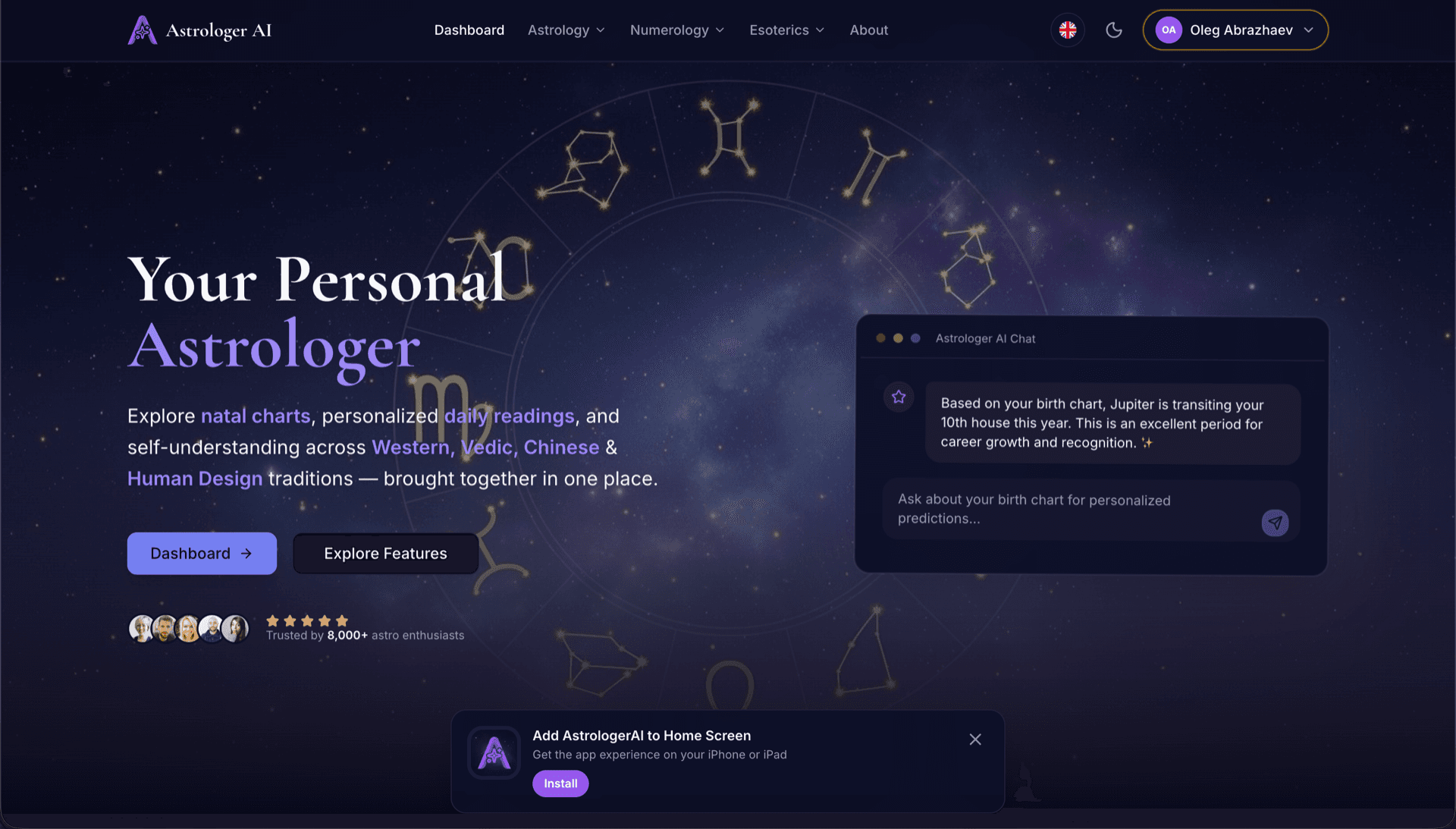
AstrologerAI: an AI astrology app localized into 52 languages
How the AstrologerAI app translated its entire experience into 52 languages with LocalePack — 6.3M tokens for $58.73 — to reach a worldwide audience in their own language.
Enter your extension name, short description, and store description. Get translations for 52 locales in a ready-to-upload ZIP.
Three simple steps to localize your Chrome Web Store listing. No file upload needed — just type your listing text.
Fill in 3 fields: Extension Name (75 chars), Short Description (132 chars), and Store Description (16,000 chars). We validate character limits in real time.
Choose from 52 languages. See transparent pricing based on your text length before you pay.
Pay once via Stripe. We generate _locales/{lang}/messages.json files with appName, shortDesc, and storeDesc keys — bundled into a ZIP.
Enter your listing text, pick languages, and see the price before you pay.
3 fields → translated into all selected languages
3 of 52 languages selected
Final price calculated after submission on checkout page
One-time payment • No subscription
Purpose-built for Chrome Web Store listing translation. Not a generic translation tool.
Built specifically for Chrome Web Store listing fields: Extension Name (75 chars), Short Description (132 chars), and Store Description (16,000 chars).
Each translation is validated against CWS character limits per field per language. No manual checking needed.
AI is tuned for marketing copy — natural, compelling translations that preserve emoji, formatting, and brand names.
Download a ZIP with _locales/{lang}/messages.json structure plus an automation script to bulk-upload to CWS Dashboard.
All 52 languages are translated simultaneously. Most jobs complete in under 5 minutes.
No subscriptions, no monthly fees. Pay once per job, download forever.
Chrome Web Store uses the same _locales/ folder structure as in-extension i18n. Your listing's name and short description are referenced in manifest.json via __MSG_*__ placeholders, while the full store description is uploaded directly to the CWS Dashboard.
_locales/
├── en/
│   └── messages.json
├── de/
│   └── messages.json
├── fr/
│   └── messages.json
└── ja/
└── messages.json{
"appName": {
"message": "Dark Mode",
"description": "Extension name (max 75)"
},
"shortDesc": {
"message": "Turn on Dark Mode...",
"description": "Short desc (max 132)"
},
"storeDesc": {
"message": "🔥 Experience the...",
"description": "Store desc (max 16000)"
}
}{
"name": "__MSG_appName__",
"description": "__MSG_shortDesc__",
"default_locale": "en",
"version": "1.0.0"
}max 75 charactersmax 132 charactersmax 16,000 charactersThe Chrome Web Store automatically displays your extension name and short description in the visitor's locale. The store description must be uploaded per-language via the CWS Dashboard — LocalePack includes an automation script to do this in seconds.
52 languages × 3 fields = 156 individual translations. LocalePack does it in minutes.
LocalePack | Manual translation | Generic TMS | |
|---|---|---|---|
| Setup time | 2 minutes | Hours per language | 30+ minutes |
| Character limit enforcement | |||
| CWS format output | |||
| Automation script included | |||
| Speed (52 languages) | < 5 min | Weeks | Hours |
| Best for | CWS listings | 1-2 languages | Enterprise web apps |
Real projects that used LocalePack to reach a global audience in up to 52 languages.
How the AstrologerAI app translated its entire experience into 52 languages with LocalePack — 6.3M tokens for $58.73 — to reach a worldwide audience in their own language.
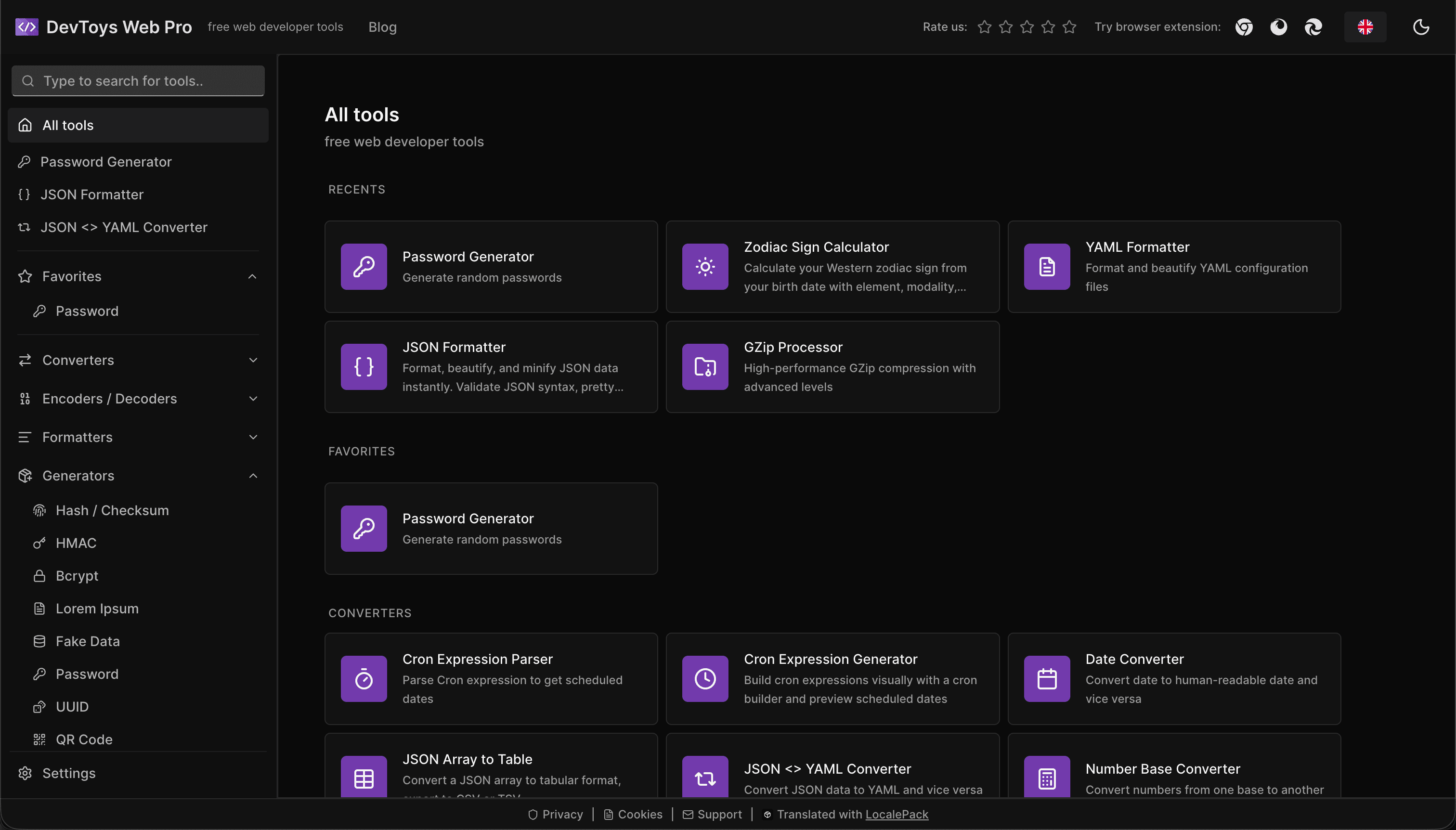
How the DevToys.pro web app translated its entire UI into 52 languages with LocalePack — 5.8M tokens for $58.44 — and quadrupled its international organic traffic.
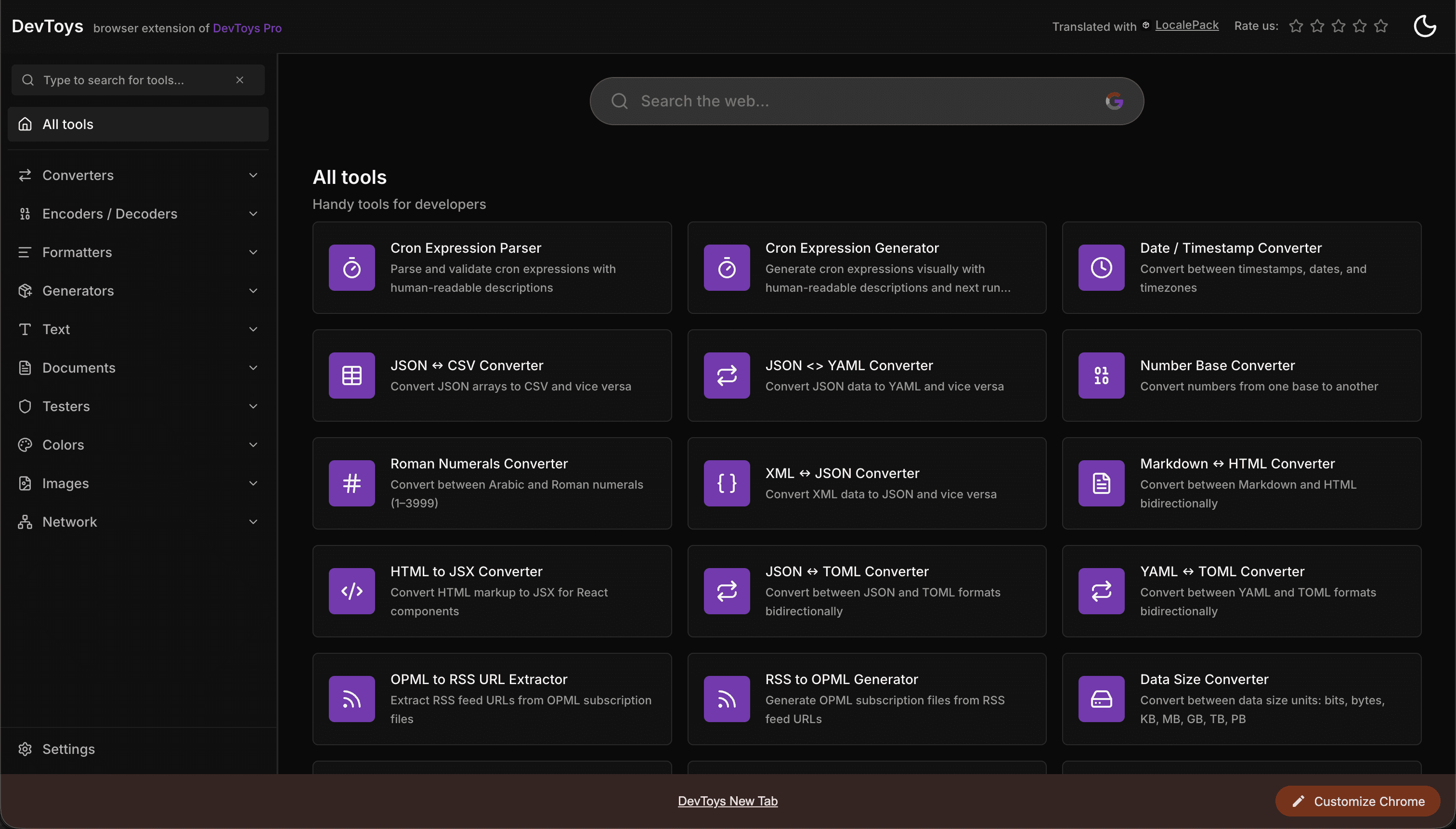
How the DevToys New Tab Chrome extension localized both its in-extension UI and its Chrome Web Store listing into 52 languages to reach a global audience.
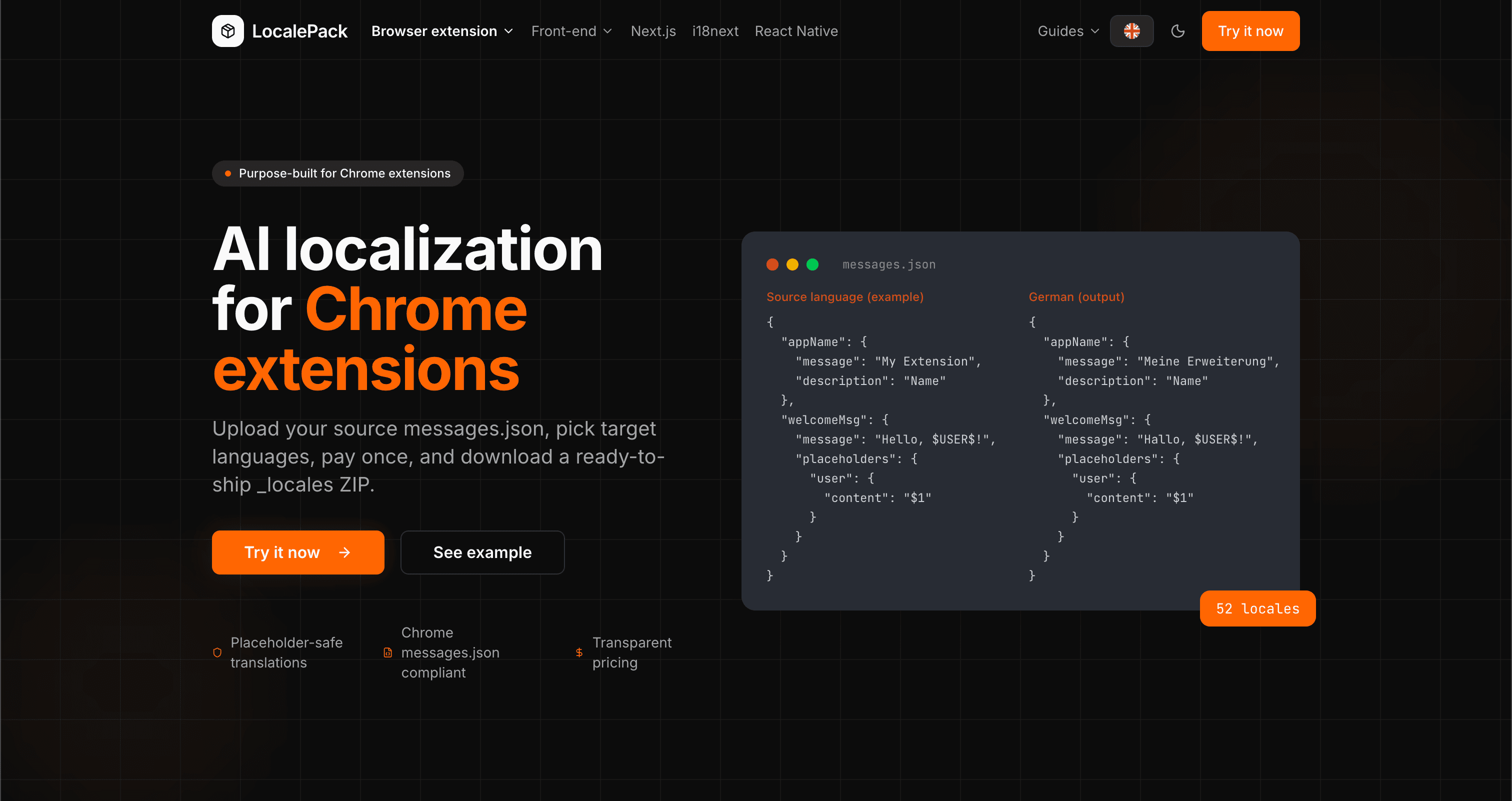
We used our own tool to translate the entire LocalePack site into 52 languages — 2.9M tokens for $27.37 — so developers worldwide find us in their own language.
“Translating my CWS listing manually for 20 languages took me a full day. LocalePack did all 52 in under 5 minutes.”
Alex R.
Indie dev, Tab Manager extension
“The automation script alone saved me hours of clicking through the CWS Dashboard language switcher. Absolute game-changer.”
Priya M.
Extension publisher
“Character limits on translated text were always a headache. LocalePack handles it automatically — no more truncated store descriptions.”
Jonas K.
Chrome extension agency
52
Locales supported
3
Fields per locale
ZIP
Ready to upload
Everything you need to know about CWS listing translation.
Also available:
Deep dives on the formats, APIs and errors behind this page — written for developers, not translators.
How to bulk-fill all 52 Chrome Web Store listing translations at once using a browser console script — no manual copy-paste per language.
The difference between localizing your Chrome Web Store listing and localizing in-extension strings — and the _MSG_ pattern that bridges them.
How to localize an add-on listing on addons.mozilla.org: which fields can be translated, the 250-character summary ceiling and what it costs you in German and Russian, and the per-locale Developer Hub workflow.
Why Partner Center shows only one listing language even when your package ships twenty, how __MSG_ manifest references drive language detection, and which listing fields Edge requires for every language versus just one.
Honest comparison of LocalePack and Localeship for Chrome Web Store listing translation. Both are pay-per-use tools — the key difference is that LocalePack also translates in-extension messages.json strings.
Pay once • Download ZIP • Upload to CWS in seconds