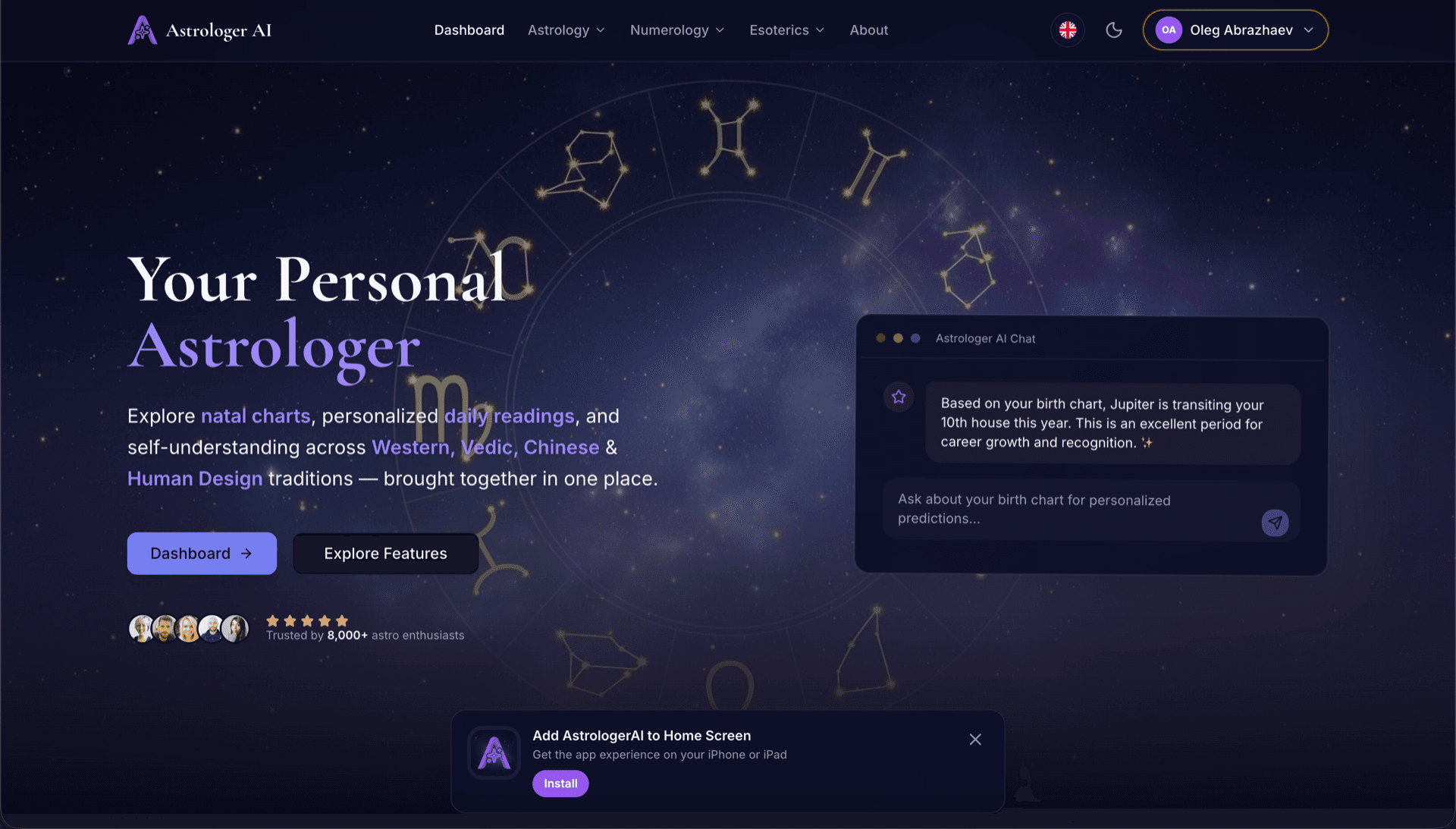
AstrologerAI: an AI astrology app localized into 52 languages
How the AstrologerAI app translated its entire experience into 52 languages with LocalePack — 6.3M tokens for $58.73 — to reach a worldwide audience in their own language.
원본 messages.json을 업로드하고 대상 언어를 선택한 뒤, 한 번만 결제하면 바로 배포 가능한 _locales ZIP을 다운로드할 수 있습니다.
Chrome 확장 프로그램 로컬라이제이션을 위한 간단한 3단계. 결제 후 번역이 실행되며, 작업을 대기열에 넣고 몇 분 안에 ZIP을 생성합니다.
원본 messages.json 파일을 드롭하세요. 즉시 파싱하고 Chrome 확장 프로그램 형식을 검증합니다.
52개 언어 중에서 선택하세요. 결제 전에 파일 크기를 기준으로 한 투명한 가격을 확인할 수 있습니다.
Stripe로 한 번만 결제하세요. 모든 _locales/{lang}/messages.json 파일을 생성하고 ZIP으로 묶어 제공합니다.
업로드 전에 결제 금액을 정확히 확인하세요. 최종 견적은 업로드 후 문자열 길이와 선택한 언어를 기준으로 계산됩니다.
여기에 messages.json을 드롭하세요
또는 클릭하여 찾아보기
Chrome 확장 프로그램 형식만 지원. 최대 500KB.
총 55개 언어 중 3개 선택됨
최종 가격은 결제 페이지에서 파일 업로드 후 계산됩니다
일회성 결제 • 구독 없음
Chrome 확장 프로그램 로케일 형식에 맞춰 설계되었습니다. 범용 번역 도구가 아닙니다.
message, description, placeholder 지원을 포함한 Chrome 확장 프로그램 messages.json 구조에 맞춰 특별히 제작되었습니다.
$PLACEHOLDER$ 구문을 있는 그대로 정확히 보존합니다. 모든 언어에서 변수가 그대로 유지됩니다.
description 필드를 읽어 컨텍스트 힌트로 활용해 더 정확한 AI 번역을 제공합니다.
올바른 _locales/{lang}/messages.json 폴더 구조로 ZIP을 다운로드하세요. 확장 프로그램에 넣기만 하면 됩니다.
모든 언어가 동시에 번역됩니다. 대부분의 작업은 5분 이내에 완료됩니다.
구독도, 월 요금도 없습니다. 작업당 한 번만 결제하고, 언제든 다운로드하세요.
Chrome 확장 프로그램은 i18n을 활성화하기 위해 manifest.json에 "default_locale"을 선언합니다. 그러면 브라우저가 런타임에 _locales/{locale}/messages.json에서 로케일 문자열을 읽습니다. 각 키에는 "message" 필드, 문맥을 위한 선택적 "description", 동적 값을 위한 선택적 "placeholders"가 있으며, LocalePack은 이 모든 것을 기본적으로 지원합니다.
_locales/
├── en/
│   └── messages.json   ← default_locale
├── de/
│   └── messages.json
├── fr/
│   └── messages.json
└── ja/
└── messages.json{
"appName": {
"message": "My Extension",
"description": "Extension name"
},
"greeting": {
"message": "Hello, $USER$!",
"placeholders": {
"user": { "content": "$1" }
}
}
}런타임 API
chrome.i18n호출 예시
chrome.i18n.getMessage("appName")manifest에 필수
"default_locale"_locales/에 방문자의 언어 폴더가 있으면 Chrome 웹 스토어가 방문자 로케일에 맞춰 확장 프로그램 이름과 설명을 자동으로 표시합니다.
Chrome's i18n system fails quietly. These are the four rules that cause most broken releases.
A key that does not exist returns an empty string and logs nothing at all. Missing translations show up as blank UI, not as errors.
범용 번역 도구는 Chrome 확장 프로그램 형식을 이해하지 못합니다.
LocalePack | 수동 번역 | 범용 TMS | |
|---|---|---|---|
| 설정 시간 | 2분 | 언어당 수시간 | 30분 이상 |
| 비용 투명성 | |||
| Chrome 형식 안전성 | |||
| 플레이스홀더 보호 | |||
| 속도(52개 언어) | < 5분 | 주 | 시간 |
| 가장 적합한 경우 | Chrome 확장 프로그램 | 소규모 프로젝트 | 엔터프라이즈 웹 앱 |
LocalePack을 사용해 최대 52개 언어로 전 세계 사용자에게 도달한 실제 프로젝트들.
How the AstrologerAI app translated its entire experience into 52 languages with LocalePack — 6.3M tokens for $58.73 — to reach a worldwide audience in their own language.
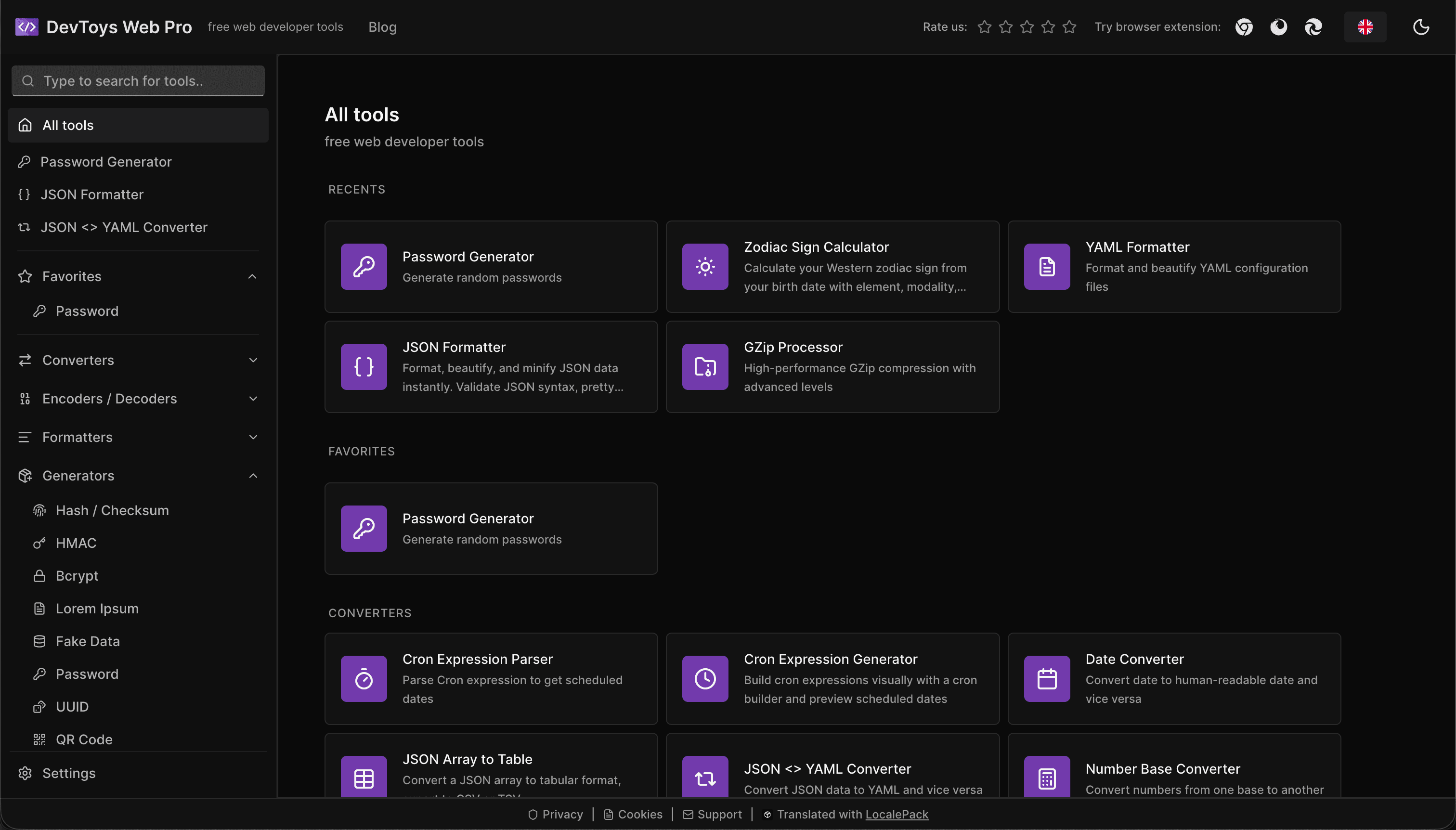
How the DevToys.pro web app translated its entire UI into 52 languages with LocalePack — 5.8M tokens for $58.44 — and quadrupled its international organic traffic.
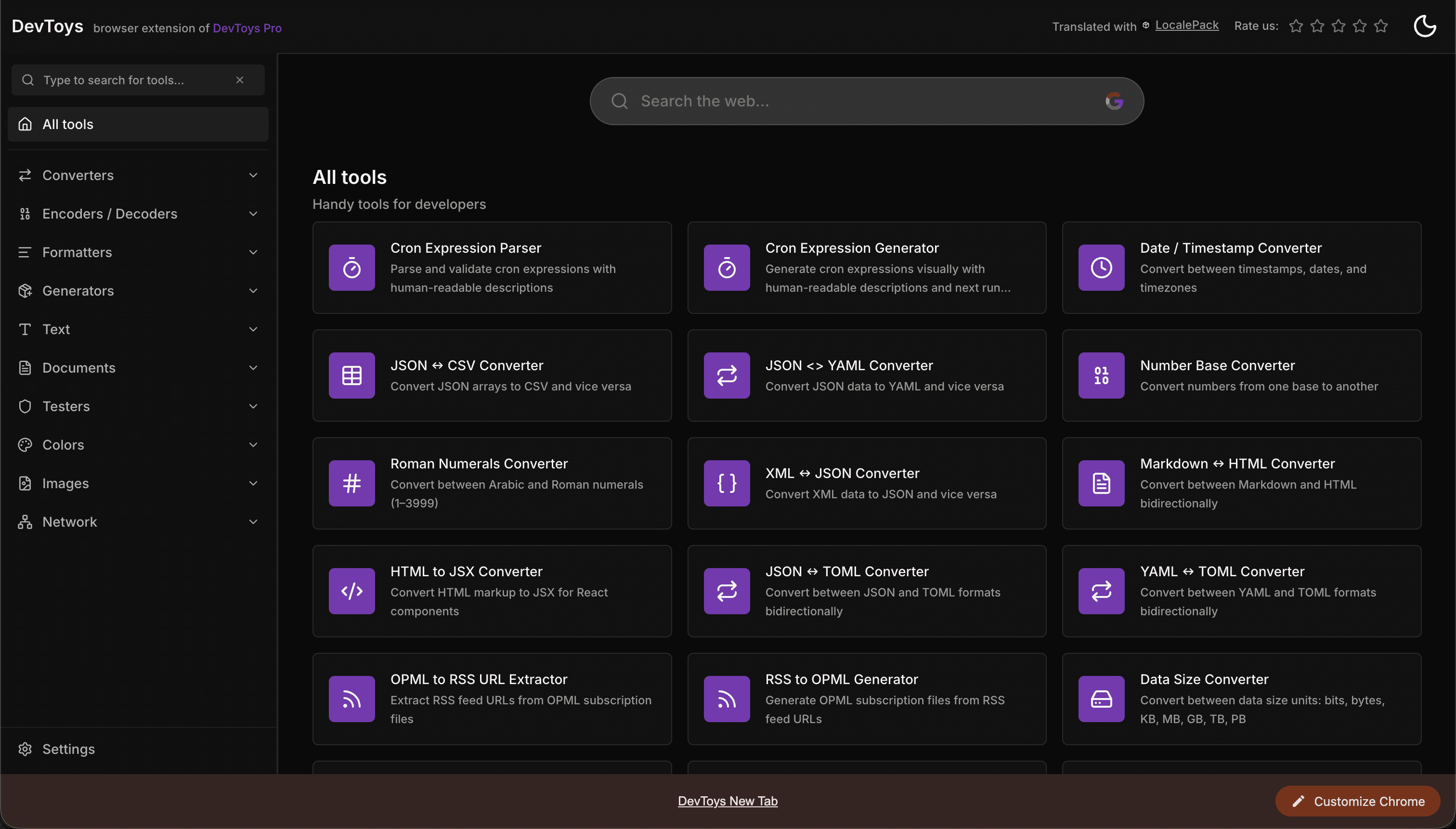
How the DevToys New Tab Chrome extension localized both its in-extension UI and its Chrome Web Store listing into 52 languages to reach a global audience.
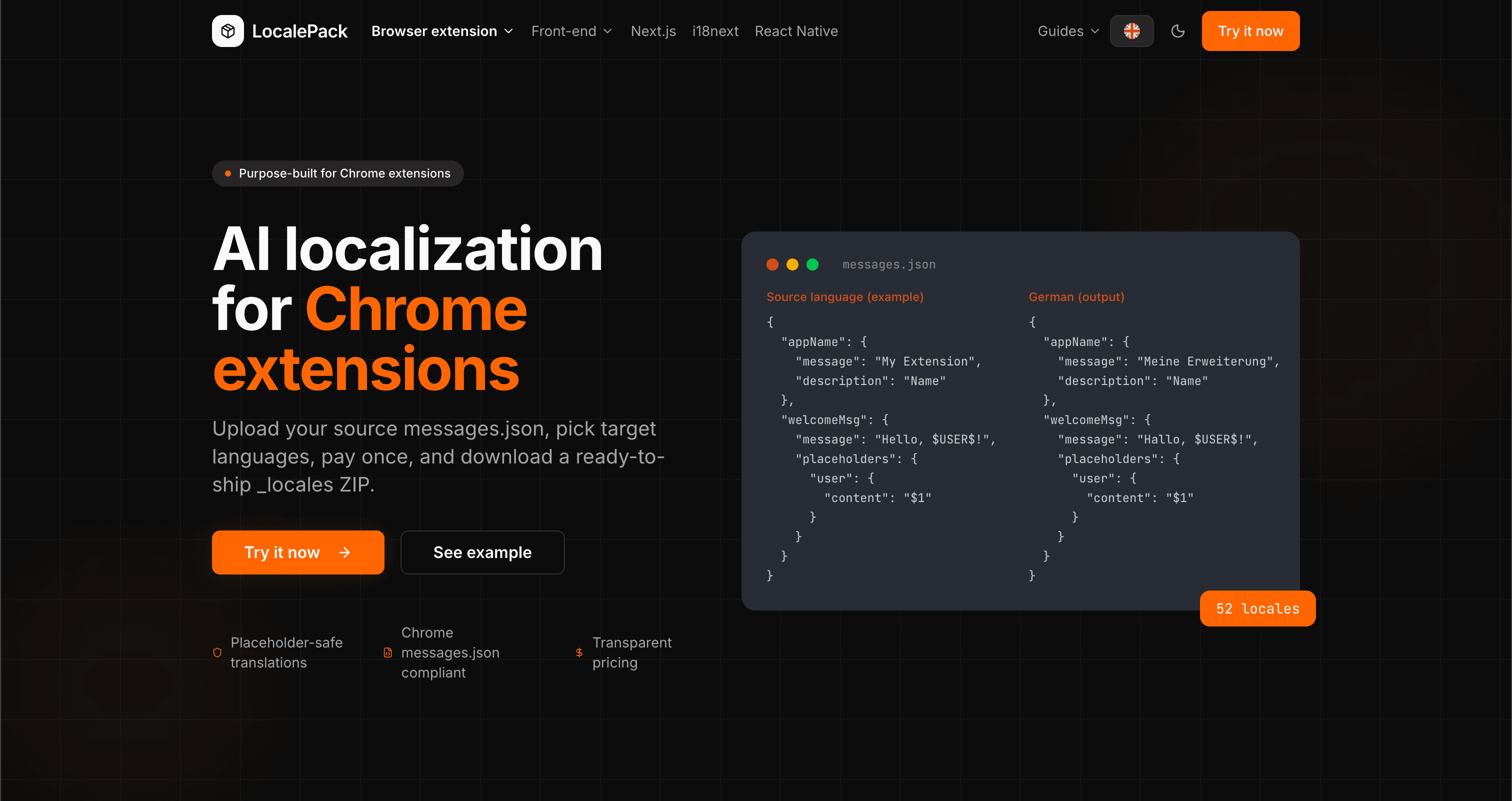
We used our own tool to translate the entire LocalePack site into 52 languages — 2.9M tokens for $27.37 — so developers worldwide find us in their own language.
“지루한 작업 시간을 몇 시간이나 절약해줬어요. messages.json을 업로드하니, 제가 필요로 하던 정확한 형식 그대로 완벽한 번역이 돌아왔습니다.”
Sarah K.
인디 개발자, AdBlock 확장 프로그램
“드디어 Chrome 확장 프로그램 형식을 이해하는 도구가 나왔네요. 번역 후 깨진 플레이스홀더를 더 이상 고칠 필요가 없어요.”
Marcus T.
확장 프로그램 유지관리자
“투명한 가격 정책이 결정적이었어요. 무엇이든 업로드하기 전에 내가 얼마를 내게 될지 정확히 알 수 있었거든요.”
Dev J.
오픈 소스 기여자
52
지원 로케일
100%
플레이스홀더 안전 출력
ZIP
출시 준비 완료
LocalePack에 대해 알아야 할 모든 것.
Deep dives on the formats, APIs and errors behind this page — written for developers, not translators.
Step-by-step guide to adding i18n to a Chrome extension: _locales structure, default_locale, messages.json syntax, chrome.i18n.getMessage(), placeholder preservation, and how to test locale switching.
All four chrome.i18n methods with exact signatures and return types: which are synchronous, which return promises, what getMessage() returns when it fails, and how browser.i18n differs in Firefox and Safari.
Synchronous getMessage() is an advantage in an MV3 service worker, not a problem — a common claim that gets this backwards. What actually breaks is the DOM, global-variable caching, localStorage and XMLHttpRequest.
An honest comparison of tools that translate Chrome extension messages.json files: LocalePack, Crowdin, Lokalise, Phrase, POEditor, Localazy, Weblate, and Localeship — setup overhead, pricing models, and placeholder safety.
Honest comparison of LocalePack and Lokalise for Chrome extension messages.json translation. Lokalise is a full TMS with team workflows and a monthly subscription; LocalePack is upload → pay once → download.