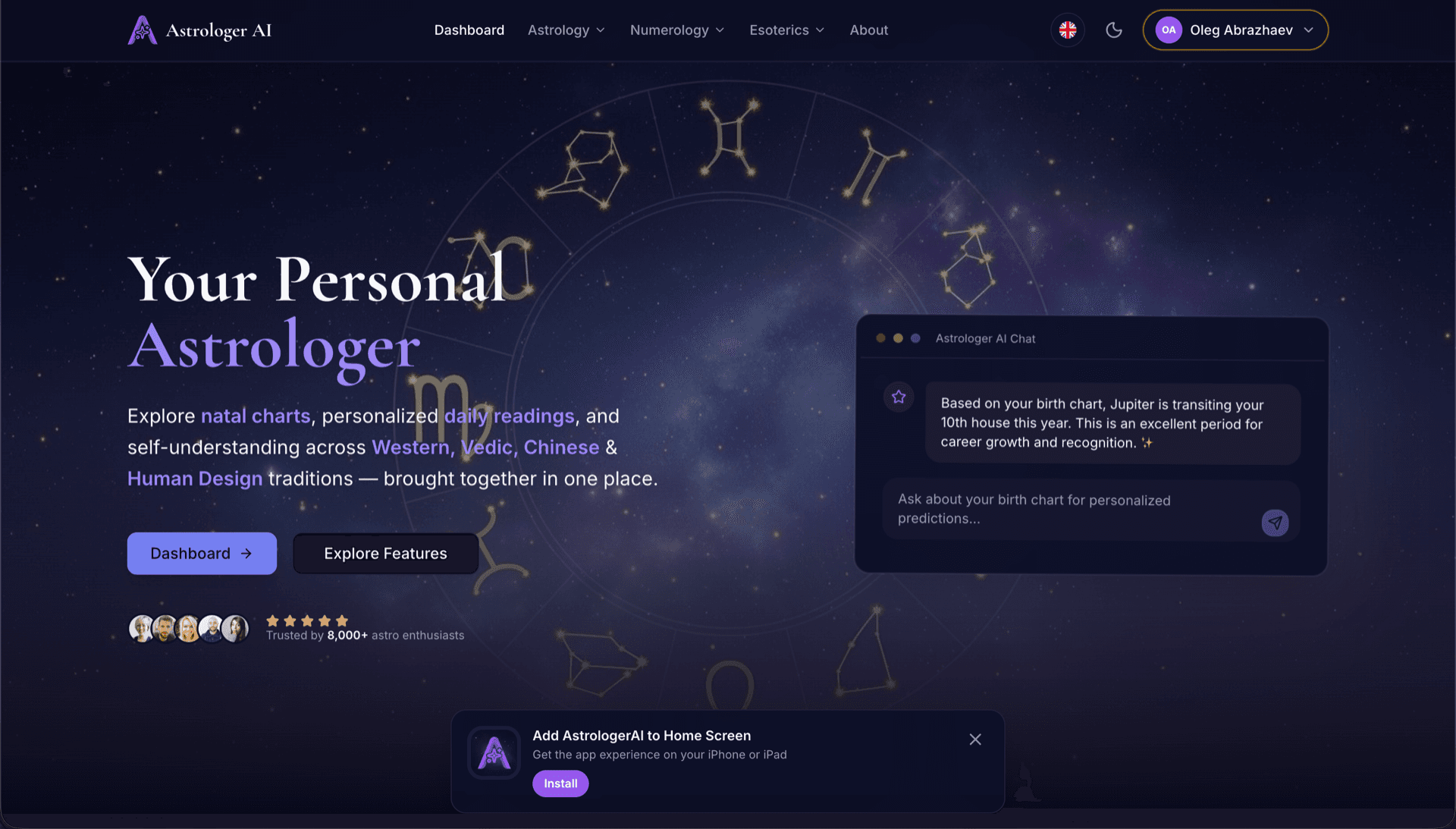
AstrologerAI: an AI astrology app localized into 52 languages
How the AstrologerAI app translated its entire experience into 52 languages with LocalePack — 6.3M tokens for $58.73 — to reach a worldwide audience in their own language.
확장 프로그램 이름, 짧은 설명, 스토어 설명을 입력하세요. 52개 로케일 번역을 업로드 준비가 된 ZIP으로 받아보세요.
Chrome 웹 스토어 등록 정보를 현지화하는 3가지 간단한 단계. 파일 업로드 없이 등록 정보 텍스트만 입력하면 됩니다.
3개 필드를 입력하세요: 확장 프로그램 이름(75자), 짧은 설명(132자), 스토어 설명(16,000자). 글자 수 제한을 실시간으로 검증합니다.
52개 언어 중에서 선택하세요. 결제 전에 텍스트 길이에 따른 투명한 가격을 확인할 수 있습니다.
Stripe로 한 번만 결제하세요. appName, shortDesc, storeDesc 키가 포함된 _locales/{lang}/messages.json 파일을 생성해 ZIP으로 묶어 드립니다.
등록정보 텍스트를 입력하고, 언어를 선택한 뒤, 결제 전에 가격을 확인하세요.
3개 필드 → 선택한 모든 언어로 번역됨
총 52개 언어 중 3개 선택됨
최종 가격은 결제 페이지에서 제출 후 계산됩니다
일회성 결제 • 구독 없음
Chrome 웹 스토어 등록 정보 번역을 위해 목적에 맞게 설계되었습니다. 범용 번역 도구가 아닙니다.
Chrome 웹 스토어 등록 정보 필드에 맞춰 제작되었습니다: 확장 프로그램 이름(75자), 짧은 설명(132자), 스토어 설명(16,000자).
각 번역은 언어별·필드별 CWS 글자 수 제한에 맞춰 검증됩니다. 수동으로 확인할 필요가 없습니다.
AI가 마케팅 카피에 맞게 조정되어 이모지, 서식, 브랜드명을 유지하면서 자연스럽고 설득력 있는 번역을 제공합니다.
_locales/{lang}/messages.json 구조와 CWS 대시보드에 일괄 업로드하기 위한 자동화 스크립트가 포함된 ZIP을 다운로드하세요.
52개 언어가 동시에 번역됩니다. 대부분의 작업은 5분 이내에 완료됩니다.
구독도, 월 요금도 없습니다. 작업당 한 번만 결제하고, 언제든 다운로드하세요.
Chrome 웹 스토어는 확장 프로그램 i18n과 동일한 _locales/ 폴더 구조를 사용합니다. 등록정보의 이름과 짧은 설명은 manifest.json 에서 __MSG_*__ 플레이스홀더를 통해 참조되며, 전체 스토어 설명은 CWS 대시보드에 직접 업로드됩니다.
_locales/
├── en/
│   └── messages.json
├── de/
│   └── messages.json
├── fr/
│   └── messages.json
└── ja/
└── messages.json{
"appName": {
"message": "Dark Mode",
"description": "Extension name (max 75)"
},
"shortDesc": {
"message": "Turn on Dark Mode...",
"description": "Short desc (max 132)"
},
"storeDesc": {
"message": "🔥 Experience the...",
"description": "Store desc (max 16000)"
}
}{
"name": "__MSG_appName__",
"description": "__MSG_shortDesc__",
"default_locale": "en",
"version": "1.0.0"
}최대 75자최대 132자최대 16,000자Chrome 웹 스토어는 방문자의 로케일에 맞춰 확장 프로그램 이름과 짧은 설명을 자동으로 표시합니다. 스토어 설명은 CWS 대시보드를 통해 언어별로 업로드해야 하며, LocalePack에는 이를 몇 초 만에 처리하는 자동화 스크립트가 포함되어 있습니다.
52개 언어 × 3개 필드 = 156개의 개별 번역. LocalePack은 몇 분 만에 처리합니다.
LocalePack | 수동 번역 | 범용 TMS | |
|---|---|---|---|
| 설정 시간 | 2분 | 언어당 수시간 | 30분 이상 |
| 문자 수 제한 강제 적용 | |||
| CWS 형식 출력 | |||
| 자동화 스크립트 포함 | |||
| 속도(52개 언어) | < 5분 | 주 | 시간 |
| 가장 적합한 경우 | CWS 스토어 등록 정보 | 1-2개 언어 | 엔터프라이즈 웹 앱 |
LocalePack을 사용해 최대 52개 언어로 전 세계 사용자에게 도달한 실제 프로젝트들.
How the AstrologerAI app translated its entire experience into 52 languages with LocalePack — 6.3M tokens for $58.73 — to reach a worldwide audience in their own language.
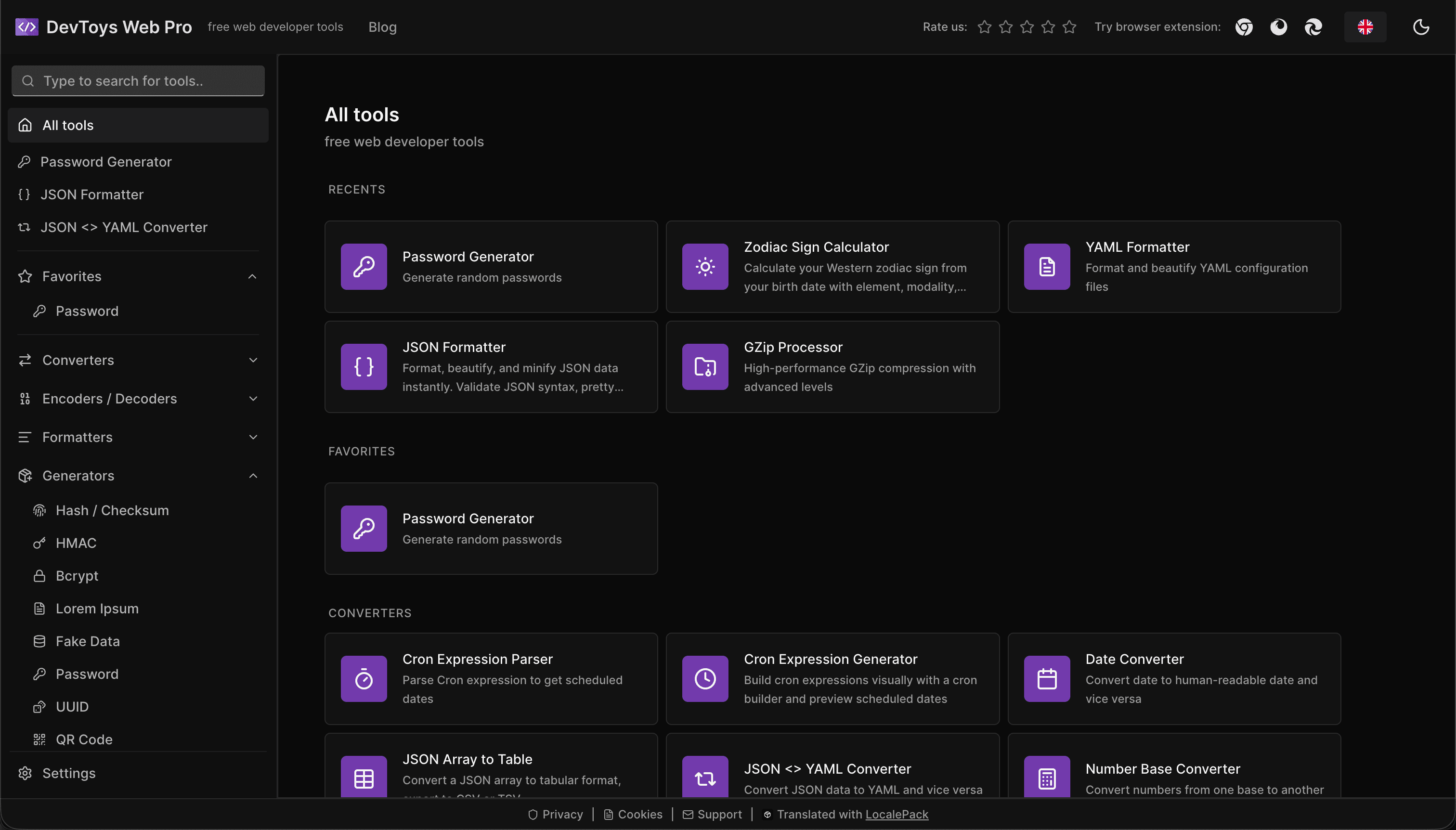
How the DevToys.pro web app translated its entire UI into 52 languages with LocalePack — 5.8M tokens for $58.44 — and quadrupled its international organic traffic.
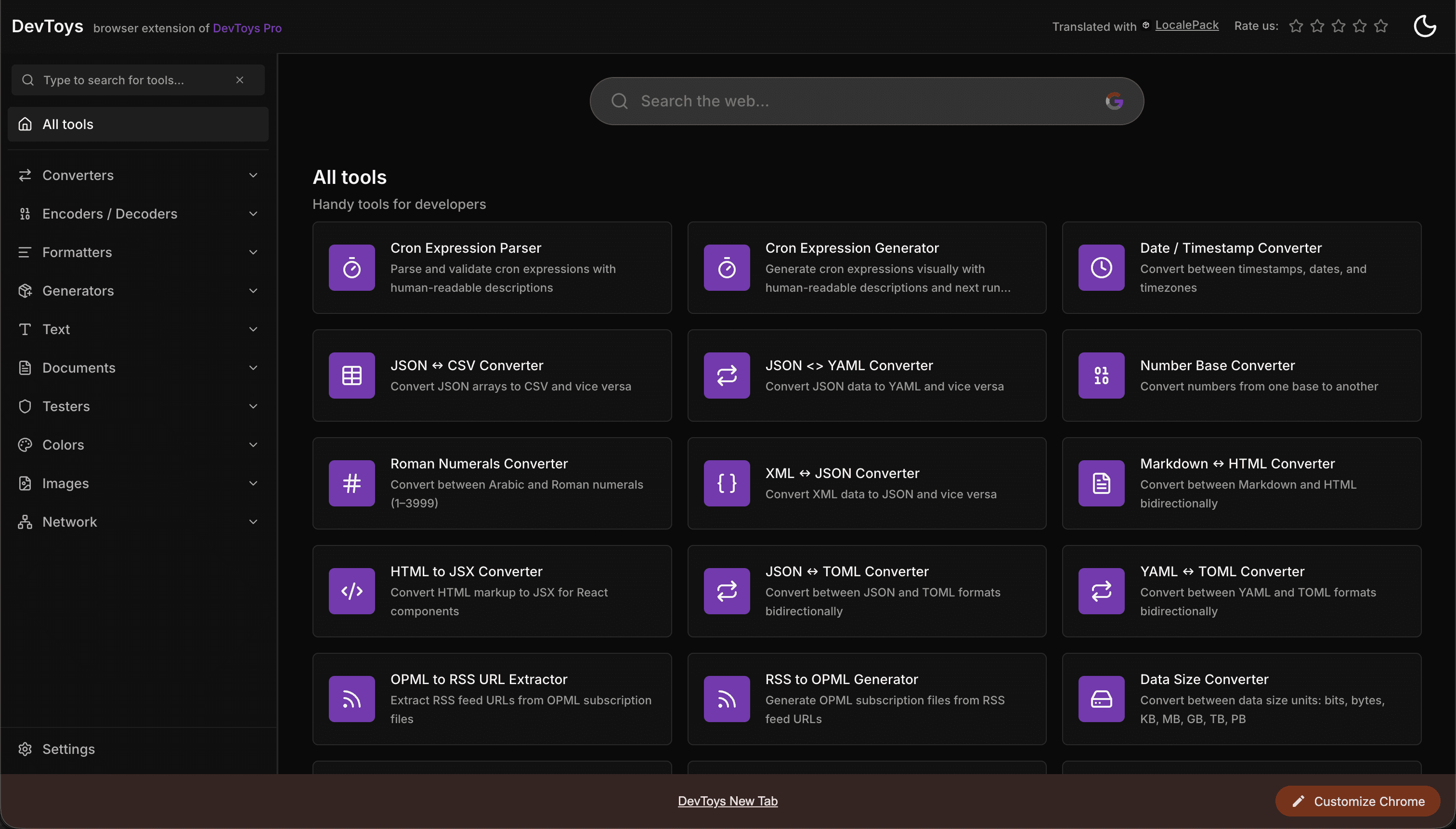
How the DevToys New Tab Chrome extension localized both its in-extension UI and its Chrome Web Store listing into 52 languages to reach a global audience.
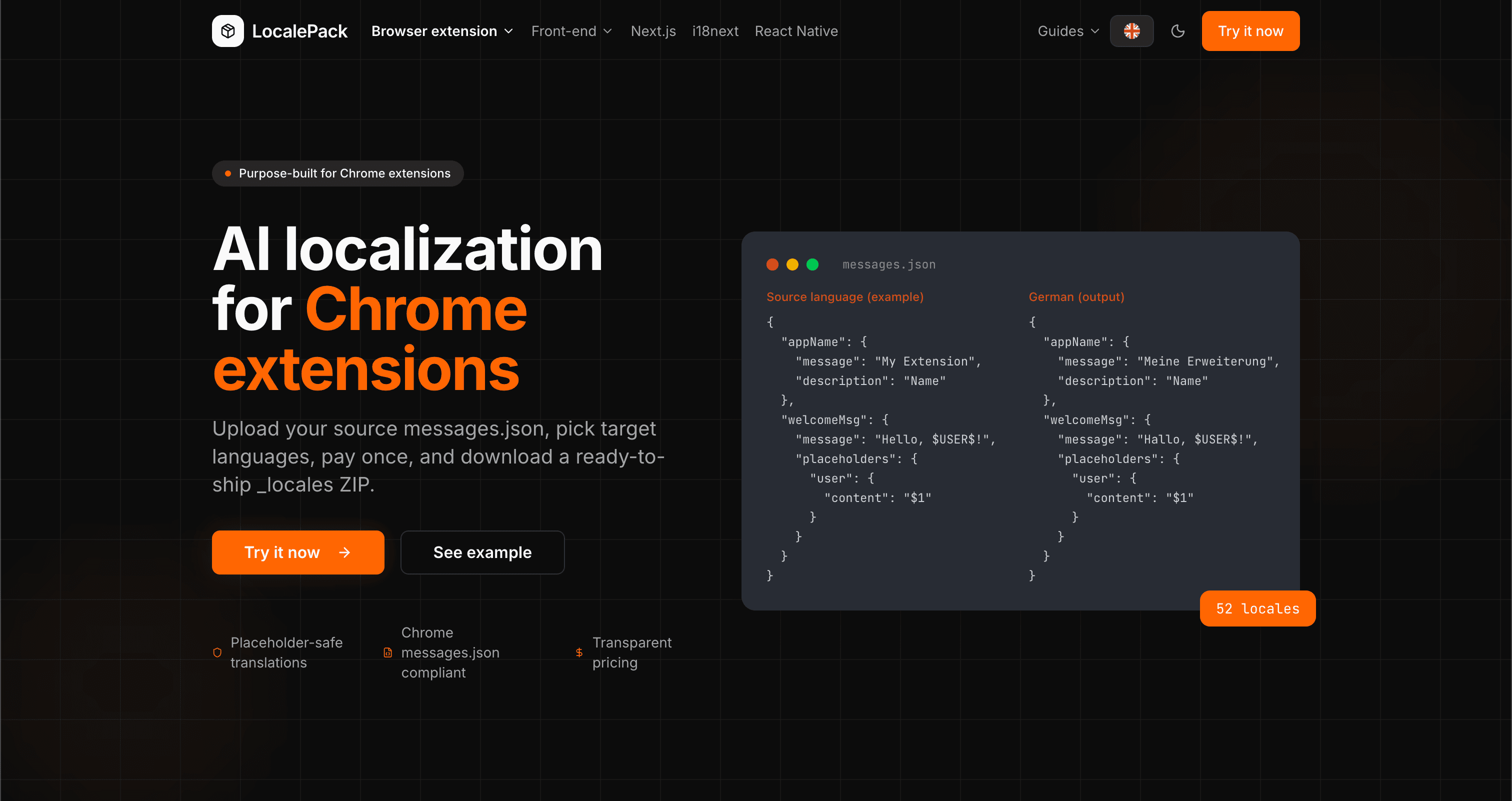
We used our own tool to translate the entire LocalePack site into 52 languages — 2.9M tokens for $27.37 — so developers worldwide find us in their own language.
“CWS 등록정보를 20개 언어로 수동 번역하는 데 하루가 꼬박 걸렸습니다. LocalePack은 52개를 5분도 안 돼서 끝냈어요.”
Alex R.
인디 개발자, Tab Manager 확장 프로그램
“자동화 스크립트만으로도 CWS 대시보드 언어 전환기를 클릭하며 헤매는 시간을 몇 시간이나 절약했습니다. 완전히 판도를 바꿔줬어요.”
Priya M.
확장 프로그램 퍼블리셔
“번역된 텍스트의 글자 수 제한은 늘 골칫거리였습니다. LocalePack이 자동으로 처리해줘서 더 이상 스토어 설명이 잘리지 않아요.”
Jonas K.
Chrome 확장 프로그램 에이전시
52
지원 로케일
3
로케일당 필드
ZIP
업로드 준비 완료
CWS 스토어 등록 정보 번역에 대해 알아야 할 모든 것.
다음도 이용 가능:
Deep dives on the formats, APIs and errors behind this page — written for developers, not translators.
How to bulk-fill all 52 Chrome Web Store listing translations at once using a browser console script — no manual copy-paste per language.
The difference between localizing your Chrome Web Store listing and localizing in-extension strings — and the _MSG_ pattern that bridges them.
How to localize an add-on listing on addons.mozilla.org: which fields can be translated, the 250-character summary ceiling and what it costs you in German and Russian, and the per-locale Developer Hub workflow.
Why Partner Center shows only one listing language even when your package ships twenty, how __MSG_ manifest references drive language detection, and which listing fields Edge requires for every language versus just one.
Honest comparison of LocalePack and Localeship for Chrome Web Store listing translation. Both are pay-per-use tools — the key difference is that LocalePack also translates in-extension messages.json strings.
한 번 결제 • ZIP 다운로드 • 몇 초 만에 CWS에 업로드