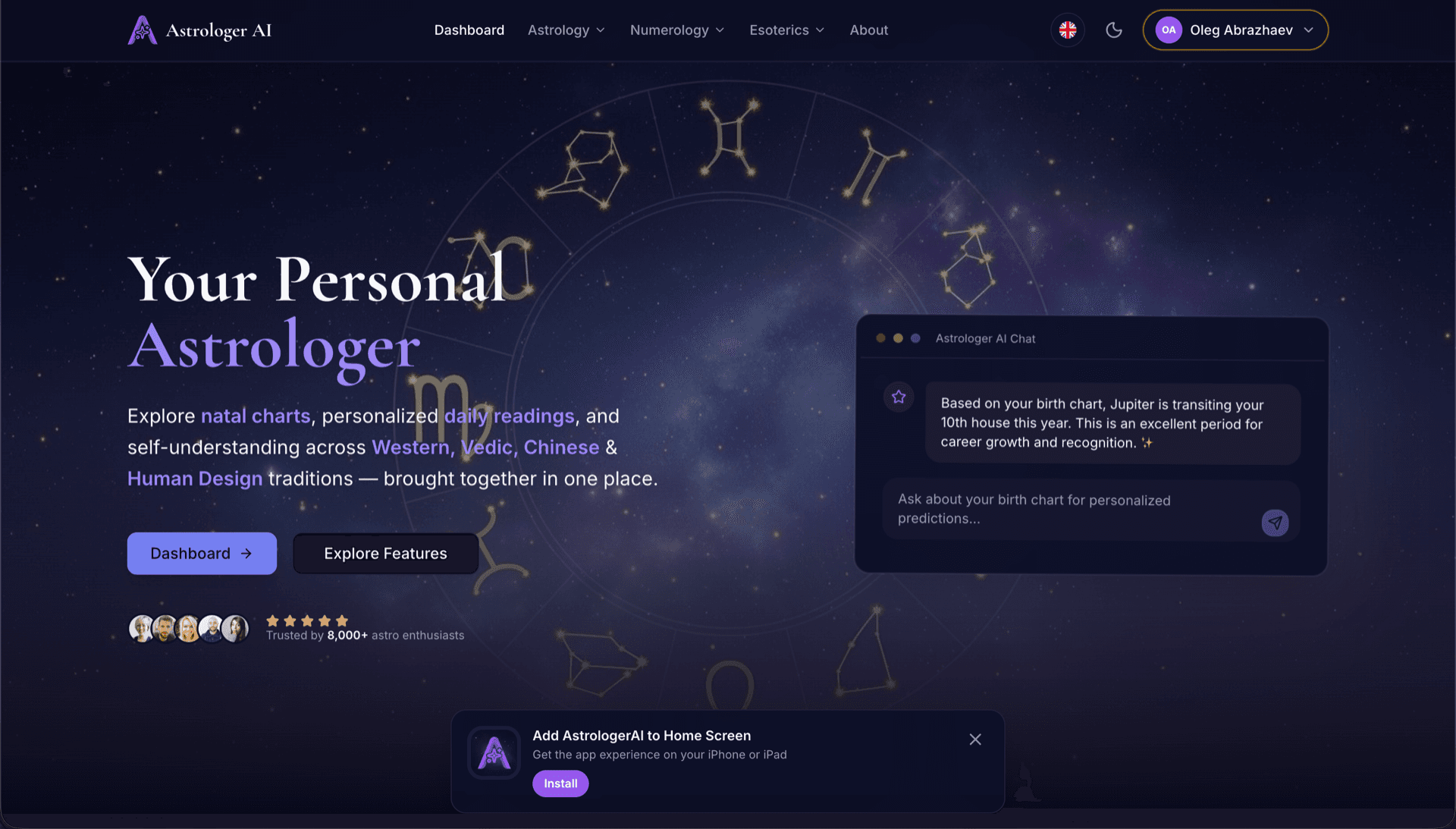
AstrologerAI: an AI astrology app localized into 52 languages
How the AstrologerAI app translated its entire experience into 52 languages with LocalePack — 6.3M tokens for $58.73 — to reach a worldwide audience in their own language.
네임스페이스 JSON 파일을 업로드하고, 대상 언어를 선택한 뒤, 1회 결제하고 useTranslation()에 바로 쓸 수 있는 로케일 파일을 다운로드하세요.
react-i18next 프로젝트를 현지화하는 3가지 간단한 단계. 네임스페이스 JSON을 업로드하고, 1회 결제한 뒤, I18nextProvider에 바로 쓸 수 있는 파일을 다운로드하세요.
locales/ 네임스페이스 파일(예: locales/en/common.json)을 넣으세요. {{placeholders}}와 _one/_other 복수형 키를 자동으로 감지합니다.
52개 언어 중에서 선택하세요. 결제 전에 파일 크기와 복잡도에 따른 투명한 가격을 확인할 수 있습니다.
Stripe로 1회 결제하세요. I18nextProvider에 전달할 수 있는 locales/ ZIP을 받습니다—동일한 네임스페이스 구조, 번역된 값.
업로드하기 전에 결제 금액을 정확히 확인하세요. 최종 견적은 업로드 후 파일 복잡도와 선택한 언어를 기준으로 계산됩니다.
여기에 JSON 파일을 드롭하세요
또는 클릭하여 찾아보기
react-i18next 네임스페이스 JSON(locales/**). 최대 500KB.
총 52개 언어 중 3개 선택됨
최종 가격은 결제 페이지에서 파일 업로드 후 계산됩니다
일회성 결제 • 구독 없음
useTranslation(), I18nextProvider, 네임스페이스 JSON을 위해 목적에 맞게 설계되었습니다—범용 번역 도구가 아닙니다.
모든 로케일에서 common.json, auth.json 및 모든 네임스페이스를 일관되게 맞춰 useTranslation('ns')가 변경 없이 동작하도록 합니다.
{{name}}, {{count}} 같은 보간 토큰을 바이트 단위로 그대로 보존하여 React 컴포넌트에서 문자열이 깨지지 않게 합니다.
key_one, key_other 같은 react-i18next 복수 분리를 처리해 모든 대상 언어에서 문법이 올바르게 유지되도록 합니다.
동일한 폴더 구조의 locales/ ZIP을 다운로드하세요—레포에 넣고 I18nextProvider에 그대로 전달하면 됩니다.
모든 언어가 동시에 번역됩니다. 대부분의 작업은 5분 이내에 완료됩니다.
구독도, 월 요금도 없습니다. 작업당 한 번만 결제하고, 언제든 다운로드하세요.
react-i18next는 I18nextProvider를 통해 로케일 파일을 로드합니다. LocalePack은 앱이 이미 기대하는 동일한 구조로 모든 네임스페이스 파일을 생성합니다.
locales/
├── en/
│   ├── common.json   ← source namespace
│   └── auth.json
├── de/
│   ├── common.json
│   └── auth.json
├── fr/
│   └── ...
└── ...       (52 locales)
// locales/en/common.json
{
  "welcome": "Hello {{name}}",
  "items_one": "{{count}} item",
  "items_other": "{{count}} items"
}

// After i18next.init({ ns: ['common'] })
i18next.t('common:welcome', { name: 'Ada' });
i18next.t('common:items', { count: 5 });
훅 API
t()
I18nextProvider
i18next.init()
플레이스홀더
{{variable}}
복수형
_one/_other
범용 번역 도구는 useTranslation() 네임스페이스 JSON, 이중 중괄호 플레이스홀더, 그리고 _one/_other 복수 관례를 깨뜨립니다.
LocalePack | 수동 번역 | 범용 TMS | |
|---|---|---|---|
| 설정 시간 | 2분 | 언어당 수시간 | 30분 이상 |
| 비용 투명성 | |||
| 네임스페이스 JSON 지원 | |||
| {{placeholder}} 및 복수 안전성 | |||
| 속도(52개 언어) | < 5분 | 주 | 시간 |
| 가장 적합한 경우 | react-i18next 앱 | 소규모 프로젝트 | 엔터프라이즈 CMS |
LocalePack을 사용해 최대 52개 언어로 전 세계 사용자에게 도달한 실제 프로젝트들.
How the AstrologerAI app translated its entire experience into 52 languages with LocalePack — 6.3M tokens for $58.73 — to reach a worldwide audience in their own language.
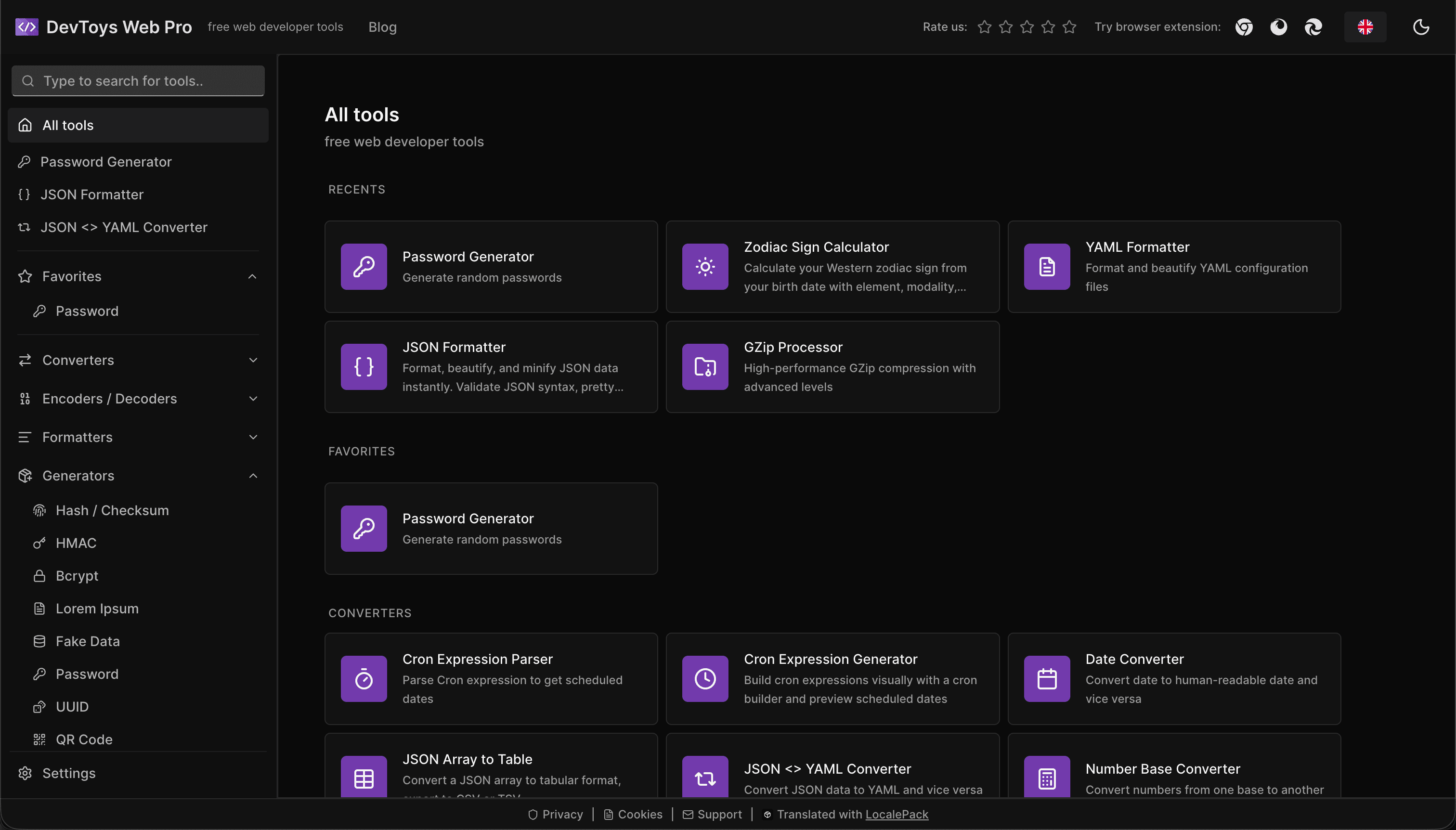
How the DevToys.pro web app translated its entire UI into 52 languages with LocalePack — 5.8M tokens for $58.44 — and quadrupled its international organic traffic.
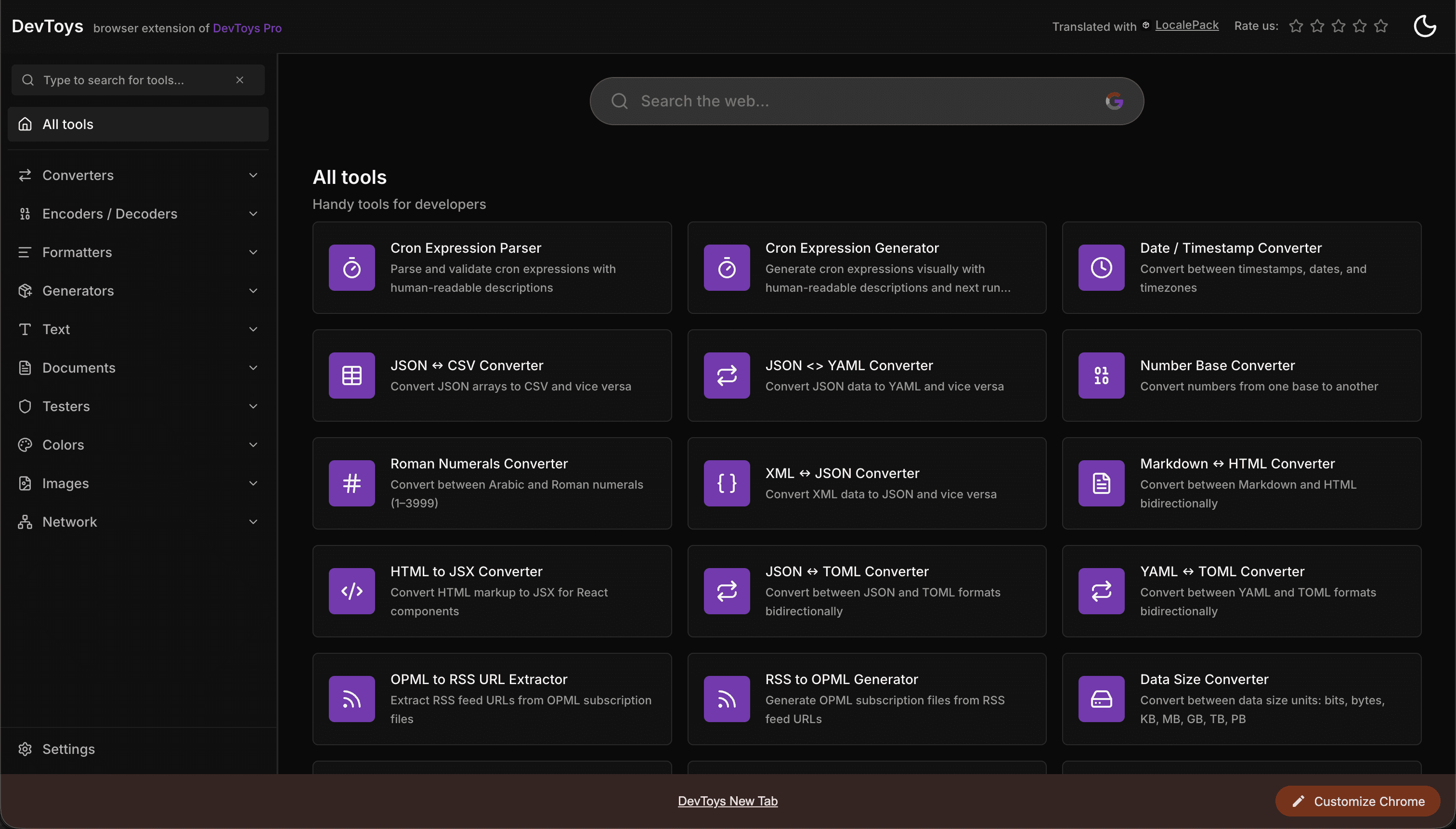
How the DevToys New Tab Chrome extension localized both its in-extension UI and its Chrome Web Store listing into 52 languages to reach a global audience.
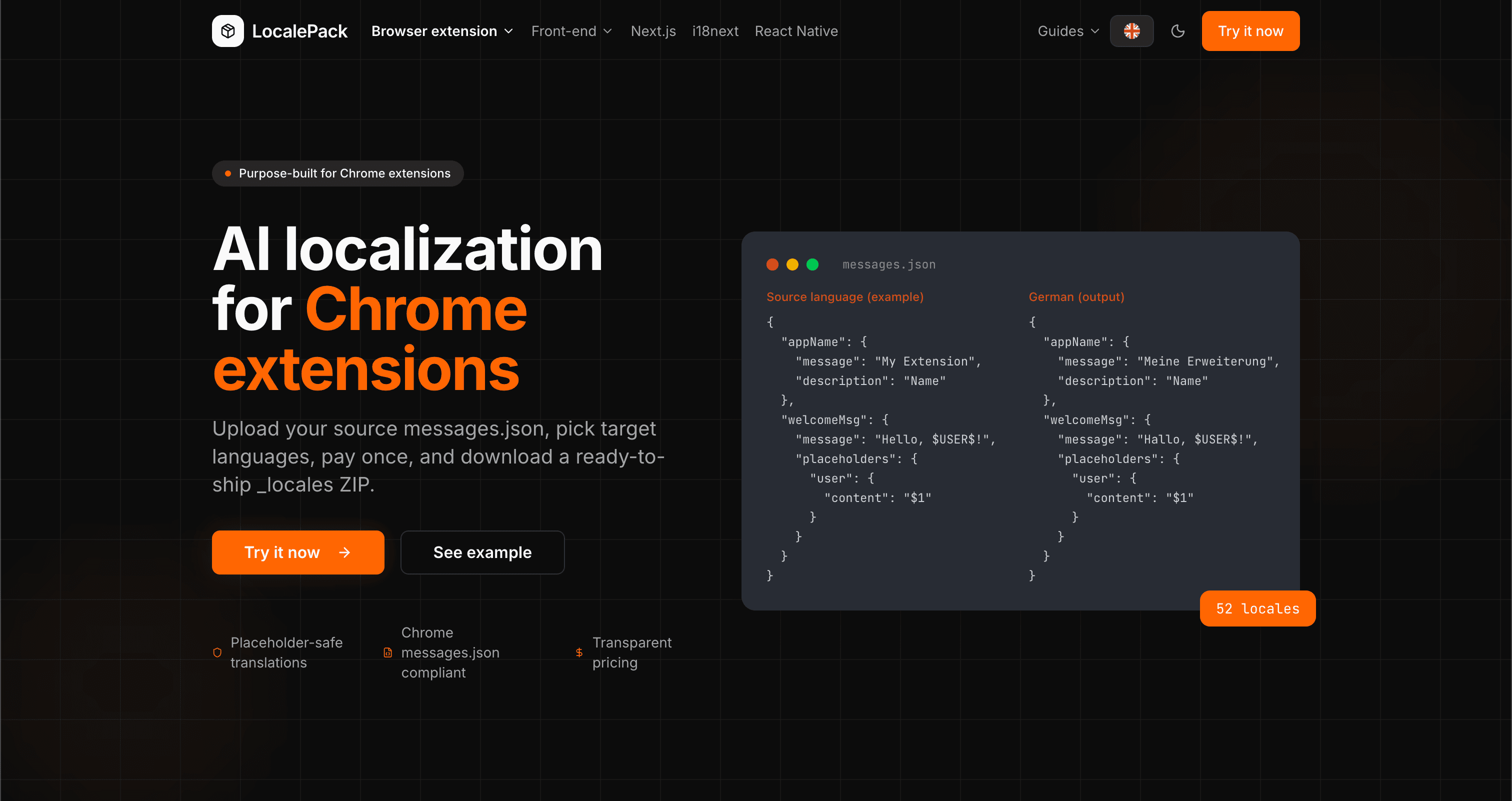
We used our own tool to translate the entire LocalePack site into 52 languages — 2.9M tokens for $27.37 — so developers worldwide find us in their own language.
“저희 React 앱이 영어 전용에서 단 한 오후 만에 12개 언어로 확장됐습니다. useTranslation() 네임스페이스도 그대로 유지됐어요.”
Sam K.
React 개발자, SaaS 스타트업
“ZIP을 넣기만 했는데 I18nextProvider가 바로 동작했어요. 수동 병합도 없고, 깨진 {{variables}}도 없었습니다.”
Priya M.
프론트엔드 엔지니어
“파일 하나도 업로드하기 전에 가격 견적을 확인할 수 있었어요. 일회성 로컬라이제이션 작업에 딱 필요했던 기능입니다.”
Chris D.
프리랜서 React 개발자
52
지원 로케일
100%
{{placeholder}} 및 복수형 안전
ZIP
네임스페이스 ZIP
Deep dives on the formats, APIs and errors behind this page — written for developers, not translators.
A complete reference for the i18next JSON locale format — namespace files, double-brace {{placeholder}} syntax, _one/_other plural keys, nested objects, and how to structure your locales/ folder.
Practical comparison of the three leading Next.js i18n libraries — App Router support, file format, TypeScript safety, pluralization syntax, and when to pick each one.
Honest comparison of LocalePack and POEditor for i18next JSON translation. POEditor is a collaborative TMS with a string-count subscription and a free tier; LocalePack is upload → pay once → download.
How to get accurate AI translations for your Chrome extension: write description fields that give the model context, define placeholders with examples, avoid string concatenation, and handle plurals, casing, and length expansion.