DevToys New Tab: a Chrome extension localized end-to-end in 52 languages
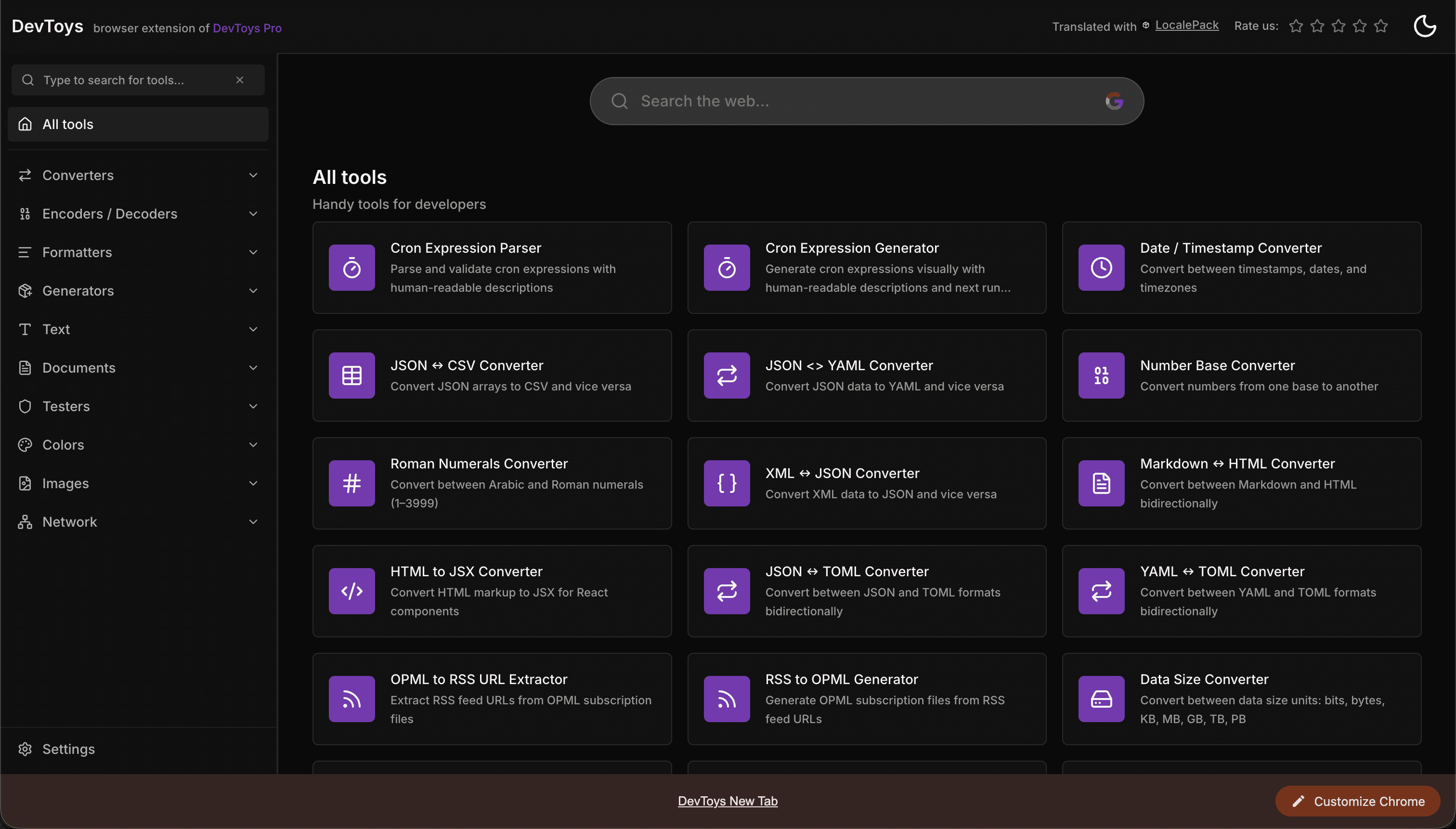
DevToys New Tab replaces the Chrome new-tab page with a dashboard of developer tools. To reach a global audience it needed both halves of a Chrome extension localized: the in-extension UI and the Chrome Web Store listing. LocalePack handled both — 52 languages each.
The numbers
Why a Chrome extension needs two translations
Localizing a Chrome extension is really two jobs, and most tools only do one:
- In-extension UI — the strings users see after install, stored in
_locales/<lang>/messages.jsonand read at runtime viachrome.i18n. This is what makes the product feel native once a user has it. - Chrome Web Store listing — the title, summary, and description shown before install. This is what makes the product discoverable: the Store displays your listing in the visitor’s language and indexes it for native-language searches.
DevToys New Tab localized both with LocalePack, so a user in any of 52 languages finds it in their language on the Store and then uses it in their language after install.
What localization did for discoverability
A translated Chrome Web Store listing is one of the few SEO levers extension developers actually control. When the title and description exist in a user’s language, the listing surfaces for native-language queries — “nueva pestaña para desarrolladores”, “開発者 新しいタブ” — where competition is a fraction of the English equivalent. Pair that with a UI that’s already in their language, and the install-to-retention path stays friction-free from search result to daily use.
The 52 languages
Both the UI and the store listing were delivered in the full set of languages LocalePack supports:
How LocalePack helped
- messages.json in, messages.json out. The in-extension strings came back as a ready-to-extract
_localestree with correctly named locale folders and every$PLACEHOLDER$token preserved. - Store-listing copy translated too. The same source ran through the store-listing flow, producing title, summary, and description text for all 52 Chrome Web Store locales.
- One pass, pay once. No TMS subscription and no per-language busywork — upload, pay once, download both deliverables.
Takeaway
For a Chrome extension, “going international” means localizing the listing and the UI. DevToys New Tab did both in 52 languages in a single workflow — turning a global, multilingual developer audience from a missed opportunity into the default.
Localize your extension end-to-end
Translate your messages.json and your Chrome Web Store listing into up to 52 languages — placeholders preserved, locale folders named correctly, ready to ship. One payment, no subscription.