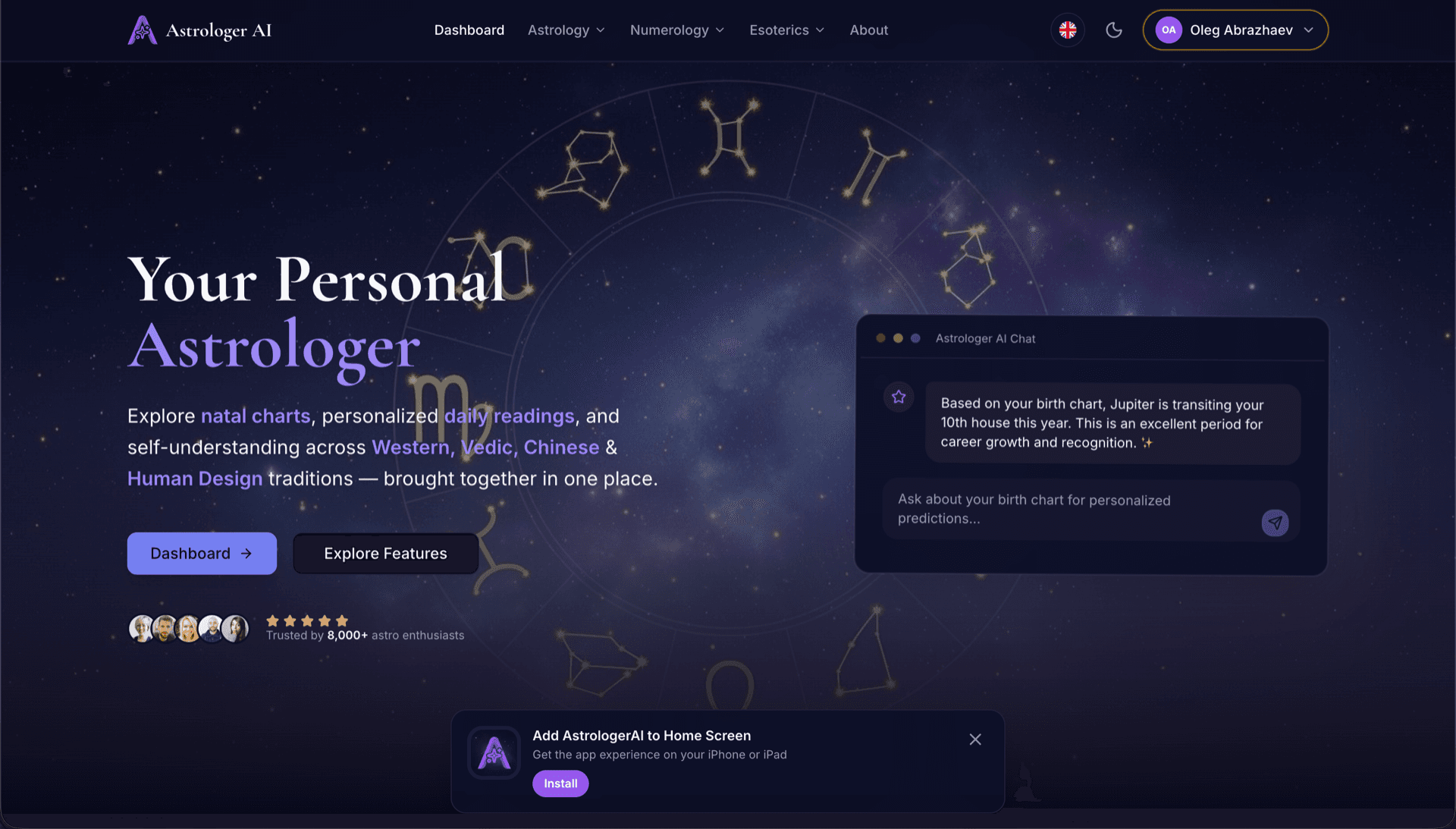
AstrologerAI: an AI astrology app localized into 52 languages
How the AstrologerAI app translated its entire experience into 52 languages with LocalePack — 6.3M tokens for $58.73 — to reach a worldwide audience in their own language.
Introduza o nome da sua extensão, a descrição curta e a descrição da loja. Obtenha traduções para 52 localidades num ZIP pronto a carregar.
Três passos simples para localizar a sua listagem da Chrome Web Store. Não é necessário carregar ficheiros — basta escrever o texto da sua listagem.
Preencha 3 campos: Nome da extensão (75 caracteres), Descrição curta (132 caracteres) e Descrição da loja (16.000 caracteres). Validamos os limites de caracteres em tempo real.
Escolha entre 52 idiomas. Veja preços transparentes com base no comprimento do seu texto antes de pagar.
Pague uma vez via Stripe. Geramos ficheiros _locales/{lang}/messages.json com as chaves appName, shortDesc e storeDesc — agrupados num ZIP.
Introduza o texto da sua listagem, escolha idiomas e veja o preço antes de pagar.
3 campos → traduzidos para todos os idiomas selecionados
3 de 52 idiomas selecionados
Preço final calculado após a submissão na página de checkout
Pagamento único • Sem subscrição
Criado especificamente para a tradução de listagens da Chrome Web Store. Não é uma ferramenta de tradução genérica.
Criado especificamente para os campos de listagem da Chrome Web Store: Nome da extensão (75 caracteres), Descrição curta (132 caracteres) e Descrição da loja (16.000 caracteres).
Cada tradução é validada face aos limites de caracteres da CWS por campo e por idioma. Não é necessária verificação manual.
A IA está afinada para textos de marketing — traduções naturais e apelativas que preservam emoji, formatação e nomes de marca.
Transfira um ZIP com a estrutura _locales/{lang}/messages.json, além de um script de automatização para carregamento em massa no Painel do CWS.
As 52 línguas são traduzidas em simultâneo. A maioria dos trabalhos fica concluída em menos de 5 minutos.
Sem subscrições, sem taxas mensais. Pague uma vez por trabalho, descarregue para sempre.
O Chrome Web Store utiliza a mesma _locales/ estrutura de pastas que o i18n dentro da extensão. O nome e a descrição curta da sua listagem são referenciados em manifest.json através de __MSG_*__ placeholders, enquanto a descrição completa da loja é carregada diretamente para o Painel do CWS.
_locales/
├── en/
│   └── messages.json
├── de/
│   └── messages.json
├── fr/
│   └── messages.json
└── ja/
└── messages.json{
"appName": {
"message": "Dark Mode",
"description": "Extension name (max 75)"
},
"shortDesc": {
"message": "Turn on Dark Mode...",
"description": "Short desc (max 132)"
},
"storeDesc": {
"message": "🔥 Experience the...",
"description": "Store desc (max 16000)"
}
}{
"name": "__MSG_appName__",
"description": "__MSG_shortDesc__",
"default_locale": "en",
"version": "1.0.0"
}máx. 75 caracteresmáx. 132 caracteresmáx. 16 000 caracteresO Chrome Web Store apresenta automaticamente o nome da sua extensão e a descrição curta no idioma do visitante. A descrição da loja tem de ser carregada por idioma através do Painel do CWS — o LocalePack inclui um script de automação para fazer isto em segundos.
52 línguas × 3 campos = 156 traduções individuais. O LocalePack faz isso em minutos.
LocalePack | Tradução manual | TMS genérico | |
|---|---|---|---|
| Tempo de configuração | 2 minutos | Horas por idioma | 30+ minutos |
| Aplicação de limites de caracteres | |||
| Saída no formato CWS | |||
| Script de automatização incluído | |||
| Velocidade (52 idiomas) | < 5 min | Semanas | Horas |
| Melhor para | Listagens do CWS | 1-2 línguas | Aplicações web empresariais |
Projetos reais que usaram o LocalePack para chegar a um público global em até 52 idiomas.
How the AstrologerAI app translated its entire experience into 52 languages with LocalePack — 6.3M tokens for $58.73 — to reach a worldwide audience in their own language.
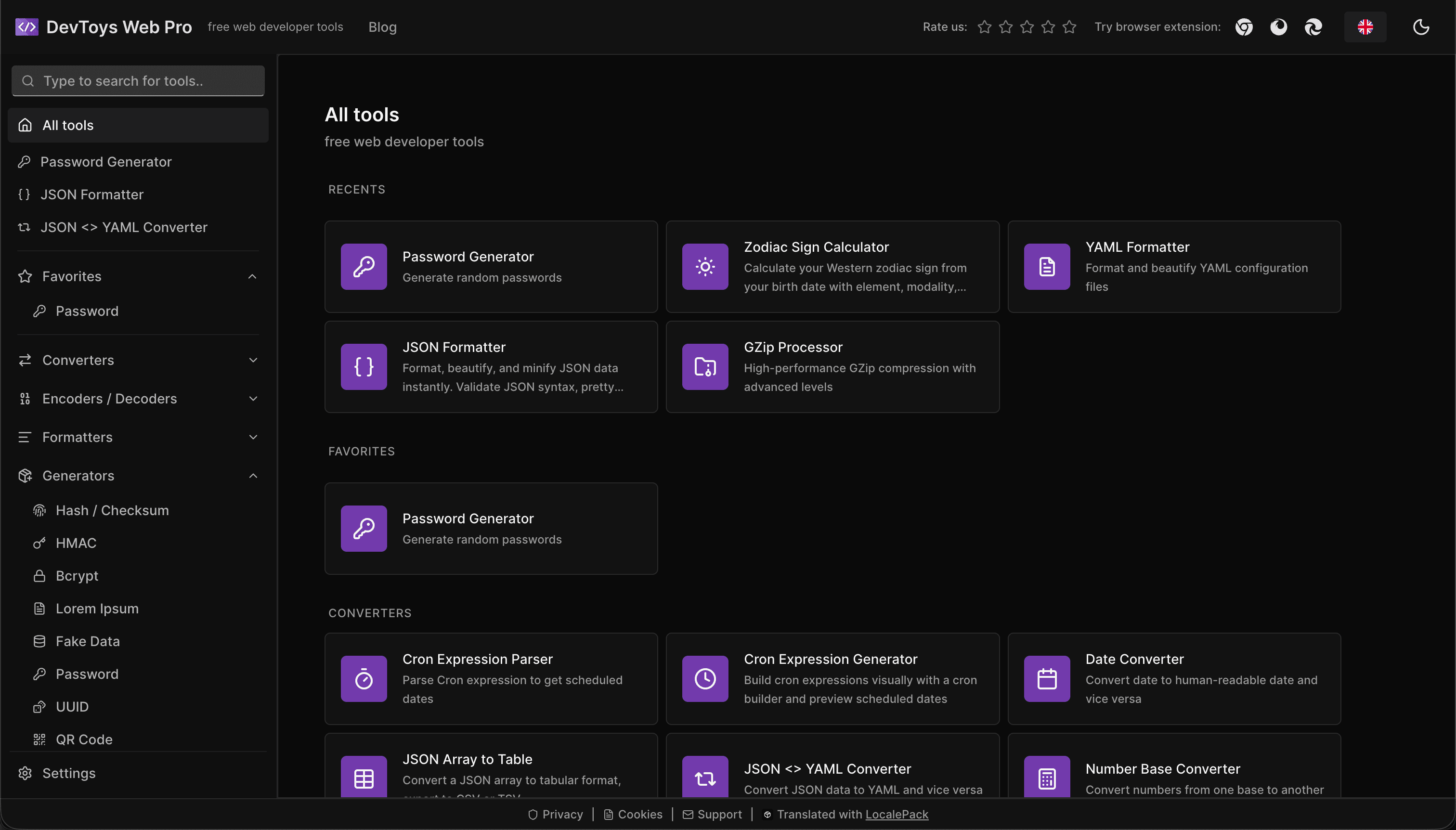
How the DevToys.pro web app translated its entire UI into 52 languages with LocalePack — 5.8M tokens for $58.44 — and quadrupled its international organic traffic.
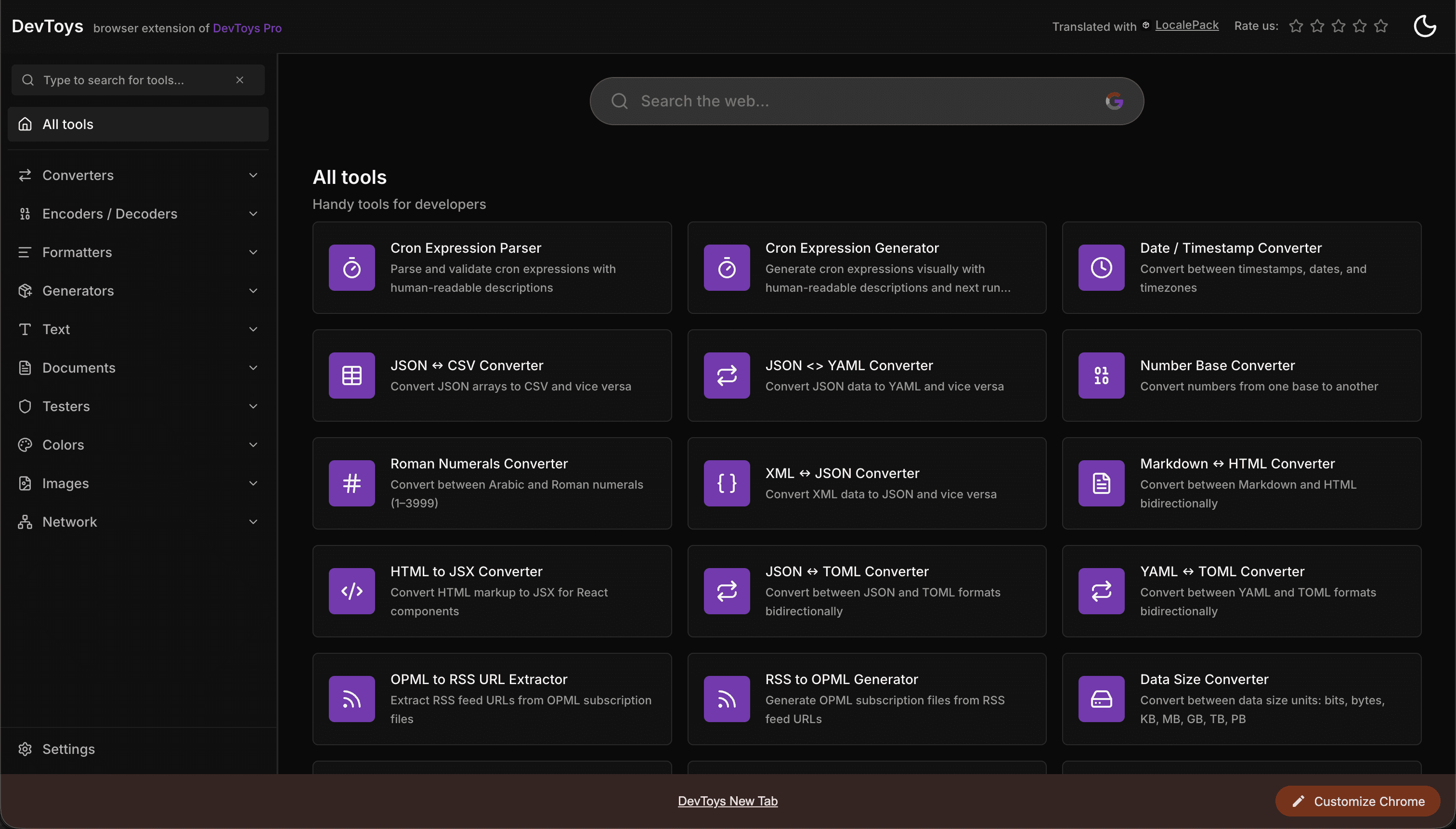
How the DevToys New Tab Chrome extension localized both its in-extension UI and its Chrome Web Store listing into 52 languages to reach a global audience.
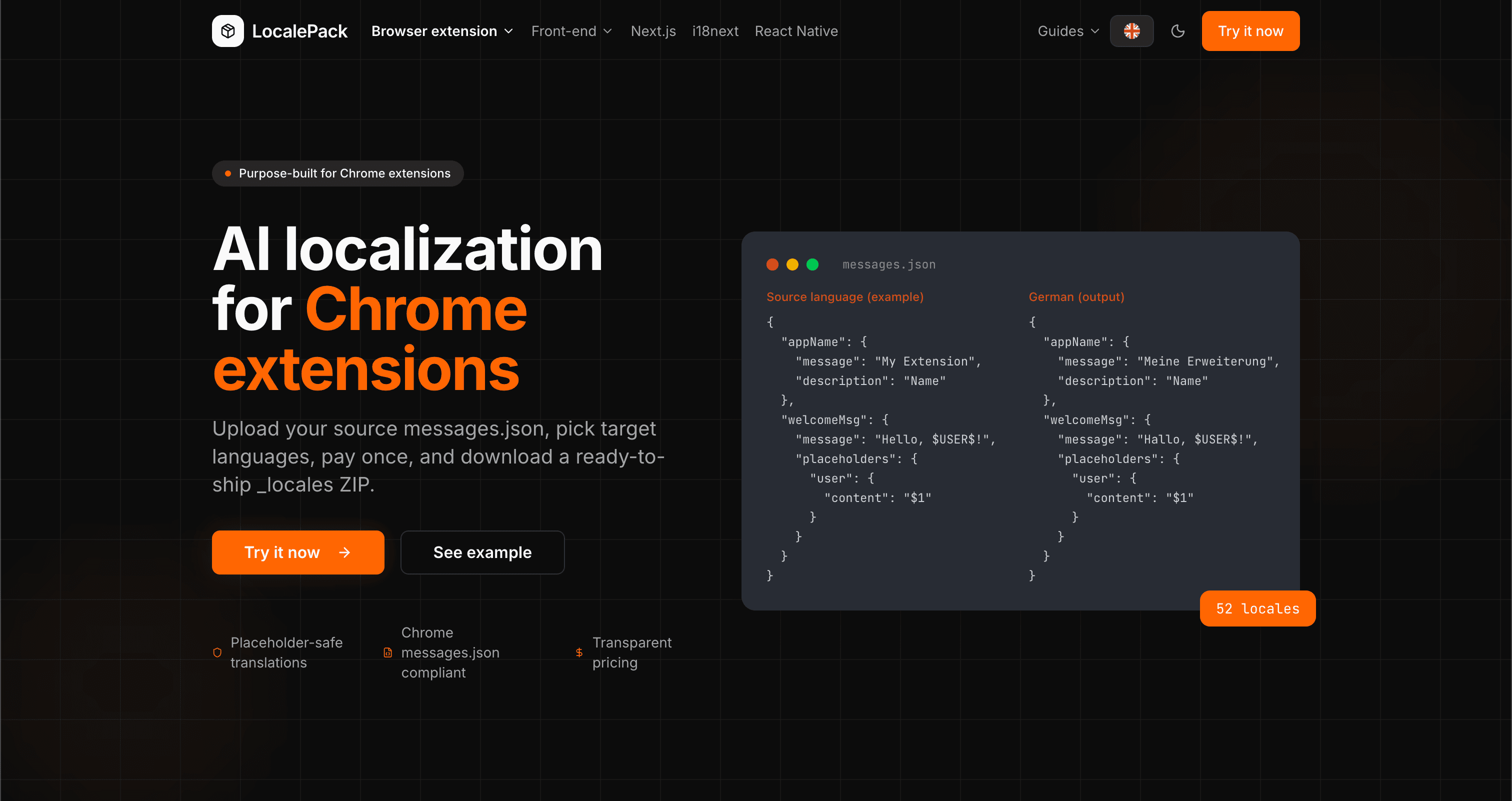
We used our own tool to translate the entire LocalePack site into 52 languages — 2.9M tokens for $27.37 — so developers worldwide find us in their own language.
“Traduzir manualmente a minha listagem do CWS para 20 idiomas demorou-me um dia inteiro. O LocalePack fez os 52 em menos de 5 minutos.”
Alex R.
Dev indie, extensão Tab Manager
“Só o script de automação poupou-me horas de cliques no seletor de idiomas do Painel do CWS. Uma mudança absoluta de jogo.”
Priya M.
Publisher de extensões
“Os limites de caracteres no texto traduzido eram sempre uma dor de cabeça. O LocalePack trata disso automaticamente — acabou-se as descrições da loja truncadas.”
Jonas K.
Agência de extensões Chrome
52
Idiomas suportados
3
Campos por idioma
ZIP
Pronto a carregar
Tudo o que precisa de saber sobre a tradução de listagens do CWS.
Também disponível:
Deep dives on the formats, APIs and errors behind this page — written for developers, not translators.
How to bulk-fill all 52 Chrome Web Store listing translations at once using a browser console script — no manual copy-paste per language.
The difference between localizing your Chrome Web Store listing and localizing in-extension strings — and the _MSG_ pattern that bridges them.
How to localize an add-on listing on addons.mozilla.org: which fields can be translated, the 250-character summary ceiling and what it costs you in German and Russian, and the per-locale Developer Hub workflow.
Why Partner Center shows only one listing language even when your package ships twenty, how __MSG_ manifest references drive language detection, and which listing fields Edge requires for every language versus just one.
Honest comparison of LocalePack and Localeship for Chrome Web Store listing translation. Both are pay-per-use tools — the key difference is that LocalePack also translates in-extension messages.json strings.
Pague uma vez • Descarregue o ZIP • Carregue para o CWS em segundos